
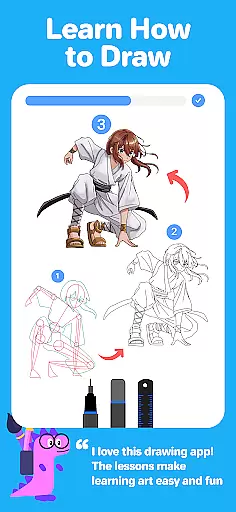
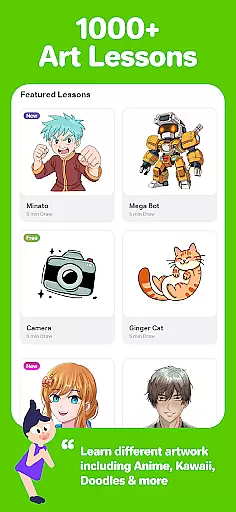
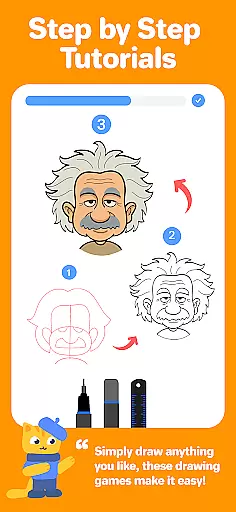
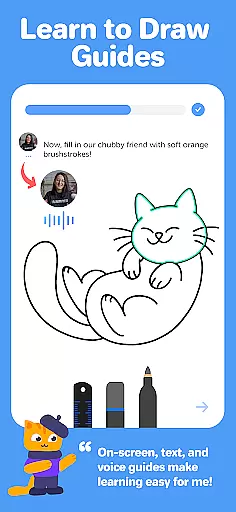
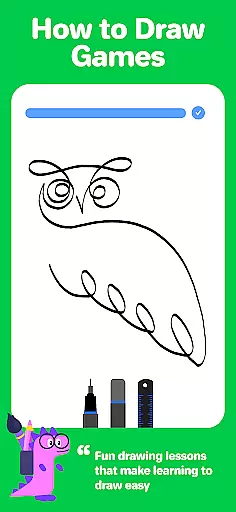
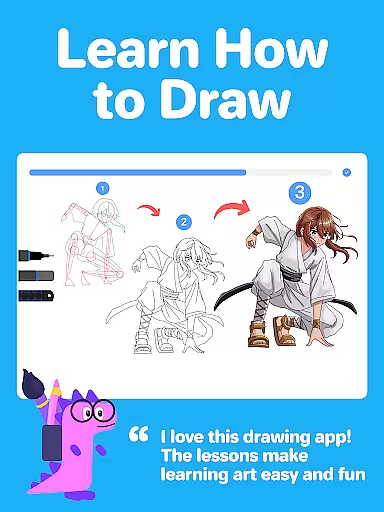
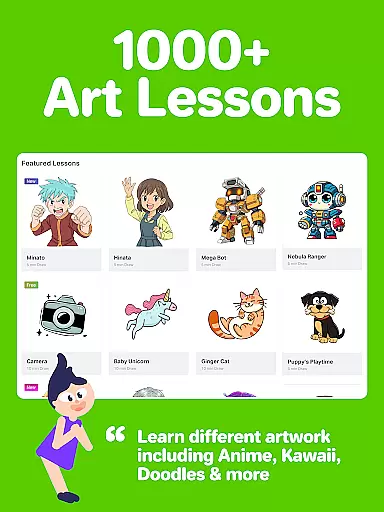
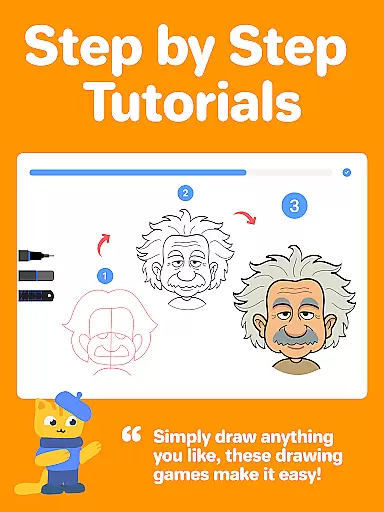
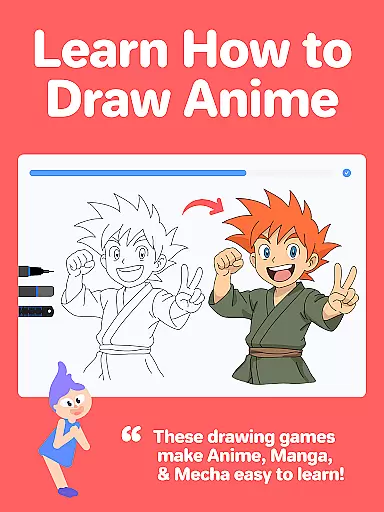
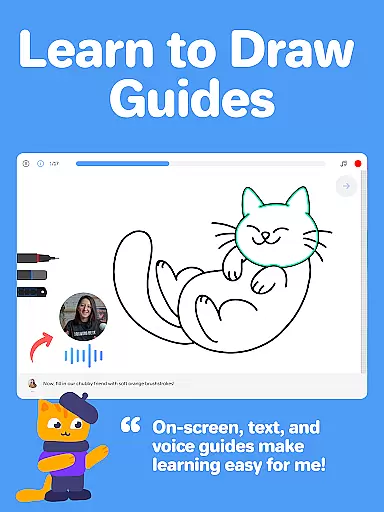
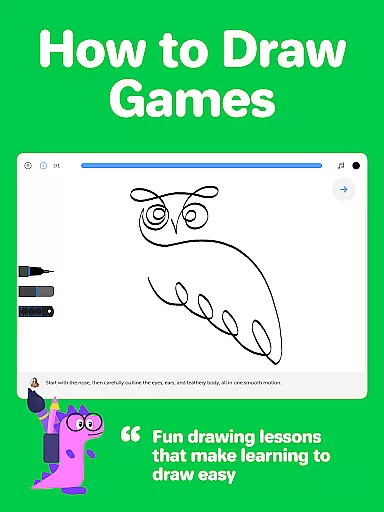
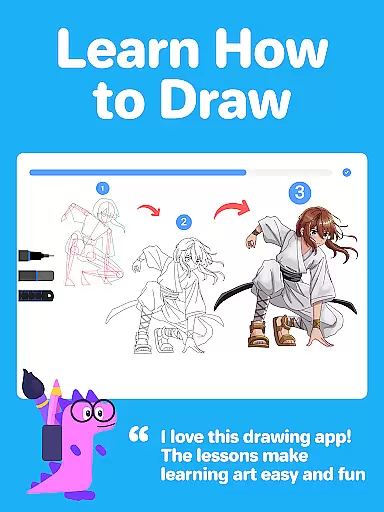
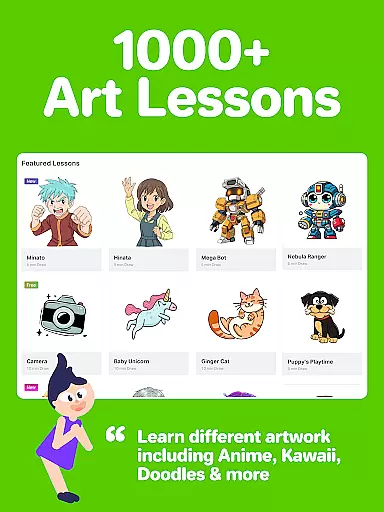
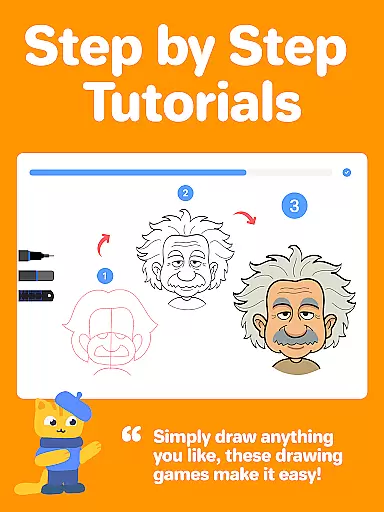
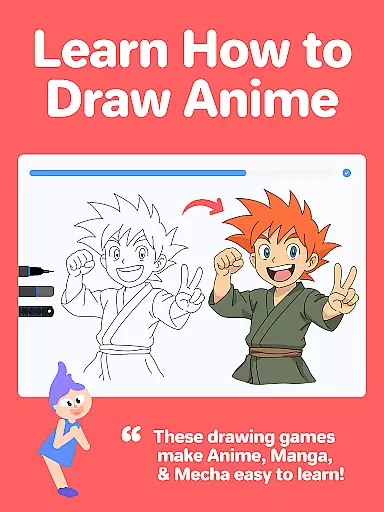
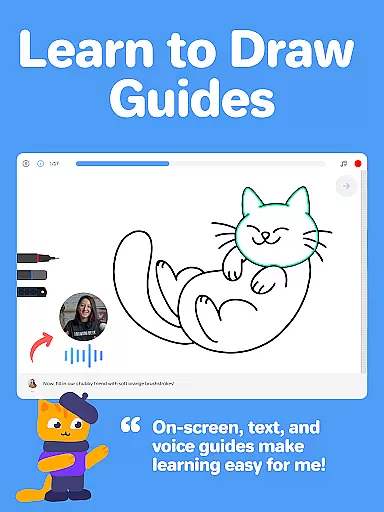
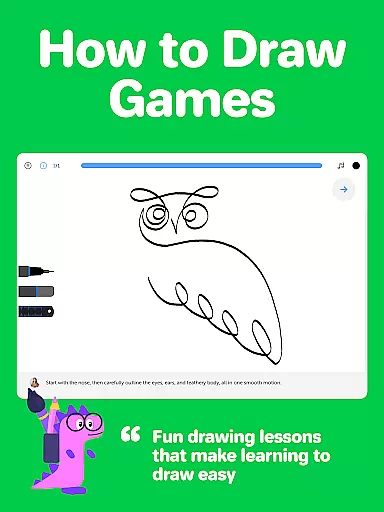
Drawing Desk is a premier digital art application designed for both beginners and advanced artists. With over 70 million users globally, this app offers an extensive suite of drawing and painting tools including pencils, crayons, watercolor brushes, and more. It provides a platform to learn and practice art skills with 1000+ step-by-step lessons covering various styles such as Anime, Manga, and Kawaii.
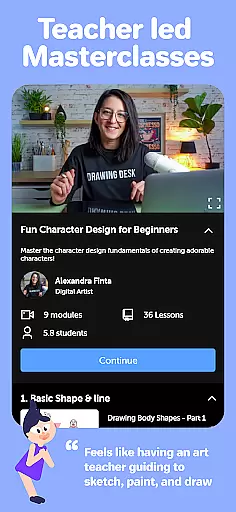
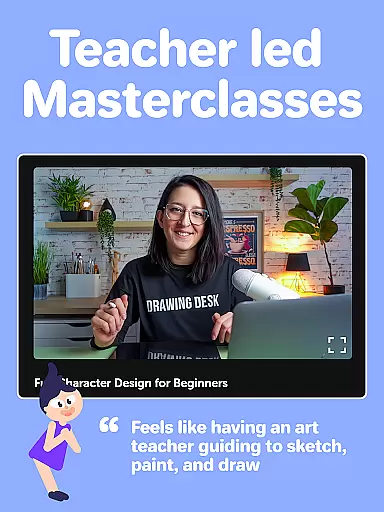
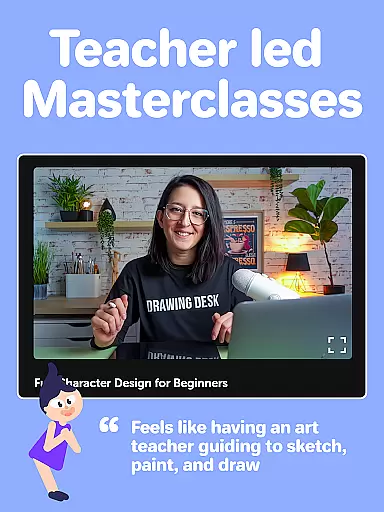
One standout feature is the structured learning path where users can select an artistic goal and receive personalized lesson plans. Additionally, Drawing Desk Masterclasses offer professional guidance through video tutorials and comprehensive instructions. The app also incorporates AI-powered tools like Sketch to Art AI and Auto Colorize, enhancing the creative process by simplifying complex tasks.
Whether you're looking to refine your skills or explore new artistic avenues, Drawing Desk serves as a versatile tool that caters to all levels of expertise. Its intuitive interface and robust features make it ideal for anyone interested in digital art creation.
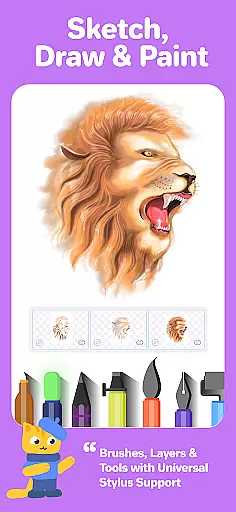
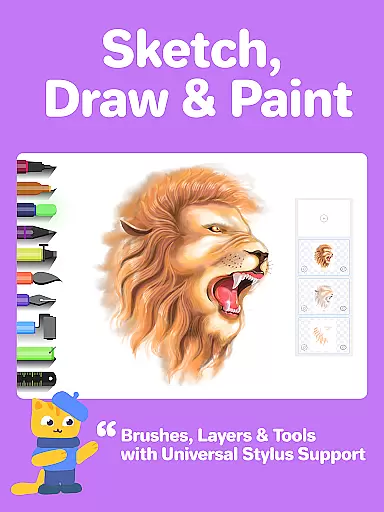
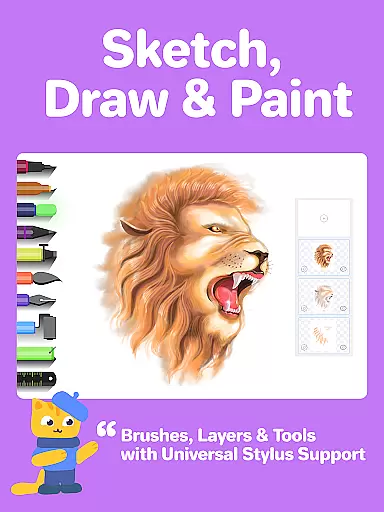
Drawing Desk boasts a rich array of features tailored to enhance the digital art experience. The app includes 25+ sketch tools such as pens, pencils, crayons, neon markers, watercolor brushes, ink, smudge tools, erasers, and fill buckets. These tools allow users to experiment with different mediums and techniques on various canvas sizes, providing flexibility and customization options.
In addition to its diverse toolset, Drawing Desk supports unlimited layers, enabling intricate artwork composition. Users can utilize quick shape drawing, symmetry tools, and access 200+ instant shapes for their projects. The inclusion of color palettes, gradients, and texture-filled bucket tools further expands creative possibilities.
The app's AI-powered features are particularly noteworthy. Tools like Sketch to Art AI, Text to Art AI, Auto Colorize, background removal, and object removal streamline the artistic process, making it accessible even to novices. This combination of traditional and innovative tools positions Drawing Desk as a leader in the digital art space.
Creative tools are the backbone of any art and design application, providing users with the necessary instruments to bring their visions to life. Drawing Desk stands out by offering an extensive suite of over 25 sketch tools including pen, pencil, crayon, neon, watercolor brush, ink, smudge, eraser, and fill bucket. These tools cater to a wide array of artistic needs and styles, ensuring that both amateur and professional artists can find what they require.
In addition to traditional tools, Drawing Desk also provides innovative features such as Quick Shapes, symmetry drawing, and an assortment of 200+ instant shapes. Users can experiment with Color palettes & gradients for painting, and a Fill bucket drawing tool equipped with 125+ textures. This vast selection empowers creators to explore different techniques and produce high-quality digital illustrations without constraint.
The app further enhances its creative arsenal with AI-powered tools like Sketch to Art AI, Text to Art AI, and Auto Colorize functionalities. These cutting-edge features allow for rapid transformation of sketches into artworks and enable coloring of drawings in mere seconds. Such tools not only save time but also open up new possibilities for artistic expression within the realm of digital art.
Flexibility in canvas size and format is crucial for artists who wish to work on projects of varying scales and dimensions. Drawing Desk addresses this need by allowing users to draw and paint in various canvas sizes, a feature particularly available in the Pad app version. This adaptability ensures that whether one is sketching a small doodle or crafting a large-scale masterpiece, the app can accommodate these diverse requirements.
Moreover, Drawing Desk supports unlimited layers, which is essential for complex artwork where separation of elements is key. Artists can manage their creations more effectively, organizing components without affecting others, thus maintaining pristine control over every aspect of their work. The ability to manipulate individual layers offers immense creative freedom and precision during the editing process.
To complement its flexible canvas options, Drawing Desk includes features like Quick Shapes and symmetry tools that assist in creating balanced compositions effortlessly. With these utilities at hand, users gain greater command over their artworku2019s structure while enjoying seamless integration across different formats. Whether designing graphics for web or print, Drawing Desk equips artists with the versatility needed to excel in today's multifaceted creative landscape.
User-friendly interface
Extensive tool selection
AI-powered enhancements
Structured learning paths
Professional masterclasses
Some features may require purchase
Advanced tools have a learning curve
Occasional performance lags
Limited offline functionality
Subscription model

Download now for a stylish and functional timepiece
 4.4
4.4
Learn how to draw with step-by-step tutorials, fun lessons & multiplayer drawing
4.70
Art of Combination Wear OS Watch faces (for Wear OS 5+ devices)
3.00
Digital illustration drawing & painting pad app to paint Anime and Manga art
4.50
Draw on screen: FP sDraw is a simple and lightweight drawing app
4.70
Art of Combination Wear OS Watch Faces
4.2
Mobile pixel art editor. Simple. Fast. Portable.
4.80
A luxurious gold watch face for an elegant and refined look.
4.4
Unleash your inner artist! Sketchar: AR Drawing for Limitless Creativity
4.40
Passport size photo maker, create ID photo and visa photo in seconds
4.80
Novices can also easily complete diamond painting masters
4.70
Your AI soulmate — meaningful chats, and unique emotional moments
4.70
The ultimate tool for creating animations
4.60
Get an overview over all your embroidery threads, projects and more.
4.60
Kling AI is an image and video generation and editing studio powered by AI.
4.50
Text to Image, Image to Video & AI Chat
4.20
Your homescreen as an elegant glass with customized blur, lighting, and visuals.
3.70
AI Assistant, powered by ChatGPT GPT-4 & GPT-4o. Your intelligent companion.
3.50
Pose and morph realistic male and female models! 3D poser app
3.00





User Reviews