
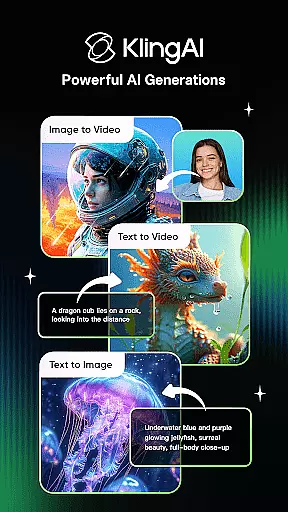
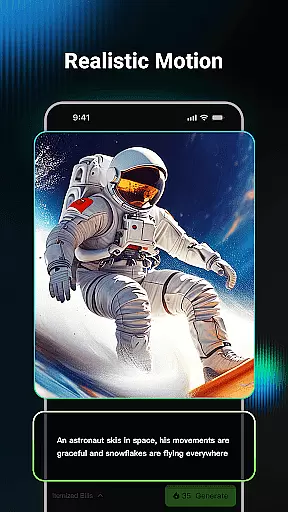
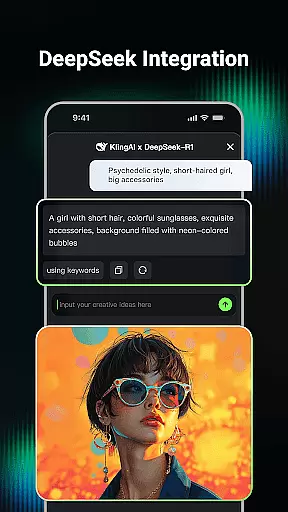
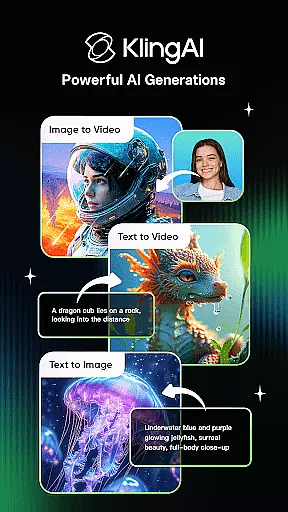
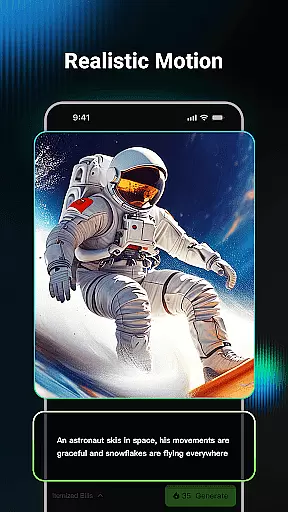
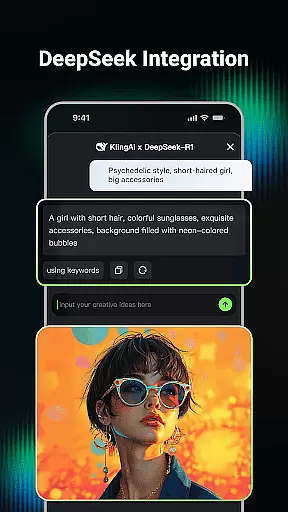
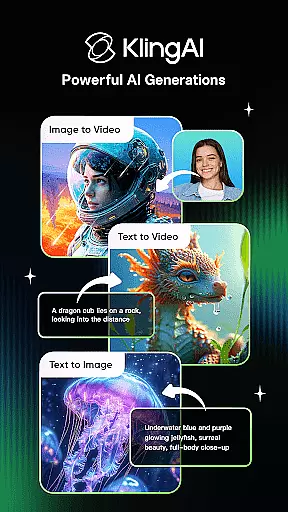
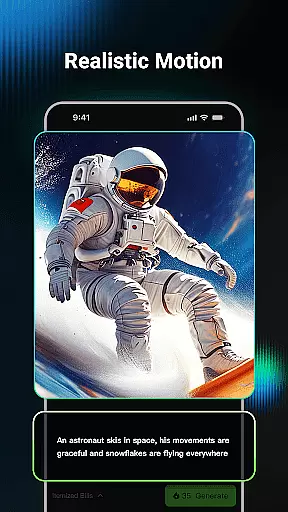
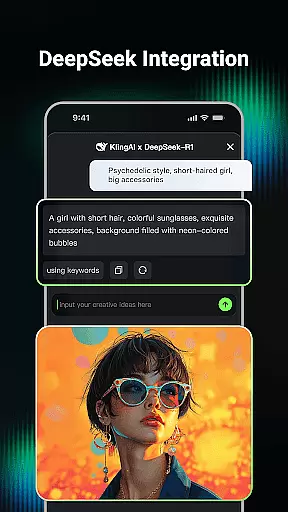
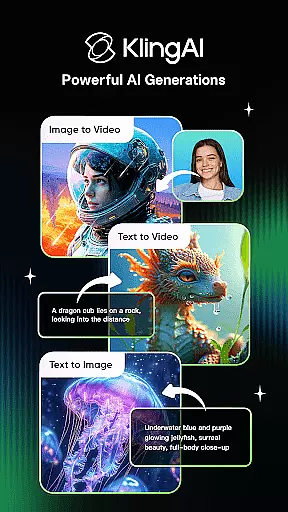
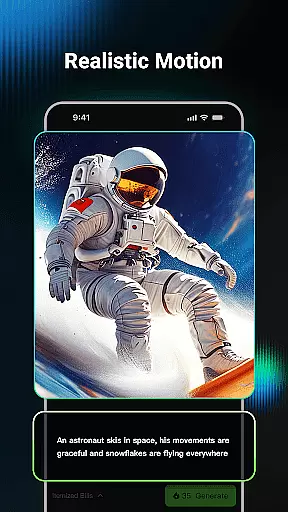
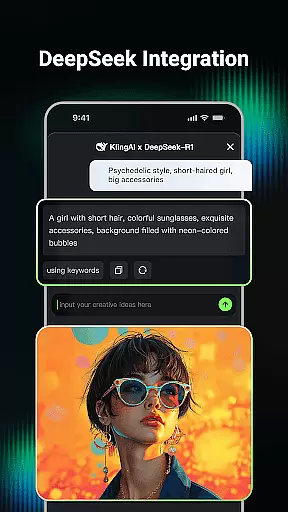
Kling AI is a cutting-edge creative studio powered by advanced AI models, designed for creators seeking innovative ways to produce video and image content. The app's core functionality lies in its ability to generate high-quality videos and images through simple text or image inputs.
Key features include Text-to-Video, Image-to-Video, and Image-to-Image generation, enabling users to create professional-grade content up to 1080P resolution. With an active community and collaboration tools, Kling AI serves as both a creative platform and an inspiration hub for artists worldwide.
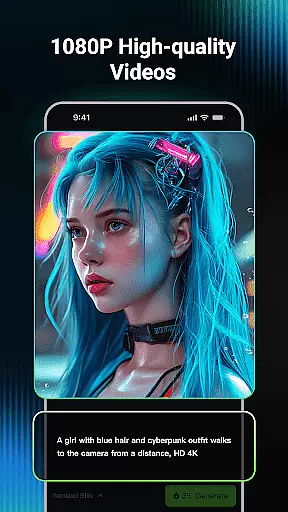
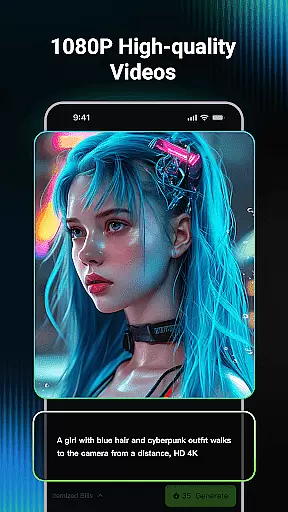
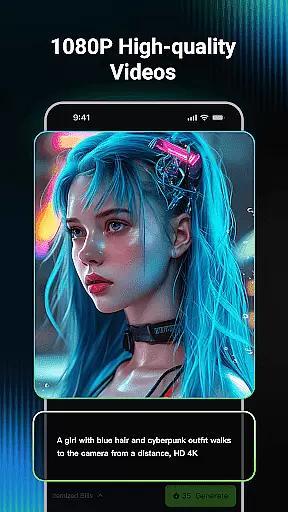
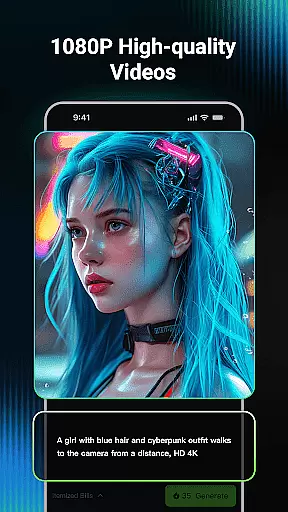
Kling AI stands out with its robust set of creative tools. The AI video generation supports both Text-to-Video and Image-to-Video formats, allowing users to transform basic ideas into visually stunning videos up to 3 minutes long. The platform ensures high-resolution outputs at 1080P quality.
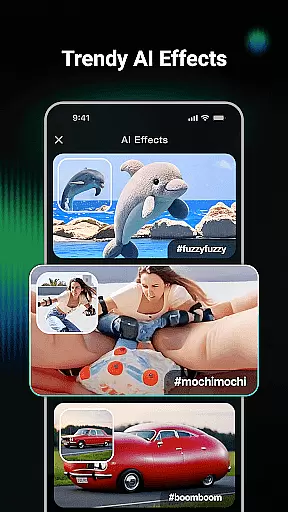
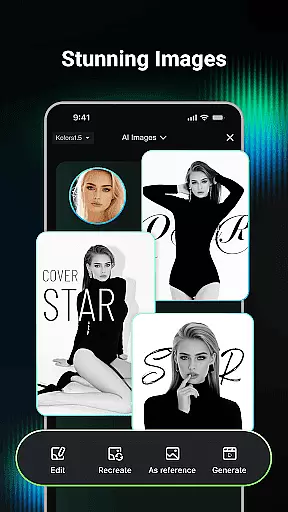
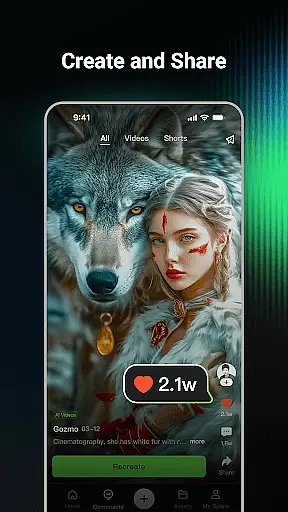
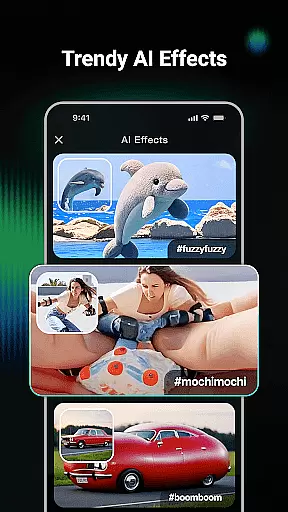
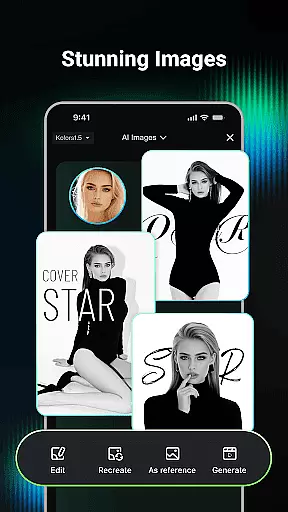
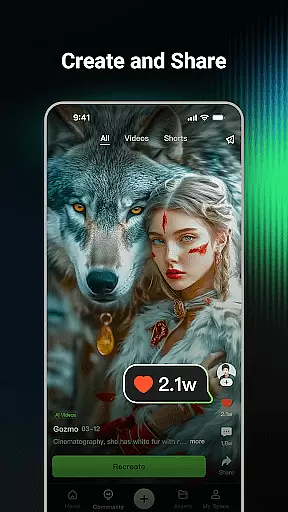
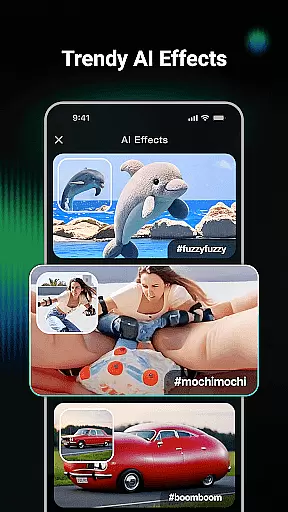
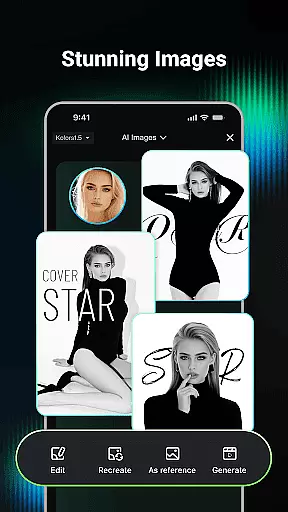
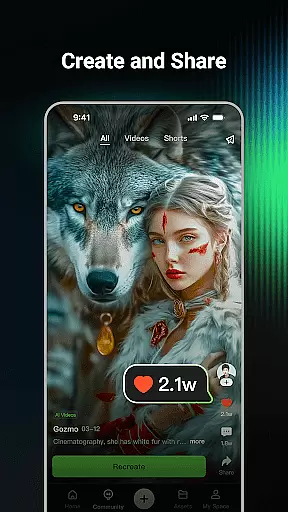
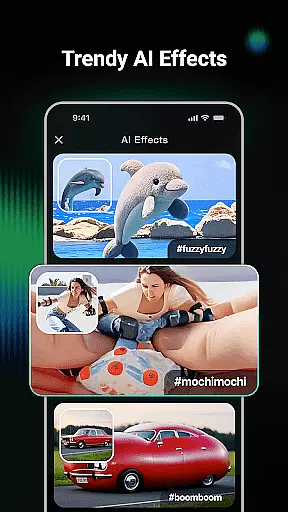
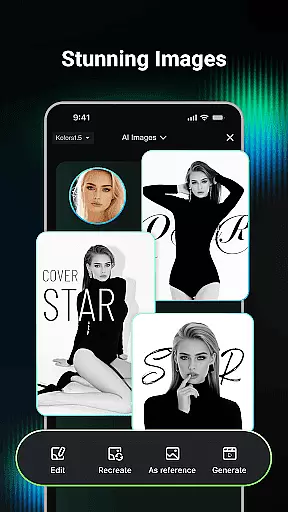
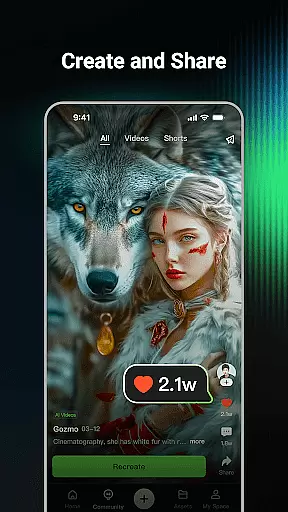
In addition to video capabilities, the app offers powerful image generation tools. Users can create unique visuals from text prompts or reference images, experimenting with various dimensions and artistic styles. The Clone & Try feature further enhances usability by letting users replicate and modify popular community creations.
In the realm of digital creativity, having a comprehensive suite of tools is paramount. Kling AI stands out by offering an extensive array of features that cater to both video and image generation. The application supports Text-to-Video, Image-to-Video, Text-to-Image, and Image-to-Image generation, making it a versatile choice for creators.
Users can input simple text prompts or upload images to generate high-quality videos and images in various styles and dimensions. This flexibility ensures that whether you're looking to create professional-grade content or experiment with new ideas, Kling AI has the tools necessary to bring your vision to life.
The inclusion of advanced models like Kling and Kolors enhances the creative process, providing users with the capability to produce content up to 1080P resolution and extend videos up to 3 minutes long. Such robust functionality empowers creators to push the boundaries of their imagination without technical limitations.
Flexibility in canvas and format options is crucial for creative professionals who demand precision and adaptability in their projects. Kling AI addresses this need by enabling users to generate videos and images in multiple dimensions and styles. Whether you require a specific aspect ratio for social media or a high-resolution output for professional use, the app accommodates various requirements seamlessly.
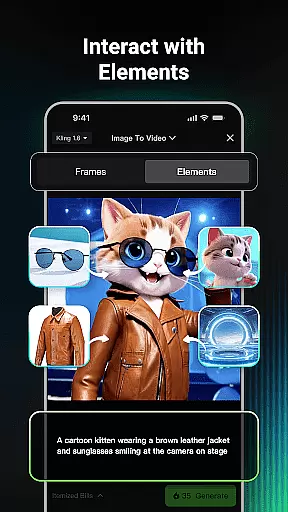
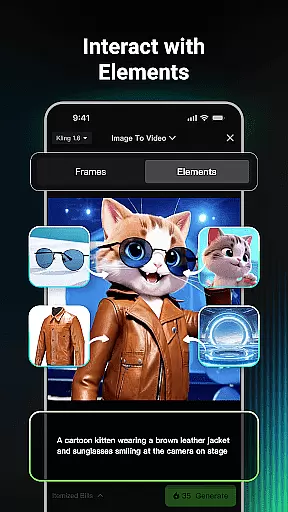
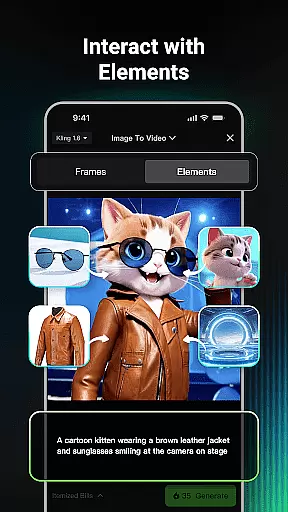
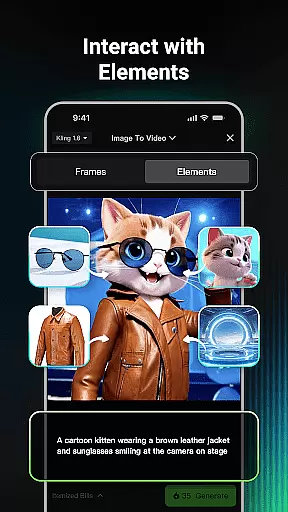
Moreover, the ability to convert an image into a video with a single click adds another layer of convenience. This feature not only saves time but also opens up new avenues for creative expression by allowing users to repurpose existing content in innovative ways.
Kling AI's adaptable framework ensures that creators are not confined by rigid parameters. Instead, they have the freedom to explore different formats and resolutions, thus fostering an environment where creativity can flourish without constraints.
Advanced AI models
High-quality output
Versatile creation tools
Active creator community
User-friendly interface
Limited free features
Subscription costs
Learning curve
Occasional bugs
Device compatibility

Premium version of Shimeji-ee app with no ads & no limit active shimeji
 4.4
4.4
Customizable Outlined Fonts. Watch Face Format. Battery friendly Digital Clock.
4.20
Image/ Text to Video Generator
4.40
Custom Character Creator & PFP Maker!
4.20
Apply cartoon, caricature, and portrait effects to make your photos stand out!
3.60
See Color, Paint Color
4.90
Passport size photo maker, create ID photo and visa photo in seconds
4.80
Turn your drawings into flipbook-style animations with simple creative tools
4.60
2D animation studio for Android tablets - unlimited layers, infinite timeline
4.70
Minecraft & Roblox Clothes
4.70
Convert image to JPG PNG HEIC PDF, support almost all kinds of image formats
4.70
Digital, Abstract, Classic - all types of color wheels in one app!
4.60
AI Tattoo Generator: Create Tattoo Designs & Get Ideas! Ink & Stencil Maker
4.50
Nano Banana AI Image Generator, Anime Filter, AI Portrait, AI Photo Generator
4.30
Art of Combination Wear OS Watch faces (for Wear OS 5+ devices)
3.90
Paint with oils and sketch with natural tools on a realistic virtual canvas.
3.80
Create cute cat emojis & PFPs! Fun, custom avatars for cat lovers.
3.70
Meet the magic aı 3d photo generator and smart AI video generator app.
3.20
Art of Combination Wear OS Watch faces
4.3




User Reviews