
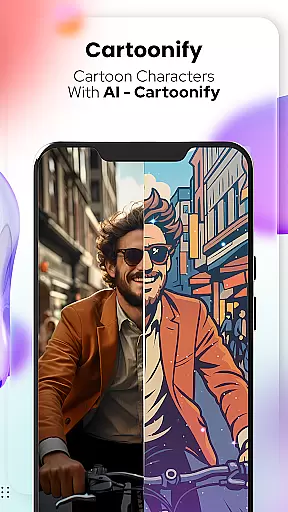
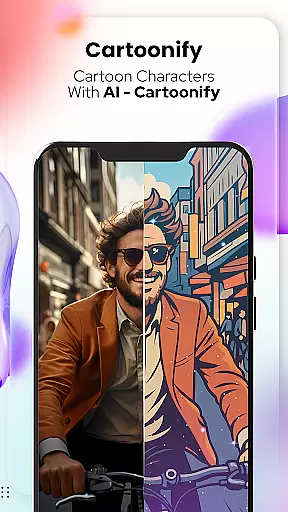
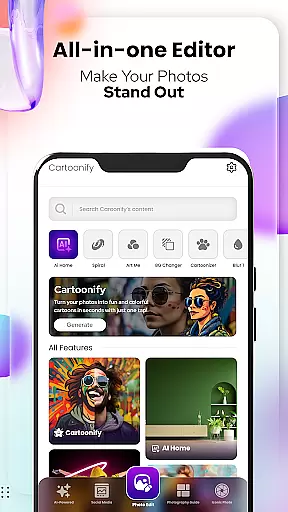
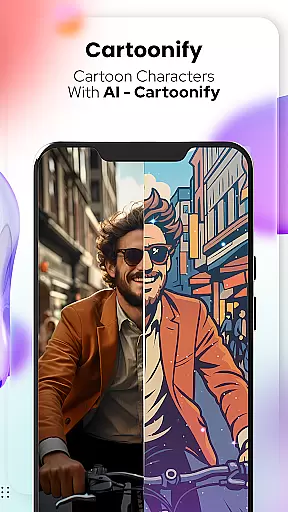
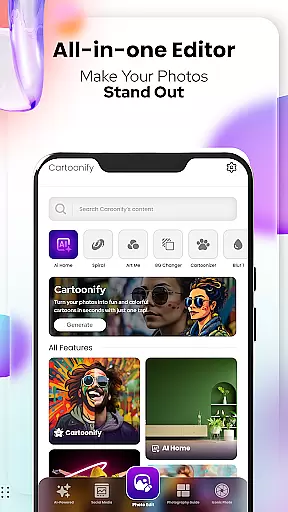
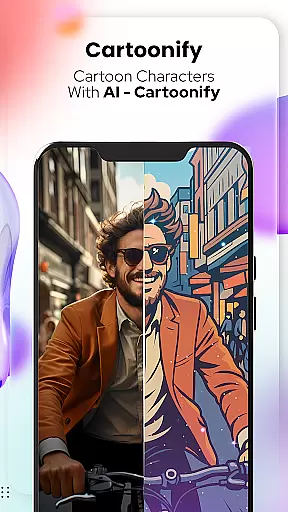
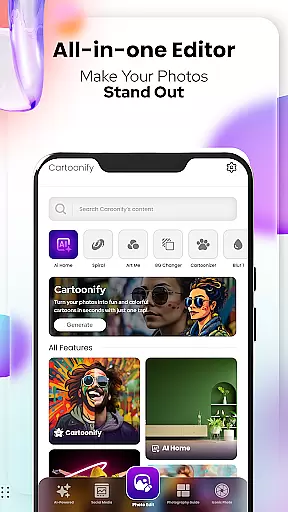
Cartoon Photo Editor - Toon Art is a creative photo editing application designed for art enthusiasts and casual users alike. This app allows you to transform ordinary photos into stunning cartoon-style artworks with just a few taps. The core feature, Cartoonify, converts any image into a cartoon portrait, making it perfect for social media profile pictures or simply for fun.
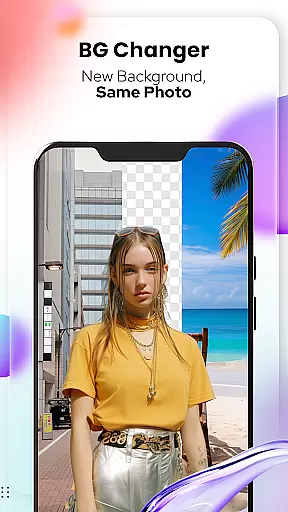
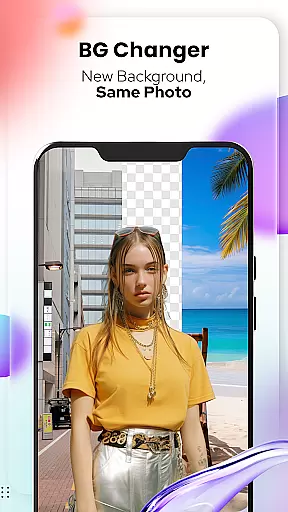
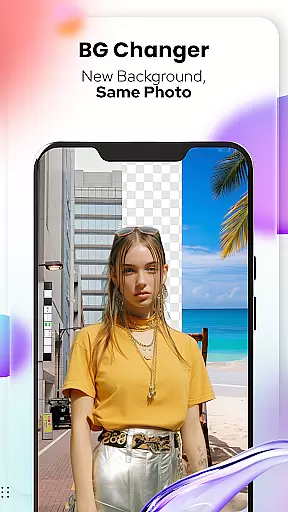
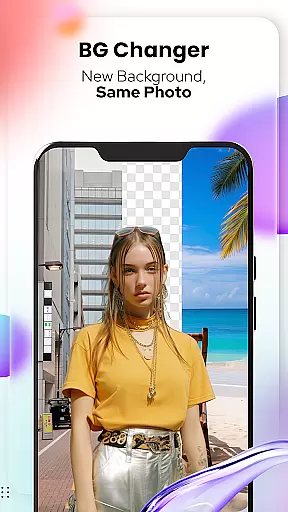
In addition to the main cartoon transformation feature, the app offers various artistic filters and effects. Users can experiment with different art styles through the Art Me feature, apply charming cartoon effects to pet photos with Pet Cartoonizer, and even change or remove backgrounds using the Background Changer tool. These features provide a versatile platform for creating unique digital art pieces.
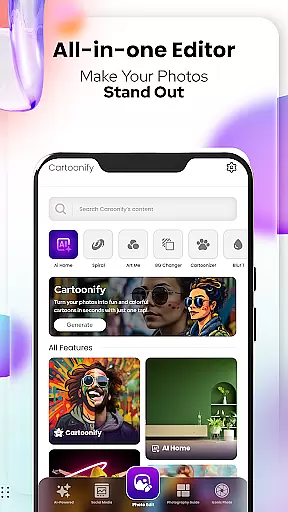
The app's intuitive interface and powerful editing tools make it suitable for both beginners and experienced designers. Whether you're looking to create professional-looking artwork or just want to have some creative fun, Cartoon Photo Editor - Toon Art delivers an engaging and user-friendly experience that brings your imagination to life.
Cartoon Photo Editor - Toon Art stands out with its diverse range of creative features tailored for digital artists and hobbyists. The app's signature Cartoonify feature uses advanced algorithms to automatically transform regular photos into eye-catching cartoon portraits within seconds. This innovative technology ensures high-quality results while maintaining the original facial features and expressions.
Beyond basic cartoon transformations, the app provides several specialized tools. The Art Me feature offers a selection of breathtaking artistic filters inspired by famous painting styles. The Pet Cartoonizer specifically caters to animal lovers by applying soft pastel effects optimized for pet photos. Additionally, the comprehensive Background Changer tool enables users to seamlessly remove or replace backgrounds, enhancing the overall composition of their artwork.
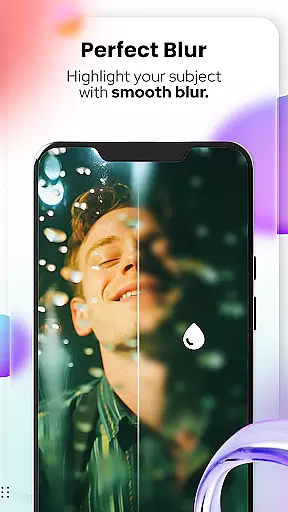
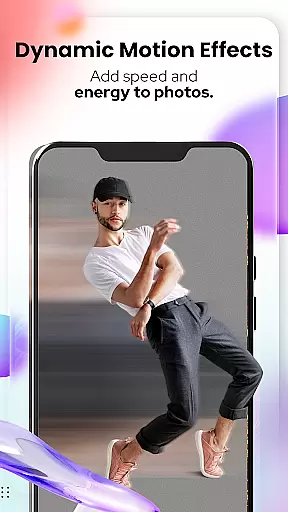
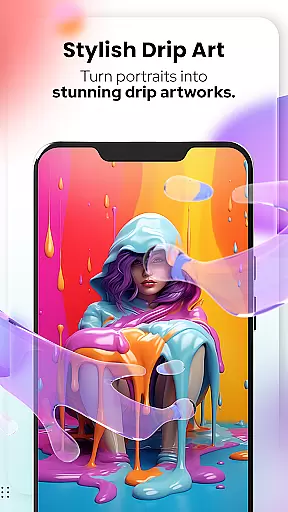
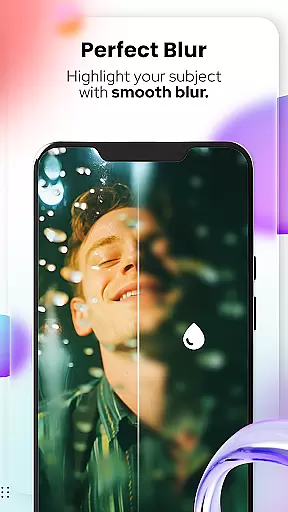
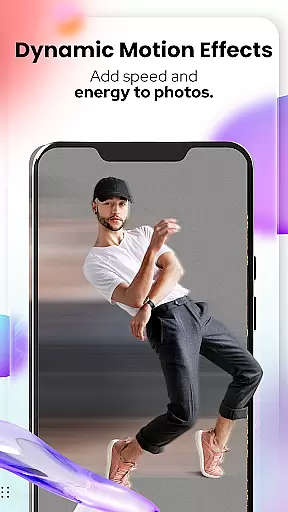
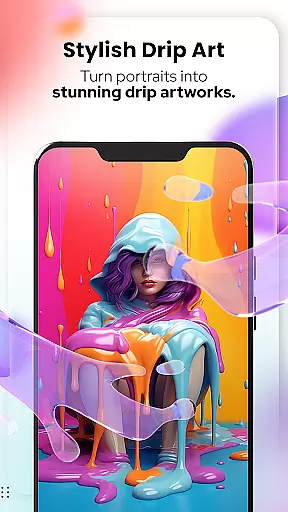
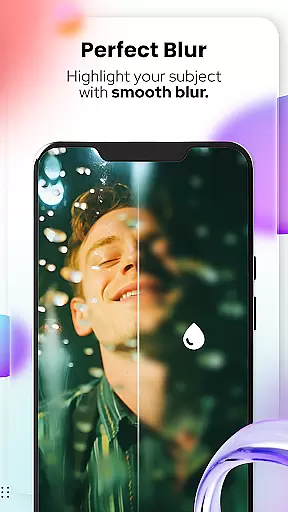
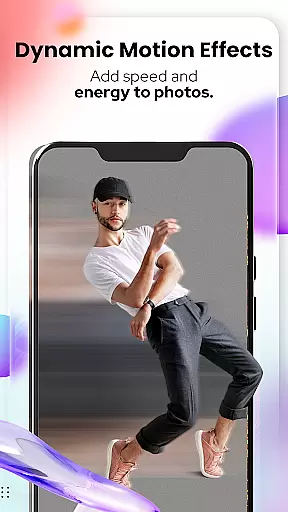
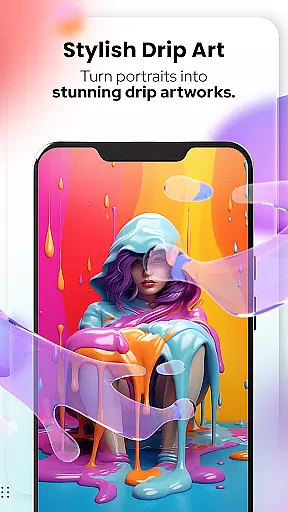
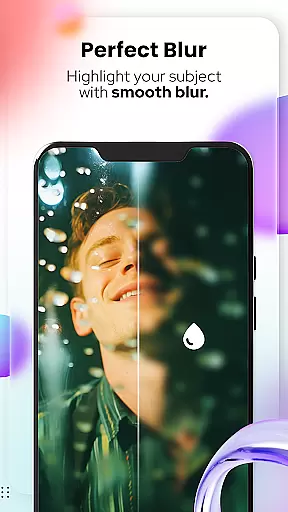
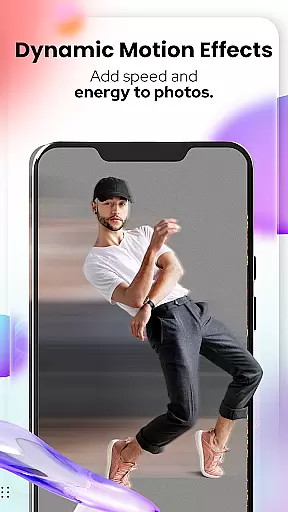
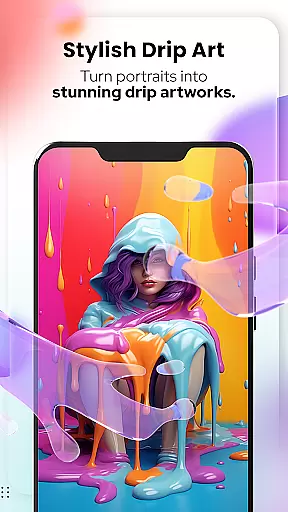
For more advanced editing, the app includes professional-grade tools such as Blur & Motion Effects, Spiral & Drip Effects, and various drawing instruments. These features work together to provide users with complete creative control over their projects. The combination of automatic processing and manual editing capabilities makes this app suitable for both quick edits and detailed artistic work.
Cartoon Photo Editor - Toon Art offers a comprehensive suite of creative tools that cater to both casual users and design enthusiasts. The application includes essential features such as Cartoonify, which transforms any image into a cartoon-style portrait, and Art Me, providing stunning art styles for unique photo editing.
In addition to these, the app extends its creative arsenal with Pet Cartoonizer, allowing users to give their pet photos a charming caricature look. For those interested in detailed artwork, the Sketching feature converts photos into hand-drawn pencil caricatures, ensuring an authentic toon style without requiring drawing skills.
The inclusion of powerful photo editing tools like Background Remover/Changer, Blur & Motion Effects, Spiral & Drip Effects, and Mosaic, Splash & Brush effects further enriches the user experience. These tools collectively ensure that Cartoon Photo Editor - Toon Art stands out in the Art & Design category by offering unmatched creative possibilities.
Flexibility in canvas and format options is crucial for creative freedom, and Cartoon Photo Editor - Toon Art excels in this aspect. Users can easily manipulate their canvas through features like Crop, Adjust & Overlay, which allow for precise control over the composition and layout of their artwork.
The Background Changer tool enhances this flexibility by enabling users to remove or replace backgrounds effortlessly. This feature ensures that creators are not limited by the original photo context and can place their subjects in diverse settings, thus expanding creative potential.
Moreover, the app supports various filters and stickers, adding another layer of customization. With additional functionalities such as Text & Fit Tools, users can annotate and adjust their creations to fit specific formats, making Cartoon Photo Editor - Toon Art a versatile choice for all artistic endeavors.
User-friendly interface
High-quality cartoon effects
Multiple art styles available
Fast processing speed
Versatile editing tools
Some features require payment
Advanced tools need learning
Occasional performance issues
Limited free content
Ads in free version

Art of Combination Wear OS Watch faces
 4.4
4.4
Custom Character Creator & PFP Maker!
4.20
Photo blender app to create overlay photos & double exposure.
4.40
Minecraft & Roblox Clothes
4.70
Experience next-gen icons with a modern liquid glass look.
3.60
Retouch photos. Create or edit images. Endless capabilities.
2.70
Sketch and paint on your device with the feel and freedom of drawing on paper
4.00
Explore future self face age filter & remove background image for a unique look.
3.50
AI-powered photo & video creation—fast, fun, and effortless with Quick Actions
4.60
Convert image to JPG PNG HEIC PDF, support almost all kinds of image formats
4.70
Video AI: Revolutionize Your Content Creation with Advanced Video Generation
4.50
Trace, draw, and create art with AR - from memes to masterpieces!
4.30
800+ Drawing, Painting Lessons App to Practice, Sketch & Paint Art.
4.30
Bring One UI 8.5 Icons to life -elegant dark icons with a modern, premium touch.
4.30
Text to Image, Image to Video & AI Chat
4.20
Easy 3D drawing design maker & creator. Model designing, Sculpting. Create&paint
4.00
Design your dream room with AI. Get decor ideas & plan home interiors
3.90
AI Assistant, powered by ChatGPT GPT-4 & GPT-4o. Your intelligent companion.
3.50
Android 14 style widgets and wallpapers app.
4.1



User Reviews