
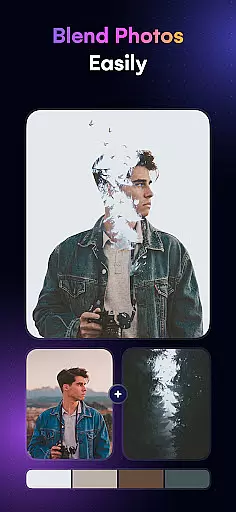
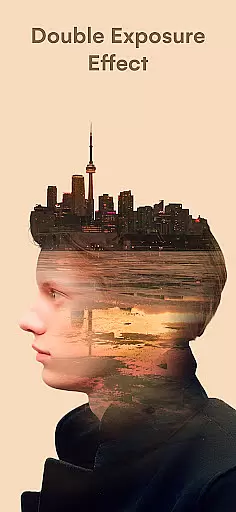
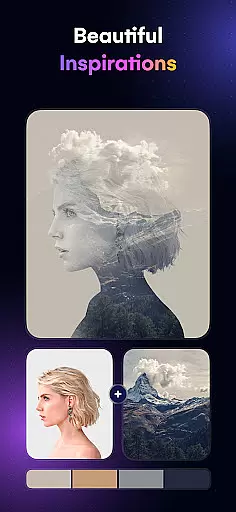
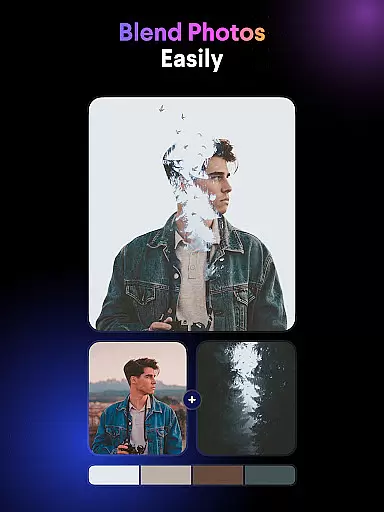
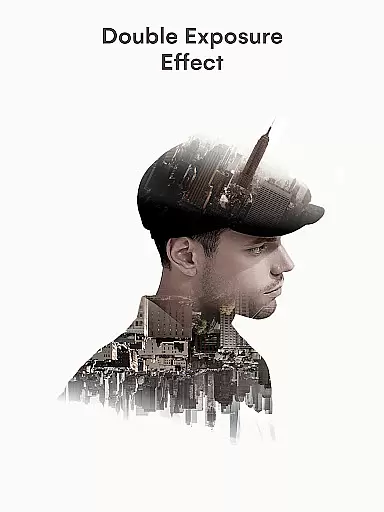
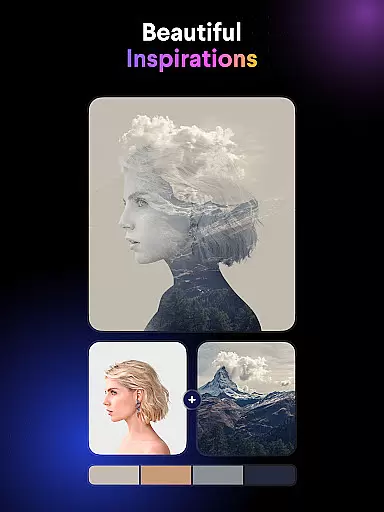
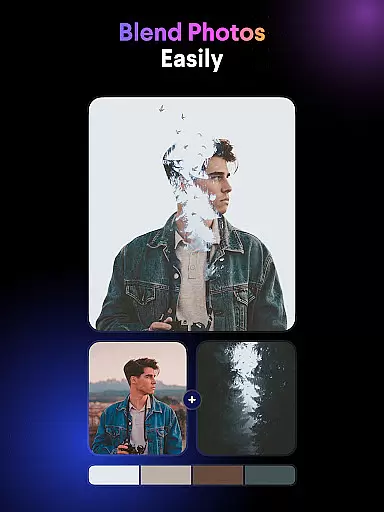
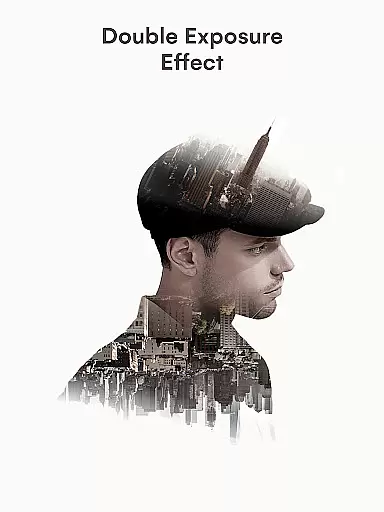
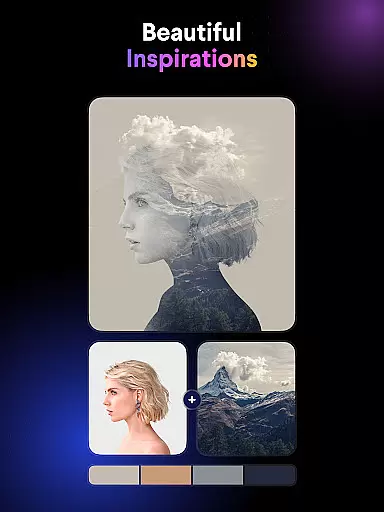
Blend Photos is a powerful photo editing application designed for creative professionals and hobbyists alike. This app allows users to create stunning double exposure images and photo blends with ease. With its intuitive interface and advanced AI technology, Blend Photos makes it simple to produce professional-quality results in just a few taps.
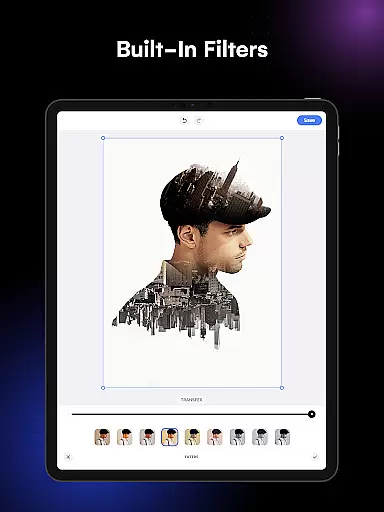
The app offers a complete suite of photo editing tools, ranging from basic adjustments like cropping and rotation to more sophisticated features such as gradient blending and shape masking. Whether you're looking to enhance your photos with beautiful overlays or craft unique artistic compositions, Blend Photos provides all the necessary tools to bring your creative vision to life.
Ideal for social media enthusiasts and digital artists, this app enables quick sharing of edited images directly to various platforms. The combination of powerful editing capabilities and user-friendly design makes Blend Photos an essential tool for anyone interested in digital art and photo manipulation.
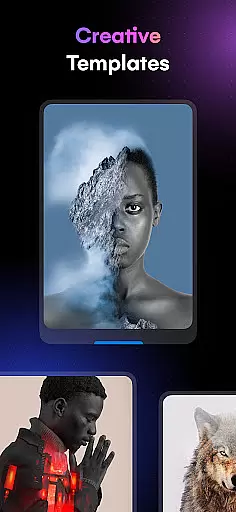
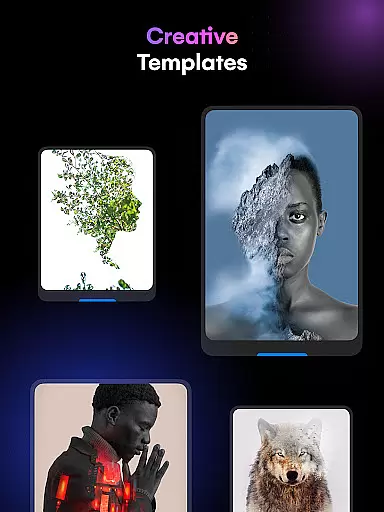
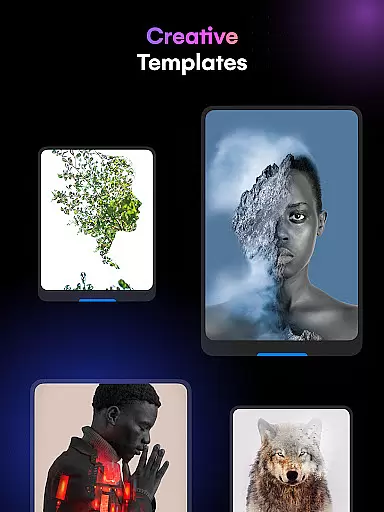
Blend Photos stands out with its comprehensive set of features tailored for both casual users and professional photographers. The app includes various photo blender templates that serve as excellent starting points for creating unique compositions. Its automatic background removal tool simplifies complex editing tasks, allowing users to focus on their creative process.
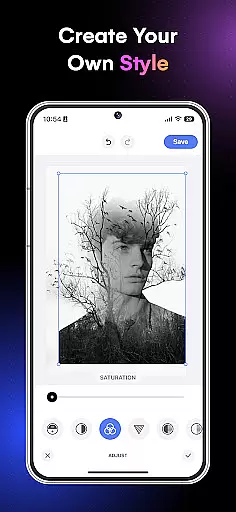
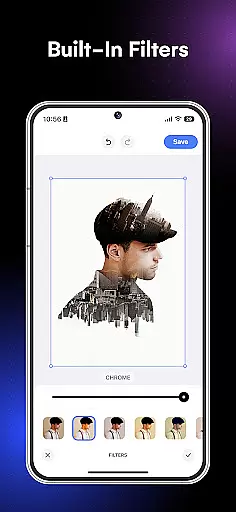
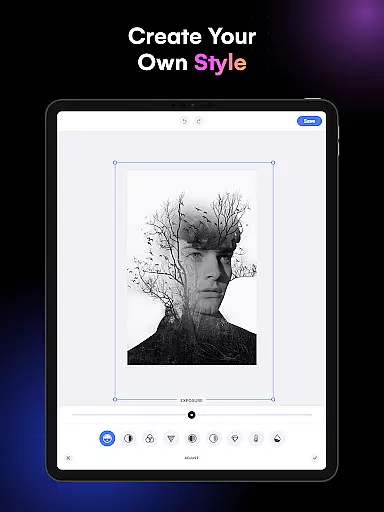
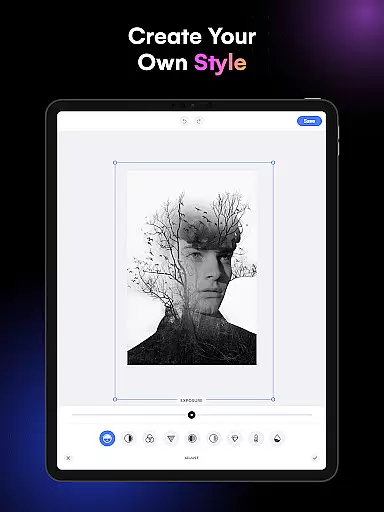
Advanced adjustment options give users precise control over their edits, while shape masks and gradient blend effects enable the creation of sophisticated visual elements. The app supports HD resolution saving and sharing, ensuring that final images maintain exceptional quality across different platforms.
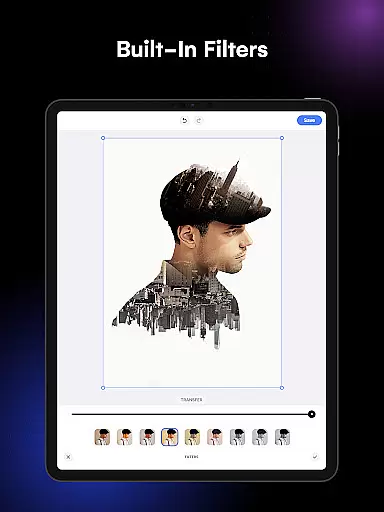
What sets Blend Photos apart is its implementation of smart AI technology, which streamlines the editing process without compromising on precision or artistic freedom. The clutter-free interface enhances productivity by providing easy access to all essential tools, making it possible to create professional-grade double exposure images and picture overlays efficiently.
In the realm of digital artistry, having a comprehensive suite of creative tools is essential for bringing artistic visions to life. Blend Photos rises to this occasion by offering an extensive array of features that cater to both novice and professional artists alike. The app includes various photo blender templates which serve as a starting point for users, allowing them to quickly create stunning double exposure images with just a few taps.
Going beyond basic functionality, Blend Photos provides advanced options such as automatic background removal, shape masking for picture overlays, and gradient blending capabilities. These sophisticated tools enable users to craft complex compositions with ease, ensuring that their work stands out with a professional polish. Moreover, precision adjustments are at your fingertips, empowering you to fine-tune every aspect of your blend photos.
The inclusion of fundamental editing functions like cropping and rotating complements the more intricate features, making sure all bases are covered within the app's environment. With HD resolution saving and sharing capabilities, creators can distribute their masterpieces across social media platforms without losing quality. This holistic approach guarantees that whether you're looking to make subtle enhancements or dramatic transformations, Blend Photos equips you with everything needed for an unparalleled photo mixing experience.
Flexibility in canvas size and format options is crucial for artists who wish to express their creativity without constraints. Blend Photos understands this need and offers a versatile platform where users can explore different dimensions and orientations for their artwork. Whether it's creating a portrait-style double exposure or crafting a landscape-oriented picture overlay, the app accommodates various project requirements with seamless adaptability.
Artists using Blend Photos have access to customizable photo blender effects that allow them to adjust not only the visual aesthetics but also the very structure of their compositions. By incorporating smart AI technology, the app simplifies complex tasks such as automatically removing backgrounds from images, thus freeing up time for more creative endeavors. This intelligent assistance ensures that no matter what format or style you choose, your blend photos will maintain a high level of professionalism.
Furthermore, once your masterpiece is complete, Blend Photos makes it easy to share your work directly from the app. Its clutter-free interface enhances user experience by streamlining workflows and eliminating unnecessary distractions. As a result, creators can focus on perfecting their art while enjoying an intuitive process that supports both spontaneous creativity and meticulous planning. With these flexible canvas and format choices at hand, Blend Photos truly empowers artists to push boundaries and redefine whatu2019s possible within digital art forms.
User-friendly interface
Powerful AI technology
HD image quality
Quick sharing options
Comprehensive editing tools
Limited free features
Occasional performance issues
Subscription required
Learning curve for beginners
Ads in free version

Create trending AI photos & videos with powerful effects and 3D styles.
 3.20
3.20
Draw anime & manga drawing, art with templates to create stunning picture!
4.50
Text to Image, Image to Video & AI Chat
4.20
Get creative and make art with your Sesame Friends!
4.00
A luxurious gold watch face for an elegant and refined look.
4.3
Photo stitcher for automatically screenshot stitching into a long screenshot
4.70
Video AI: Revolutionize Your Content Creation with Advanced Video Generation
4.50
Kling AI is an image and video generation and editing studio powered by AI.
4.50
Draw, fidget, and spin glow art! Relax and express your creativity with a finger
4.60
See Color, Paint Color
4.90
Get an overview over all your embroidery threads, projects and more.
4.60
Draw Trace image sketch by, AR art projector app, Easy to trace any image.
4.50
Share the joy of painting with ibis Paint! Drawing anime and manga art.
4.50
Draw, make movies & animate cartoons easily with our 2D animation maker app
4.40
Sketch, plan, take notes and illustrate on an infinite canvas.
4.20
OneUI 8.5 icons ✨ Smooth, modern & based on the latest Play Store design ??
4.10
Easy 3D drawing design maker & creator. Model designing, Sculpting. Create&paint
4.00
Resize photos and print photos in exact size with our powerful photo printer!
3.80
Draw anime easily with AR guidance, sketch templates & trace tools!
3.10




User Reviews