
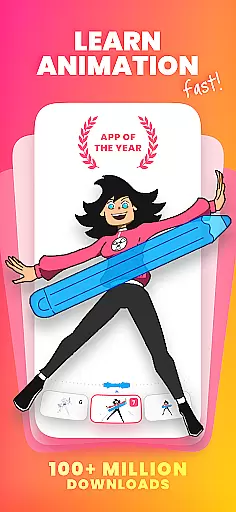
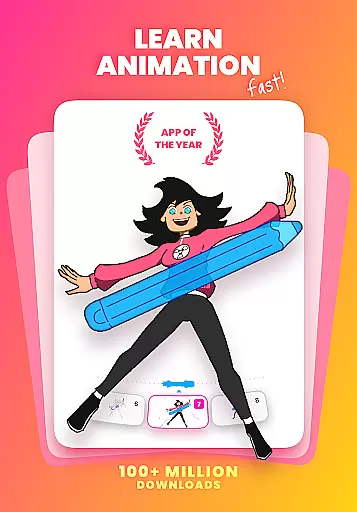
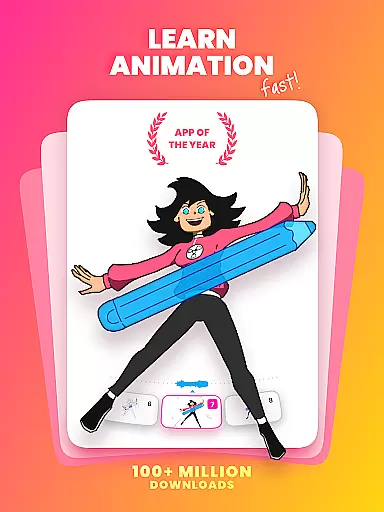
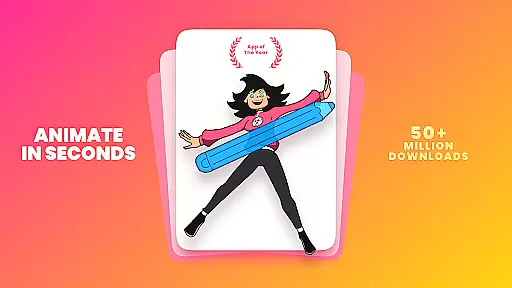
FlipaClip is a premier 2D animation app designed for both budding and professional animators. This application allows users to draw, animate, and create short animated movies and flipbooks with ease. With its intuitive interface and powerful tools, FlipaClip makes the process of bringing drawings, cartoons, anime, and stories to life seamless and enjoyable.
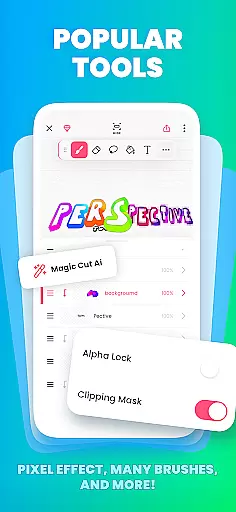
The app offers a comprehensive suite of drawing and animation tools including brushes, fill, lasso, eraser, ruler, text, and shape tools. It supports pressure-sensitive stylus use, onion skinning for smooth transitions, and up to 10 layers for complex drawings. Users can export their animations in MP4, GIF, or PNG sequences with transparency, making it versatile for various creative projects.
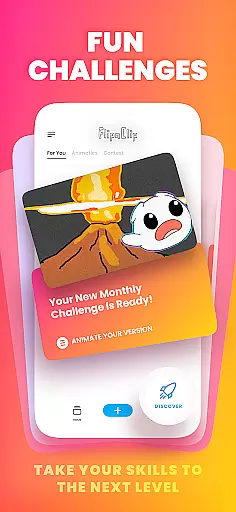
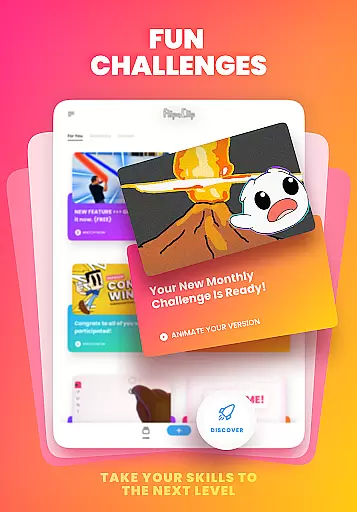
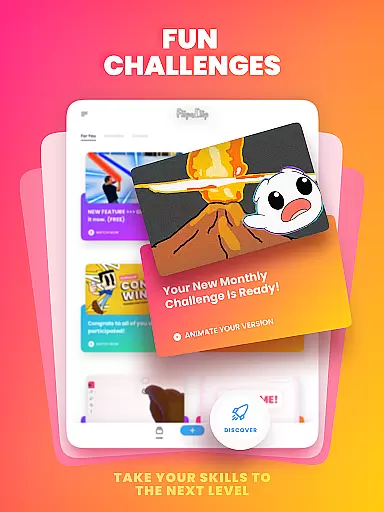
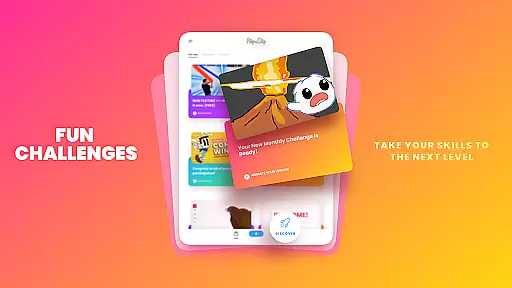
Whether you're an influencer, YouTuber, TikTok creator, or simply someone passionate about animation, FlipaClip provides everything needed to produce high-quality animations. Its community-driven challenges and events foster creativity and skill development, making it the go-to choice for millions of creators worldwide.
FlipaClip stands out with its robust set of features tailored for animators. The frame-by-frame animation timeline gives users total control over their animations, while the onion skin tool ensures smooth transitions between frames. With support for up to 10 layers (3 free), users can create intricate and detailed animations effortlessly.
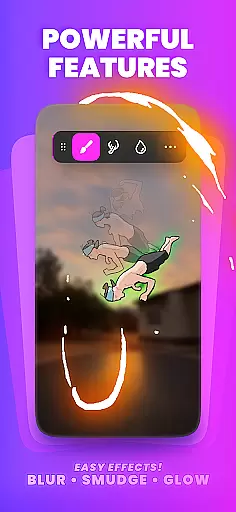
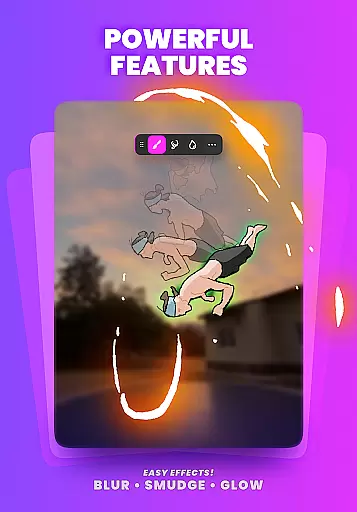
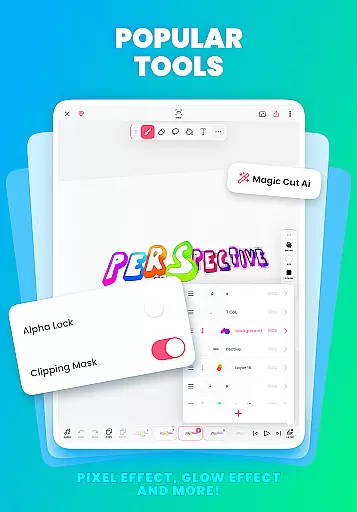
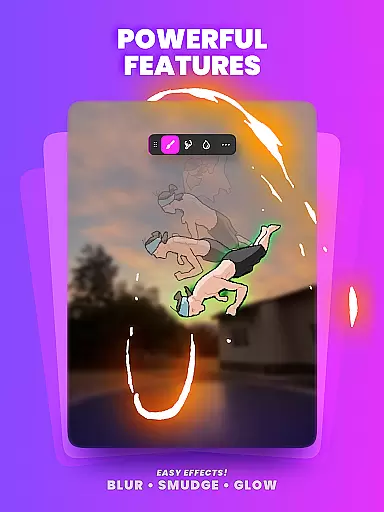
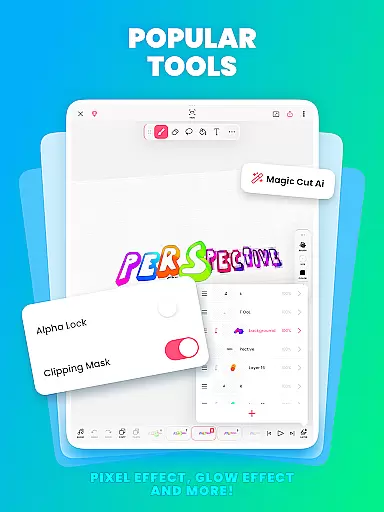
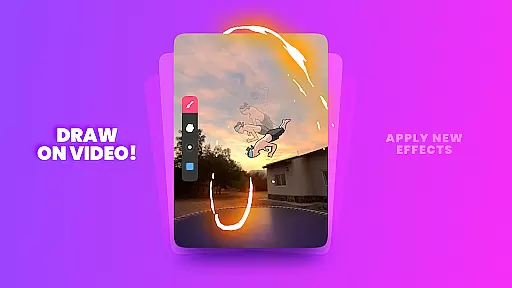
In addition to traditional drawing tools, FlipaClip incorporates innovative features like Magic Cut, an AI-powered tool that slices images and objects from frames instantly. The app also allows importing photos or videos for rotoscope animations and offers blending modes and glow effects for enhanced visual appeal.
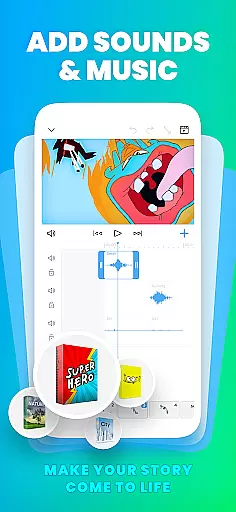
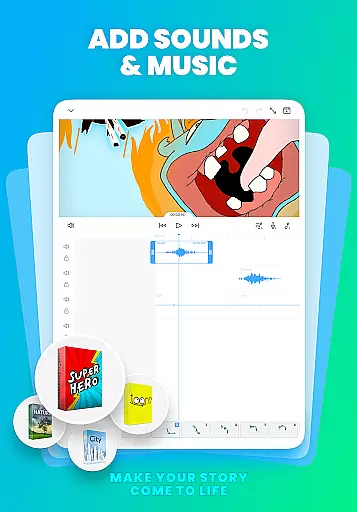
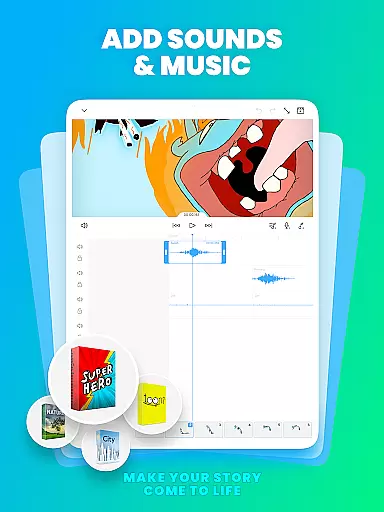
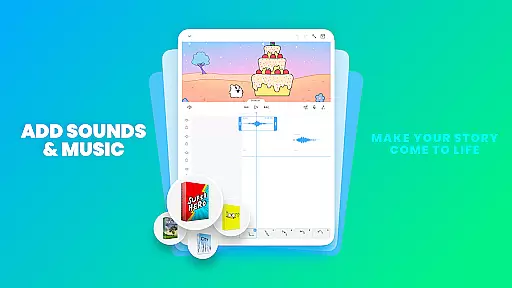
Audio integration is another highlight, enabling creators to add music, voiceovers, and sound effects. With up to 6 free audio tracks and synchronization capabilities with the animation timeline, FlipaClip ensures every beat aligns perfectly with your visuals. These features collectively make FlipaClip a versatile and indispensable tool for anyone interested in 2D animation.
FlipaClip stands out as a comprehensive creative suite for both budding and professional animators. The app offers a robust set of drawing tools including brushes, fill options, lasso, eraser, ruler, text, and shape tools that cater to a wide range of artistic expressions. These features enable users to sketch their ideas with precision and ease.
One of the key strengths of FlipaClip is its support for frame-by-frame animation, which provides total control over the creative process. With onion skinning capabilities, artists can ensure smooth transitions between frames, enhancing the fluidity of their animations. Additionally, the ability to work with up to 10 layers (with 3 free) allows for complex drawings and compositions.
The inclusion of advanced features such as glow effects, blending modes, and AI-powered tools like Magic Cut demonstrates FlipaClip's commitment to equipping creators with cutting-edge technology. Users can import photos or videos to create rotoscope animations, further expanding the creative possibilities available within the app.
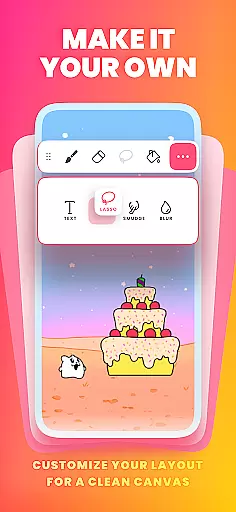
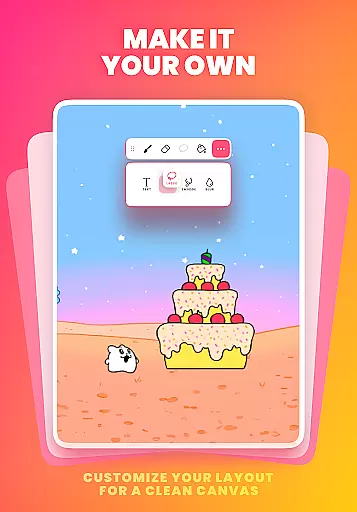
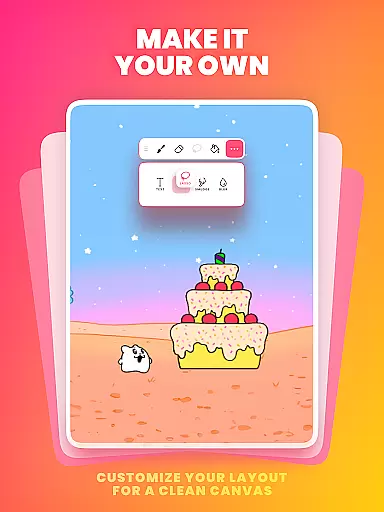
Flexibility in canvas and format options is crucial for unleashing creativity, and FlipaClip excels in this aspect. Artists have the freedom to paint on custom canvas sizes, allowing them to tailor their workspace according to specific project requirements. This adaptability ensures that whether they are working on simple doodles or intricate scenes, the canvas can be adjusted to fit their vision.
Moreover, FlipaClip supports pressure-sensitive stylus inputs such as Samsung S Pen and SonarPen, making drawing precise and natural. This feature enhances the user experience by providing a more tactile and responsive drawing process, akin to traditional mediums but with the advantages of digital editing.
Exporting options in FlipaClip also showcase its versatility, enabling users to export their creations in various formats such as MP4, GIF, or PNG sequences with transparency. This flexibility ensures that animations can be seamlessly integrated into different platforms and projects, from social media posts to professional presentations.
User-friendly interface
Powerful drawing tools
AI-powered features
Versatile export options
Active community support
Limited free layers
Premium features cost
Steep learning curve
Occasional bugs
High system requirements

Create stylish invitation cards using templates for weddings, birthdays & RSVP.
 4.20
4.20
AI Assistant, powered by ChatGPT GPT-4 & GPT-4o. Your intelligent companion.
3.50
Passport size photo maker, create ID photo and visa photo in seconds
4.80
Nano Banana AI Image Generator, Anime Filter, AI Portrait, AI Photo Generator
4.30
Draw glowing spinners, relax, and spin your creative art
4.60
Minecraft & Roblox Clothes
4.70
Mobile pixel art editor. Simple. Fast. Portable.
4.80
Art of Combination Wear OS Watch faces (for Wear OS 5+ devices)
3.90
Beauty Camera - Selfie Camera is the ultimate beauty camera and selfie app
4.30
See Color, Paint Color
4.90
Video AI: Revolutionize Your Content Creation with Advanced Video Generation
4.50
Stylish letters, Stylish Keyboard, Symbols, Emojis, Cool nickname
4.40
Trace, draw, and create art with AR - from memes to masterpieces!
4.30
Sketch, plan, take notes and illustrate on an infinite canvas.
4.20
Floor Plan Creator lets you create, edit and share floor plans.
4.00
Turning simple sketches into captivating tales filled with life and motion
3.90
Draw anime easily with AR guidance, sketch templates & trace tools!
3.10
Inky runs Inkscape on Android devices and Chromebooks
2.90
A luxurious gold watch face for an elegant and refined look.
4.5




User Reviews