
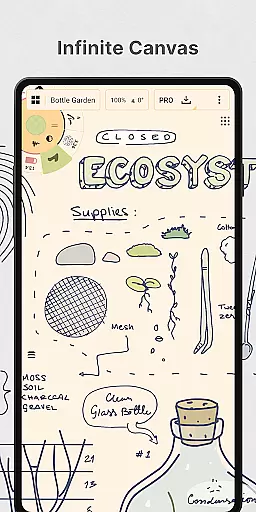
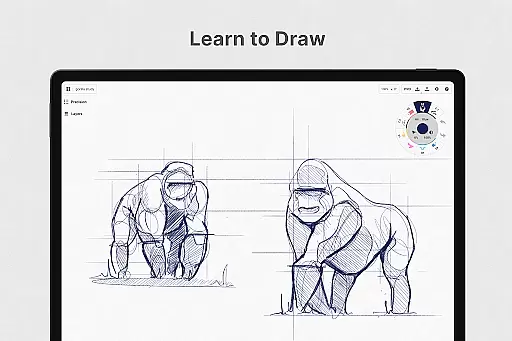
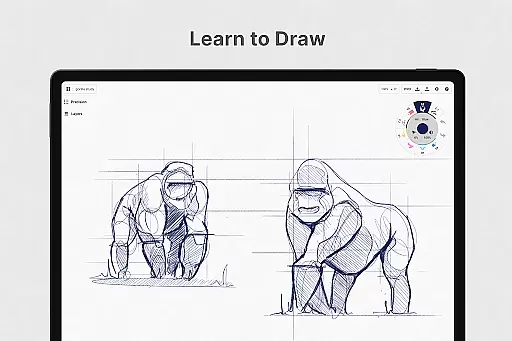
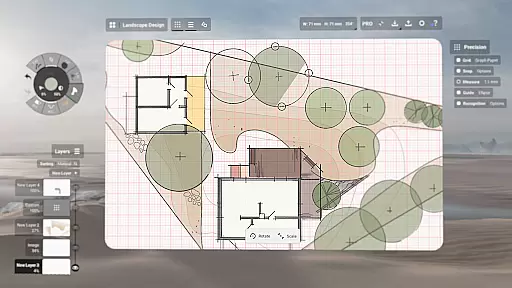
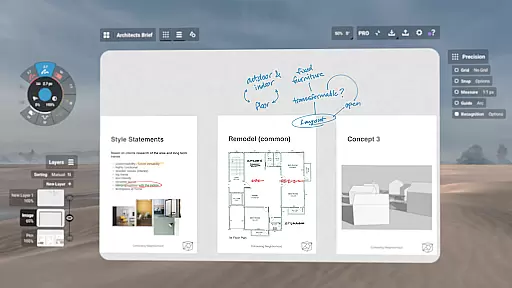
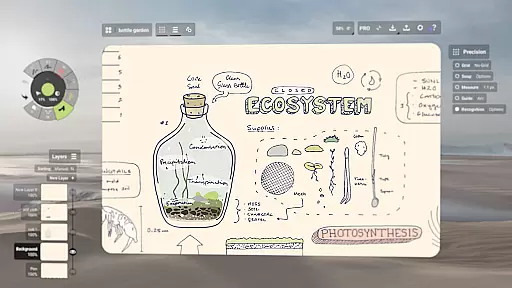
Concepts is a versatile vector-based creative workspace designed for artists, designers, and creators to bring their ideas to life. This digital sketchpad offers an infinite canvas where users can sketch plans, create mind maps, draw storyboards, and experiment with designs. The app's vector-based system allows every stroke to be editable and scalable, providing flexibility in modifying elements without redrawing them. With support for pressure-sensitive pens and tools that respond to tilt and velocity, Concepts delivers a realistic drawing experience optimized for pen-enabled devices and Chrome OS.
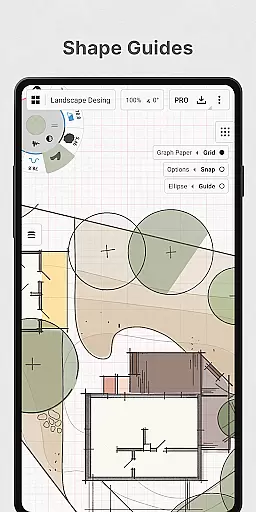
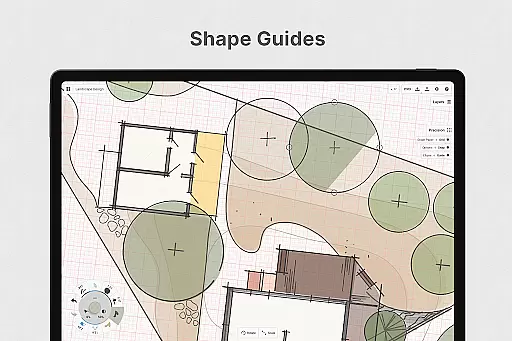
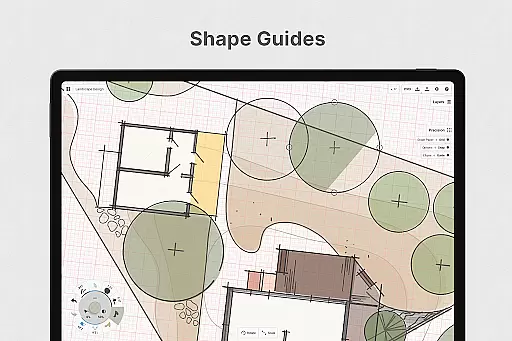
The application caters to both professional and casual users by offering powerful features like shape guides, live snap, measurement tools, and customizable workspaces. Creators from renowned companies such as Disney, Google, and Apple use Concepts to develop extraordinary ideas. Whether you're designing products or planning projects, this app provides the tools necessary to move from concept to reality while supporting exports in various formats for sharing and feedback.
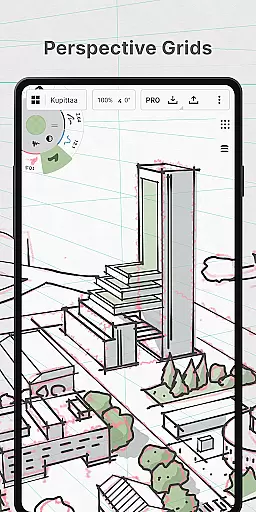
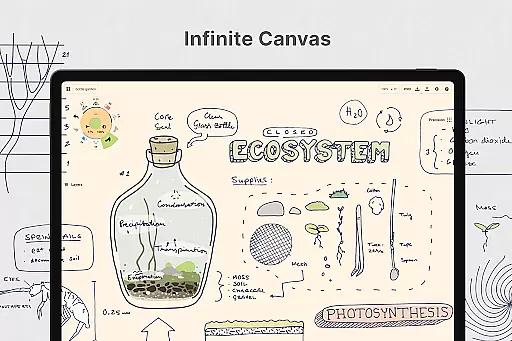
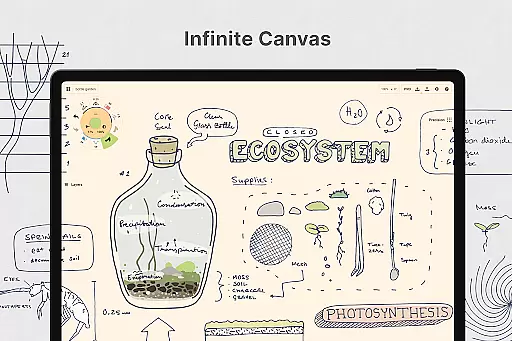
Concepts stands out with its robust feature set tailored for creative professionals. The app includes realistic pencils, pens, and brushes that respond to pressure, tilt, and velocity, enhanced by adjustable live smoothing. Users benefit from an infinite canvas with multiple paper types and custom grids, allowing complete creative freedom. The customizable tool wheel or bar lets users organize their favorite tools and presets efficiently, streamlining the workflow.
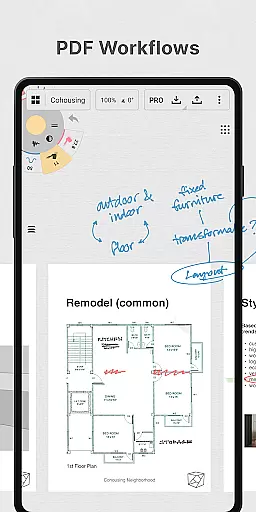
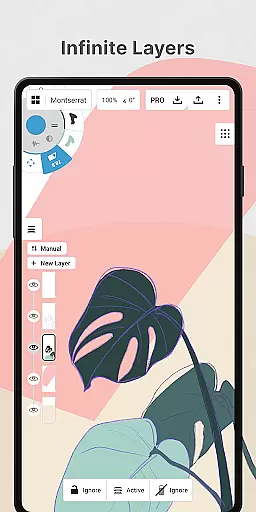
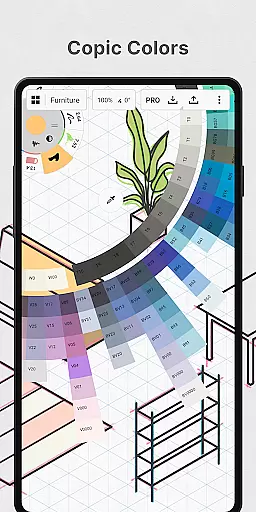
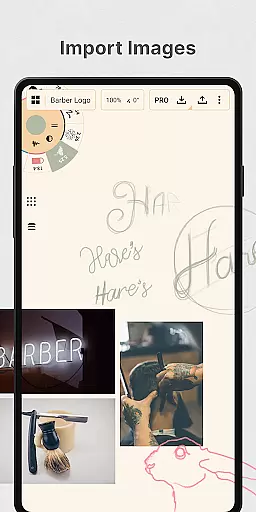
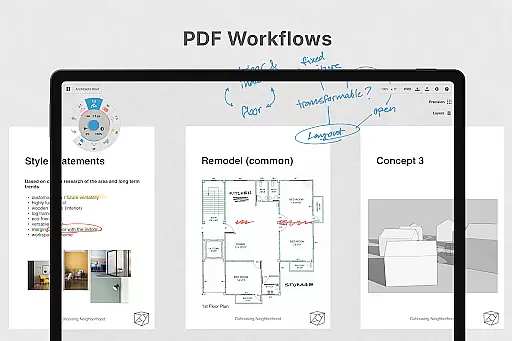
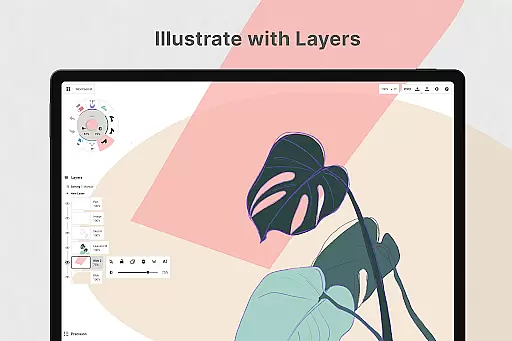
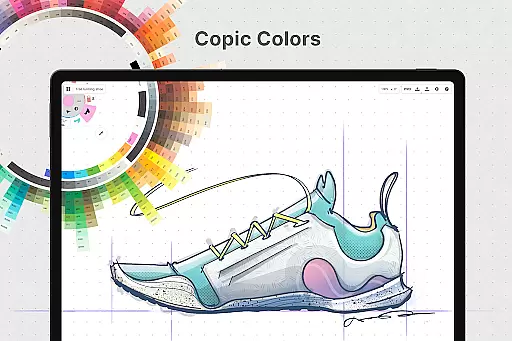
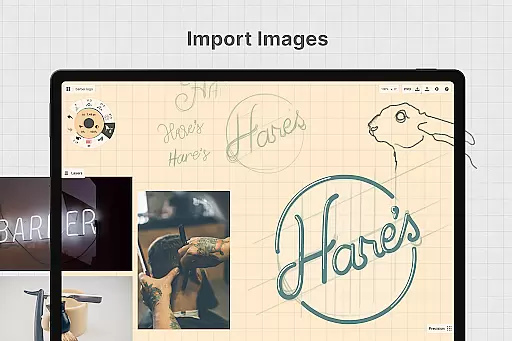
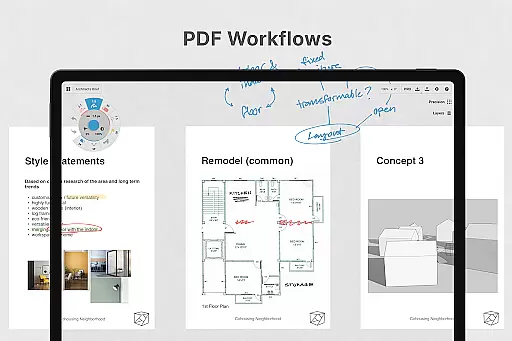
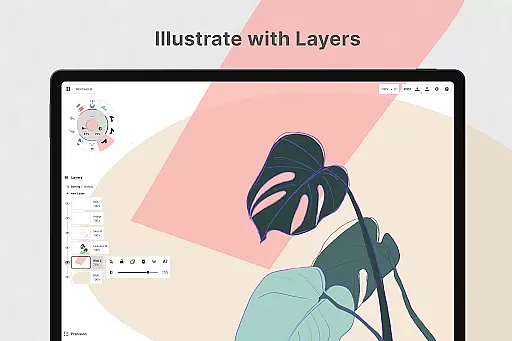
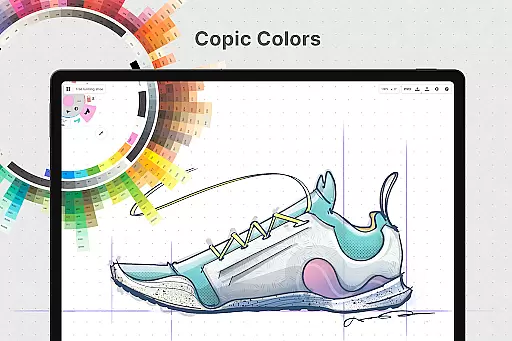
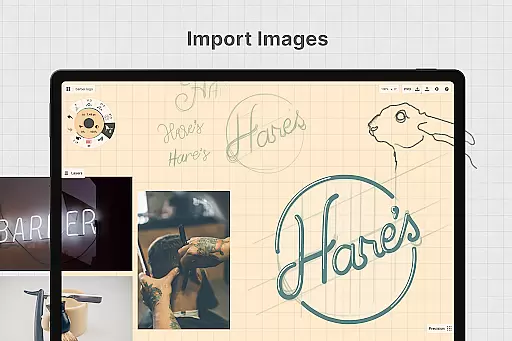
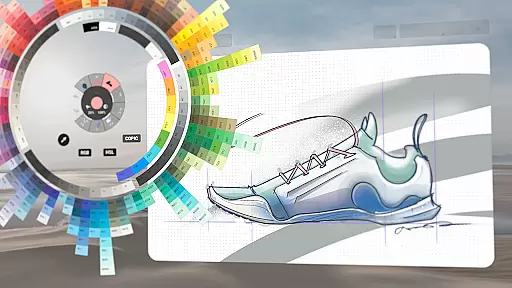
One of the key highlights is the infinite layering system with automatic sorting and adjustable opacity, enabling complex compositions. The app supports HSL, RGB, and COPIC color wheels, helping users choose harmonious colors. Flexible vector-based sketching allows easy adjustments by tool, color, size, smoothing, and scale even after drawing. Additionally, Concepts offers precision drawing tools, personalized canvas settings, drag-and-drop image imports, and export options including images, PDFs, and vectors, making it indispensable for modern creators.
In the realm of digital art and design, having a comprehensive set of creative tools is paramount. Concepts offers an extensive array of instruments that cater to every artist's needs. From realistic pencils, pens, and brushes that respond to pressure, tilt, and velocity, to advanced vector-based sketching capabilities, this app ensures that creators have everything they require at their fingertips.
The app provides users with an infinite canvas, allowing for boundless creativity without the constraints of space. Additionally, it features multiple paper types and custom grids, empowering artists to tailor their workspace according to their preferences. With Concepts' customizable tool wheel or bar, users can organize their favorite tools and presets for quick access, streamlining their workflow significantly.
Furthermore, Concepts supports an infinite layering system complete with automatic sorting and adjustable opacity. This feature enables artists to manage complex compositions with ease while maintaining full control over each element's visibility and interaction within the piece. Such robust functionality not only enhances productivity but also encourages experimentation and refinement of artwork.
A flexible canvas and format options are essential for unleashing artistic potential. Concepts excels in providing a dynamic workspace where creators can personalize nearly every aspect of their environment. The infinite canvas allows artists to expand their work area as needed, accommodating large-scale projects or intricate details without limitation.
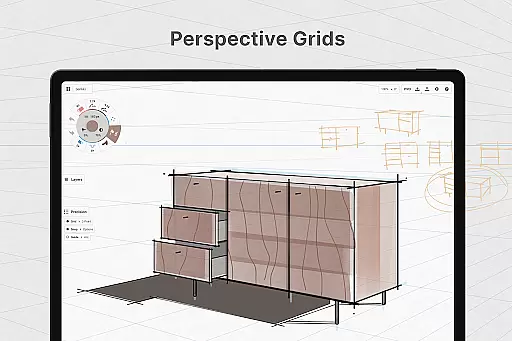
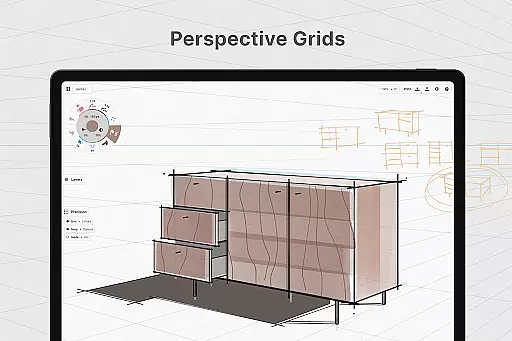
Artists using Concepts benefit from various paper types and custom grid settings, which adapt to different styles and project requirements. Whether drafting precise technical drawings or freeform sketches, these adaptable formats ensure precision and alignment throughout the creative process. Moreover, the ability to adjust HSL, RGB, and COPIC color wheels helps in selecting harmonious colors effortlessly.
The app's vector-based nature means that all strokes remain editable and scalable, offering unparalleled flexibility when revising artwork. Creators can modify any part of their drawing using intuitive tools like Nudge, Slice, and Select, eliminating the need for tedious redraws. This level of adaptability ensures that artists can focus on bringing their visions to life rather than being hindered by rigid formatting restrictions.
User-friendly interface
Highly customizable tools
Infinite canvas flexibility
Realistic drawing instruments
Cross-platform compatibility
Premium features are costly
Steep learning curve
Limited free features
Subscription model
Occasional bugs

Customizable Outlined Fonts. Watch Face Format. Battery friendly Digital Clock.
 4.20
4.20
Art of Combination Wear OS Watch faces
4.3
Apply cartoon, caricature, and portrait effects to make your photos stand out!
3.60
Passport size photo maker, create ID photo and visa photo in seconds
4.80
Create stunning video, photo & magic from text with FlixAI GPT video generator.
3.10
AR Anime Drawing: How to draw anime with AR drawing & sketching apps!
4.00
Photo editor for art, avatars, filters & fun transformations.
4.60
Get creative and make art with your Sesame Friends!
4.00
How to draw anime step by step for beginner easily by AR drawing sketch & paint.
3.60
Mobile pixel art editor. Simple. Fast. Portable.
4.80
Your AI soulmate — meaningful chats, and unique emotional moments
4.70
Convert image to JPG PNG HEIC PDF, support almost all kinds of image formats
4.70
Minecraft & Roblox Clothes
4.70
The ultimate tool for creating animations
4.60
Draw beautiful mandala's very easily
4.60
Create color palette from Image, RGB & RYB Color wheel harmonies, Color Scheme
4.50
Paint with oils and sketch with natural tools on a realistic virtual canvas.
3.80
Create cute cat emojis & PFPs! Fun, custom avatars for cat lovers.
3.70
AI Assistant, powered by ChatGPT GPT-4 & GPT-4o. Your intelligent companion.
3.50




User Reviews