
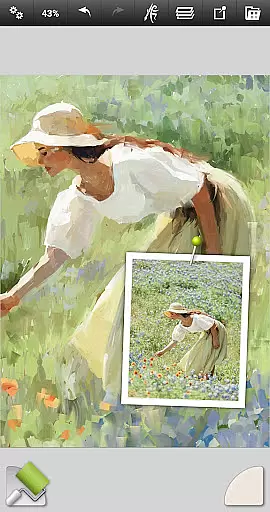
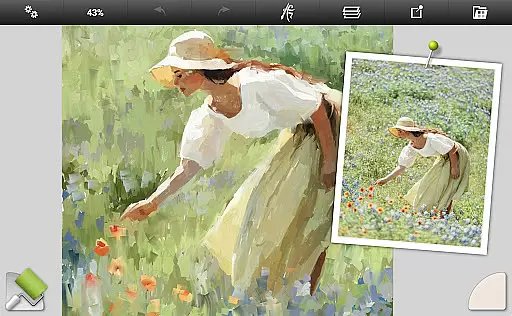
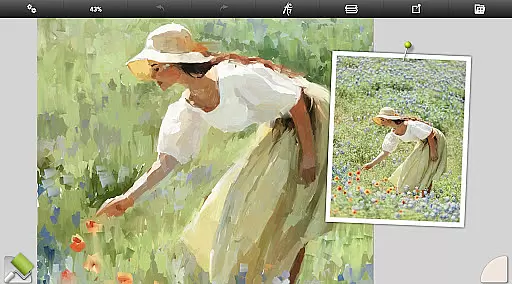
ArtRage Vitae Mobile Painting is a premium natural painting application designed for artists who want to create realistic artwork on mobile devices. The app offers an impressive range of professional-grade tools that mimic real-world art supplies, allowing users to mix oil paints, draw with pencils, and blend watercolors seamlessly. With support for large canvas sizes up to 4096px x 4096px and tool sizes up to 500%, it provides the flexibility needed for detailed work.
In addition to its robust painting features, ArtRage Vitae includes powerful digital utilities such as layers, blend modes, tracing images, and tool presets. These features make it suitable for both beginners and professionals. Whether you're sketching ideas or finishing a masterpiece, this app supports your creative process while offering seamless integration with Android sharing systems to showcase your work.
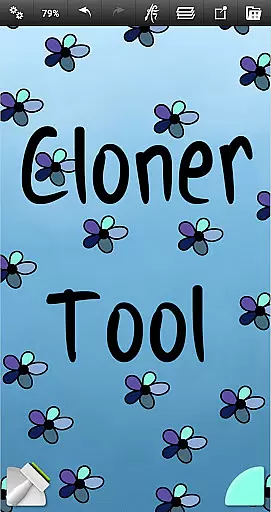
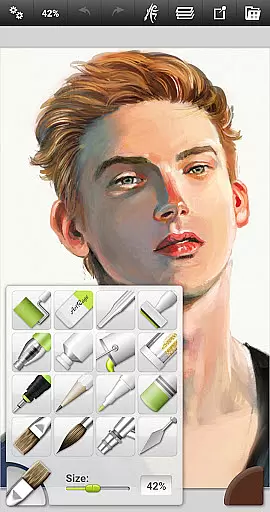
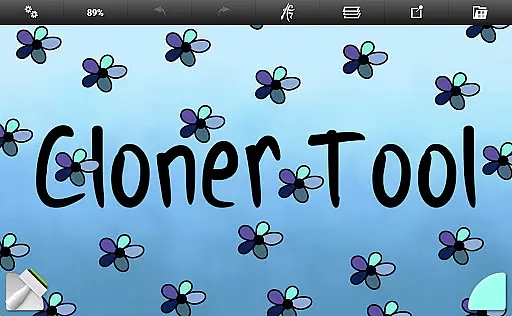
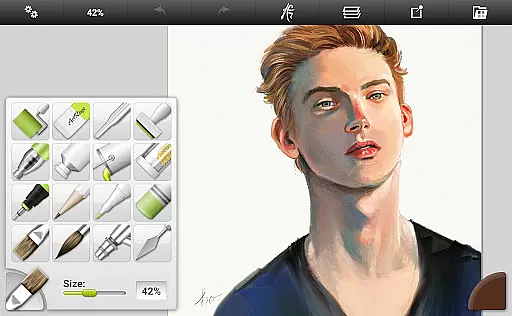
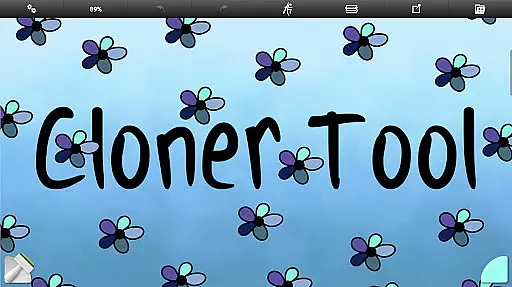
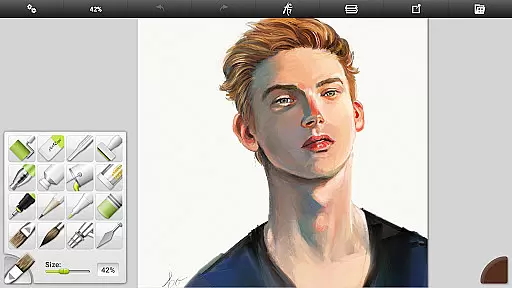
ArtRage Vitae stands out with its comprehensive set of 16 tools, each offering countless variations through presets and settings. From natural painting tools like Oil Brush and Watercolor to sketching tools such as Pencil and Pastel, every instrument behaves like its real-world counterpart. Special effect tools like Cloner and Glitter Tube add unique touches to your creations, while utility tools such as Flood Fill and Color Sampler enhance productivity.
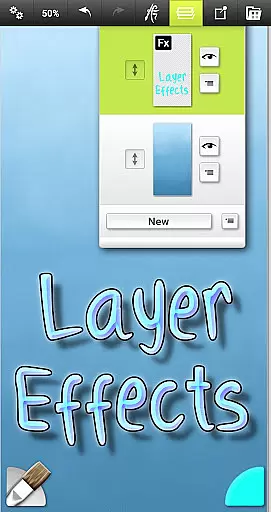
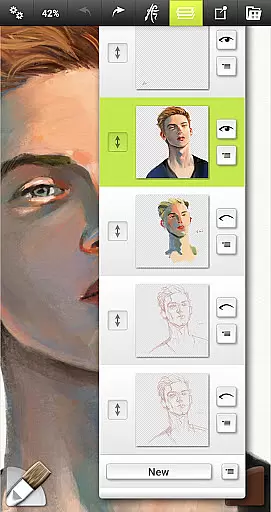
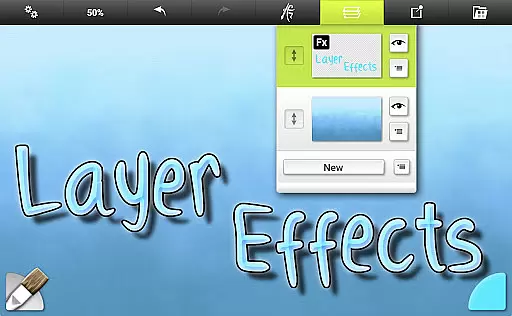
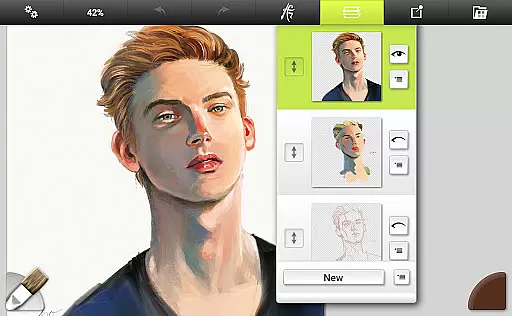
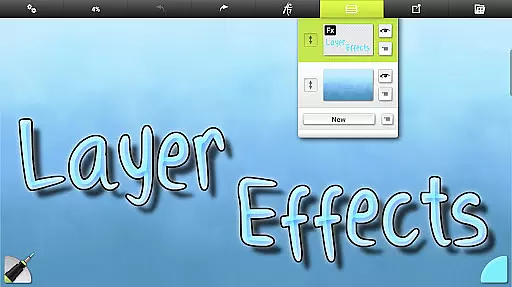
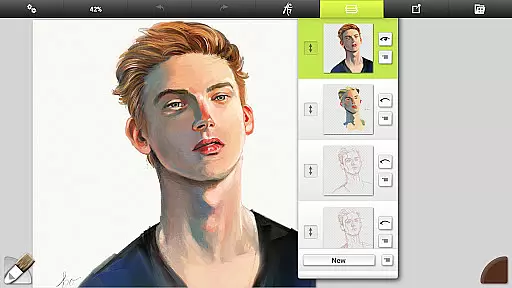
The app also excels in providing advanced layer options, including opacity control and industry-standard blend modes. Real color blending and layer effects allow users to add highlights, shadows, and 3D effects effortlessly. With multi-touch canvas manipulation, stylus-only mode, and customizable interface options, ArtRage Vitae ensures an intuitive user experience that maximizes creative space without compromising functionality.
ArtRage Vitae Mobile Painting offers an extensive suite of creative tools that cater to both amateur and professional artists. The application includes 16 diverse tools with countless variations available through presets and settings, ensuring users have everything they need for their artistic endeavors.
The natural painting tools such as the Oil Brush, Watercolor, and Palette Knife simulate real-world counterparts, providing a tactile experience on digital platforms. Sketching and drawing tools like the Pencil, Wax/Chalk Pastel, and Eraser offer precision and control, while utility tools such as Flood Fill and Color Sampler enhance workflow efficiency.
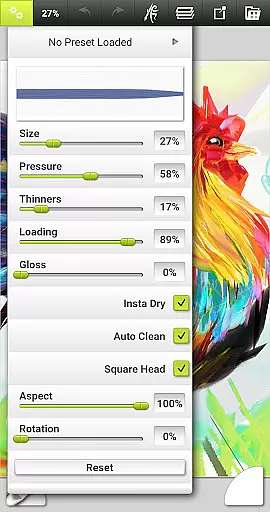
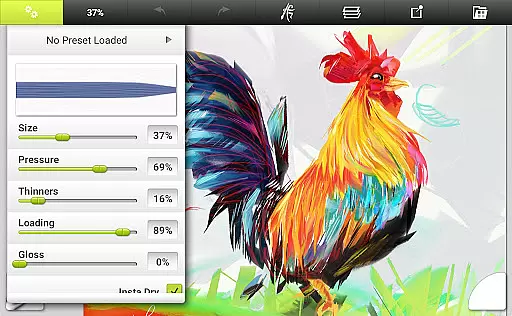
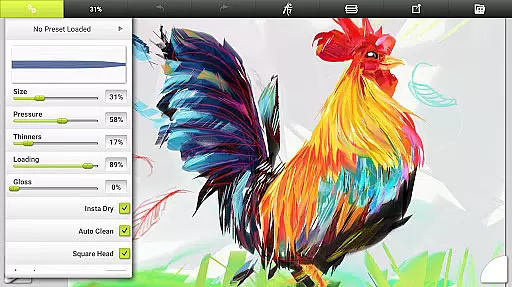
Special effect tools like the Cloner and Glitter Tube allow for unique artistic expressions, adding another layer of creativity. Each tool's settings are designed to reflect natural properties, such as paint thickness or pencil softness, which can apply texture and blend under the digital brush, mimicking traditional art-making processes.
Users benefit from the ability to store their favorite settings as custom presets, allowing quick access to personalized configurations. This comprehensive set of tools empowers artists to unlock their full creative potential within a digital environment that feels intuitive and familiar.
ArtRage Vitae Mobile Painting stands out with its remarkable canvas and format flexibility, accommodating various artistic preferences and requirements. The maximum canvas size has been increased to 4096px x 4096px across all devices, offering ample space for detailed work and large-scale projects.
Artists can adjust the canvas texture to create different surfaces, ranging from coarse textures to smooth papers, enhancing the realism of their digital artwork. This adaptability ensures that users can replicate the feel of working on various traditional media, thus enriching the creative process.
In addition to canvas adjustments, the app supports industry-standard Layer Blend Modes and provides options for exporting and merging layers along with layer effects. These features enable artists to add highlights, shadows, and 3D effects to individual layers, giving them greater control over the final composition.
The inclusion of transparent layers with opacity control further extends the formatting possibilities, allowing for complex compositions and refined editing. Such versatility in canvas and format options makes ArtRage Vitae a powerful ally for artists seeking to push the boundaries of digital art.
User-friendly interface
Realistic painting tools
Extensive layer options
Offline usability
Active community support
Paid premium app
Steep learning curve
Storage access required
Limited free resources
No iOS compatibility

Stylish letters, Stylish Keyboard, Symbols, Emojis, Cool nickname
 4.40
4.40
Art of Combination Wear OS Watch faces
4.2
Powerful home decoration & house design that allows you to design dream home.
3.80
Get creative and make art with your Sesame Friends!
4.00
Unleash the artist in you with our AR drawing and tracing tool for photo drawing
4.10
Photo stitcher for automatically screenshot stitching into a long screenshot
4.70
Create amazing pictures and unleash your creative genius with AR Drawing Sketch
4.40
Explore future self face age filter & remove background image for a unique look.
3.50
An intuitive, high-performance painting app that lets you focus on creating
4.40
Passport size photo maker, create ID photo and visa photo in seconds
4.80
Create stunning art with AI.
4.80
The ultimate tool for creating animations
4.60
Castle is social media for creating and playing games!
4.60
Image resizer to resize, crop, rotate, flip, change dpi photo or picture in bulk
4.60
The perfect place to start sketching! Use Sketchbook to draw and paint sketches.
4.50
Kling AI is an image and video generation and editing studio powered by AI.
4.50
800+ Drawing, Painting Lessons App to Practice, Sketch & Paint Art.
4.30
Create Logos, Tattoos, AI Art & more with our AI Photo Generator & Design Editor
4.20
Your homescreen as an elegant glass with customized blur, lighting, and visuals.
3.70




User Reviews