
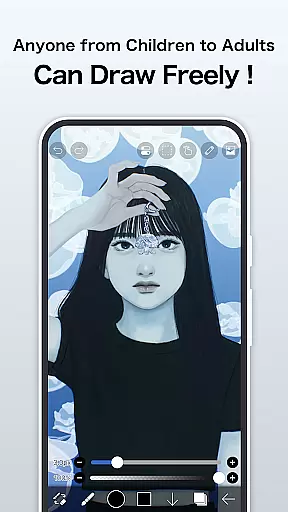
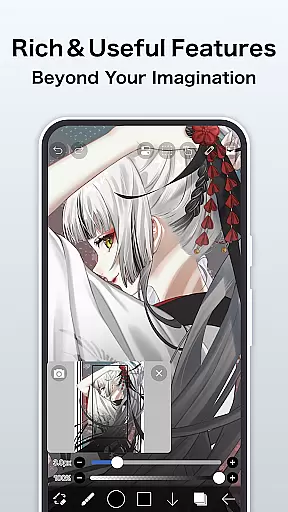
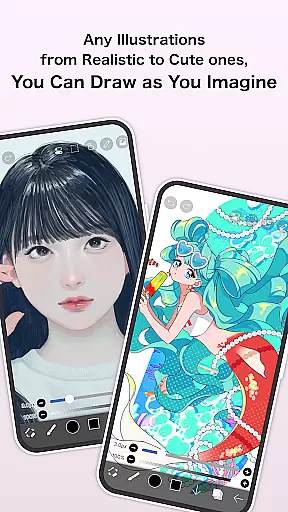
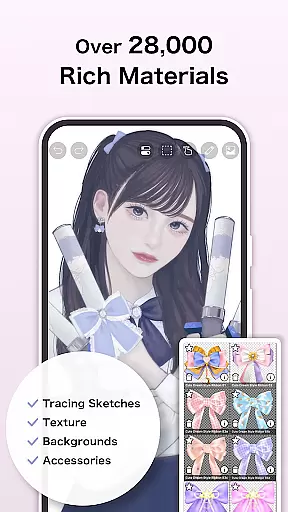
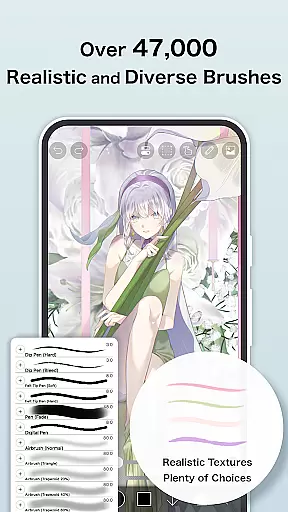
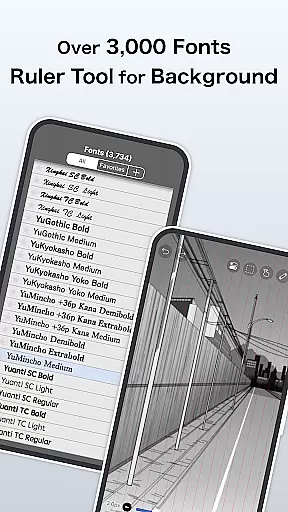
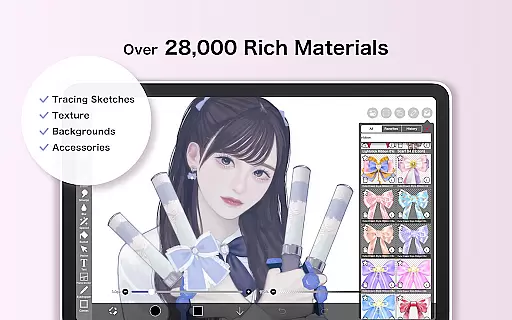
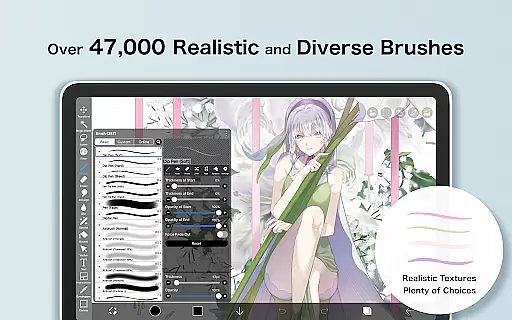
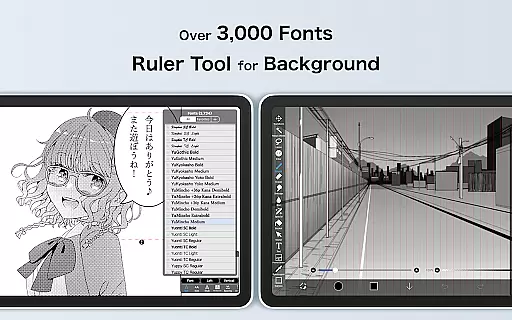
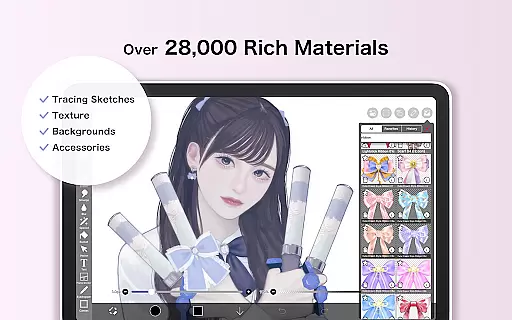
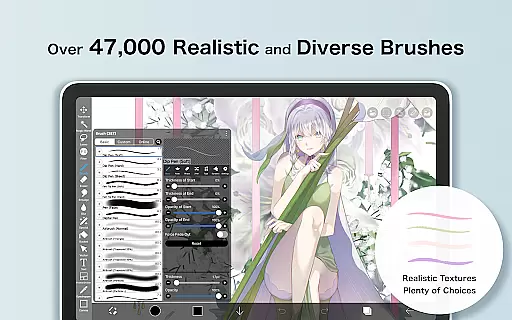
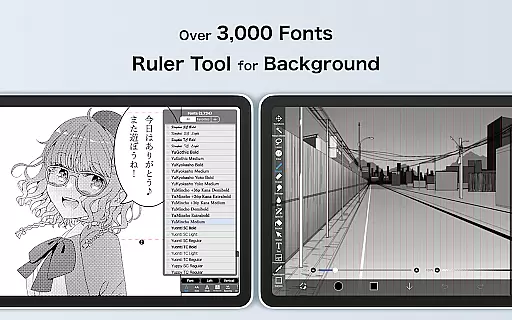
ibis Paint X is a premier digital art studio designed for both amateur and professional artists, offering an extensive suite of creative tools. With over 47000 brushes, 27000 materials, and 2100 fonts, it provides unparalleled versatility for drawing, painting, and manga creation. The app's standout features include stroke stabilization, animation support, and AI Disturbance technology, ensuring precision and creativity in every artwork.
This comprehensive art application supports advanced layer management with unlimited layers, blending modes, and clipping masks. Artists can record their creative process, share it on the integrated social platform, and learn from others. Available as a free version with optional Prime Membership, ibis Paint X delivers professional-grade features directly to mobile devices, making high-quality digital art accessible to everyone.
ibis Paint X distinguishes itself through its sophisticated feature set tailored for digital artists. The app offers smooth drawing at up to 60 fps with a vast selection of brush types, including dip pens, oil brushes, and charcoal tools. Its layer functionality allows complex compositions with individual parameter settings for opacity, blending, and various transformation commands.
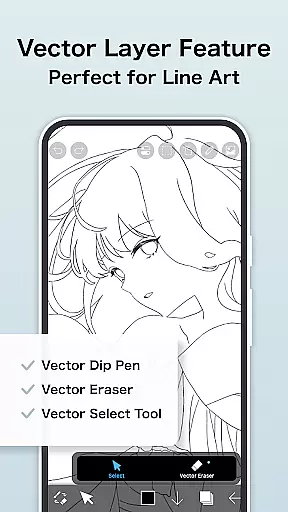
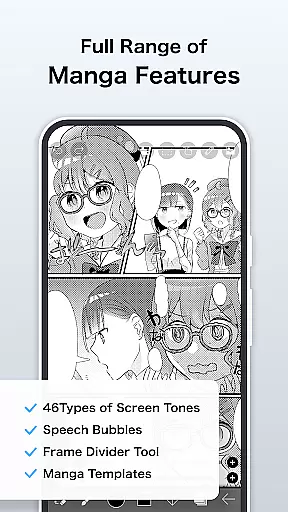
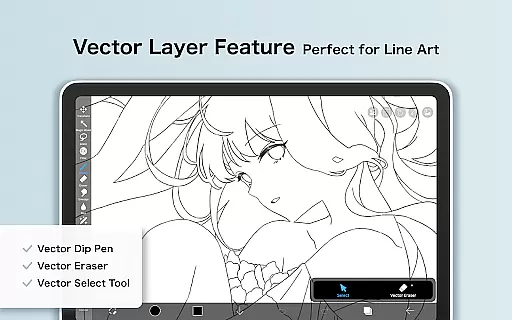
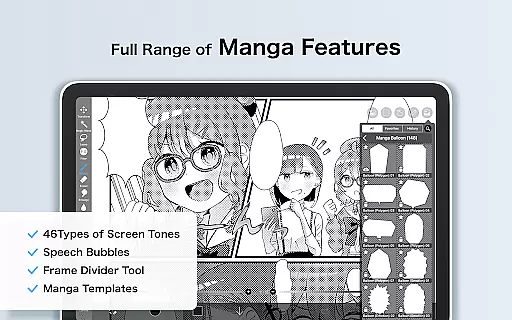
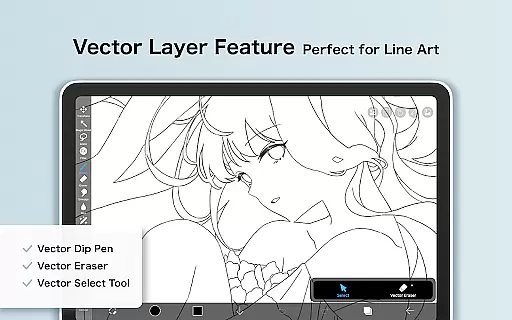
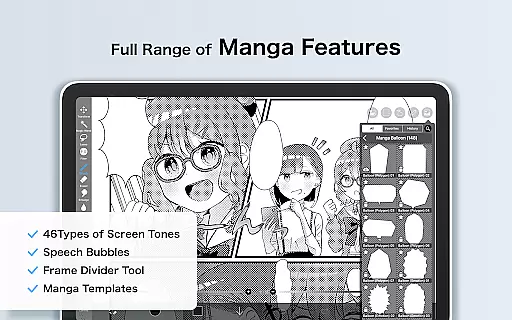
The application's manga creation tools are particularly robust, featuring advanced text options and screentone effects. Unique capabilities like Vector tool support (with daily free usage), AI Disturbance, and animation features cater to diverse artistic needs. The Prime Membership unlocks additional professional features including 20GB cloud storage, exclusive materials, and enhanced filters, while removing watermarks and advertisements for uninterrupted creative flow.
ibis Paint X stands out in the Art & Design category by offering an extensive suite of creative tools that cater to both amateur and professional artists. With over 47,000 brushes, users can explore a variety of textures and styles ranging from dip pens to oil brushes.
The app also provides advanced layer features, allowing unlimited layer addition with individual settings for opacity, blending modes, and more. This flexibility ensures artists can execute complex compositions without limitations.
In addition to its impressive brush and layer capabilities, ibis Paint X includes manga-specific tools such as advanced text functions and screentones. These features enable creators to produce professional-quality manga and comic art directly on their mobile devices.
For those seeking even more functionality, the Prime Membership unlocks exclusive tools like the Vector tool, AI Disturbance, and various filters. This comprehensive toolkit solidifies ibis Paint X's position as a complete digital art studio in app form.
One of the key strengths of ibis Paint X lies in its exceptional canvas and format flexibility, which empowers artists to work with precision and adaptability. The app offers customizable canvas sizes, giving users the freedom to create artworks tailored to specific requirements or platforms.
Artists can import custom brush patterns and utilize specialized paper textures through Prime Materials and Prime Canvas Papers available with the Prime Membership. These options expand creative possibilities and allow for unique artistic expressions.
The app supports various file formats and export options, including the ability to remove watermarks from process videos - a feature particularly valuable for content creators and educators. This versatility extends to its animation features, enabling frame-by-frame creation.
Furthermore, ibis Paint X implements stroke stabilization and diverse ruler features, enhancing drawing accuracy regardless of canvas orientation or size. These technical capabilities ensure consistent quality across different project types and dimensions.
User-friendly interface
Extensive brush library
Professional manga tools
Social learning platform
Regular feature updates
Prime features locked
Steep learning curve
Large app size
Occasional bugs
Device compatibility

Remove Background, Magic Eraser, Photo Enhancer, Story Templates, Collage Maker
 4.30
4.30
Create stunning video, photo & magic from text with FlixAI GPT video generator.
3.10
Create stunning art with AI.
4.80
800+ Drawing, Painting Lessons App to Practice, Sketch & Paint Art.
4.30
Powerful home decoration & house design that allows you to design dream home.
3.80
Image resizer to resize, crop, rotate, flip, change dpi photo or picture in bulk
4.60
Create and Design Custom Logos in Seconds with AI-Powered Tools!
4.40
AI Tattoo Generator: Create Tattoo Designs & Get Ideas! Ink & Stencil Maker
4.50
Sketch and paint on your device with the feel and freedom of drawing on paper
4.00
Make your phone cooler and have a fantastic experience
4.80
Learn how to draw with step-by-step tutorials, fun lessons & multiplayer drawing
4.70
Novices can also easily complete diamond painting masters
4.70
Digital illustration drawing & painting pad app to paint Anime and Manga art
4.50
Create neon drawing with magic doodle and fun doodle art effects!
4.50
Photo blender app to create overlay photos & double exposure.
4.40
Bring One UI 8.5 Icons to life -elegant dark icons with a modern, premium touch.
4.30
Unleash Your Creativity with Draw Cartoon - AR Drawing App
4.10
Create cute cat emojis & PFPs! Fun, custom avatars for cat lovers.
3.70
Draw anime easily with AR guidance, sketch templates & trace tools!
3.10



User Reviews