
X Launcher Pro is a premium launcher app designed for users seeking an ad-free, highly customizable home screen experience. Based on flat design principles, it transforms the entire appearance and functionality of your Android device, offering a sleek and modern interface.
The app provides powerful features like App Manager for organizing local apps, Control Center for quick settings access, and a rich Theme Store with adaptive themes. Users can personalize their experience through customizable icons, wallpapers, and grid layouts. With functionalities such as app hiding and flat-style folders, X Launcher Pro delivers both aesthetics and practicality.
Ideal for those who want an iOS-like experience on Android, this launcher is perfect for streamlining daily device usage while maintaining full control over your home screen's look and feel.
X Launcher Pro stands out with its comprehensive feature set tailored for customization enthusiasts. The app removes all ads, ensuring an uninterrupted and immersive user experience. Its App Manager allows users to quickly organize and place apps on the home screen with simple gestures.
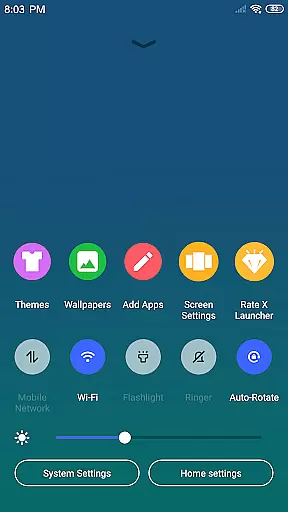
The Control Center provides instant access to essential phone functions like WiFi, brightness, and volume controls. The Theme Store offers a wide selection of visually appealing themes that adapt seamlessly to user preferences. Additionally, the app includes a rich wallpaper library and icon customization options.
Advanced features include adjustable grid sizes, app hiding for decluttering the home screen, and flat-style folders for better organization. These tools collectively enable users to create a personalized, efficient, and visually stunning mobile environment.
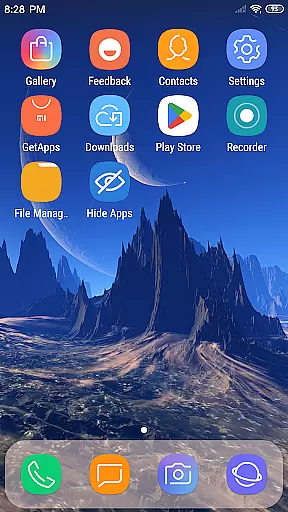
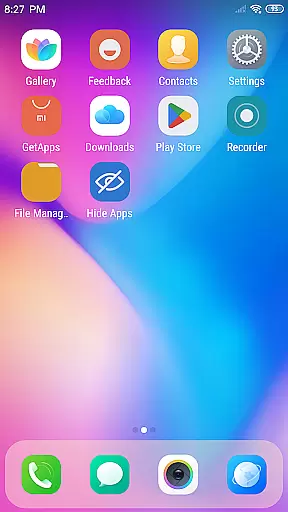
In the realm of Art & Design, X Launcher Pro stands out with its comprehensive suite of creative tools. The application offers a rich library of icons and the latest wallpapers, ensuring that users have everything they need to personalize their device's appearance.
One of the key features is the Theme Store, which provides a variety of themes designed to adapt seamlessly to user preferences. This flexibility allows for an unparalleled customization experience, catering to both aesthetic desires and functional needs.
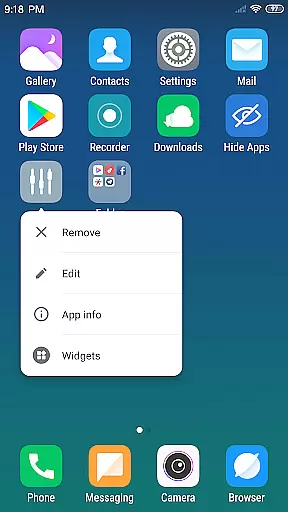
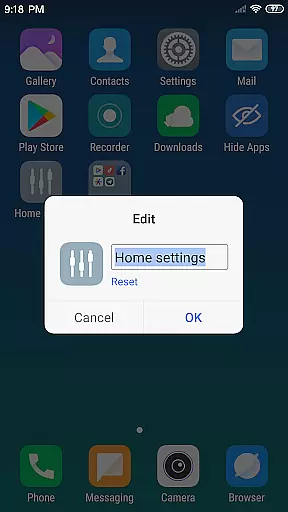
Moreover, the App Manager enables users to swiftly organize and access local apps, enhancing productivity. With the ability to modify app icons and names, as well as hide apps, users are granted full control over their launcher's layout and presentation.
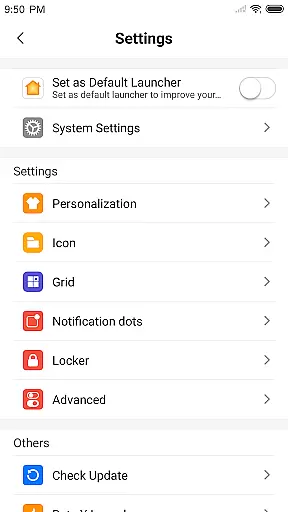
X Launcher Pro excels in providing canvas and format flexibility, essential for art and design enthusiasts. Users can change the number of rows and columns within the launcher, tailoring the interface to their specific workflow and style.
The ability to use local images as app icons adds another layer of personalization. This feature not only enhances visual appeal but also allows for a more intuitive and familiar interaction with the device.
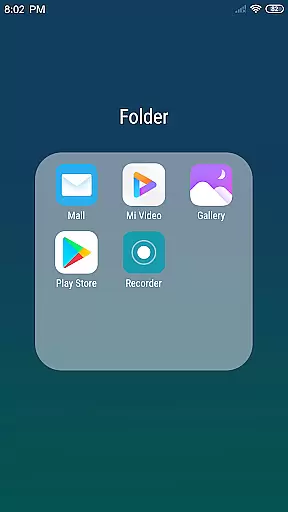
Furthermore, the Flat Style Folder system simplifies organization by allowing users to drag one app onto another to create folders. This efficient method of grouping applications contributes to a cleaner and more manageable desktop environment.
Completely Ad-Free
Highly Customizable Interface
Intuitive Gesture Controls
Vibrant Theme Selection
Powerful App Management
May Feel Complex to Beginners
Occasional Compatibility Issues
Consumes More Storage Space
Limited Default Icons
Requires Manual Updates

Sketch, trace and master AR drawing with awesome anime art!
 3.30
3.30
Sketch, plan, take notes and illustrate on an infinite canvas.
4.20
See Color, Paint Color
4.90
Mobile pixel art editor. Simple. Fast. Portable.
4.80
Unleash the artist in you with our AR drawing and tracing tool for photo drawing
4.10
Inky runs Inkscape on Android devices and Chromebooks
2.90
Just trace a projected picture on paper and color! Draw & Paint with AR drawing
4.40
Draw, make movies & animate cartoons easily with our 2D animation maker app
4.40
How to draw anime step by step for beginner easily by AR drawing sketch & paint.
3.60
Draw anime & manga drawing, art with templates to create stunning picture!
4.50
Draw Trace image sketch by, AR art projector app, Easy to trace any image.
4.50
Video AI: Revolutionize Your Content Creation with Advanced Video Generation
4.50
Trace, draw, and create art with AR - from memes to masterpieces!
4.30
Unleash Your Creativity with Draw Cartoon - AR Drawing App
4.10
AI Assistant, powered by ChatGPT GPT-4 & GPT-4o. Your intelligent companion.
3.50
Vidu is an AI video generator made for creators and aspiring makers.
3.30
Transform photos into amazing monochrome dither art with professional algorithms
4.4
Art of Combination Wear OS Watch faces
4.1
Android 14 style widgets and wallpapers app.
4.5



User Reviews