
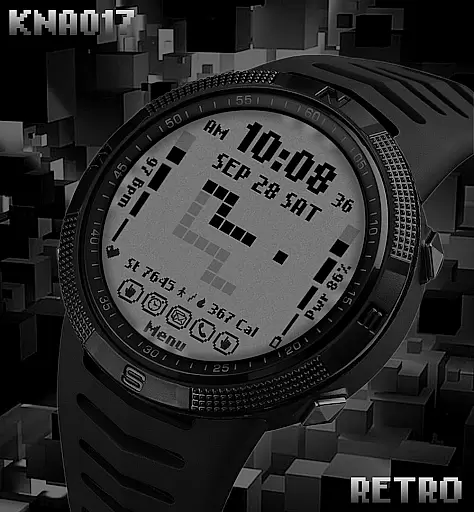
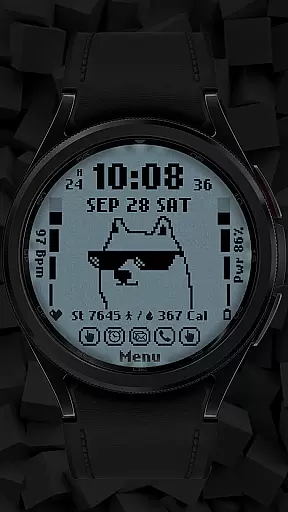
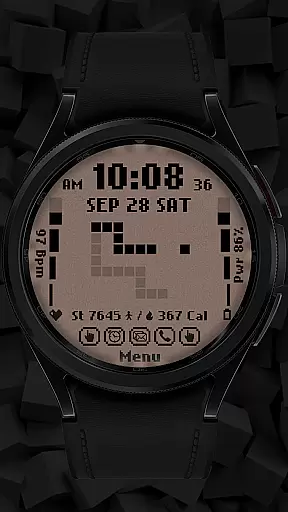
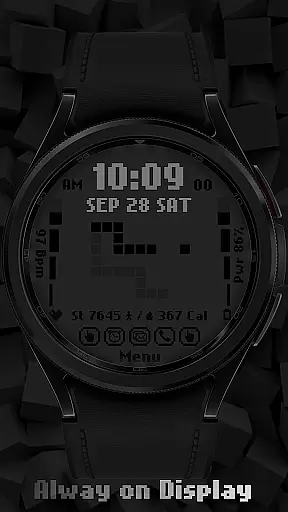
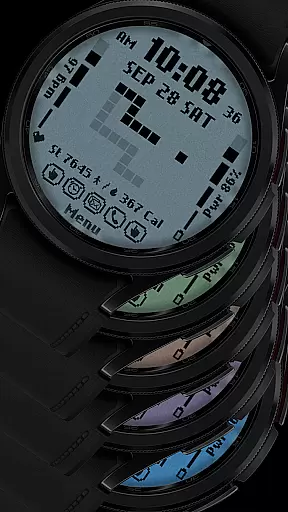
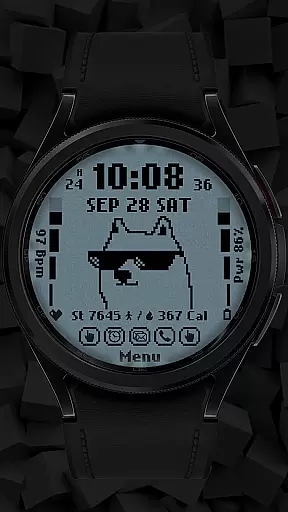
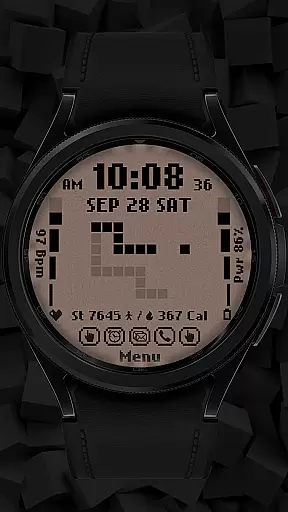
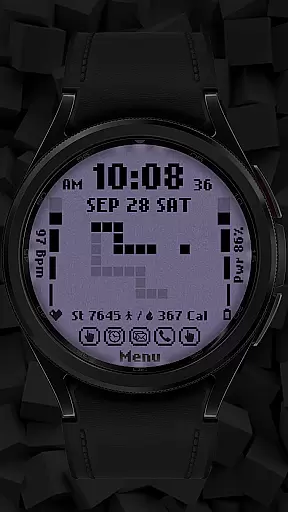
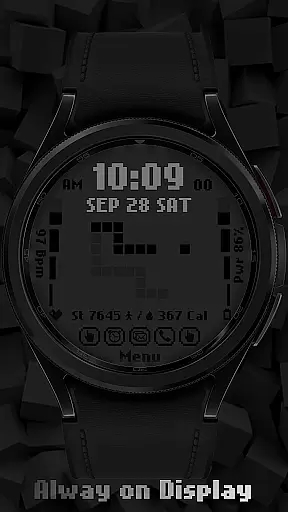
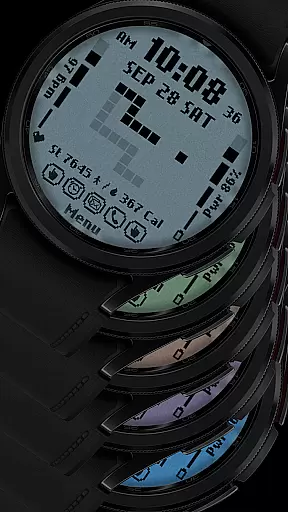
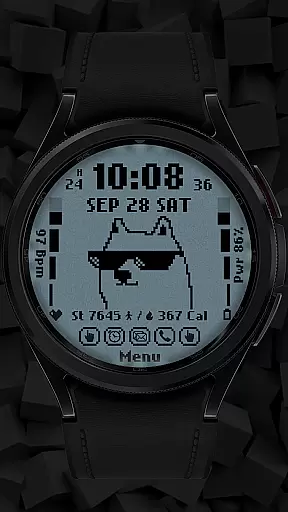
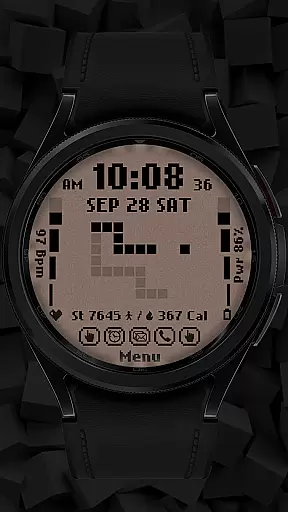
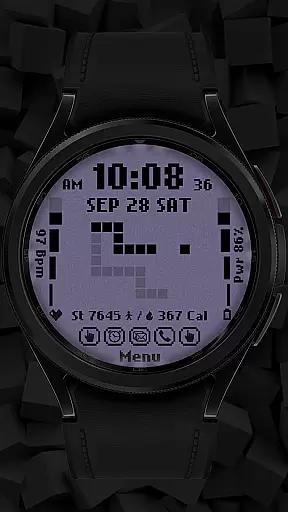
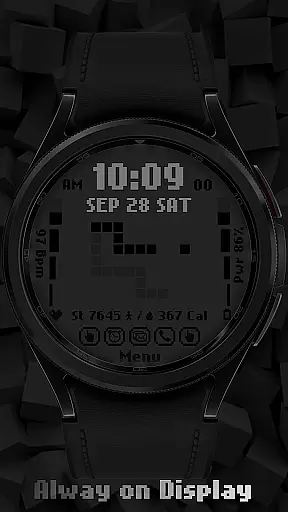
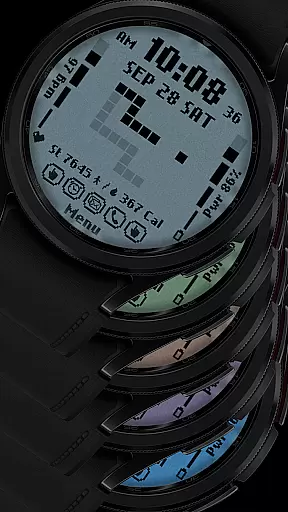
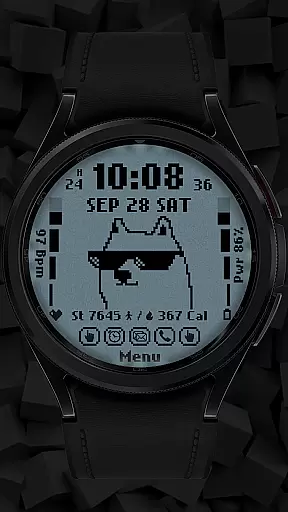
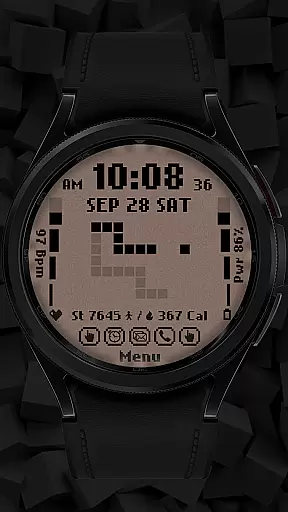
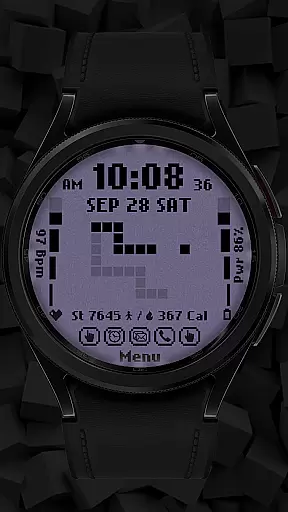
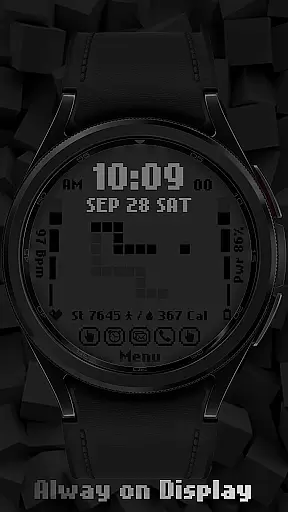
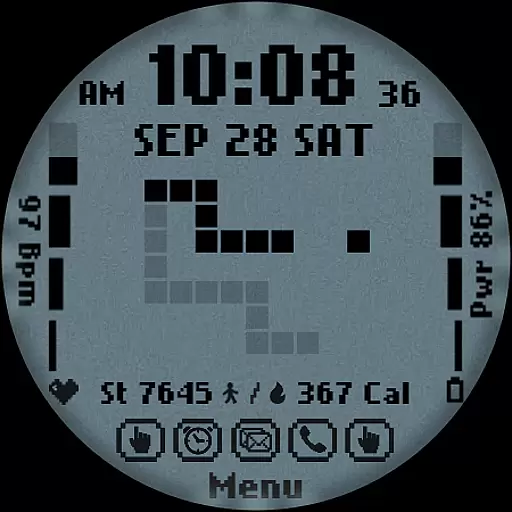
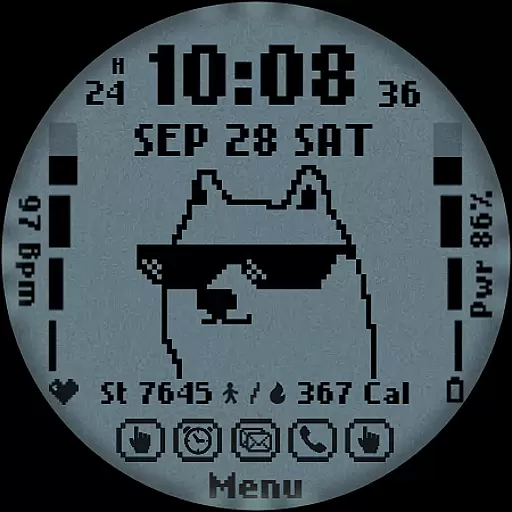
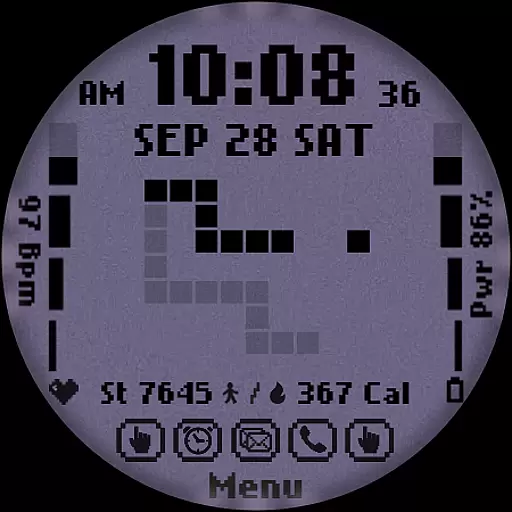
[KNA017] RETRO is a stylish watch face designed for Wear OS devices, offering users a customizable and feature-rich experience. This digital watch face supports both 12-hour and 24-hour time formats, displaying the date, day of the week, and month. With compatibility for API level 30+ devices like Google Pixel and Galaxy Watch 4, 5, 6 series, it provides essential health and activity tracking features such as step count, heart rate monitoring, battery level display, and calorie calculation.
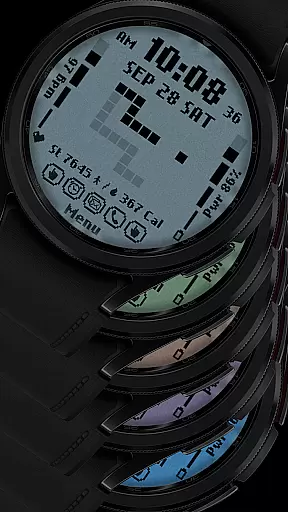
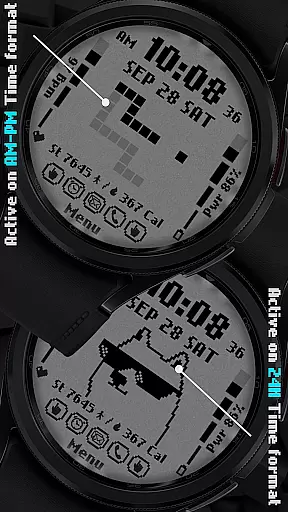
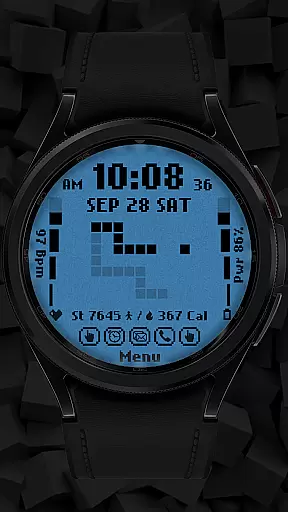
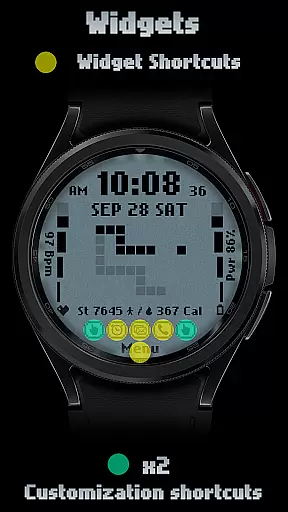
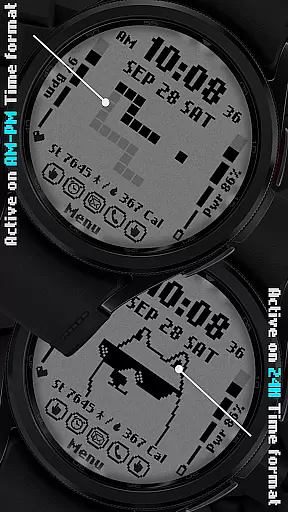
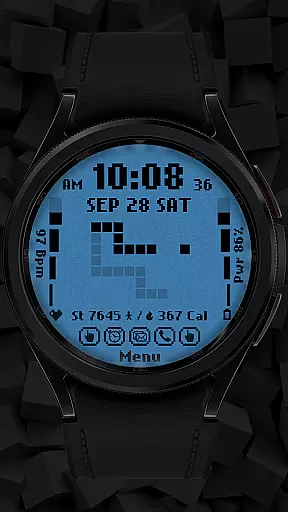
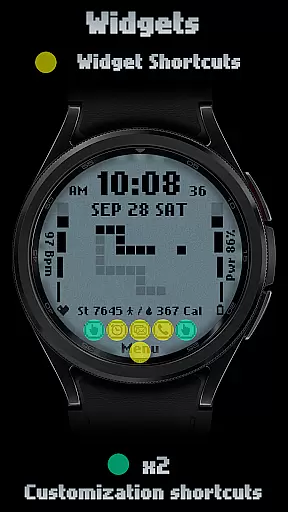
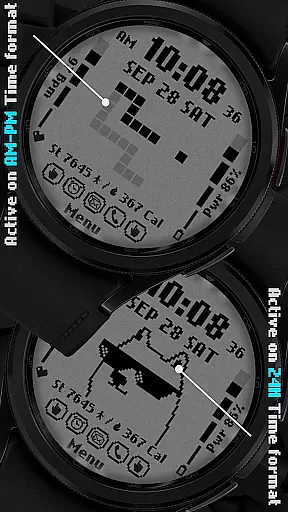
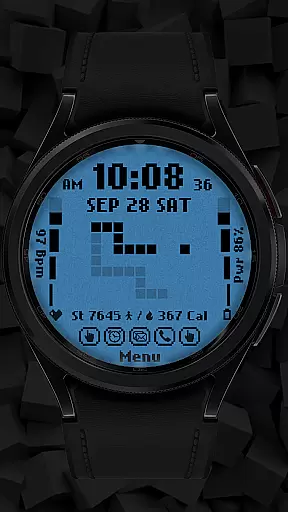
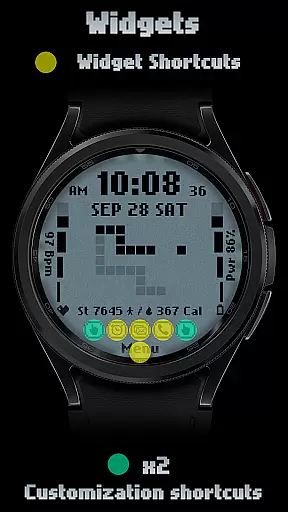
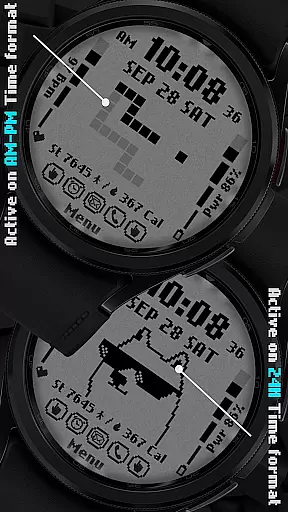
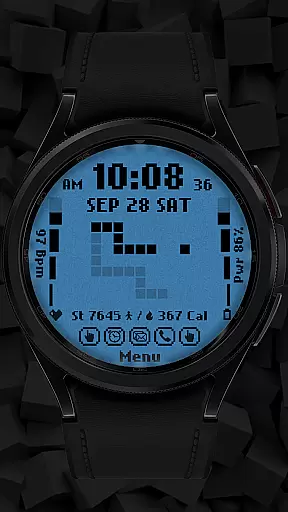
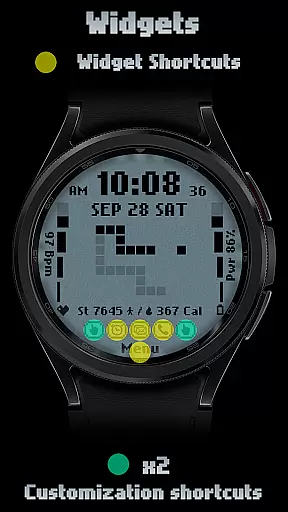
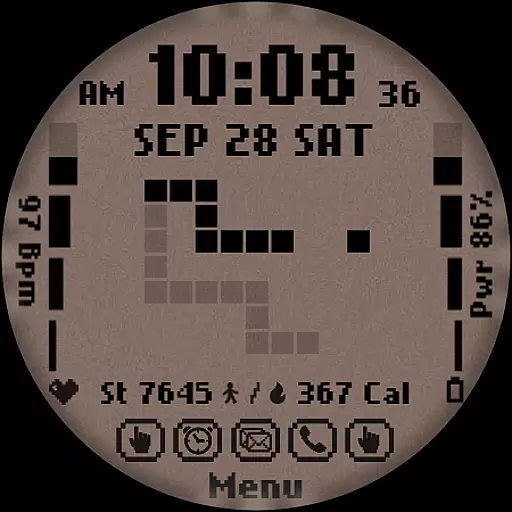
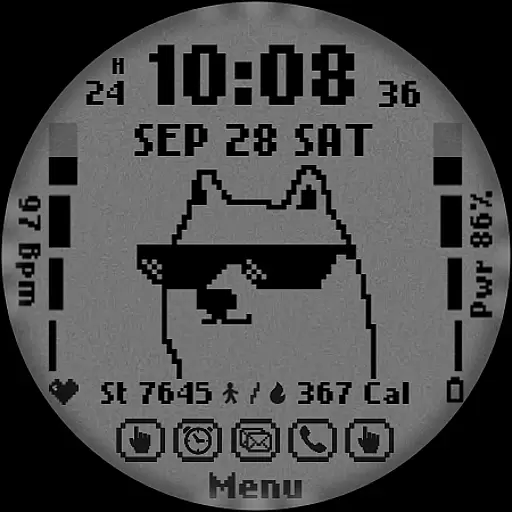
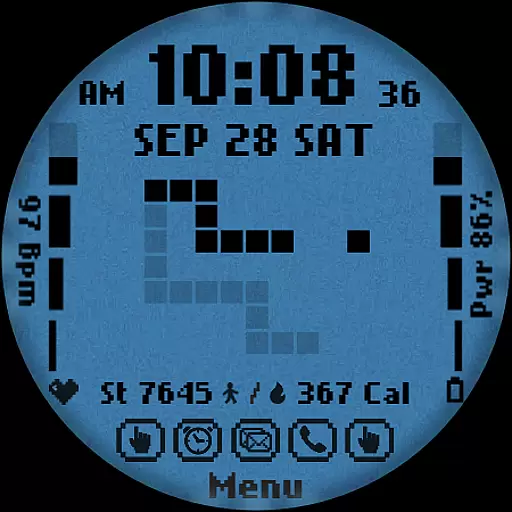
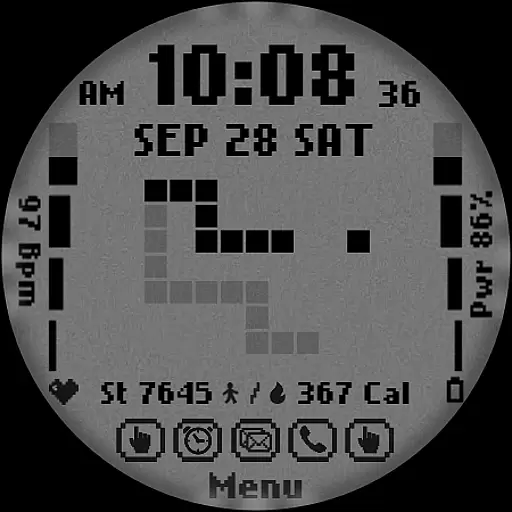
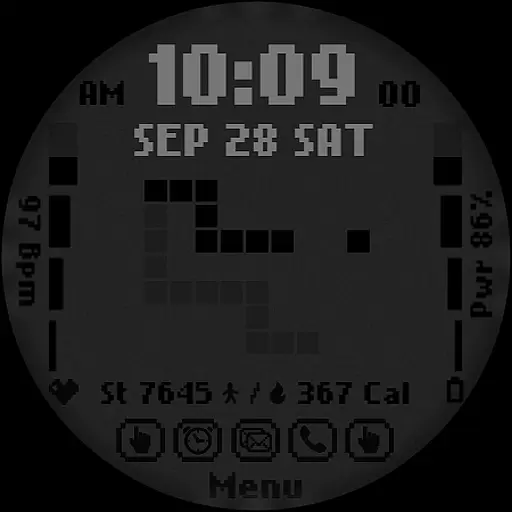
One of the standout features of [KNA017] RETRO is its retro-style animation that changes based on the time format selected (AM-PM or 24-hour). Users can further personalize their watch face with six different color options and styles. The two customizable shortcuts allow quick access to preferred functions, while complications can be tailored to show various data types including weather, world clock, and more. Before installation, users should ensure their device is compatible with Wear OS and update their Android system to the latest version.
[KNA017] RETRO stands out with its versatile customization options and practical features. The watch face offers six distinct colors and styles, allowing users to choose a look that best suits their personal taste. Its digital design includes two customizable shortcuts, giving users quick access to frequently used functions. The retro-style animation adapts to the selected time format, providing a unique visual experience whether using AM-PM or 24-hour display.
In terms of functionality, this watch face goes beyond simple timekeeping. It integrates essential health and fitness tracking features such as step counting, heart rate monitoring, calorie calculation, and battery level display. The complication system is particularly noteworthy, as it lets users personalize their watch face with various data points including weather information, world clocks, and environmental sensors. While some features may vary across different watch models, the core functionality remains consistent across compatible Wear OS devices.
The installation process requires users to first verify their device's compatibility with Wear OS and ensure their Android system is updated to the latest version. Once installed, users can easily customize their watch face by touching and holding the display, then selecting the customize option. This intuitive customization process makes it simple for users to create a personalized watch face that meets their specific needs and preferences.
In the realm of digital art and design, having a comprehensive suite of creative tools is essential for unleashing an artist's full potential. The [KNA017] RETRO Wear OS Watch Face stands out by offering a versatile canvas for personal expression right on your wrist. With features such as Digital Styles in 12/24 hour time formats, display of Date, Day of the week, and Month, it merges utility with creativity.
Moreover, this watch face provides not one but two customizable shortcuts along with six distinct color and style combinations. This level of customization empowers users to tailor their watch faces to match their personal aesthetic or mood. Whether you prefer a minimalist look or something more vibrant and dynamic, the [KNA017] RETRO ensures that your individuality shines through every glance at your watch.
The inclusion of health and activity tracking metrics like Steps Count, Heart Rate, Battery Level, and Calories Calculate further enriches the creative palette. These elements are not only functional but also seamlessly integrate into the overall design, providing both beauty and brains in a wearable form factor.
Flexibility in design and format options is a hallmark of any top-tier art and design application, and the [KNA017] RETRO Wear OS Watch Face excels in this area. By supporting devices with API level 30+, including Google Pixel and Galaxy Watch models 4, 5, and 6 among other Wear OS devices, it guarantees broad compatibility and an adaptable user experience across various hardware platforms.
This adaptability extends to its Retro-style animations that change according to the time format selected (AM-PM or 24-hour). Such dynamic visuals ensure that users enjoy a fresh and engaging appearance throughout the day without losing sight of precise timekeeping. The ability to switch between different styles effortlessly enhances user satisfaction and keeps the interface feeling novel and exciting.
Additionally, complication customization allows for unparalleled personalization; whether displaying weather updates, world clocks, or environmental data like sunrise/sunset times and barometric pressure readings, each element can be fine-tuned to suit individual preferences. This flexibility ensures that no matter what information is most relevant to you at any given moment, your watch face remains both informative and stylishly unique.
Customizable complications
Retro-style animation
Health tracking features
Six color options
Two shortcut buttons
Limited device compatibility
Requires Android update
Manual setup needed
Some features unavailable
No automatic apply

Art of Combination Wear OS Watch faces
 4.4
4.4
Logo Generator powered by AI: Create stunning logos effortlessly!
4.70
Convert image to JPG PNG HEIC PDF, support almost all kinds of image formats
4.70
Nano Banana AI Image Generator, Anime Filter, AI Portrait, AI Photo Generator
4.30
Image resizer to resize, crop, rotate, flip, change dpi photo or picture in bulk
4.60
Resize photos and print photos in exact size with our powerful photo printer!
3.80
2D animation studio for Android tablets - unlimited layers, infinite timeline
4.70
Photo stitcher for automatically screenshot stitching into a long screenshot
4.70
Create amazing pictures and unleash your creative genius with AR Drawing Sketch
4.40
See Color, Paint Color
4.90
Create stunning art with AI.
4.80
Draw, fidget, and spin glow art! Relax and express your creativity with a finger
4.60
The perfect place to start sketching! Use Sketchbook to draw and paint sketches.
4.50
Draw Trace image sketch by, AR art projector app, Easy to trace any image.
4.50
AI Tattoo Generator: Create Tattoo Designs & Get Ideas! Ink & Stencil Maker
4.50
Unleash Your Creativity with Draw Cartoon - AR Drawing App
4.10
Design unique, funny and adorable cat stickers that reflect your own style!
3.80
AI Face Swap, Video Effects Editor, Realtime Morph, Funny Video FX,AI Filters
3.70
Your Essential Color Theory Guide: Red, Yellow, Blue (RYB)
4.4



User Reviews