
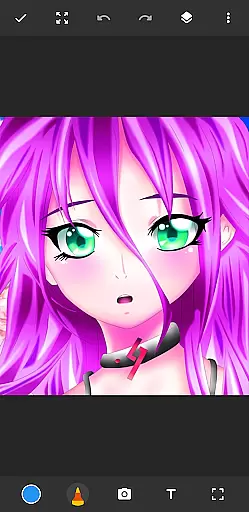
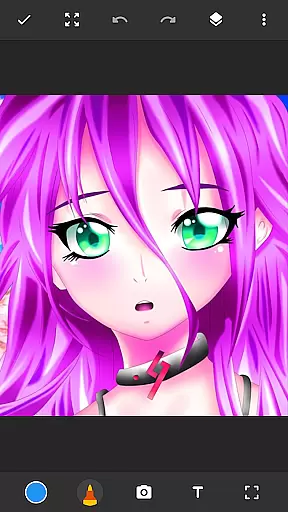
Drawing Pad Lite is a feature-rich digital art application designed for both beginner and experienced artists. This app provides an intuitive platform to create stunning sketches, paintings, and illustrations directly on your mobile device. With its diverse selection of brush tools, pencil types, and vibrant color options, users can easily explore their creativity while enjoying professional-grade drawing capabilities.
The app stands out with its layer functionality, allowing artists to organize their work efficiently and experiment with different ideas without affecting the original artwork. Whether you want to doodle casually or work on detailed digital paintings, Drawing Pad Lite offers all the essential tools to bring your artistic vision to life. Its user-friendly interface ensures that even first-time users can quickly adapt and start creating impressive artworks.
Perfect for hobbyists and professionals alike, Drawing Pad Lite transforms your mobile device into a portable art studio. The ability to draw on photos and customize brush settings makes it a versatile tool for various creative projects. By combining powerful editing features with an accessible design, this app empowers users to express their artistic potential anytime, anywhere.
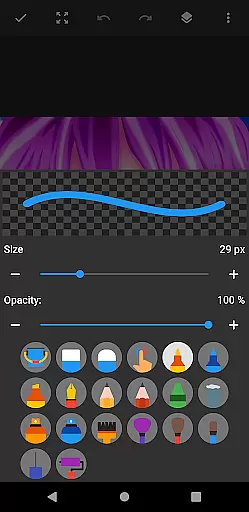
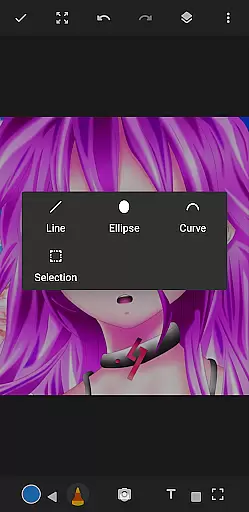
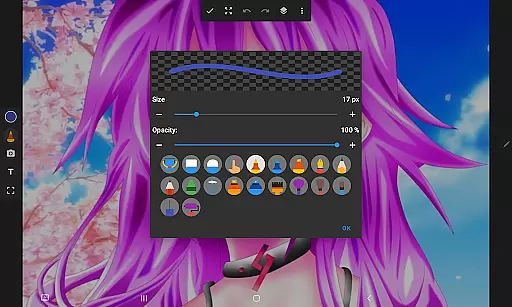
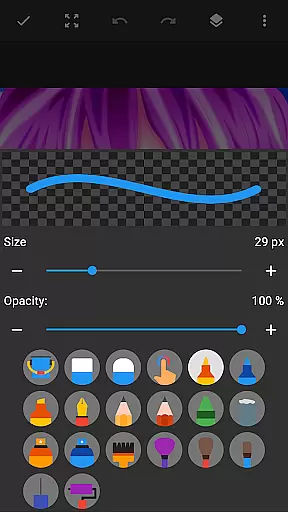
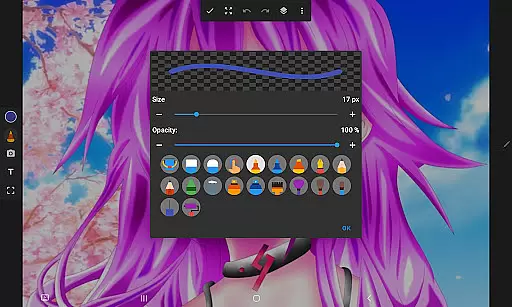
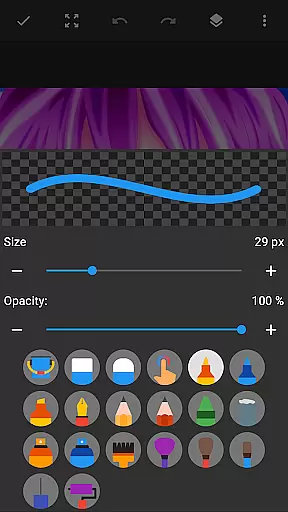
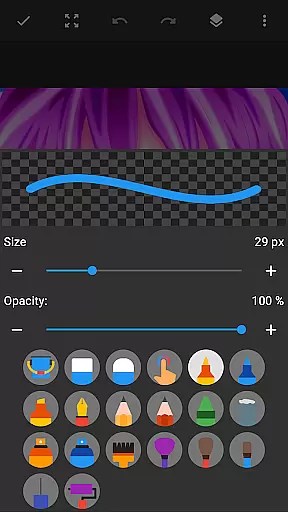
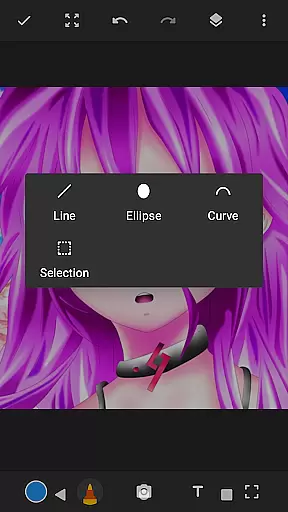
Drawing Pad Lite offers an extensive range of features tailored to meet the needs of digital artists. One of its standout characteristics is the diverse selection of brushstrokes and pen tools. Users can choose from pencils, pens, markers, and brushes, each available in multiple sizes and styles. This variety allows for complete control over every stroke, enabling artists to replicate traditional drawing techniques digitally.
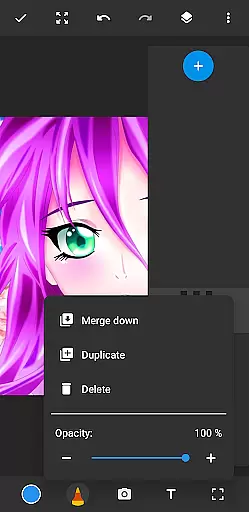
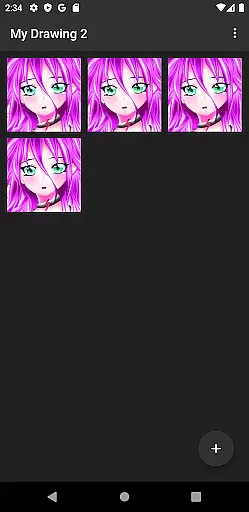
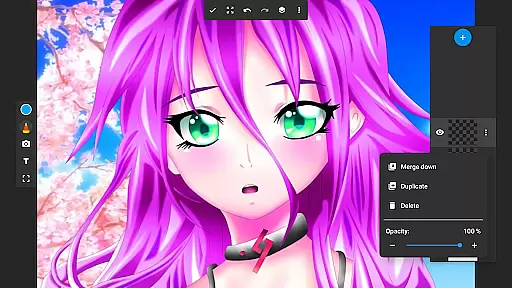
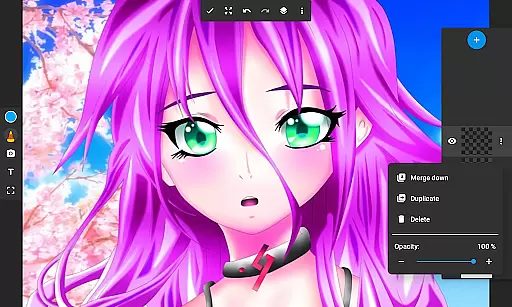
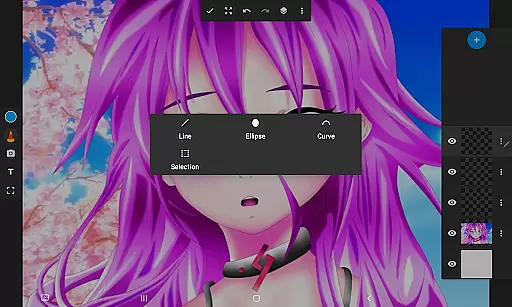
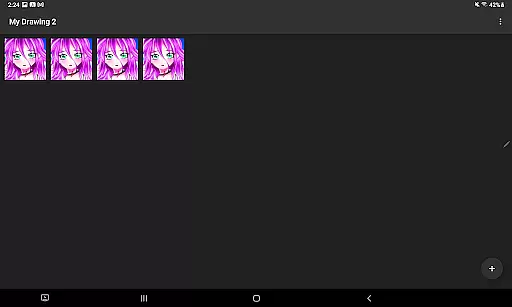
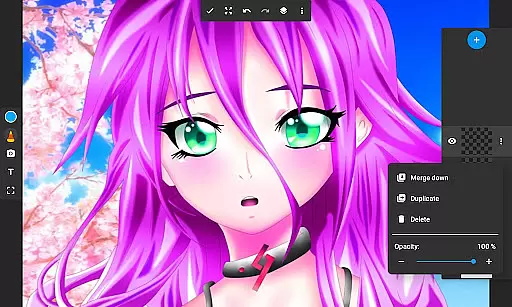
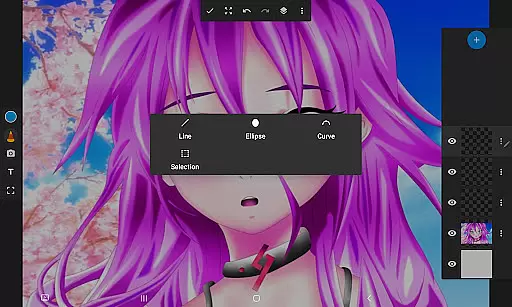
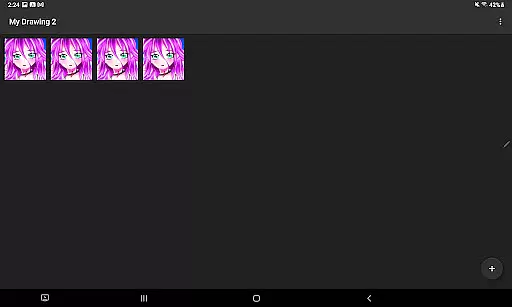
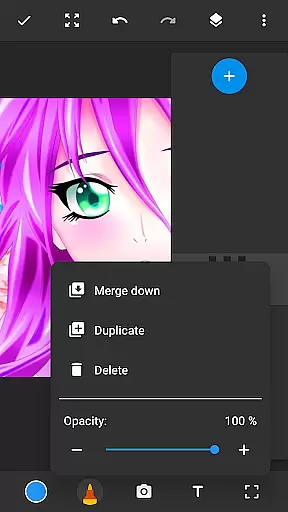
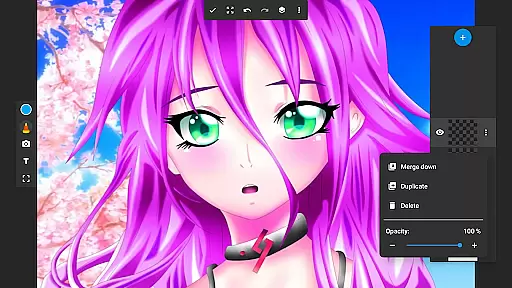
A key innovation of Drawing Pad Lite is its robust layer system. Artists can save their digital art in separate layers, making it easy to edit individual components without altering the entire piece. This feature is particularly useful for complex projects where precision and flexibility are crucial. Additionally, the opacity adjustment function gives users the ability to create depth and dimension in their artwork.
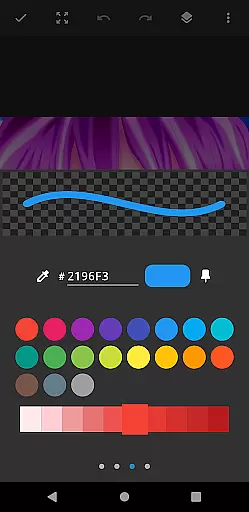
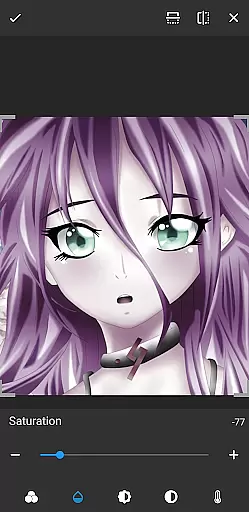
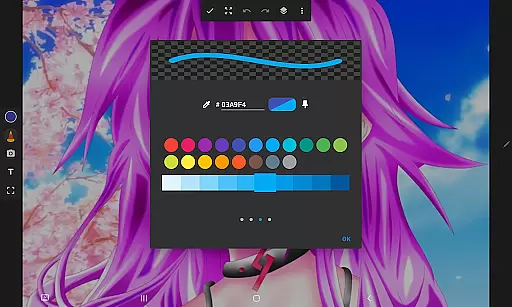
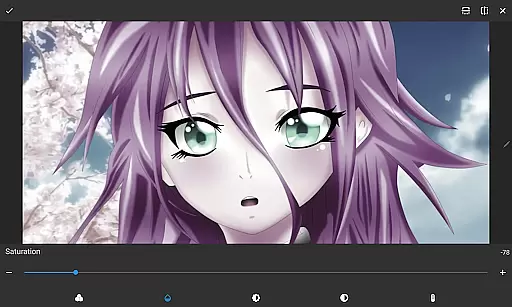
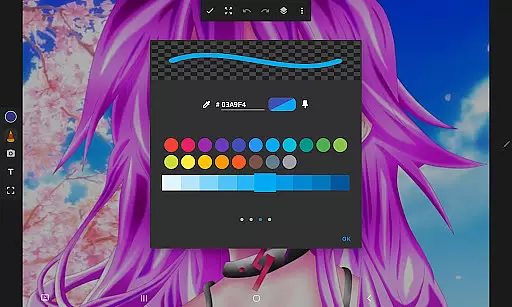
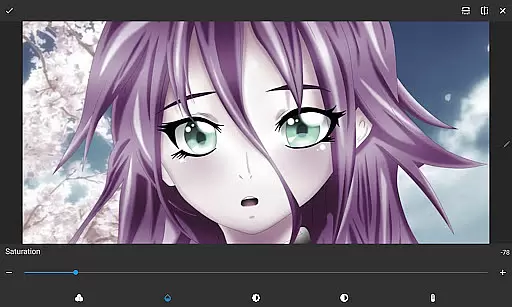
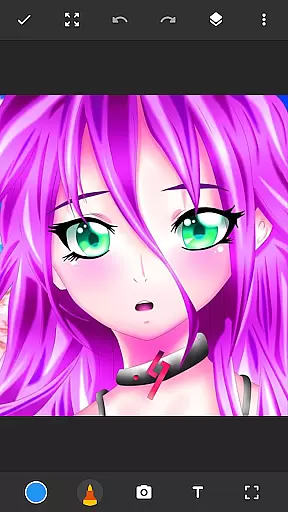
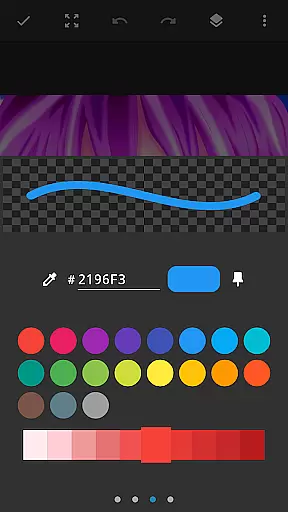
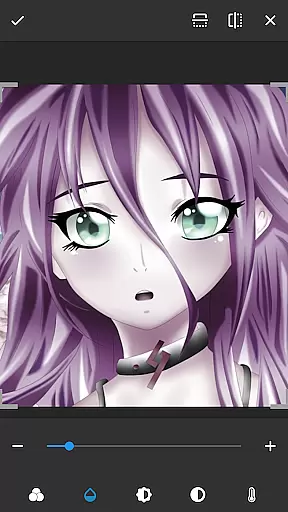
Beyond basic drawing tools, the app includes advanced customization options. Users can draw directly on photos, experiment with vibrant color palettes, and utilize specialized editing features to refine their work. These capabilities ensure that every artist can find the right tools to match their unique style and project requirements. Whether working on simple sketches or elaborate digital paintings, Drawing Pad Lite provides everything needed to produce professional-quality results.
In the realm of digital art, having a comprehensive set of creative tools is essential for artists to fully express their visions. Sketchbook Lite - Artbook rises to the occasion by offering an extensive array of brushstrokes, pencil types, pens, and markers.
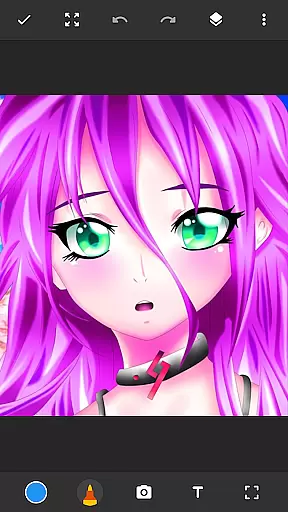
Each tool within this drawing app provides users with nuanced control over sizes, styles, and effects, allowing for intricate detailing and personalization in your artwork. The ability to draw on photos adds another layer of creative possibilities.
Furthermore, the inclusion of layers revolutionizes how artists manage complex compositions. This feature enables users to organize their sketches efficiently, experiment with different ideas, and adjust opacity to craft the perfect piece.
With these complete and versatile creative tools at their disposal, artists can refine their work to professional standards, ensuring that Sketchbook Lite - Artbook is a robust companion for both budding and experienced creators.
A hallmark of any powerful drawing tablet is its canvas and format flexibility, which Sketchbook Lite - Artbook delivers through its adaptable drawing interface. Artists can enjoy unlimited freedom as they sketch, paint, or doodle on a customizable digital canvas.
This drawing pad app allows users to modify their workspace according to their project's needsu2014whether it involves working on detailed manga or coloring anime illustrations. The flexibility extends to various aspect ratios and resolutions suitable for diverse artistic endeavors.
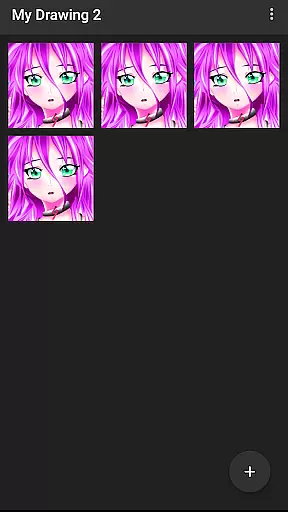
Moreover, the option to save digital art in layers enhances workflow efficiency. Users can easily edit individual components without affecting the entire composition, providing unparalleled ease when revising or enhancing specific elements of their work.
By offering such dynamic canvas options alongside traditional sketching joy, Sketchbook Lite - Artbook ensures that every artist has the necessary flexibility to bring their imaginative concepts to life seamlessly.
User-friendly interface
Wide range of brushes
Layer support
Vibrant color options
Photo drawing capability
Limited free features
Occasional lag
No cloud backup
Ads in free version
Steep learning curve

Vidu is an AI video generator made for creators and aspiring makers.
 3.30
3.30
Learn how to draw with step-by-step tutorials, fun lessons & multiplayer drawing
4.70
Create trending AI photos & videos with powerful effects and 3D styles.
3.20
Create stunning video, photo & magic from text with FlixAI GPT video generator.
3.10
Design unique, funny and adorable cat stickers that reflect your own style!
3.80
800+ Drawing, Painting Lessons App to Practice, Sketch & Paint Art.
4.30
Art of Combination Wear OS Watch faces (for Wear OS 5+ devices)
3.90
AI Tattoo Generator: Create Tattoo Designs & Get Ideas! Ink & Stencil Maker
4.50
An intuitive, high-performance painting app that lets you focus on creating
4.40
Digital illustration drawing & painting pad app to paint Anime and Manga art
4.50
Create color palette from Image, RGB & RYB Color wheel harmonies, Color Scheme
4.50
Video AI: Revolutionize Your Content Creation with Advanced Video Generation
4.50
Image/ Text to Video Generator
4.40
AI generated images & photos, turn your words into drawing, painting & pictures.
4.30
Nano Banana AI Image Generator, Anime Filter, AI Portrait, AI Photo Generator
4.30
Custom Character Creator & PFP Maker!
4.20
Easy 3D drawing design maker & creator. Model designing, Sculpting. Create&paint
4.00
Paint with oils and sketch with natural tools on a realistic virtual canvas.
3.80
Art of Combination Wear OS Watch faces (for Wear OS 5+ devices)
3.00



User Reviews