
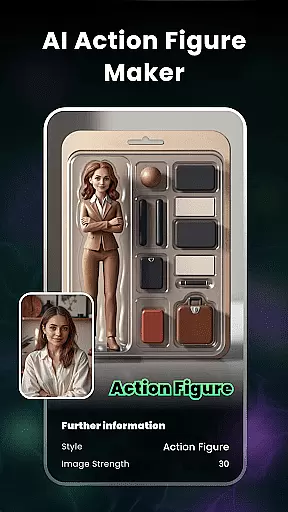
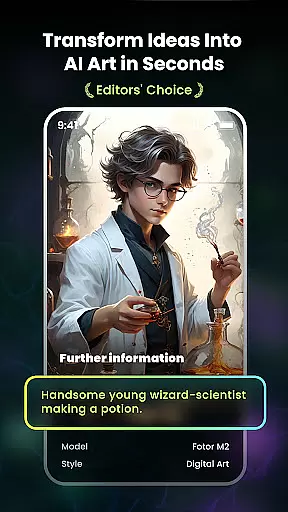
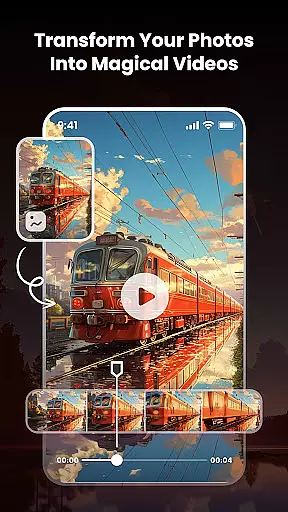
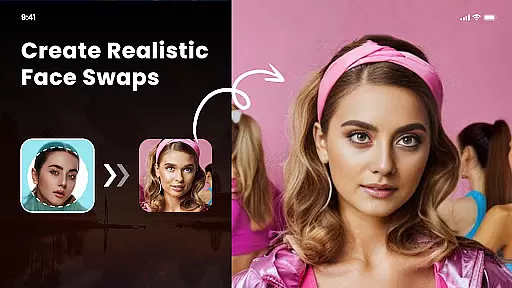
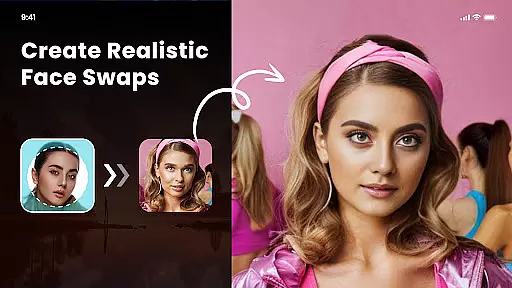
Nano Banana AI Image is an innovative app in the Art & Design category that allows users to create stunning visuals through text or image prompts. Powered by advanced Gemini 2.5 Flash Image AI, it delivers sharp, context-aware images for both image-to-image and text-to-image creation. The app also features natural language photo editing capabilities, providing a new dimension to image transformation.
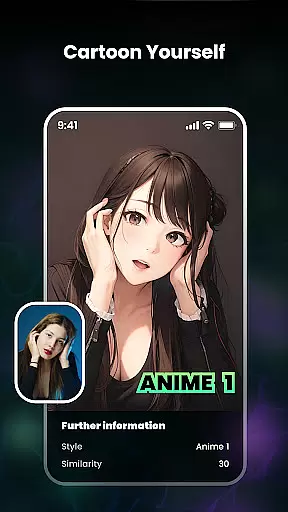
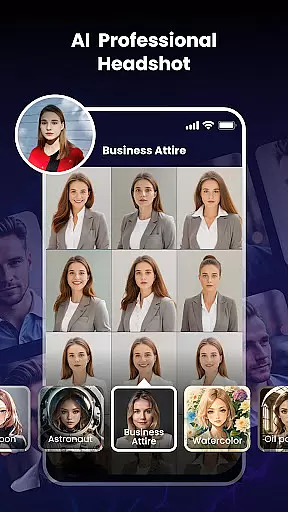
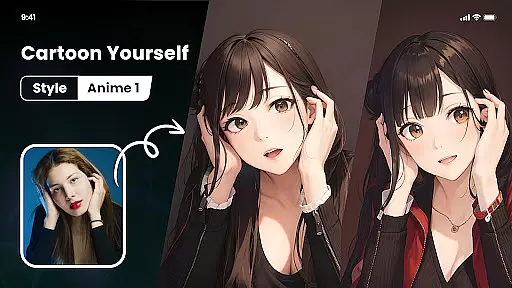
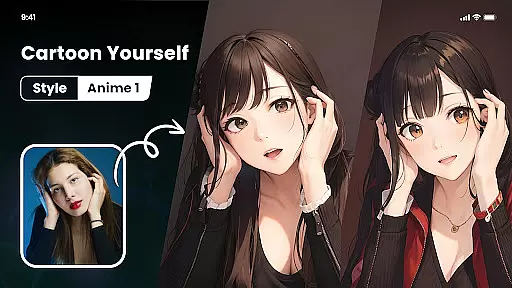
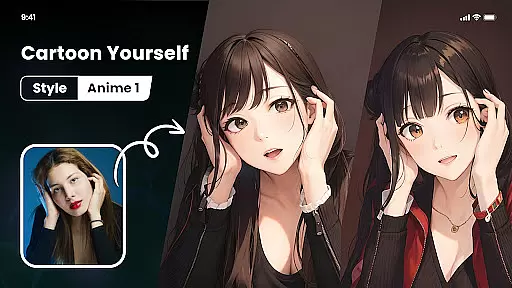
With specialized tools like Photo Cartoonizer, Japanese Anime Filter, and AI Art Generator from Text, users can effortlessly turn photos into cartoon avatars, anime art, or masterpieces mimicking styles of famous artists like Van Gogh and Monet. It also supports minting AI-generated artwork into NFTs, making it a versatile tool for creative professionals and hobbyists alike.
Whether you're looking to enhance your digital art portfolio or simply explore creative possibilities, Nano Banana offers a complete suite of features to bring your ideas to life with remarkable ease and precision.
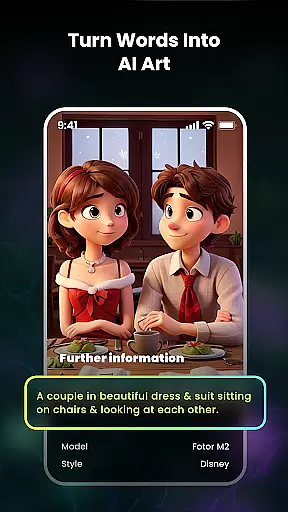
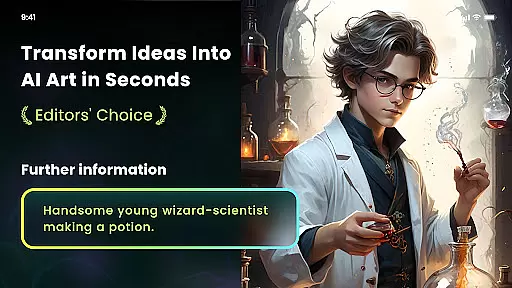
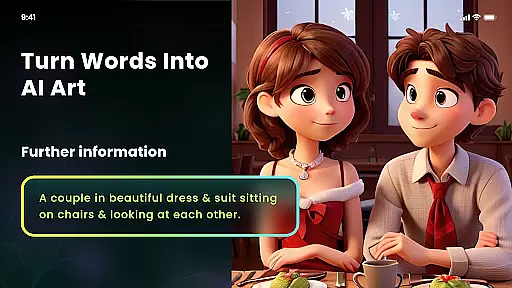
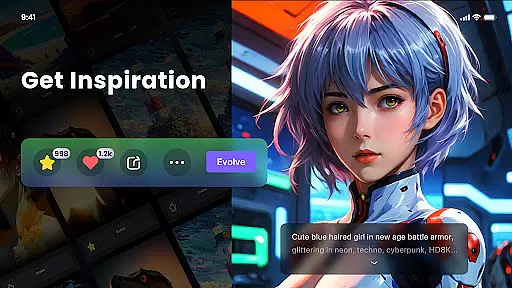
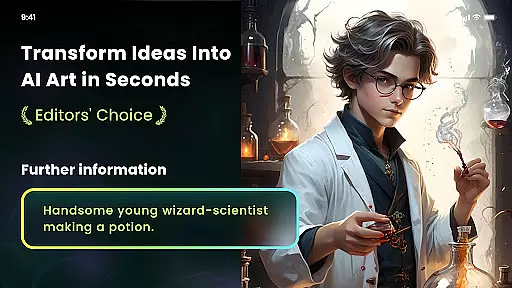
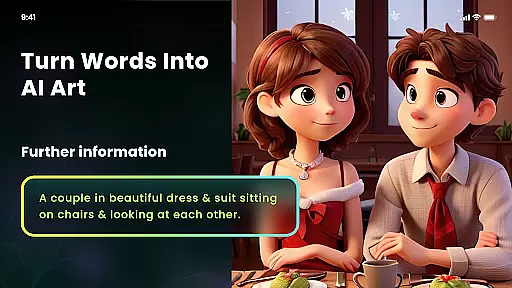
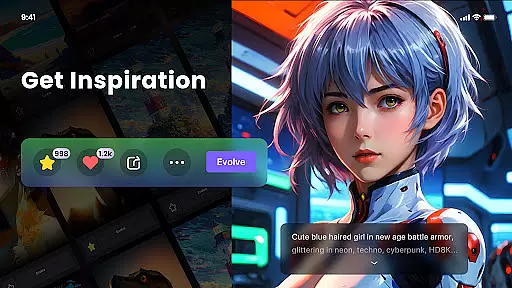
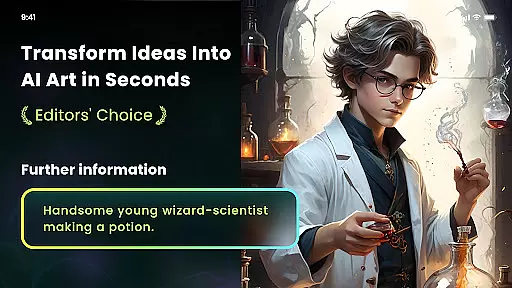
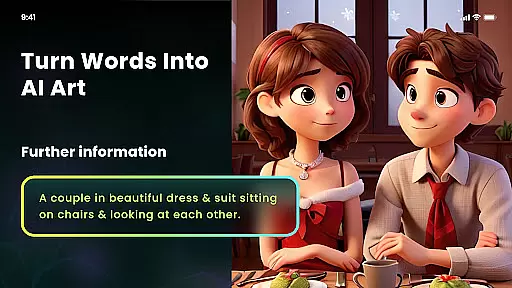
The app boasts an impressive array of features designed to cater to diverse artistic needs. One standout feature is the AI Art From Text functionality, which converts simple text prompts into unique artworks across various styles such as cyberpunk, anime, surrealism, and more. This empowers users to visualize their concepts quickly and accurately.
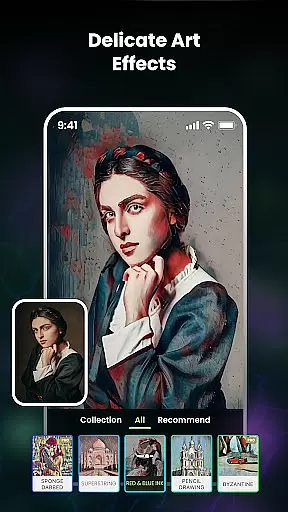
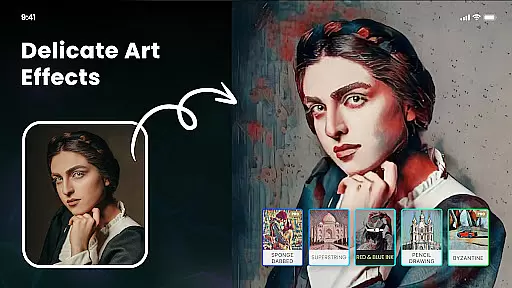
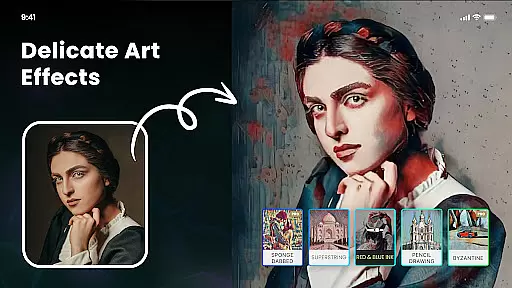
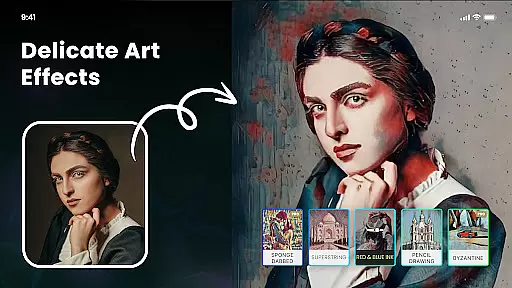
Another key feature is the Multiple Artistic Style Filters, offering a range of filters inspired by impressionism, ukiyo-e, sketches, and anime. These filters transform ordinary photos into extraordinary pieces of art, enabling users to achieve distinctive creative results. Additionally, the AI Cutout tool provides effortless background removal and replacement, enhancing photo editing flexibility.
For those interested in digital assets, the Mint NFT feature allows users to convert their AI-generated artwork into tradable NFTs. Coupled with high-definition export options and easy-to-use interfaces, Nano Banana ensures that creativity knows no bounds while maintaining professional standards.
In the realm of digital artistry, having a comprehensive suite of creative tools is paramount. Nano Banana AI Image offers an extensive array of features that cater to both amateur artists and professional designers. With capabilities ranging from text-to-image generation using advanced AI models like Gemini 2.5 Flash Image AI, to image-to-image transformations, users can explore limitless possibilities.
The application includes specialized tools such as Photo Cartoonizer, which allows users to convert their images into cartoon avatars with a single click. Additionally, it provides various artistic filters inspired by famous art styles, including impressionism and ukiyo-e, enabling creators to infuse their work with unique aesthetics. These tools not only enhance the visual appeal but also offer practical applications in fields like marketing and entertainment.
Moreover, Nano Banana supports high-definition outputs and printing options, ensuring that artworks maintain their quality even when scaled for physical media. This feature is particularly beneficial for those looking to commercialize their creations, as they can print on items such as T-shirts or wallpapers without losing detail.
By integrating functionalities like AI Cutout for background removal and one-click NFT minting, Nano Banana empowers users to streamline their workflow and focus more on the creative process rather than technical hurdles. Such a robust set of tools makes Nano Banana a versatile choice for anyone interested in digital art.
Flexibility in canvas and format options is crucial for digital artists who require precision and adaptability in their work. Nano Banana AI Image excels in this area by providing users with the ability to customize their canvas size and choose from multiple output formats. Whether you're working on detailed illustrations or expansive landscapes, the app accommodates various project requirements seamlessly.
One notable feature is the support for high-definition exports up to 8 megapixels, allowing artists to produce prints of exceptional clarity and detail. This ensures that whether the final product is intended for online sharing or physical display, it retains its intended impact and professionalism. Furthermore, the option to adjust the strength of applied effects gives users granular control over the final appearance of their artwork.
Nano Banana also facilitates easy integration with other platforms through its diverse format compatibility. Users can export their creations in formats suitable for web use, social media sharing, or professional printing. This versatility is invaluable for artists who need to adapt their work across different mediums and audiences.
Additionally, the app's user-friendly interface simplifies the process of switching between different canvas settings and experimenting with new ideas. By removing technical barriers, Nano Banana encourages creativity and innovation, making it an ideal platform for artists seeking a flexible and powerful digital canvas.
User-friendly interface
Advanced AI technology
Versatile art styles
High-definition outputs
Innovative NFT support
Premium subscription required
Limited free features
Occasional processing delays
Steep learning curve
Resource-intensive

Meet the magic aı 3d photo generator and smart AI video generator app.
 3.20
3.20
Draw on screen: FP sDraw is a simple and lightweight drawing app
4.70
Your Essential Color Theory Guide: Red, Yellow, Blue (RYB)
4.2
Art of Combination Wear OS Watch faces
4.2
Draw beautiful mandala's very easily
4.60
Draw anime easily with AR guidance, sketch templates & trace tools!
3.10
Draw glowing spinners, relax, and spin your creative art
4.60
Novices can also easily complete diamond painting masters
4.70
AI-powered photo & video creation—fast, fun, and effortless with Quick Actions
4.60
Share the joy of painting with ibis Paint! Drawing anime and manga art.
4.50
Discover Cartoon Dream : Unleash Your Creativity with CuttingEdge AI
4.50
Photo blender app to create overlay photos & double exposure.
4.40
Just trace a projected picture on paper and color! Draw & Paint with AR drawing
4.40
Unleash the artist in you with our AR drawing and tracing tool for photo drawing
4.10
Art of Combination Wear OS Watch faces (for Wear OS 5+ devices)
3.90
Paint with oils and sketch with natural tools on a realistic virtual canvas.
3.80
Experience next-gen icons with a modern liquid glass look.
3.60
Transform photos into amazing monochrome dither art with professional algorithms
4.5
Android 14 style widgets and wallpapers app.
4.5




User Reviews