
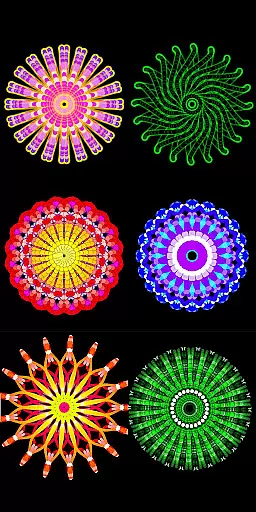
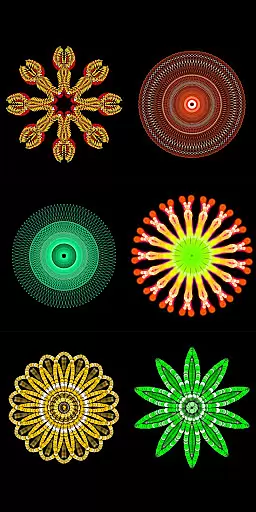
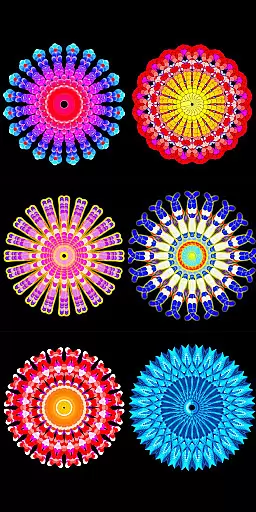
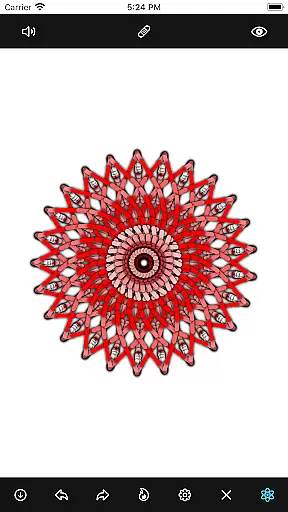
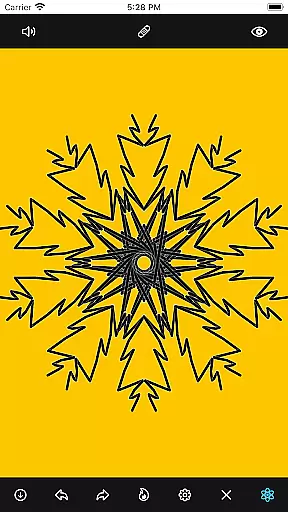
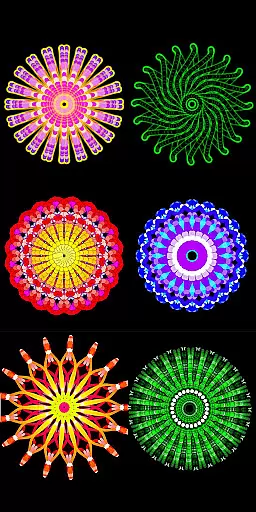
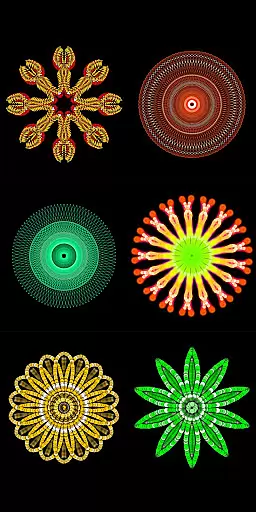
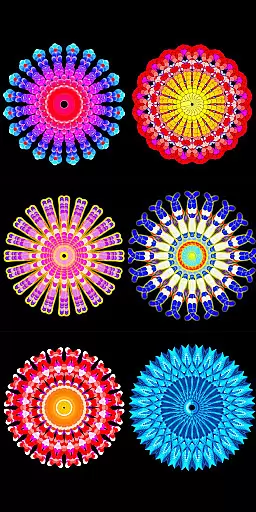
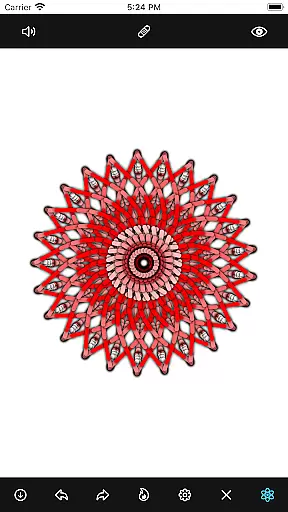
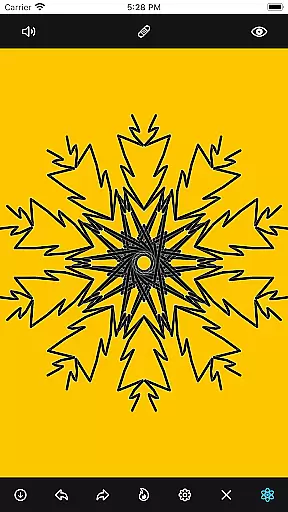
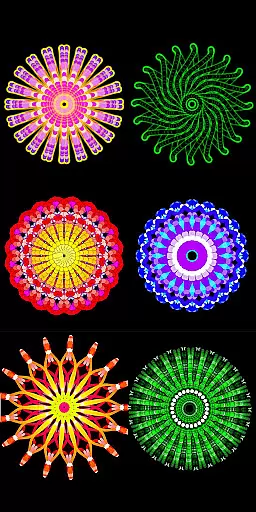
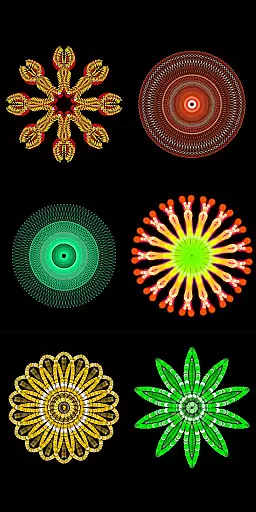
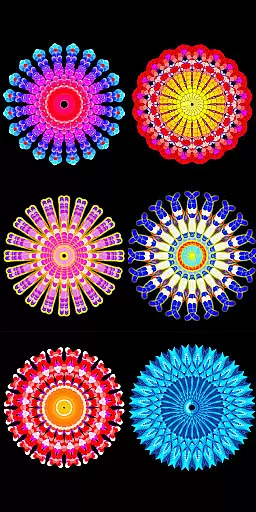
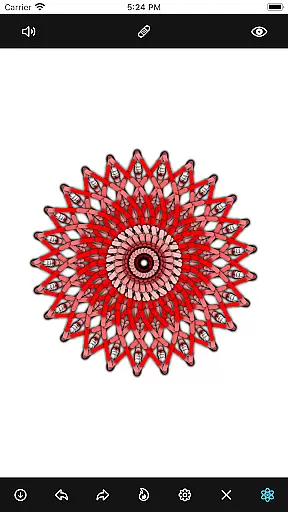
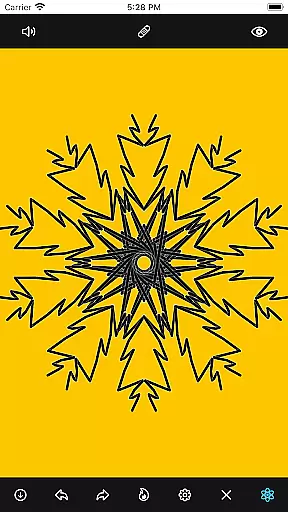
Mandala Maker 360 is a creative tool designed for both beginners and experienced artists to create intricate mandala drawings with ease. The app offers an intuitive interface that allows users to produce beautiful artwork in just a few steps.
With extensive customization options, users can modify canvas symmetry, background color, brush settings, apply shadows, and more. It also includes predefined patterns and over 50 images to aid in the drawing process, making it a versatile choice for anyone interested in digital art.
Whether you're looking to enhance your artistic skills or simply enjoy a relaxing creative outlet, Mandala Maker 360 provides a valuable platform for creating stunning mandalas on mobile devices.
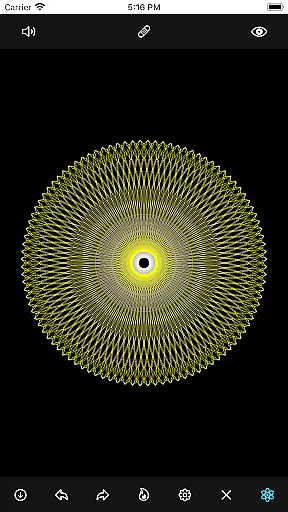
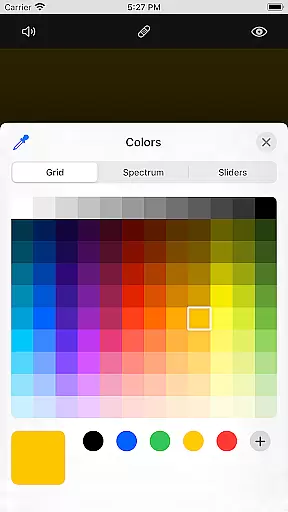
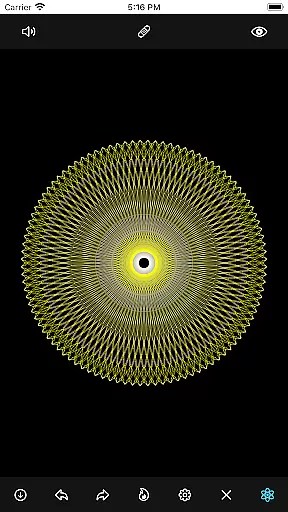
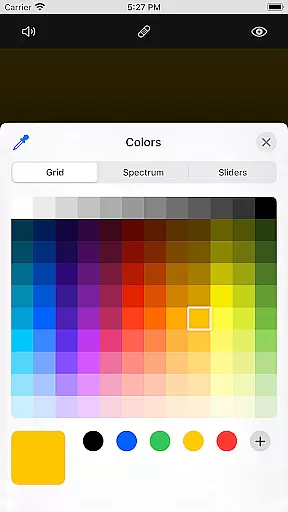
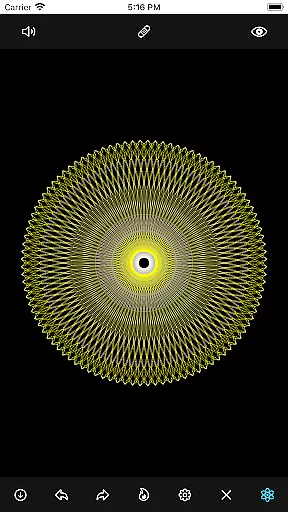
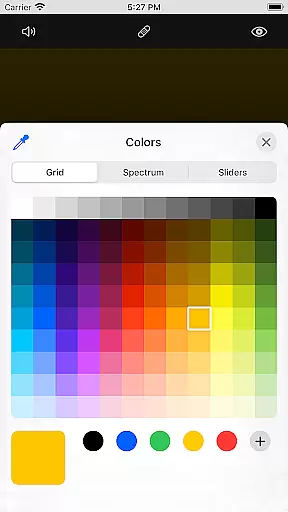
The app boasts a wide array of features that cater to various artistic needs. Canvas Customization allows users to change the background color, adjust the canvas center, enable touch-based centering, and utilize canvas mirroring.
Brush Customization offers multiple brush styles, diverse color options including random color selection, and adjustable brush sizes and types. This ensures every stroke can be tailored to the user's preference.
Image Customization provides over 50 images to incorporate into your mandalas, with adjustable sizes and dimensions. Shadow Properties let users apply randomized shadows with different sizes and colors, adding depth to their creations.
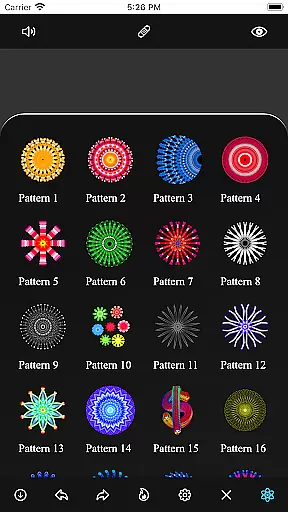
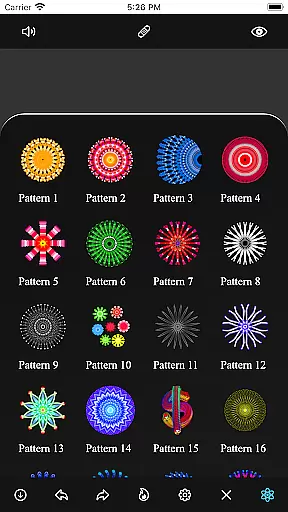
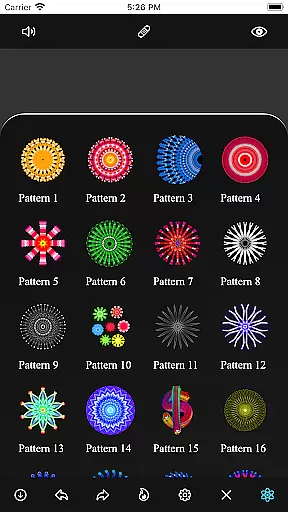
Additionally, the Patterns feature includes a selection of predefined patterns, offering multiple styles to draw with, thus enhancing the creative possibilities.
Mandala Maker 360 offers an extensive suite of creative tools that cater to both beginners and advanced artists. The application provides a rich set of features including canvas customization, where users can modify the background color, adjust the canvas center, and apply mirroring effects.
Brush customization is another highlight, allowing users to choose from multiple brush styles, select different color types, and even enable random color selection. With options to change brush sizes and types, artists have full control over their drawing techniques.
The app also includes image customization features with over 50 images available for drawing. Users can adjust image size and dimensions, providing flexibility in how they incorporate these elements into their mandala designs.
Additionally, shadow properties enhance the depth and realism of drawings. Users can apply random shadows and select from various shadow sizes and colors, adding intricate details to their artwork. This comprehensive toolkit ensures that every artist can bring their creative visions to life.
One of Mandala Maker 360's standout features is its exceptional canvas and format flexibility, which empowers users to create highly personalized mandala art. The canvas customization options are robust, enabling users to change the background color to suit their artistic mood and project requirements.
Artists can also modify the canvas center and apply center positioning at the touch point, ensuring precision and ease when creating symmetrical designs. The canvas mirroring feature further enhances this flexibility by allowing seamless pattern replication across the canvas.
Moreover, the app supports various drawing methods, including predefined patterns and custom images. Users can select from multiple patterns or import images, adjusting their size and dimensions as needed. This versatility ensures that each piece of art can be as unique as the creator intends.
With such adaptable canvas and format options, Mandala Maker 360 caters to a wide range of artistic styles and preferences, making it an ideal choice for anyone looking to explore the intricate world of mandala drawing.
User-friendly interface
Extensive customization
Variety of brushes
Predefined patterns
Shadow effects
Limited free features
In-app purchases
Occasional bugs
Ads present
Learning curve

Stylish letters, Stylish Keyboard, Symbols, Emojis, Cool nickname
 4.40
4.40
Sketch, trace and master AR drawing with awesome anime art!
3.30
Remove Background, Magic Eraser, Photo Enhancer, Story Templates, Collage Maker
4.30
Paint with oils and sketch with natural tools on a realistic virtual canvas.
3.80
Design unique, funny and adorable cat stickers that reflect your own style!
3.80
Draw glowing spinners, relax, and spin your creative art
4.60
Painting, drawing, & sketching
4.50
2D animation studio for Android tablets - unlimited layers, infinite timeline
4.70
Unleash your inner artist! Sketchar: AR Drawing for Limitless Creativity
4.40
Create stunning art with AI.
4.80
Passport size photo maker, create ID photo and visa photo in seconds
4.80
Create neon drawing with magic doodle and fun doodle art effects!
4.50
Create color palette from Image, RGB & RYB Color wheel harmonies, Color Scheme
4.50
Share the joy of painting with ibis Paint! Drawing anime and manga art.
4.50
Video AI: Revolutionize Your Content Creation with Advanced Video Generation
4.50
AI Tattoo Generator: Create Tattoo Designs & Get Ideas! Ink & Stencil Maker
4.50
Photo blender app to create overlay photos & double exposure.
4.40
Create stylish invitation cards using templates for weddings, birthdays & RSVP.
4.20
Create stunning video, photo & magic from text with FlixAI GPT video generator.
3.10




User Reviews