
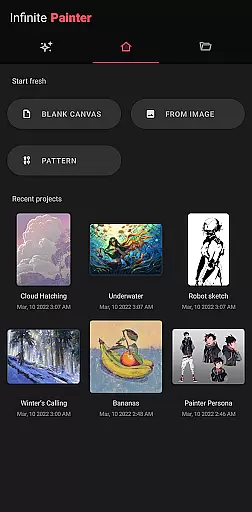
Infinite Painter stands as a premier digital art application tailored for tablets, phones, and Chromebooks. This award-winning software is engineered to cater to artists of all levels, from hobbyists to professionals. It boasts an intuitive interface coupled with a robust set of tools that redefine the painting experience.
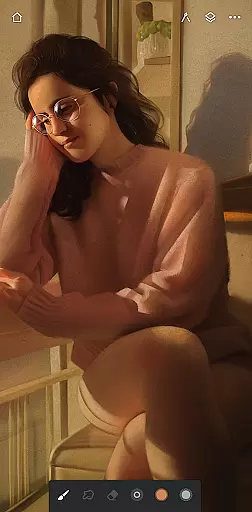
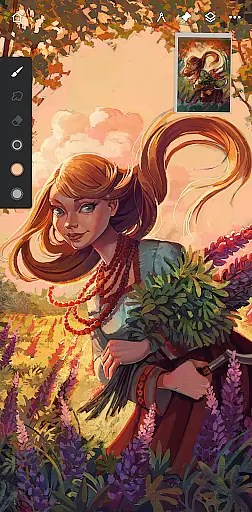
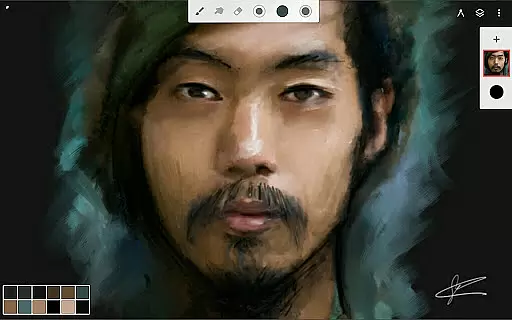
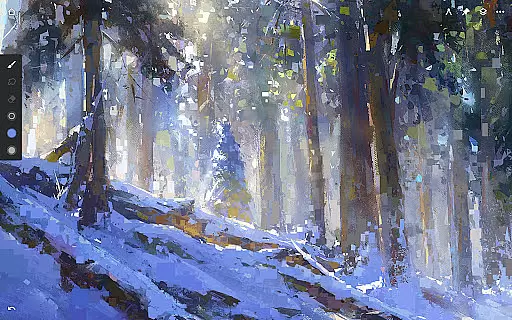
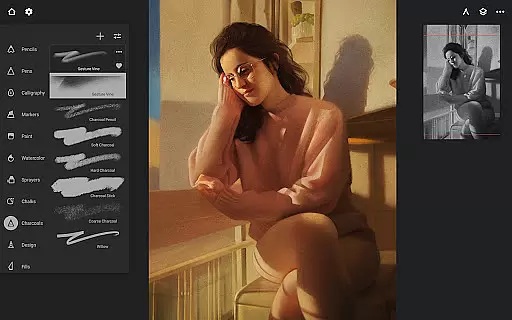
At its core, Infinite Painter offers best-in-class pencils and brushes with realistic canvas interaction. Users can enjoy hundreds of built-in brushes, customizable settings, and support for stylus devices. The app also excels in workspace optimization, providing a clean, clutter-free canvas with customizable interface options.
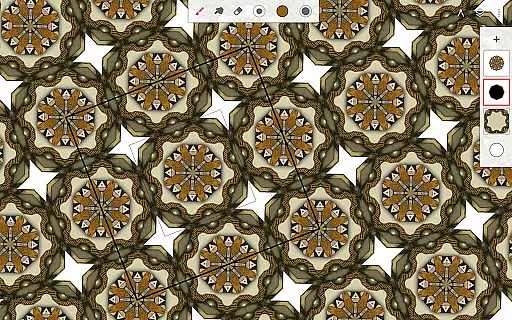
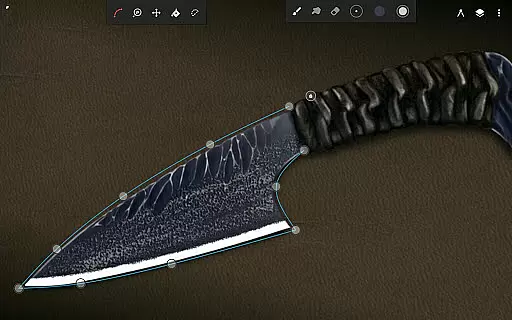
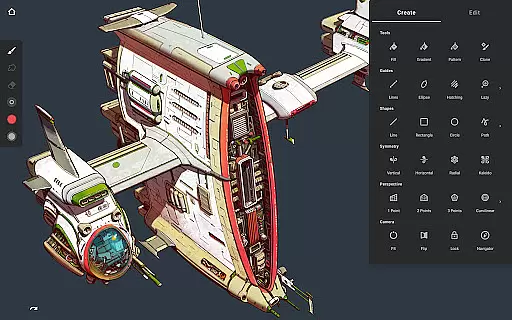
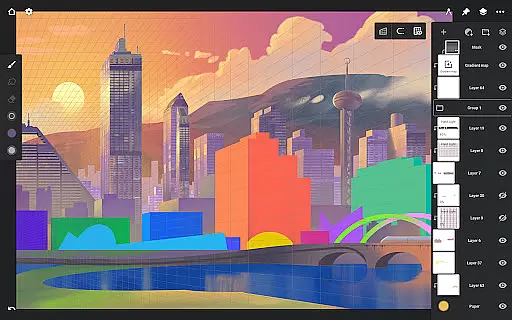
The app's versatility extends to features like symmetry tools, perspective guides, and pixel-perfect editing capabilities. With layer support, blend modes, and industry-leading color correction, it ensures artists have everything needed to create without limitations. Whether designing 3D cityscapes or game art, Infinite Painter adapts to diverse artistic needs.
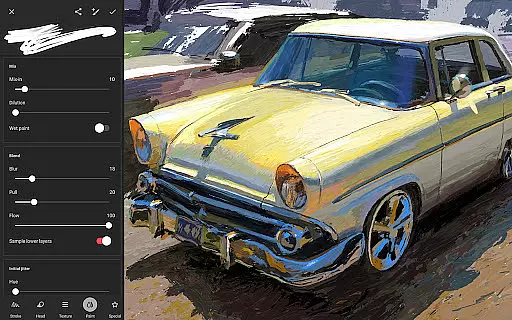
Infinite Painter distinguishes itself through a comprehensive suite of innovative features designed to enhance the creative process. One standout aspect is its reimagination of brushes, offering users hundreds of built-in options, realistic interactions, and over 100 customizable settings. Artists can organize and share their favorite brushes, import custom sets, and apply real-time color adjustments.
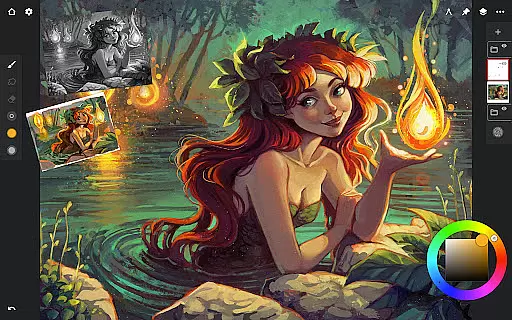
The app optimizes space usage with a minimalistic interface that allows assigning separate finger functions and collapsing layers effortlessly. Tools and actions can be pinned for quick access, while reference images and project history streamline workflows. Advanced tools include symmetry guides, smart shape detection, and hatching guides, ensuring precision in every stroke.
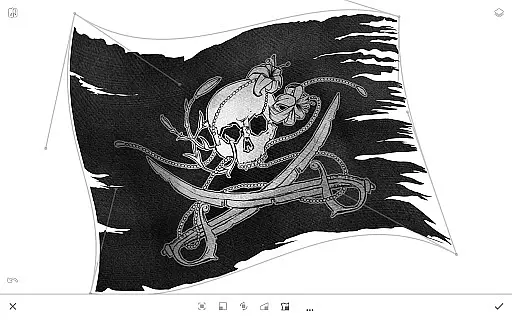
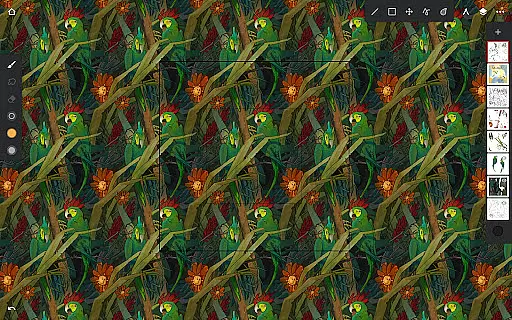
For pixel-perfect editing, Infinite Painter provides selection and masking tools, industry-leading transformations, and gradient fills. Artists benefit from features like canvas preview, artistic cloning, and pattern creation tools. Workflow acceleration is achieved through importing options, image search, and exporting capabilities, including layered PSD files. These features collectively empower artists to bring their visions to life seamlessly.
Infinite Painter offers an extensive suite of creative tools that cater to both amateur and professional artists. The app includes hundreds of built-in brushes with realistic brush-to-canvas interaction, offering over 100 customizable settings. This allows users to fine-tune their tools to match their artistic style perfectly.
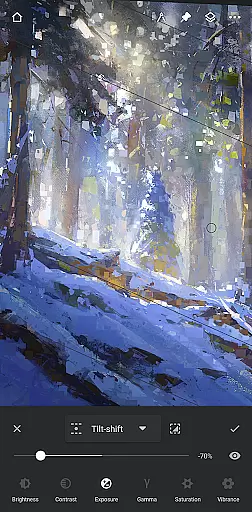
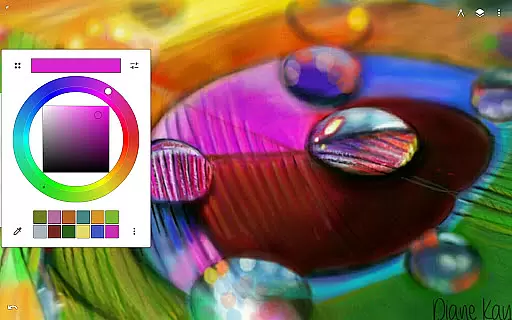
For those who work with stylus devices, the app supports full pressure and tilt functionality, ensuring every stroke translates precisely as intended. Artists can also apply real-time color adjustments and live effects to any brush, providing unprecedented control over the creative process.
The versatility extends to features like seamless pattern projects, selection and masking tools, and industry-leading transformations. Infinite Painter ensures that whether you're sketching, painting, or editing, there's a comprehensive set of tools at your disposal.
With functionalities such as gradient and pattern fill tools, innovative hatching guides, and perspective tools for creating 3D cityscapes, this app truly brings a complete artist's studio to your fingertips.
Flexibility in canvas and format options is where Infinite Painter shines brightly. Users can enjoy a customizable interface that maximizes the visible canvas space while minimizing clutter, allowing for an uninterrupted creative flow. The ability to assign finger functions separately from the stylus enhances this flexibility.
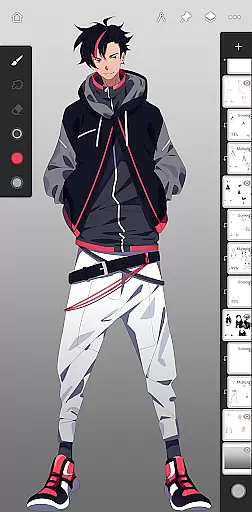
Artists have access to advanced layer support with 30 blend modes, masks for layers, adjustments, and groups, and clipping masks. These features provide the freedom to experiment without limitations, making complex compositions more manageable.
Infinite Painter supports exporting images in various formats including JPG, PNG, WEBP, ZIP, layered PSD files, or Painter projects. This diversity ensures compatibility across different platforms and uses, whether for digital art, print, or further editing in other software.
Additionally, the app provides canvas preview options with flip and grayscale modes, aiding artists in checking proportions and values. With canvas sizes up to HD and beyond, depending on the device, Infinite Painter delivers the adaptability required for all types of artistic endeavors.
Intuitive user interface
Extensive brush library
Powerful layer support
Real-time effects
Versatile export options
Limited free features
Pro version subscription cost
Device compatibility issues
Steep learning curve
Occasional performance lags

Vidu is an AI video generator made for creators and aspiring makers.
 3.30
3.30
Art of Combination Wear OS Watch faces (for Wear OS 5+ devices)
3.00
Stylish letters, Stylish Keyboard, Symbols, Emojis, Cool nickname
4.40
Easy 3D drawing design maker & creator. Model designing, Sculpting. Create&paint
4.00
Digital illustration drawing & painting pad app to paint Anime and Manga art
4.50
Convert image to JPG PNG HEIC PDF, support almost all kinds of image formats
4.70
Digital, Abstract, Classic - all types of color wheels in one app!
4.60
Draw beautiful mandala's very easily
4.60
Android 14 style widgets and wallpapers app.
4.1
See Color, Paint Color
4.90
Passport size photo maker, create ID photo and visa photo in seconds
4.80
Logo Generator powered by AI: Create stunning logos effortlessly!
4.70
The ultimate tool for creating animations
4.60
The perfect place to start sketching! Use Sketchbook to draw and paint sketches.
4.50
Art of Combination Wear OS Watch faces (for Wear OS 5+ devices)
3.90
Your homescreen as an elegant glass with customized blur, lighting, and visuals.
3.70
Art of Combination Wear OS Watch Faces
3.30
Pose and morph realistic male and female models! 3D poser app
3.00
Download now for a stylish and functional timepiece
4.2




User Reviews