
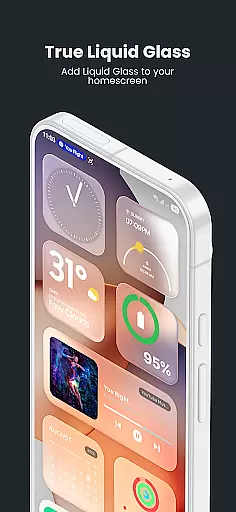
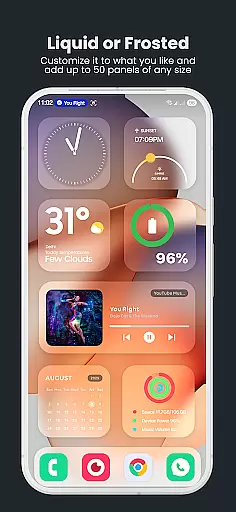
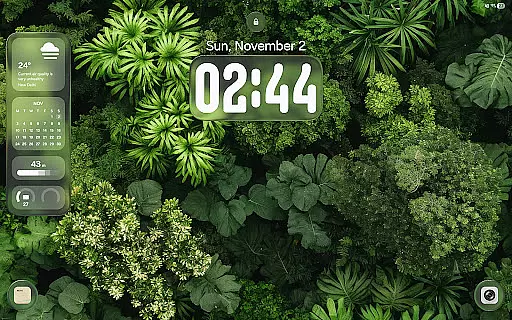
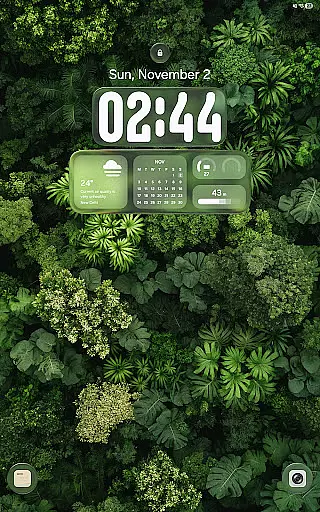
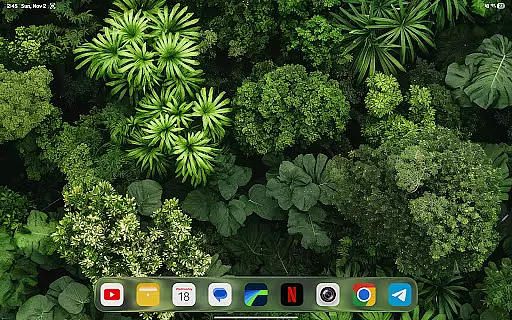
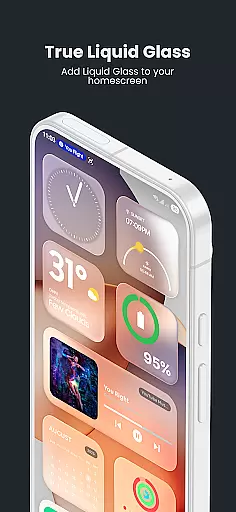
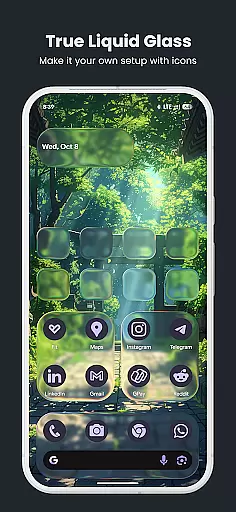
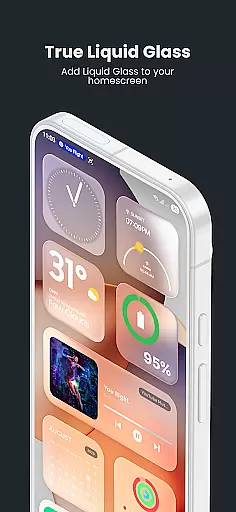
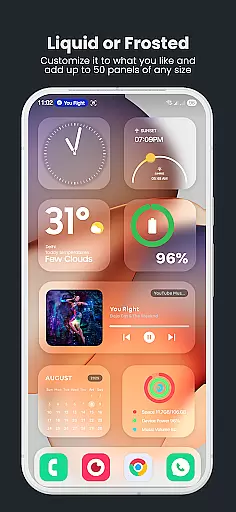
True Liquid Glass is a premium live wallpaper application that brings realistic glass effects to Android devices. This app allows users to create stunning, interactive designs for both home and lock screens, featuring dual layout engines with independent customization options. The application supports advanced features like fluid animated transitions, real-time refraction effects, and motion-based lighting.
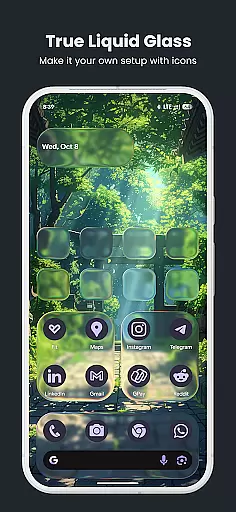
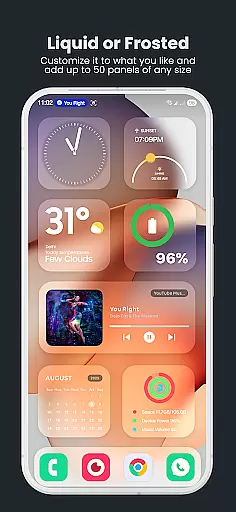
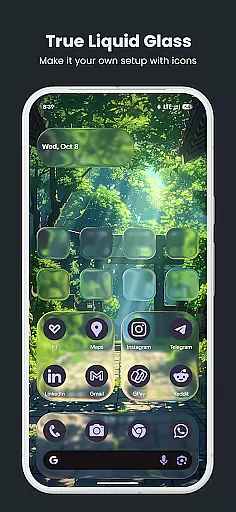
The app's powerful editing tools enable precise control over every design element. Users can customize shapes, adjust blur intensity, modify tint colors, and control opacity levels. With support for both panel and icon modes, True Liquid Glass offers unparalleled flexibility in creating unique mobile interfaces. The built-in parallax effect adds depth to wallpapers, while the preset system allows easy saving and sharing of custom designs.
Ideal for users seeking to personalize their devices with professional-grade visual effects, True Liquid Glass transforms standard Android interfaces into dynamic works of art. Its tablet support and comprehensive feature set make it particularly valuable for creative professionals and design enthusiasts who want to showcase their style through their device's appearance.
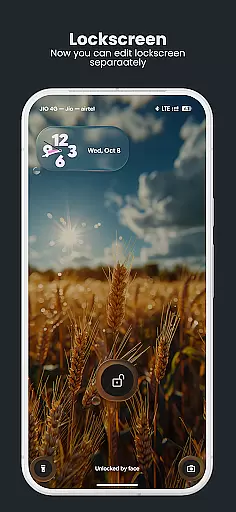
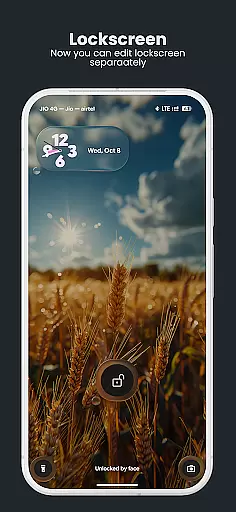
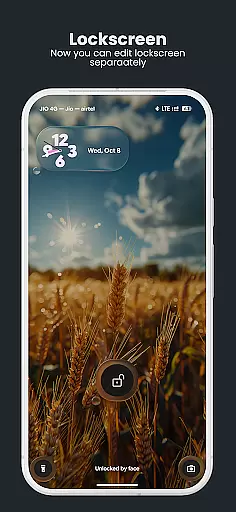
True Liquid Glass stands out with its comprehensive feature set tailored for creative customization. The app's dual layout engine allows users to design completely independent interfaces for home and lock screens, each with unique configurations and animated transitions between them. This feature enables seamless integration of security-focused lock screens with personalized home screen designs.
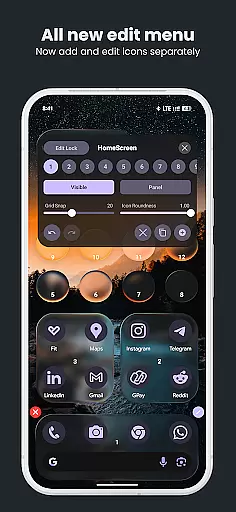
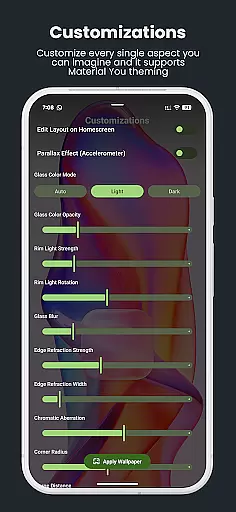
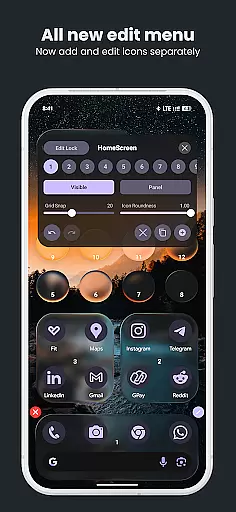
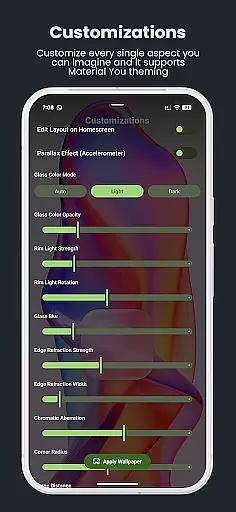
The live editor provides real-time customization capabilities, including adjustable blur intensity, refraction effects, and corner radius controls. Users can manipulate elements directly on their wallpaper, utilizing intuitive touch controls for positioning and resizing. Advanced options like chromatic aberration, rim lighting, and motion-based effects create authentic frosted glass appearances that respond to device movement.
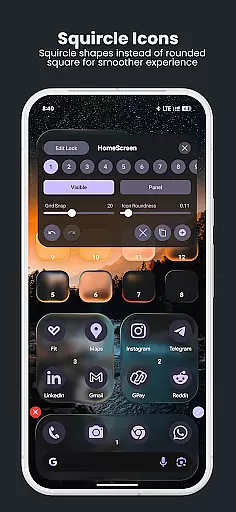
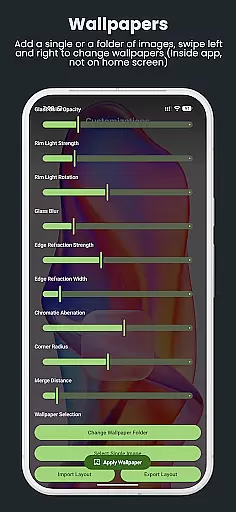
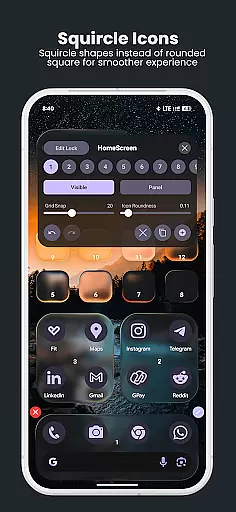
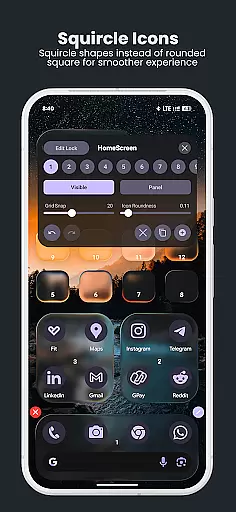
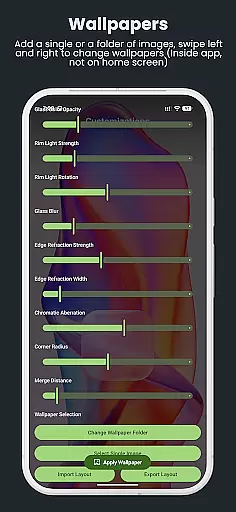
Additional notable features include a robust preset system for saving and sharing designs, support for single images or entire folders as wallpaper sources, and adjustable parallax motion effects. The application also offers fine-tuning controls for icon roundness, grid snapping for precise alignment, and independent visibility settings for different screen elements, making it a complete solution for sophisticated mobile interface design.
True Liquid Glass offers a comprehensive suite of creative tools that cater to users seeking full control over their device's aesthetics. The application provides dual layout engines for both home and lock screens, enabling independent designs with fluid animated transitions between them.
The live editor allows real-time customization of various elements directly on the wallpaper. Users can manipulate blur intensity, refraction, panel and icon roundness, tint color, opacity settings, and more through intuitive sliders and toggles. This level of detail ensures that each design aspect can be meticulously adjusted to achieve the desired frosted glass effect.
In addition to its robust editing capabilities, True Liquid Glass supports advanced features such as parallax motion which leverages the deviceu2019s accelerometer for an added sense of depth. These dynamic effects react to device movement, enhancing visual appeal with realistic refraction and chromatic aberration.
By offering these sophisticated yet accessible tools, True Liquid Glass empowers users to create visually stunning and highly personalized wallpapers that elevate their Android experience.
With True Liquid Glass, canvas and format flexibility is at the forefront of its design philosophy. The app allows users to apply their custom wallpapers not just on the home screen but also on the lock screen, providing a cohesive aesthetic across all device interfaces.
Users have the freedom to choose from different sources for their wallpaper images. They can select a single static image or cycle through an entire folder of images, giving them endless possibilities for personalization. This feature ensures that users are not limited by format restrictions and can enjoy fresh visuals regularly.
The application further enhances this flexibility with its 'Grid Snap' slider, which helps in precise alignment and resizing of shapes. Whether users prefer sleek 'squircle' icons or full panels, they can easily switch between modes and adjust corner radii independently for each screen.
This adaptability extends to saving and sharing designs via the preset system, allowing users to export, back up, and share their unique layouts effortlessly. Such versatility makes True Liquid Glass a powerful tool for those looking to express their creativity without constraints.
Realistic glass effects
Dual layout engine
Live editor functionality
Fluid animations
Preset system
High battery usage
Complex interface
Device compatibility
Performance impact
Learning curve

Create sweet, cool and unique couple avatars easily, in just a few steps!
 3.40
3.40
Stylish letters, Stylish Keyboard, Symbols, Emojis, Cool nickname
4.40
Art of Combination Wear OS Watch faces
4.2
Design your dream room with AI. Get decor ideas & plan home interiors
3.90
Trace, draw, and create art with AR - from memes to masterpieces!
4.30
Draw on screen: FP sDraw is a simple and lightweight drawing app
4.70
Create stunning video, photo & magic from text with FlixAI GPT video generator.
3.10
Inky runs Inkscape on Android devices and Chromebooks
2.90
AI Tattoo Generator: Create Tattoo Designs & Get Ideas! Ink & Stencil Maker
4.50
Photo editor for art, avatars, filters & fun transformations.
4.60
Discover Cartoon Dream : Unleash Your Creativity with CuttingEdge AI
4.50
The perfect place to start sketching! Use Sketchbook to draw and paint sketches.
4.50
Video AI: Revolutionize Your Content Creation with Advanced Video Generation
4.50
Digital Drawing: Draw & Paint
4.10
Unleash Your Creativity with Draw Cartoon - AR Drawing App
4.10
Get creative and make art with your Sesame Friends!
4.00
Create cute cat emojis & PFPs! Fun, custom avatars for cat lovers.
3.70
Sketch, trace and master AR drawing with awesome anime art!
3.30
Draw anime easily with AR guidance, sketch templates & trace tools!
3.10



User Reviews