
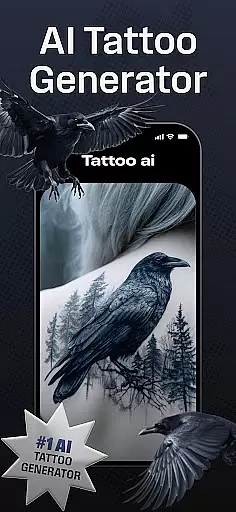
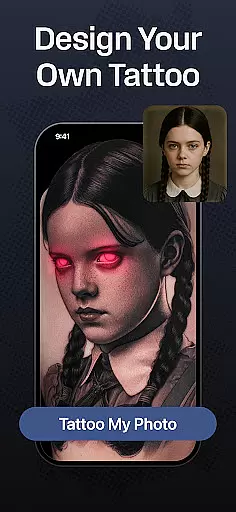
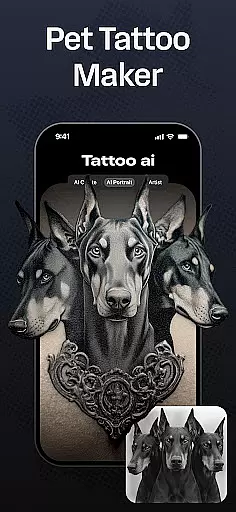
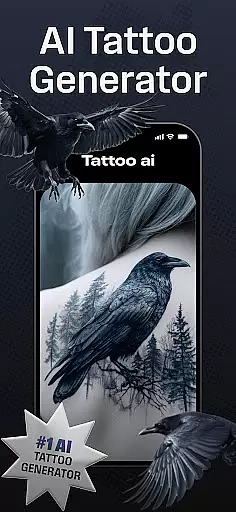
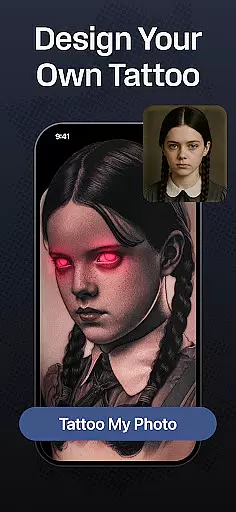
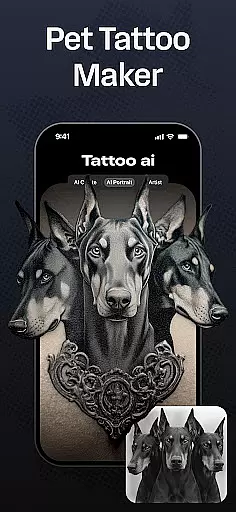
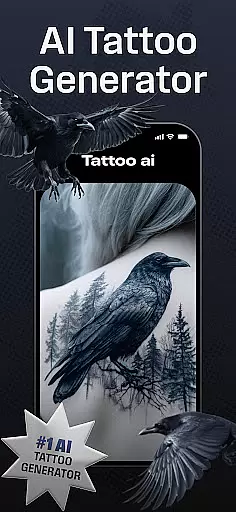
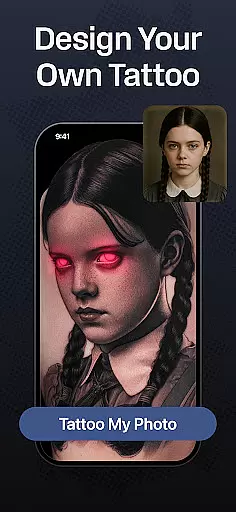
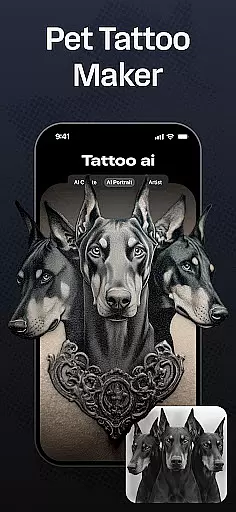
Tattoo AI is a revolutionary app in the Art & Design category, designed to assist both tattoo enthusiasts and professional artists in creating personalized tattoo designs with ease. At its core, the app features an advanced AI tattoo generator that transforms user inputs into unique, ready-to-use tattoo designs. Whether you're looking for black and white minimalism, vibrant Japanese art, or even text-based tattoos, Tattoo AI provides diverse style options to suit every preference.
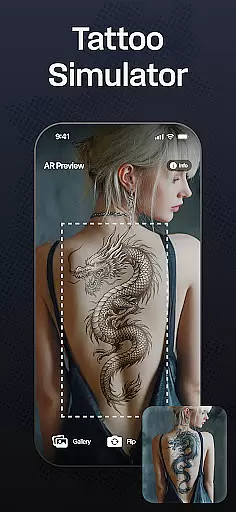
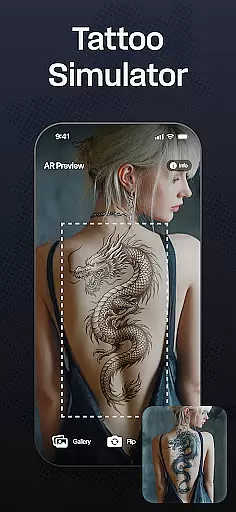
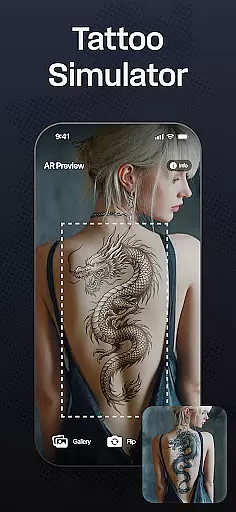
One of the standout capabilities of Tattoo AI is its full-body customization feature. Users can visualize how a tattoo will appear on different body parts before making any permanent decisions. This functionality not only enhances creative freedom but also ensures users can experiment with size, placement, and design effortlessly. Additionally, the app allows saving and sharing of designs, making it easier to collaborate with tattoo artists or get feedback from friends.
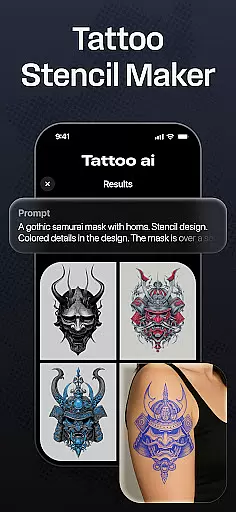
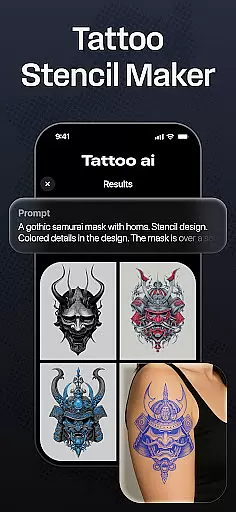
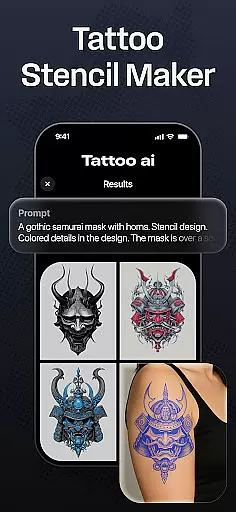
The app's value extends beyond hobbyists, offering professional tattoo artists a source of inspiration and high-quality tattoo stencils. With Tattoo AI, the often stressful process of finding the perfect design becomes intuitive and enjoyable, empowering users to unlock their creative potential while saving time during the brainstorming phase.
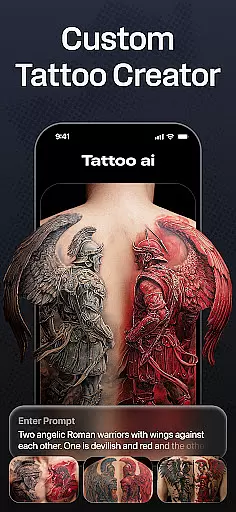
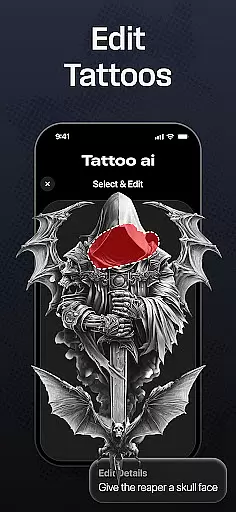
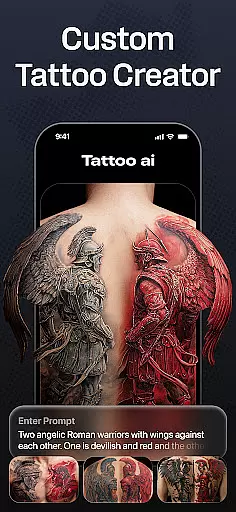
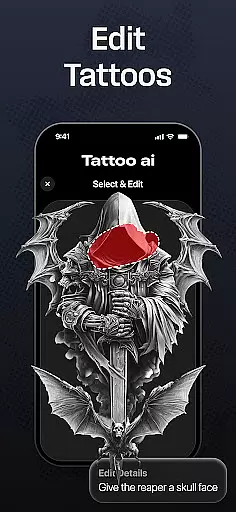
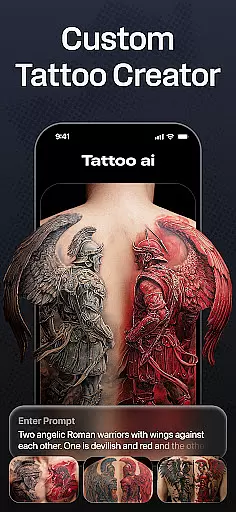
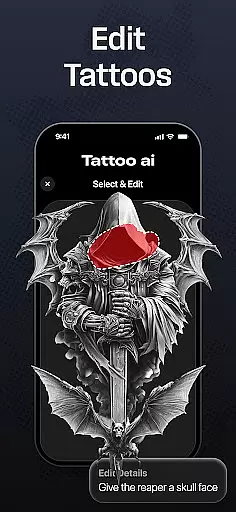
Tattoo AI stands out in the Art & Design space due to its innovative and practical features tailored for tattoo creation. The cornerstone of the app is its AI tattoo generator, which uses cutting-edge algorithms to produce custom designs based on user inputs. Whether you enter a theme, idea, or specific imagery, the AI generates unique designs that reflect your personal style, acting as a virtual tattoo artist at your fingertips.
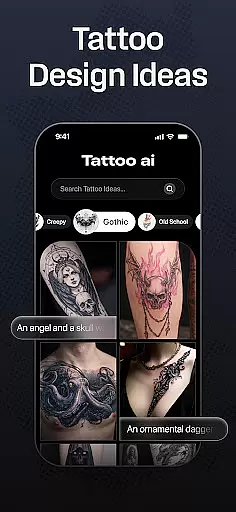
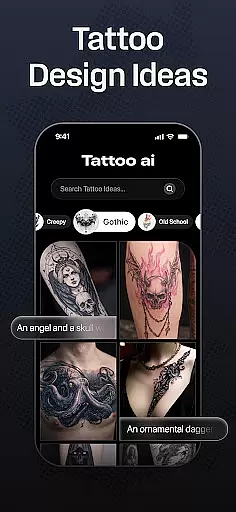
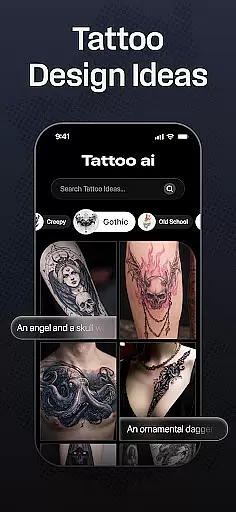
Beyond the AI generator, the app offers extensive customization options. Users can choose from a variety of styles, including black and white, Japanese, tribal, and gaming-inspired designs. For those interested in text-based tattoos, Tattoo AI provides tools to create meaningful quotes or phrases with customizable fonts. Another notable feature is the full-body visualization tool, allowing users to see how a tattoo will look on different body parts, ensuring better decision-making. High-quality tattoo stencils can also be created, bridging the gap between digital design and real-world application.
These features collectively enhance the creative process for both amateurs and professionals. By simplifying design generation, offering diverse artistic styles, and enabling easy visualization, Tattoo AI empowers users to bring their ideas to life while fostering artistic exploration and precision.
In the realm of digital tattoo design, having a comprehensive set of creative tools is essential for bringing artistic visions to life. Tattoo AI stands out by offering an extensive suite of features that cater to both tattoo enthusiasts and professional artists.
At the core of Tattoo AI is its advanced AI tattoo generator, which allows users to input their ideas and receive tailor-made designs in return. This feature eliminates the traditional barriers between conceptualization and creation, providing a seamless experience for generating unique tattoos.
Beyond the AI-driven design capabilities, the app includes diverse style options ranging from classic black and white to intricate Japanese art and bold tribal patterns. Users can also create text-based tattoos with customizable fonts, ensuring that every element of personal expression is covered.
The inclusion of full-body customization and high-quality tattoo stencils further enhances the creative process. These tools not only facilitate better visualization but also serve as practical resources for those looking to transition from digital designs to real-world tattoos.
Flexibility in canvas and format options is crucial for creating tattoos that fit various body parts and personal preferences. Tattoo AI excels in this area by providing users with the ability to visualize and adjust their designs across different body areas effortlessly.
With Tattoo AI's full-body customization feature, users can experiment with how a tattoo will look on specific parts of their body before making any permanent decisions. This capability ensures that each design is perfectly suited to its intended location, enhancing both aesthetic appeal and personal satisfaction.
In addition to placement flexibility, the app supports multiple design formats, allowing for everything from small, simple tattoos to elaborate sleeves. The AI adapts to these varying scales without losing detail or quality, maintaining the integrity of each piece.
Furthermore, Tattoo AI enables users to transform their digital creations into high-quality tattoo stencils. This functionality bridges the gap between digital artistry and physical application, giving artists and enthusiasts alike the tools they need to bring their visions to life accurately and professionally.
User-friendly interface
Advanced AI technology
Diverse style options
Full-body visualization
High-quality stencils
Limited free features
Requires internet
Premium subscription
Design refinement needed
Learning curve

Create sweet, cool and unique couple avatars easily, in just a few steps!
 3.40
3.40
Image/ Text to Video Generator
4.40
Draw on screen: FP sDraw is a simple and lightweight drawing app
4.70
Art of Combination Wear OS Watch Faces
4.5
AR Anime Drawing: How to draw anime with AR drawing & sketching apps!
4.00
Powerful home decoration & house design that allows you to design dream home.
3.80
Photo stitcher for automatically screenshot stitching into a long screenshot
4.70
Explore future self face age filter & remove background image for a unique look.
3.50
AI-powered photo & video creation—fast, fun, and effortless with Quick Actions
4.60
2D animation studio for Android tablets - unlimited layers, infinite timeline
4.70
Novices can also easily complete diamond painting masters
4.70
Turn your drawings into flipbook-style animations with simple creative tools
4.60
Create neon drawing with magic doodle and fun doodle art effects!
4.50
Everything you need to create hand drawn animation, anywhere you go!
4.40
Easy 3D drawing design maker & creator. Model designing, Sculpting. Create&paint
4.00
Paint with oils and sketch with natural tools on a realistic virtual canvas.
3.80
Vidu is an AI video generator made for creators and aspiring makers.
3.30
Draw anime easily with AR guidance, sketch templates & trace tools!
3.10
Android 14 style widgets and wallpapers app.
4.1




User Reviews