
3D Modeling App is a powerful mobile solution for creating 3D models, objects, and art directly on your phone or tablet. Designed for professionals and hobbyists alike, this application supports a wide range of creative tasks from 3D character design to industrial modeling. The app's intuitive gesture-based interface allows users to manipulate 3D objects with ease, making it an ideal tool for artists, engineers, and game developers who need a portable yet capable 3D workspace.
This versatile application serves multiple industries - from automotive design to woodworking projects. It combines robust 3D sculpting tools with precise geometry editing capabilities, enabling users to create detailed models for business purposes or personal projects. Whether you're crafting CGI graphics or designing game assets, the app provides a comprehensive set of features that streamline the 3D creation process.
The app particularly shines in its ability to handle complex 3D tasks while maintaining user-friendly controls. With support for professional-grade file formats and compatibility with major 3D software, it bridges the gap between mobile convenience and desktop-level functionality. This makes it an invaluable tool for creatives who need to work on their projects anytime, anywhere without compromising on quality or features.
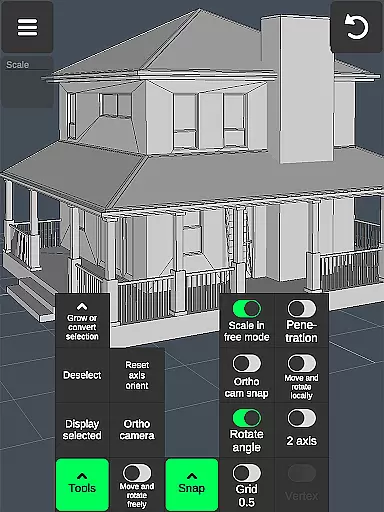
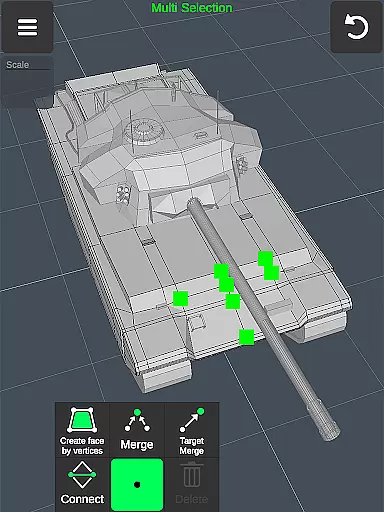
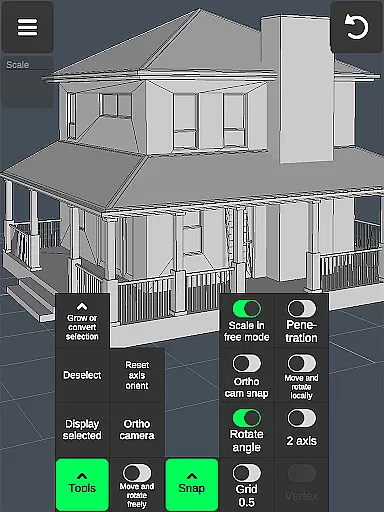
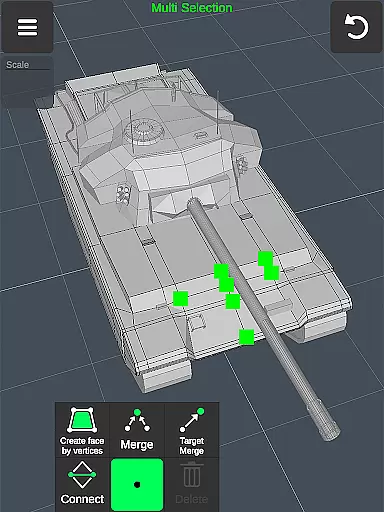
3D Modeling App distinguishes itself through its extensive feature set tailored for professional 3D work. The application's workflow optimization tools allow users to manipulate 3D space efficiently - rotate, scale, and move objects using simple gestures while switching between tools seamlessly. Its advanced selection system enables precise multi-selection of vertices, edges, faces, and entire objects through intuitive touch controls.
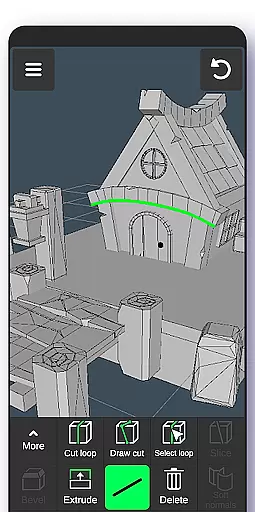
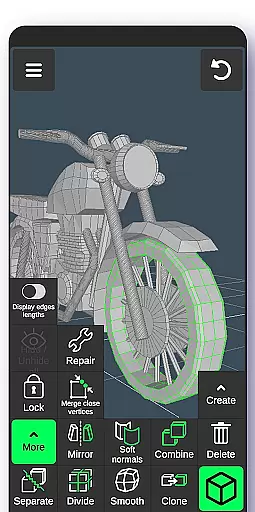
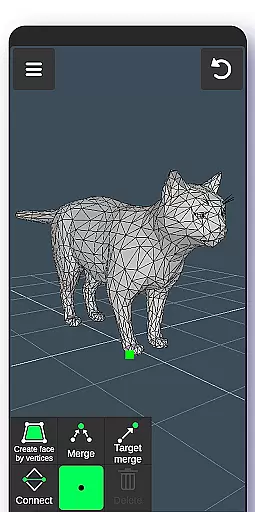
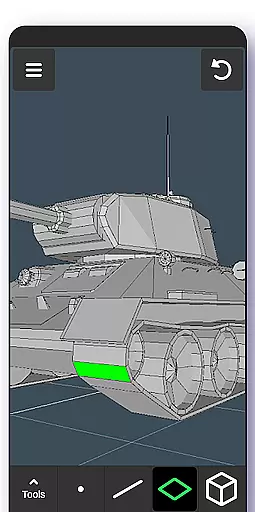
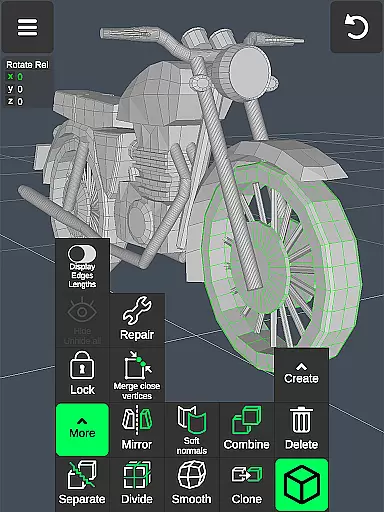
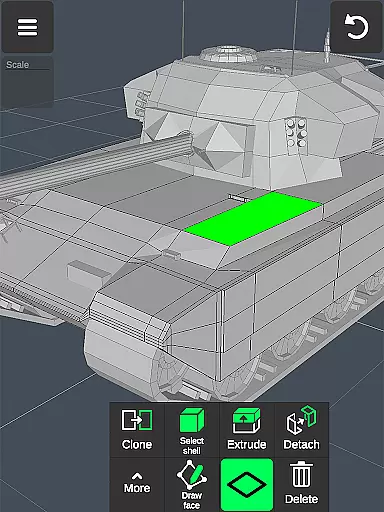
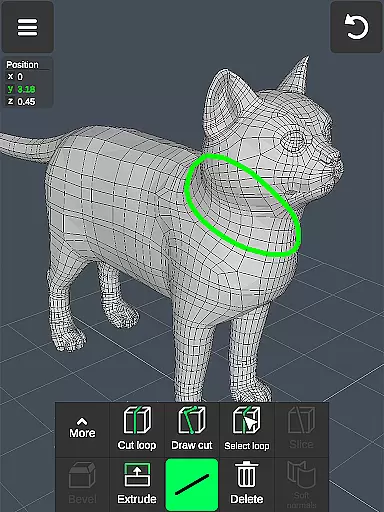
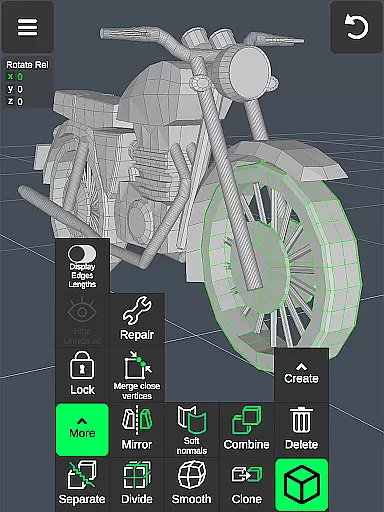
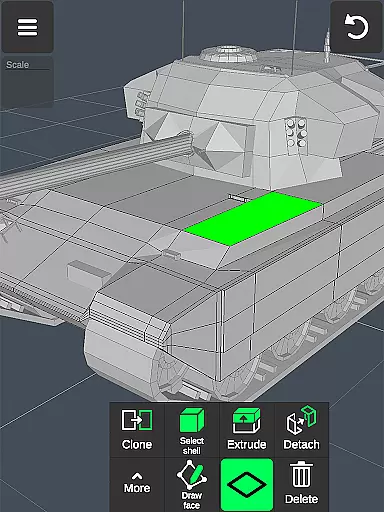
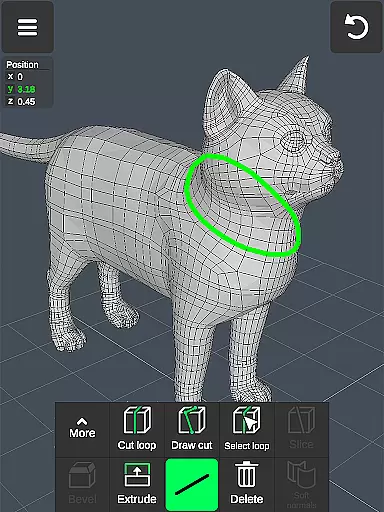
The app provides specialized toolsets for different aspects of 3D creation. Users can utilize vertex tools for merging and connecting geometry, edge tools for cutting and extruding, and face tools for detailed surface manipulation. The object tools offer sophisticated operations like mirroring, smoothing, and normal adjustments. Particularly noteworthy is the sculpting toolkit, which includes various brushes with adjustable size and strength parameters for digital sculpting.
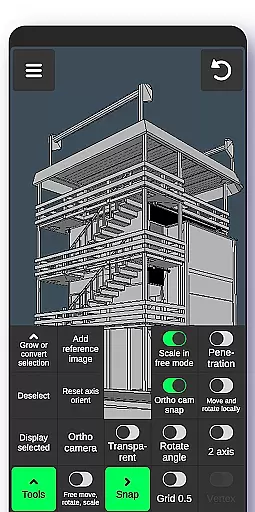
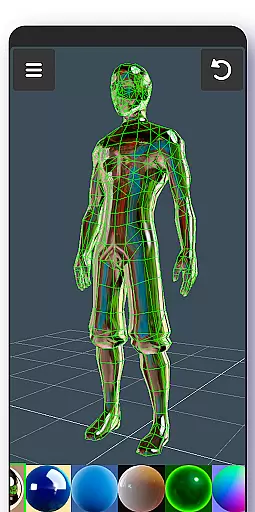
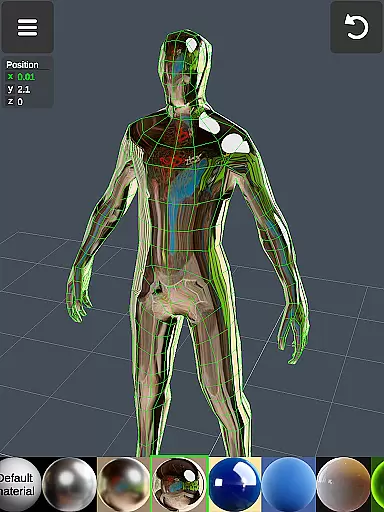
Professional-grade display options and material management make this app suitable for serious 3D work. The application supports up to 20 materials per object and offers precise control over display settings including wireframe views, shading options, and measurement information. With its comprehensive import/export capabilities supporting .obj files and compatibility with major 3D software, the app ensures seamless integration into professional workflows while maintaining the flexibility needed for creative exploration.
In the realm of 3D modeling and design, having a comprehensive suite of creative tools is essential for professionals and hobbyists alike. The 3D Modeling App excels in this area by offering an extensive array of features that cater to various aspects of 3D creation. From vertex, edge, and face tools to object manipulation and sculpting options, users are equipped with everything needed to bring their visions to life.
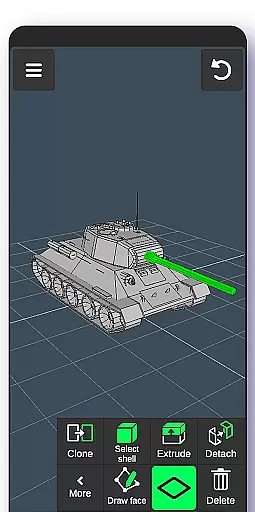
The app provides advanced functionalities such as merging vertices, creating loops, extruding faces, and cloning objects which allow for intricate detailing and complex model building. Sculpting enthusiasts will appreciate the move, smooth, push, and pull brushes that come with adjustable size and strength settings, enabling precise control over the shaping process.
Moreover, display tools enhance the modeling experience by giving users the ability to toggle wireframes, shadows, axis visibility, and more. This level of customization ensures that artists can tailor their workspace to suit their specific project needs while maintaining accuracy in their work.
By integrating these robust creative tools within a mobile platform, 3D Modeling App empowers designers, engineers, and creators to produce high-quality 3D content on-the-go without compromising on functionality or detail.
A versatile canvas is crucial for unleashing creativity in 3D art and design. The 3D Modeling App offers remarkable flexibility when it comes to working with different formats and sizes, accommodating a wide range of projects from simple sketches to complex industrial designs. Users can manipulate 3D images through intuitive gestures, allowing them to rotate, scale, and move objects effortlessly across the digital canvas.
With support for importing and exporting .obj files, the app bridges the gap between mobile creation and professional desktop software like 3ds Max, Maya, Blender, AutoCAD, and SolidWorks. This interoperability means that models created on-the-go can be seamlessly integrated into existing workflows or further refined using industry-standard applications.
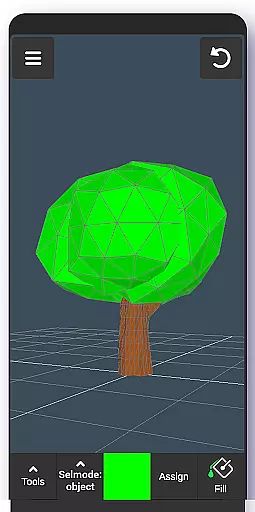
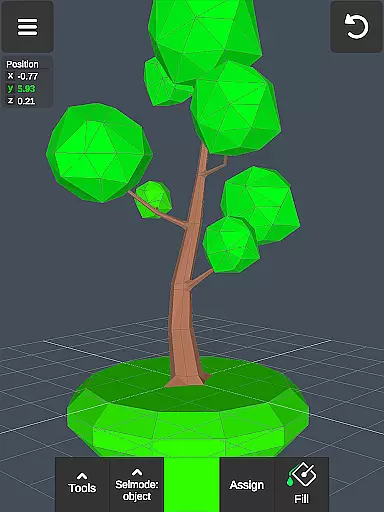
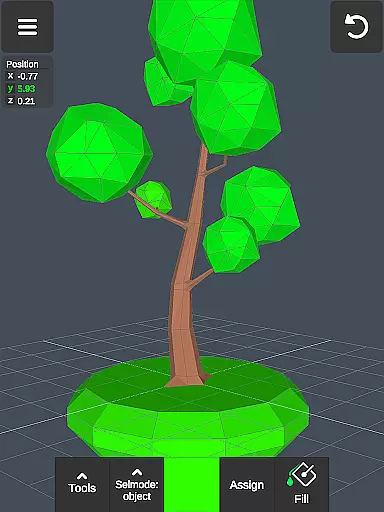
Additionally, the application supports up to 20 materials per object, providing ample room for experimentation with textures and finishes. Artists have the freedom to apply vertex color painting techniques, enhancing the realism and visual appeal of their creations before exporting them in various file formats suitable for both digital media and physical fabrication.
This adaptability not only streamlines the design process but also opens up new possibilities for collaboration and innovation within the field of 3D modeling, making it an indispensable tool for modern creators who demand both power and portability in their artistic endeavors.
User-friendly interface
Wide industry applications
Powerful sculpting tools
Precise geometry editing
Professional file support
Steep learning curve
High device requirements
Limited free features
No real-time collaboration
Occasional performance issues

Stylish letters, Stylish Keyboard, Symbols, Emojis, Cool nickname
 4.40
4.40
Create trending AI photos & videos with powerful effects and 3D styles.
3.20
Remove Background, Magic Eraser, Photo Enhancer, Story Templates, Collage Maker
4.30
Draw beautiful mandala's very easily
4.60
AI Art Generator transforms your words into AI generated art & paintings.
3.70
AR Anime Drawing: How to draw anime with AR drawing & sketching apps!
4.00
Photo editor for art, avatars, filters & fun transformations.
4.60
Share the joy of painting with ibis Paint! Drawing anime and manga art.
4.50
Kling AI is an image and video generation and editing studio powered by AI.
4.50
Draw glowing spinners, relax, and spin your creative art
4.60
Turn your drawings into flipbook-style animations with simple creative tools
4.60
Create neon drawing with magic doodle and fun doodle art effects!
4.50
Customizable Outlined Fonts. Watch Face Format. Battery friendly Digital Clock.
4.20
Create stylish invitation cards using templates for weddings, birthdays & RSVP.
4.20
Create cute cat emojis & PFPs! Fun, custom avatars for cat lovers.
3.70
AI Assistant, powered by ChatGPT GPT-4 & GPT-4o. Your intelligent companion.
3.50
Vidu is an AI video generator made for creators and aspiring makers.
3.30
Download now for a stylish and functional timepiece
4.3
A luxurious gold watch face for an elegant and refined look.
4.4




User Reviews