
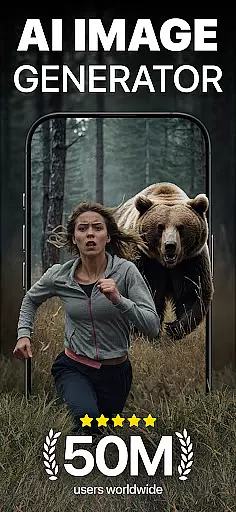
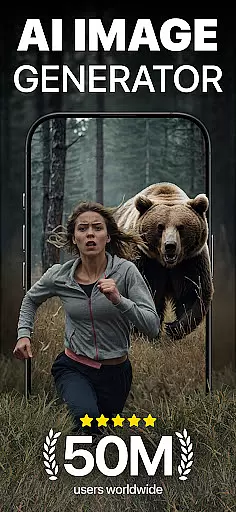
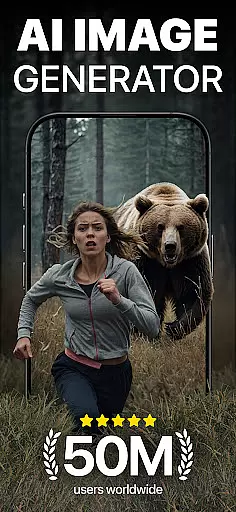
DaVinci is a cutting-edge AI Image Generator app that transforms your words and images into stunning AI-generated art. Using advanced artificial intelligence, it creates unique artworks, photos, and designs based on your input. Whether you need digital art, tattoo designs, or professional logos, DaVinci brings your ideas to life in seconds.
The app offers various art styles, from pencil sketches to photorealism, allowing users to experiment and find the perfect style for their vision. With features like AI Tattoo Generator, AI Logo Generator, and AI Avatar Generator, DaVinci caters to diverse creative needs. The ability to download high-resolution images makes it ideal for both personal and professional use.
DaVinci is particularly useful for artists, designers, and marketers looking to create distinctive visual content quickly. Its user-friendly interface and powerful AI capabilities ensure that even those without artistic skills can produce professional-quality work, making it an invaluable tool for creative projects.
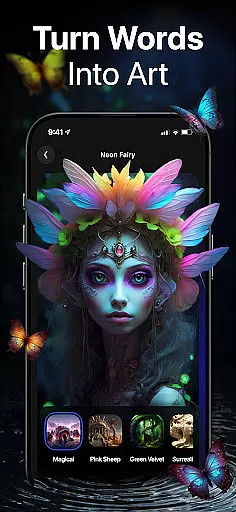
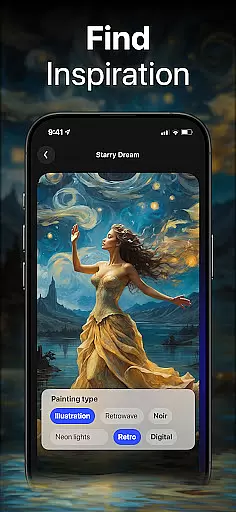
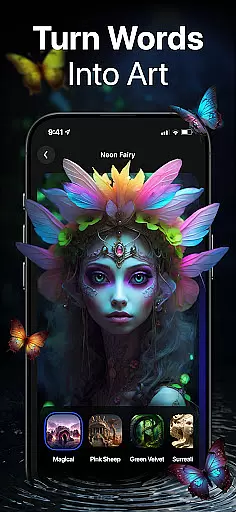
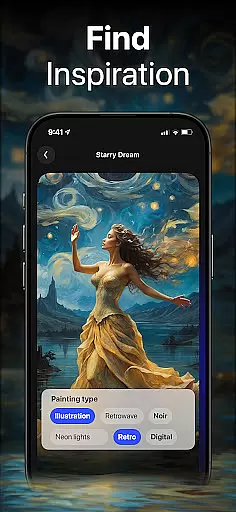
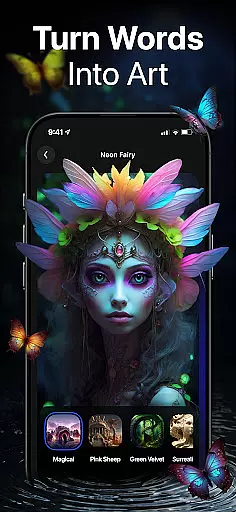
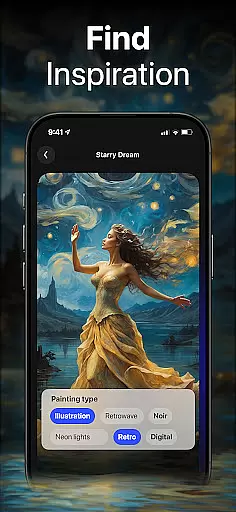
DaVinci stands out with its comprehensive suite of AI-powered features designed to cater to various creative needs. The AI Art Generator is the core feature, trained on millions of images, enabling users to craft unique art within seconds by simply entering text or uploading photos.
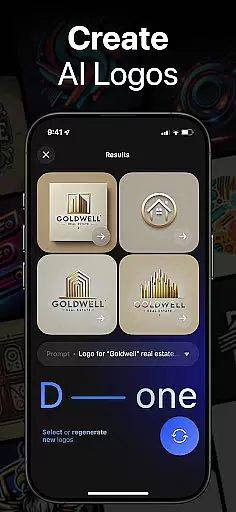
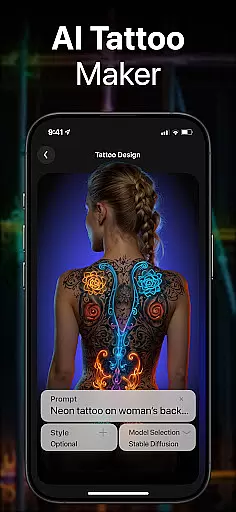
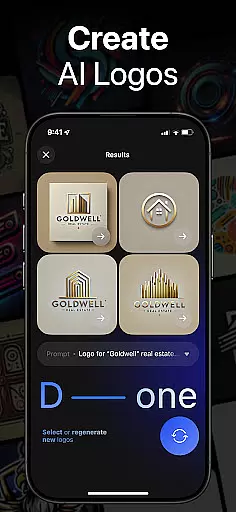
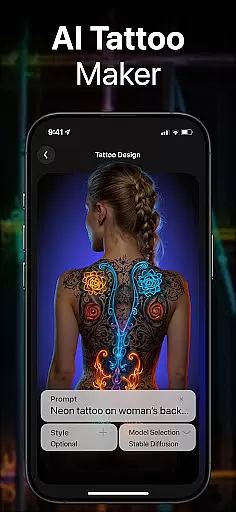
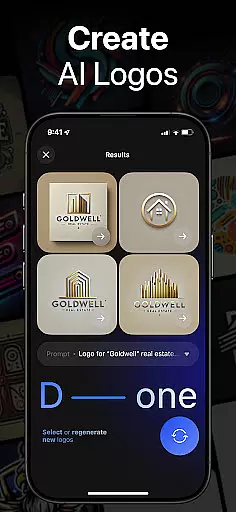
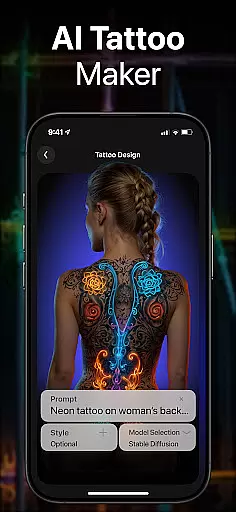
Users can choose from multiple art styles, ranging from cartoon-like sketches to hyper-realistic images. This versatility allows for endless experimentation and customization. The AI Tattoo Generator helps create one-of-a-kind tattoo designs, while the AI Logo Generator produces professional logos effortlessly. Additionally, the AI Avatar Generator lets users transform their photos into extraordinary avatars in various styles.
Other notable features include the ability to generate high-resolution images for printing and sharing creations directly on social media platforms. These features collectively make DaVinci a powerful tool for anyone looking to explore their creativity and produce high-quality visual content efficiently.
In the realm of digital artistry, having a comprehensive suite of creative tools is essential. DaVinci stands out by offering an extensive array of features that cater to various artistic needs. The AI Art Generator allows users to transform simple text prompts or uploaded photos into captivating artworks within seconds, leveraging millions of web-sourced images for inspiration.
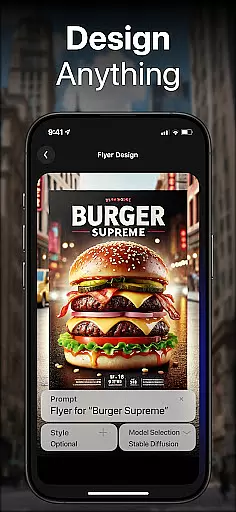
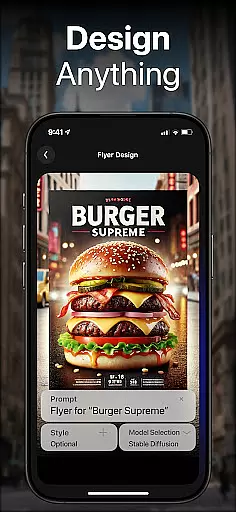
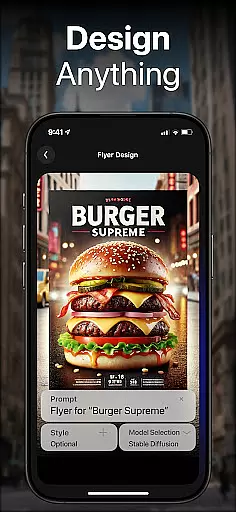
Beyond basic art generation, DaVinci provides specialized tools such as the AI Tattoo Generator and AI Logo Generator. These features enable users to create unique tattoo designs and professional logos respectively, demonstrating the app's versatility in addressing specific design requirements. Whether you're an entrepreneur needing branding materials or someone looking for personalized body art, these tools deliver tailored solutions with remarkable ease.
Furthermore, the inclusion of an AI Image Generator and AI Avatar Generator showcases DaVinci's commitment to pushing creative boundaries. Users can produce hyper-realistic photos from textual descriptions or generate avatars in diverse styles, from sports personalities to astronauts. This wide-ranging functionality ensures that whether you're enhancing your social media presence or seeking custom home decor, DaVinci equips you with everything necessary to manifest your visions into reality.
Flexibility in canvas size and format options is crucial for artists who wish to explore different mediums and presentation styles. DaVinci addresses this need by providing adaptable solutions that allow creators to customize their projects according to specific requirements. Whether itu2019s designing artwork for personal spaces or crafting visuals for digital platforms, users have the freedom to adjust dimensions and resolutions accordingly.
The app supports high-resolution downloads, ensuring that every piece created maintains its quality across various formats. This feature is particularly beneficial when printing artworks for home display or producing marketing materials where clarity and detail are paramount. By enabling such flexibility, DaVinci empowers users to seamlessly transition between digital and physical mediums without compromising on visual fidelity.
Moreover, DaVinci's AI Avatar Generator exemplifies advanced format adaptability by letting users experiment with numerous stylistic transformations. From altering appearances to embodying entirely different personas, individuals can explore limitless creative possibilities while retaining control over output specifications. Such robust capabilities underscore DaVinciu2019s dedication to fostering an environment where imagination meets technical precision, resulting in unparalleled artistic expression.
User-friendly interface
Wide range of art styles
High-resolution outputs
Quick generation time
Versatile creative options
Limited free usage
Subscription cost
Occasional AI inaccuracies
Internet connection required
Learning curve for new users

Premium version of Shimeji-ee app with no ads & no limit active shimeji
 4.4
4.4
Floor Plan Creator lets you create, edit and share floor plans.
4.00
Art of Combination Wear OS Watch Faces
4.3
Create color palette from Image, RGB & RYB Color wheel harmonies, Color Scheme
4.50
Powerful home decoration & house design that allows you to design dream home.
3.80
Get creative and make art with your Sesame Friends!
4.00
Photo stitcher for automatically screenshot stitching into a long screenshot
4.70
Bring One UI 8.5 Icons to life -elegant dark icons with a modern, premium touch.
4.30
Draw, fidget, and spin glow art! Relax and express your creativity with a finger
4.60
Your AI soulmate — meaningful chats, and unique emotional moments
4.70
The ultimate tool for creating animations
4.60
Photo editor for art, avatars, filters & fun transformations.
4.60
Unleash your drawing and painting potential
4.50
Share the joy of painting with ibis Paint! Drawing anime and manga art.
4.50
AI Tattoo Generator: Create Tattoo Designs & Get Ideas! Ink & Stencil Maker
4.50
Custom Character Creator & PFP Maker!
4.20
Sketch and paint on your device with the feel and freedom of drawing on paper
4.00
Meet the magic aı 3d photo generator and smart AI video generator app.
3.20
A luxurious gold watch face for an elegant and refined look.
4.2




User Reviews