
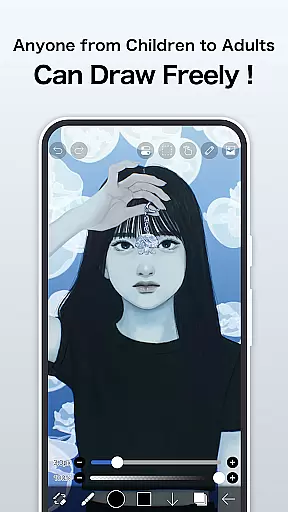
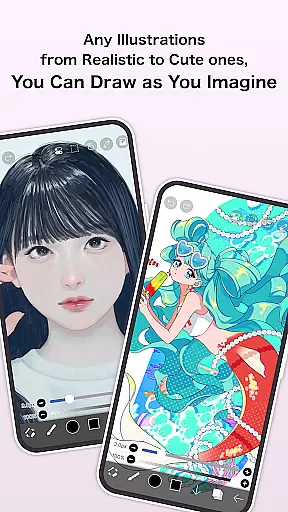
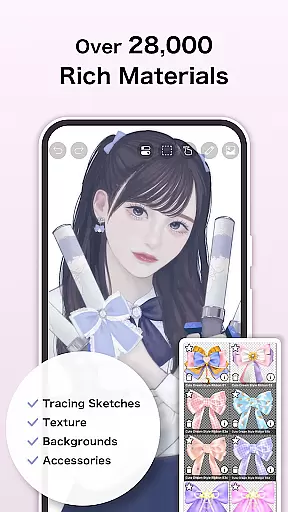
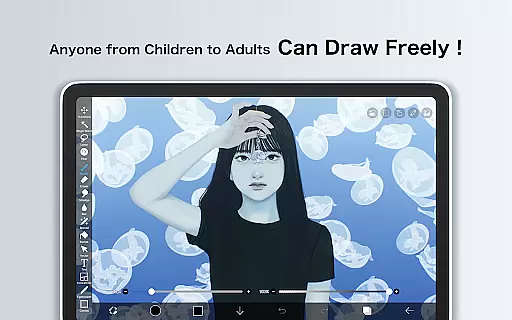
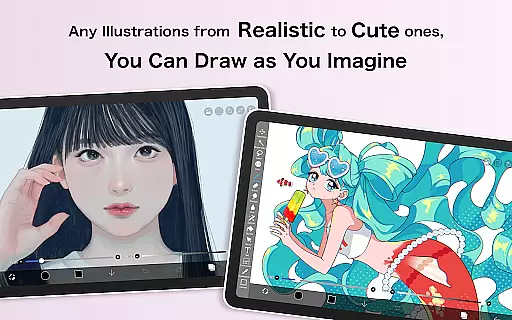
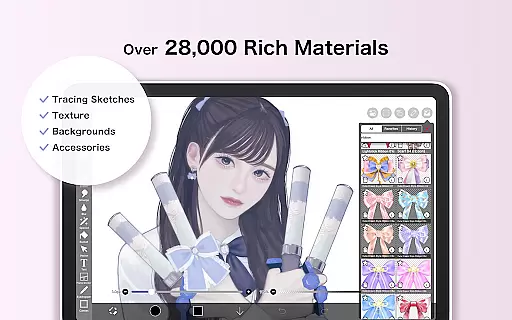
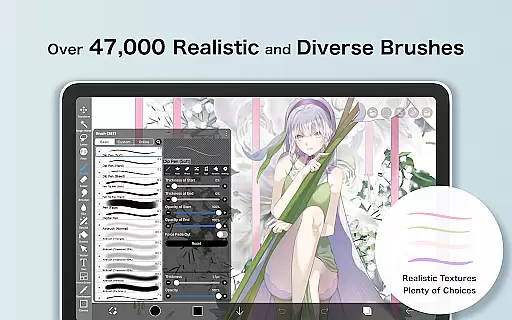
ibis Paint is a premier digital art application designed for both amateur and professional artists. This app offers an extensive suite of drawing tools, including over 47000 customizable brushes, 27000 materials, and 2100 fonts. With advanced features like stroke stabilization, various rulers, and blending modes, it ensures precision and creativity in every artwork.
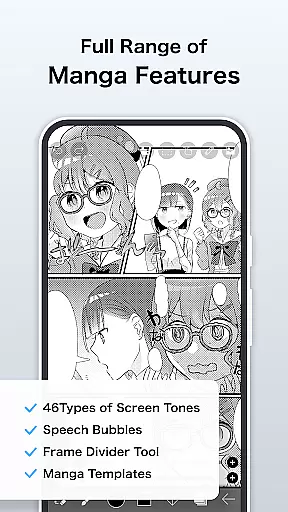
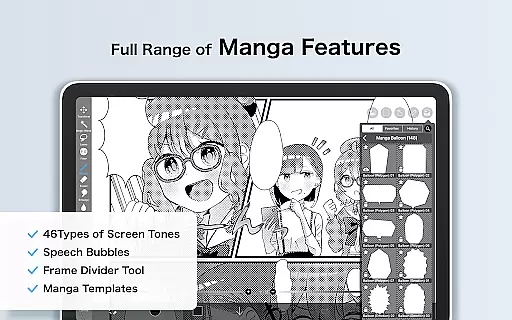
The app also provides unique functionalities such as recording drawing processes, which can be shared with other users, making it not just a painting tool but also a vibrant artist community. Its manga features include an advanced text tool and multiple text functions, catering to comic creators. Available on Android, ibis Paint delivers immense value by combining powerful art tools with social sharing capabilities.
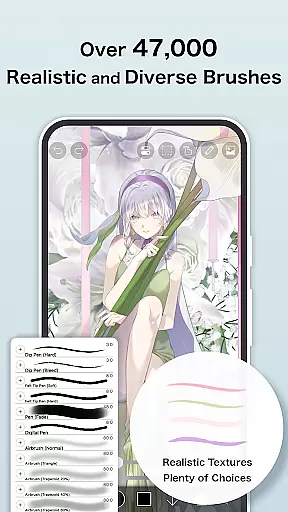
One of the standout aspects of ibis Paint is its vast array of brush options. From dip pens to oil brushes, users have access to over 47000 brush types, ensuring that every stroke can be tailored to individual preferences. The app supports smooth drawing at up to 60 fps, providing a seamless experience even with complex designs.
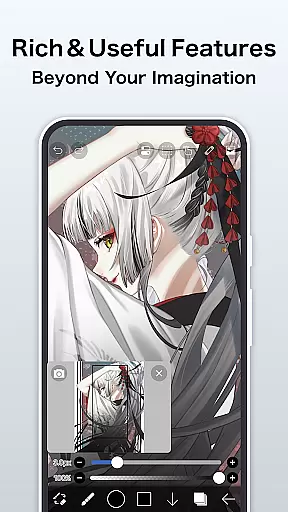
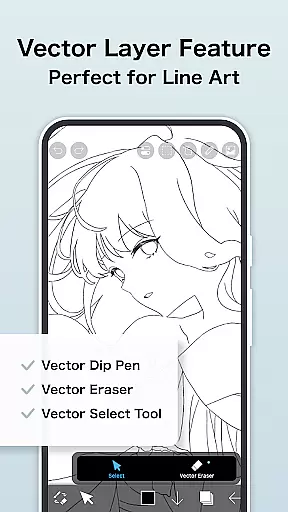
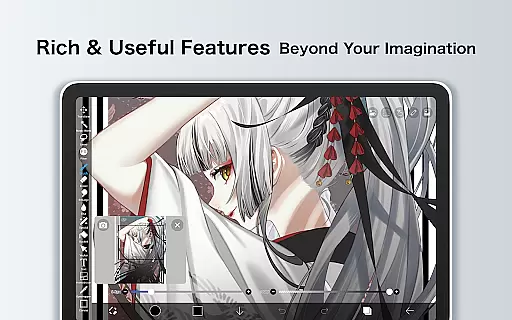
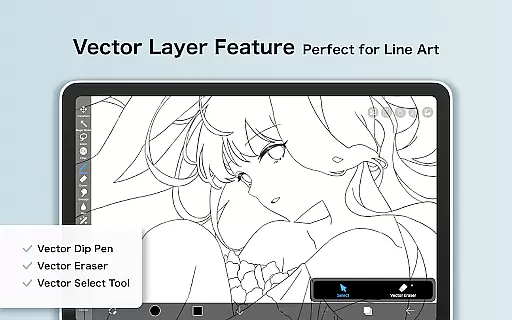
Layer management in ibis Paint is highly sophisticated, allowing unlimited layers and featuring individual layer parameters such as opacity and blending modes. Additionally, the app includes manga-specific tools like vertical and horizontal text alignment and font selection. Prime Membership unlocks exclusive features like vector tools, AI disturbance, and cloud storage, enhancing productivity and creative potential.
Another remarkable feature is the ability to record and share drawing processes. This functionality fosters a collaborative environment where artists can learn from each other. Moreover, the app's support for importing custom brushes and patterns allows for unparalleled customization, making ibis Paint a top choice for digital artists seeking flexibility and innovation.
ibis Paint stands out in the Art & Design category by offering an extensive suite of creative tools that cater to both amateur and professional artists. With over 47,000 brushes, users can explore a variety of textures and styles, ranging from dip pens to oil brushes.
The app also provides advanced layer features, allowing unlimited layer addition with individual settings for opacity, blending modes, and more. This flexibility ensures complex artwork can be managed efficiently, while handy clipping features and layer commands enhance workflow.
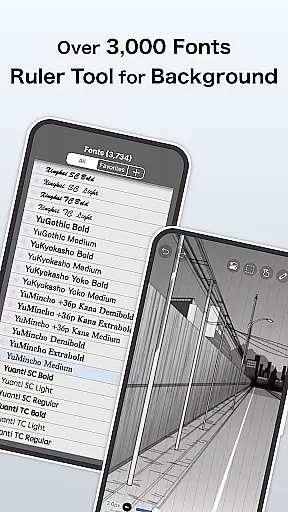
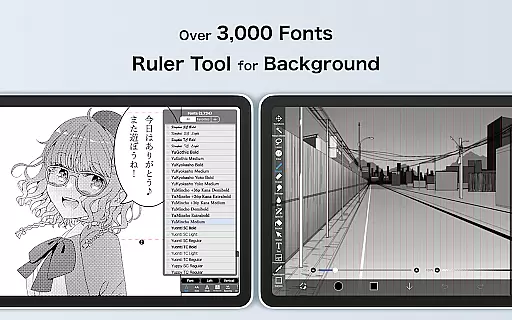
In addition to its impressive brush and layer capabilities, ibis Paint includes manga-specific tools such as an advanced text tool with multiple font options and alignment settings. These features make it easier for creators to produce professional-quality manga or comic art directly on their devices.
For those seeking even more functionality, Prime Membership unlocks exclusive tools like vector graphics, AI-based features, and specialized filters. This positions ibis Paint as a comprehensive solution for digital artists who demand versatility and precision in their creative process.
One of the key strengths of ibis Paint lies in its exceptional canvas and format flexibility, which empowers artists to customize their workspace according to specific project requirements. Users can create custom-sized canvases and choose from a wide array of paper types, including specialized options available through Prime Membership.
The app supports various file formats, ensuring compatibility across different platforms and workflows. Artists can import images from their photo library or export finished pieces in high-quality formats suitable for printing or sharing online. This adaptability enhances productivity and creativity without limiting artistic expression.
Moreover, ibis Paint offers unique features like radial line rulers and symmetry rulers, enabling precise control over strokes and designs. These tools are particularly beneficial when working on detailed illustrations or patterns that require exact measurements and alignments.
By combining robust canvas customization options with innovative drawing aids, ibis Paint delivers a highly adaptable environment where artists can bring their visions to life without constraints, making it an ideal choice for diverse artistic endeavors.
User-friendly interface
Extensive brush library
Advanced layer options
Active artist community
Regular feature updates
Prime Membership cost
Initial learning curve
Limited free features
Occasional bugs
High device requirements

Customizable Outlined Fonts. Watch Face Format. Battery friendly Digital Clock.
 4.20
4.20
Art of Combination Wear OS Watch faces
4.2
Remove Background, Magic Eraser, Photo Enhancer, Story Templates, Collage Maker
4.30
Photo editor for art, avatars, filters & fun transformations.
4.60
Art of Combination Wear OS Watch Faces
3.30
Mobile pixel art editor. Simple. Fast. Portable.
4.80
Create cute cat emojis & PFPs! Fun, custom avatars for cat lovers.
3.70
Turning simple sketches into captivating tales filled with life and motion
3.90
How to draw anime step by step for beginner easily by AR drawing sketch & paint.
3.60
Draw on screen: FP sDraw is a simple and lightweight drawing app
4.70
Novices can also easily complete diamond painting masters
4.70
Discover Cartoon Dream : Unleash Your Creativity with CuttingEdge AI
4.50
Draw anime & manga drawing, art with templates to create stunning picture!
4.50
Create color palette from Image, RGB & RYB Color wheel harmonies, Color Scheme
4.50
Draw, make movies & animate cartoons easily with our 2D animation maker app
4.40
Bring One UI 8.5 Icons to life -elegant dark icons with a modern, premium touch.
4.30
Sketch, plan, take notes and illustrate on an infinite canvas.
4.20
AI Art Generator transforms your words into AI generated art & paintings.
3.70
Pose and morph realistic male and female models! 3D poser app
3.00




User Reviews