
Art Model is a feature-rich 3D posing app designed for artists and designers. This powerful tool allows users to pose and morph an unlimited number of human models simultaneously, making it ideal for character design, illustrations, and storyboarding. With realistic male and female models, as well as a wooden mannequin option, the app caters to both digital and traditional artists.
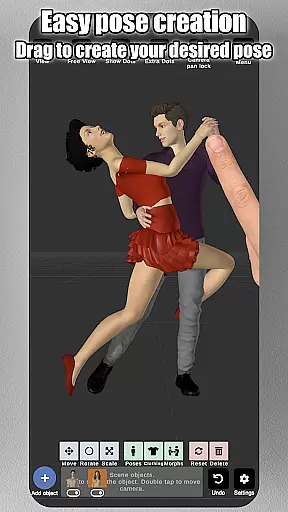
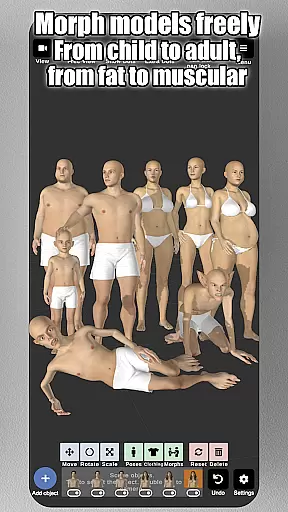
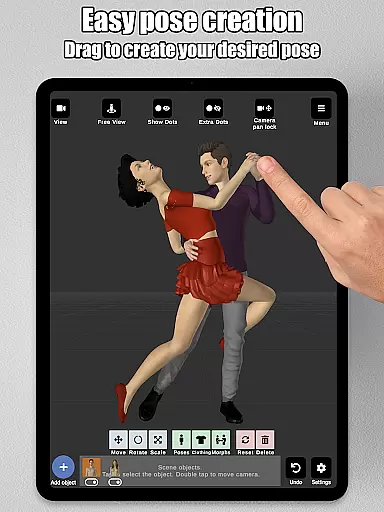
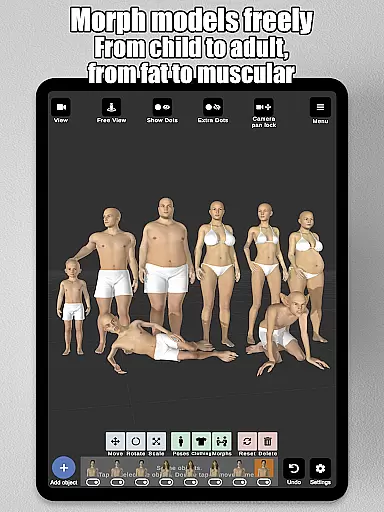
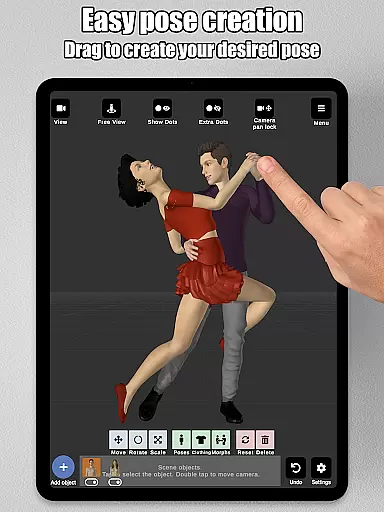
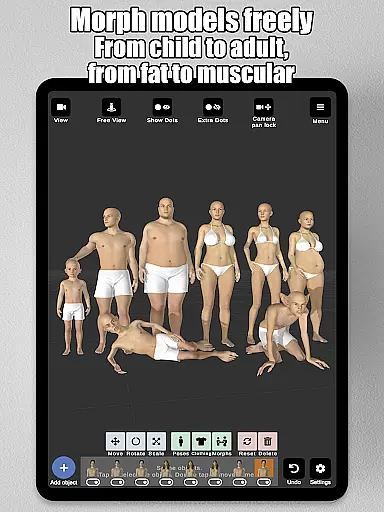
The app's intuitive control system lets users create poses by simply tapping and dragging limbs into position, eliminating the need for complex joint rotations. The advanced morphing system enables customization of models from children to adults, skinny to muscular, and more. Artists can also import background images and props, enriching their scenes and providing real-world context to their creations.
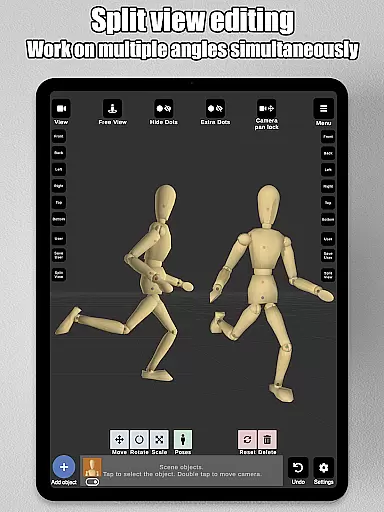
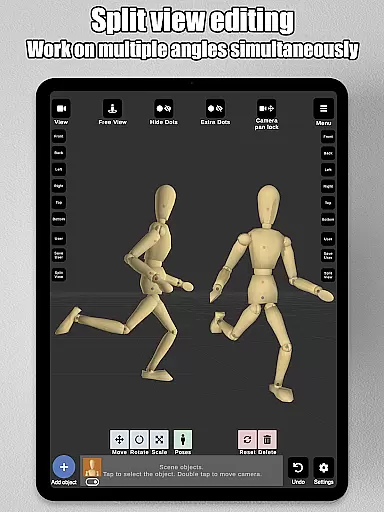
With features like split-view editing, advanced lighting options, and the ability to save and load poses, Art Model provides a complete solution for artists looking to improve their drawing skills or create detailed character designs. Whether you're a professional illustrator or a hobbyist, this app offers the tools needed to bring your artistic visions to life.
Art Model stands out with its comprehensive set of features tailored for artists. The app includes realistic 3D male and female models, as well as a wooden mannequin, providing versatile options for different artistic styles. Its innovative posing system simplifies the process of creating natural-looking poses by allowing users to drag limbs into place, streamlining workflow and enhancing productivity.
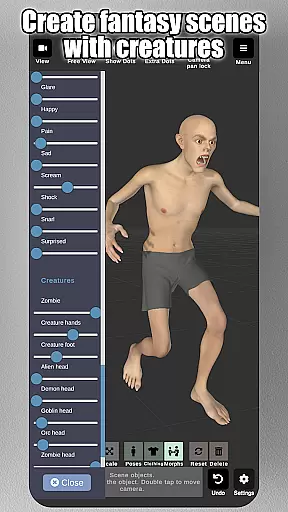
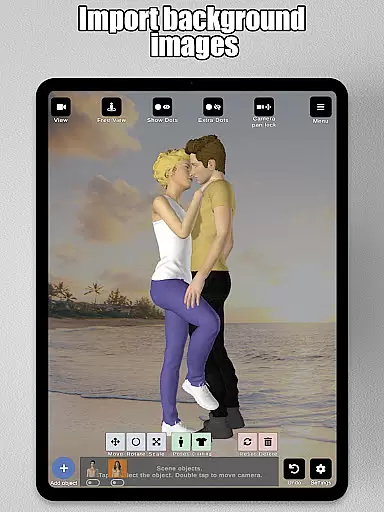
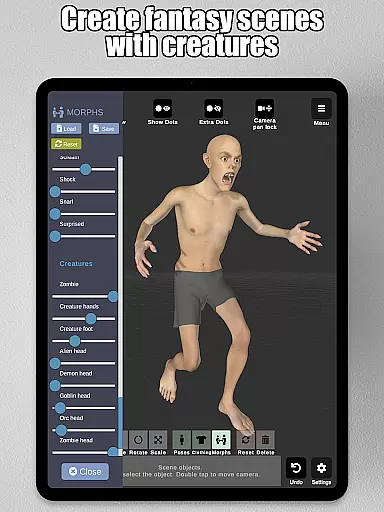
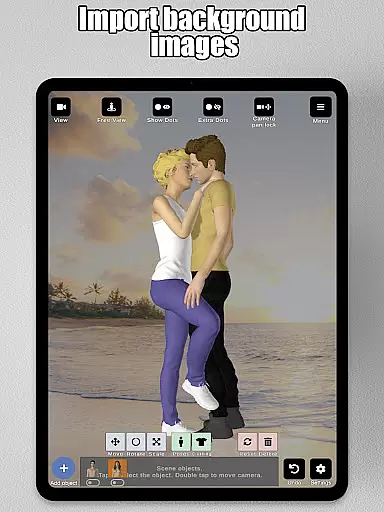
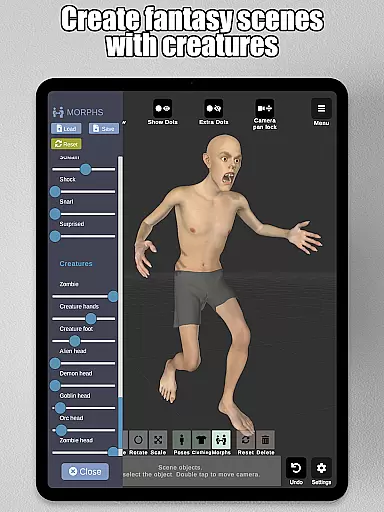
The morphing capabilities are another highlight, enabling users to transform models in various ways—from full-body changes to specific body parts like arms or chest. This flexibility allows for the creation of unique characters, whether they're human, creature, or something in between. Additionally, the app supports importing background images and props, which helps artists visualize their characters in diverse environments.
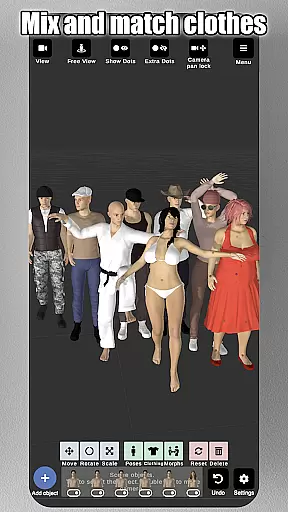
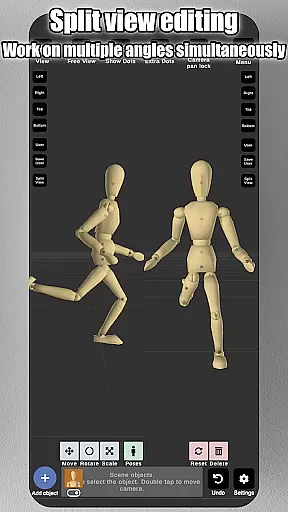
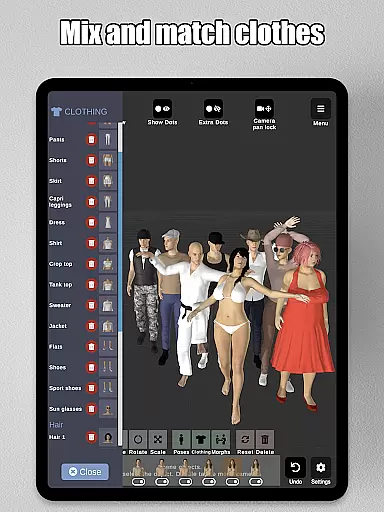
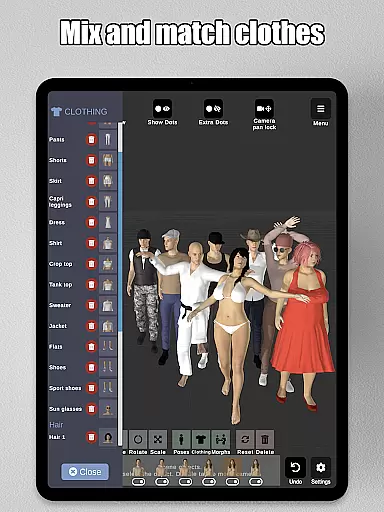
Other notable features include split-view editing for simultaneous dual-angle views, a wide selection of clothing and headgear options, and advanced lighting settings. These tools collectively provide artists with everything they need to create detailed and dynamic character designs, making Art Model an indispensable resource for illustrators and designers alike.
Art Model - 3D Art pose tool offers an extensive suite of creative tools that cater to both digital artists and traditional illustrators. The app provides realistic 3D male and female models alongside a wooden mannequin option, ensuring that all artistic preferences are covered.
The morphing system is particularly noteworthy, allowing users to modify their models extensively. From adjusting age and body type to more specific alterations like chest or limb size, the app supports an impressive range of customization options.
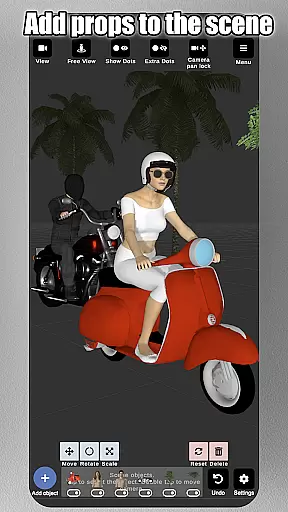
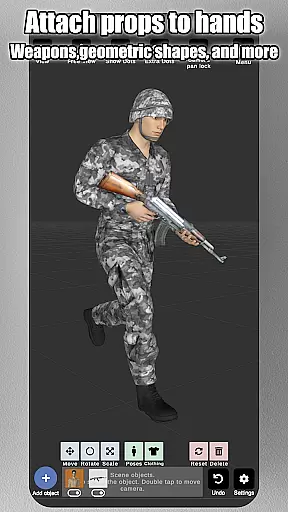
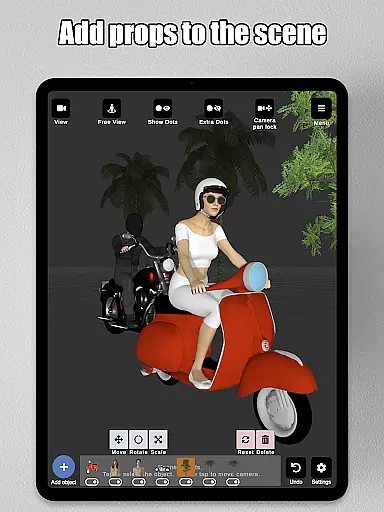
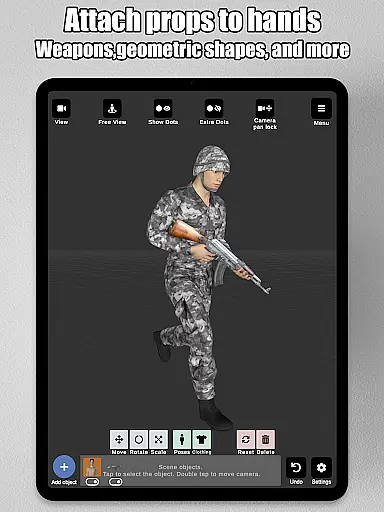
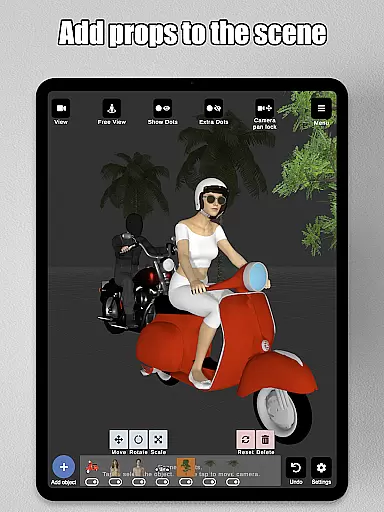
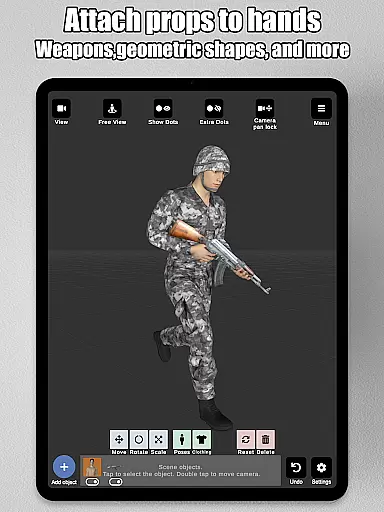
In addition to human models, users can enrich their scenes with various props such as furniture, weapons, and geometric shapes. These elements can be attached directly to the models, moving naturally with them, which greatly enhances the posing experience.
With advanced lighting options, preset poses, clothing choices, and headgear options, this app ensures that every detail of your character design is meticulously crafted. This comprehensive toolset makes Art Model an indispensable resource for illustrators, storyboard artists, and anyone looking to refine their drawing skills.
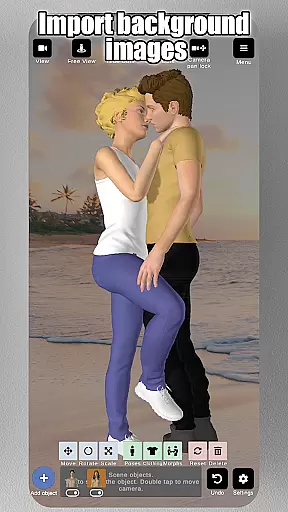
One of the standout features of Art Model is its canvas and format flexibility, which allows artists to visualize their characters in diverse settings. Users can import background images to serve as references or environmental elements, making it easier to integrate characters into real-world scenarios.
The split-view editing feature further enhances this flexibility by enabling simultaneous viewing from two different camera angles. This functionality is invaluable for precise adjustments and detailed work without the need to constantly rotate the scene.
Artists can also save and load poses and morphs, providing a seamless workflow that adapts to individual project requirements. Whether you're working on illustrations, storyboarding, or character design, these capabilities ensure that your creative process remains uninterrupted.
Moreover, intuitive controls for zooming, rotating, and panning the camera offer additional layers of flexibility. With pinch-to-zoom and drag gestures, navigating your virtual studio becomes second nature, allowing you to focus entirely on bringing your artistic vision to life.
User-friendly interface
Extensive morphing options
Versatile posing tools
Realistic 3D models
Rich prop library
Steep learning curve
Occasional performance lags
Limited free resources
No collaborative features
Subscription fees apply

Premium version of Shimeji-ee app with no ads & no limit active shimeji
 4.0
4.0
Digital illustration drawing & painting pad app to paint Anime and Manga art
4.50
Create color palette from Image, RGB & RYB Color wheel harmonies, Color Scheme
4.50
Create stunning video, photo & magic from text with FlixAI GPT video generator.
3.10
Nano Banana AI Image Generator, Anime Filter, AI Portrait, AI Photo Generator
4.30
AR Anime Drawing: How to draw anime with AR drawing & sketching apps!
4.00
Painting, drawing, & sketching
4.50
Art of Combination Wear OS Watch Faces
3.30
Create and Design Custom Logos in Seconds with AI-Powered Tools!
4.40
Photo editor for art, avatars, filters & fun transformations.
4.60
Share the joy of painting with ibis Paint! Drawing anime and manga art.
4.50
Just trace a projected picture on paper and color! Draw & Paint with AR drawing
4.40
Trace, draw, and create art with AR - from memes to masterpieces!
4.30
Sketch, plan, take notes and illustrate on an infinite canvas.
4.20
Sketch and paint on your device with the feel and freedom of drawing on paper
4.00
Design unique, funny and adorable cat stickers that reflect your own style!
3.80
Create sweet, cool and unique couple avatars easily, in just a few steps!
3.40
Meet the magic aı 3d photo generator and smart AI video generator app.
3.20
Inky runs Inkscape on Android devices and Chromebooks
2.90




User Reviews