
SketchPro is a professional-grade drawing and design application tailored for digital artists, illustrators, and creative professionals. This comprehensive art tool offers advanced AI-powered features that streamline the creative process while delivering exceptional quality and precision.
The app provides an extensive selection of customizable brushes, professional-grade AI tools, and a robust layer system. These features enable users to create detailed illustrations, comics, manga, and graphic designs with remarkable ease and efficiency. Whether you're sketching basic outlines or working on complex digital paintings, SketchPro adapts to all skill levels.
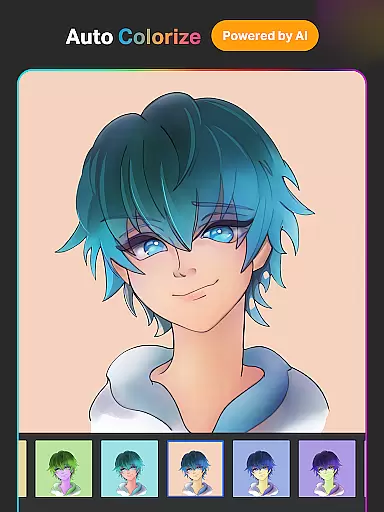
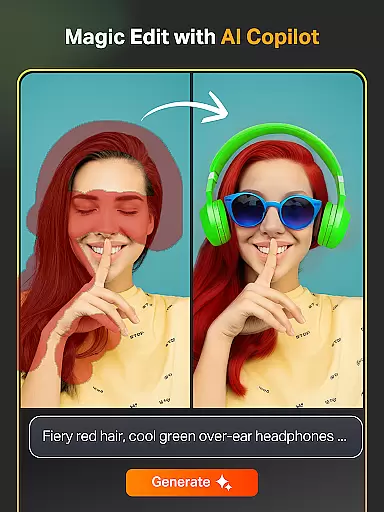
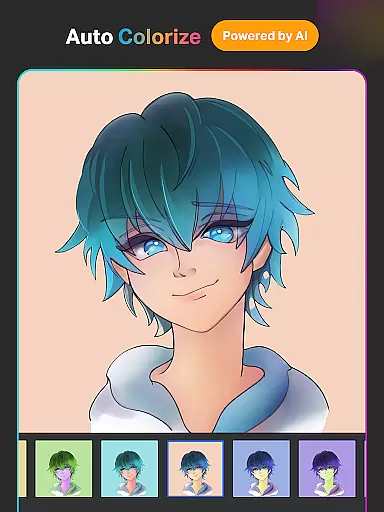
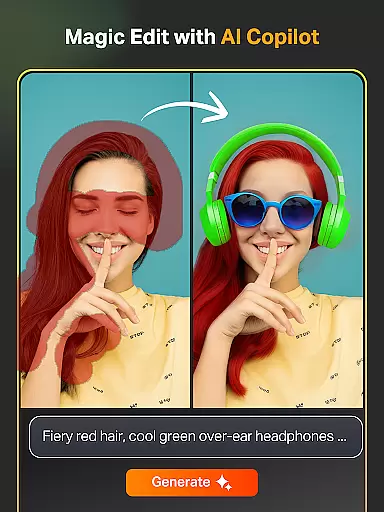
With its innovative AI capabilities like Text-to-Image generation, Auto-Colorization, and Magic Edit tools, SketchPro revolutionizes digital art creation. The app's intuitive interface and powerful tools make it perfect for professional projects while remaining accessible to hobbyists. Its seamless cloud integration ensures your work is always safe and accessible across devices.
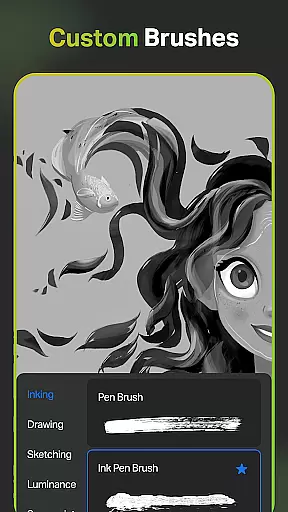
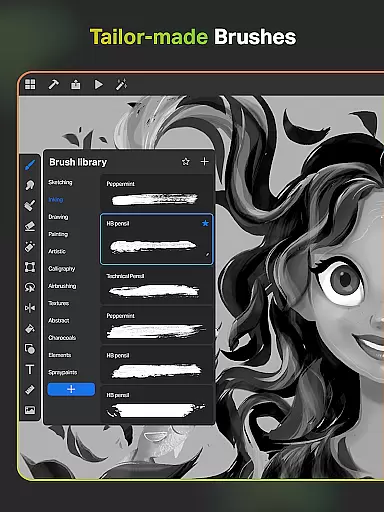
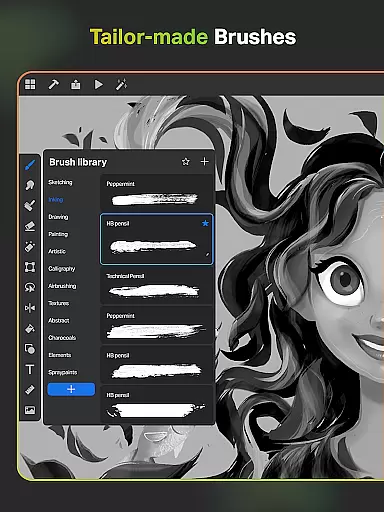
SketchPro stands out with its diverse range of professional features designed to enhance every aspect of digital art creation. The app includes over 100 customizable brushes, from standard sketching tools to specialized Roller Brushes with unique patterns, allowing artists to develop their distinctive style.
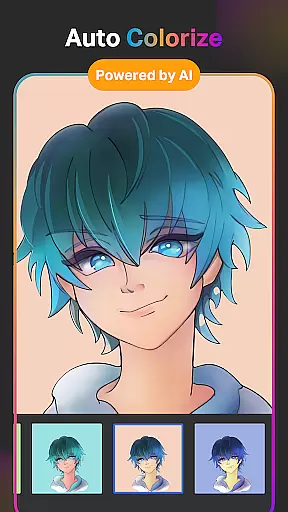
What truly sets SketchPro apart is its suite of AI-powered tools. The Text-to-Image feature generates artwork from simple text prompts, while Sketch-to-Image transforms hand-drawn sketches into polished digital pieces. Additional AI tools include Magic Edit for object manipulation, Expand Artwork for canvas resizing, and Auto-Colorization for quick coloring tasks.
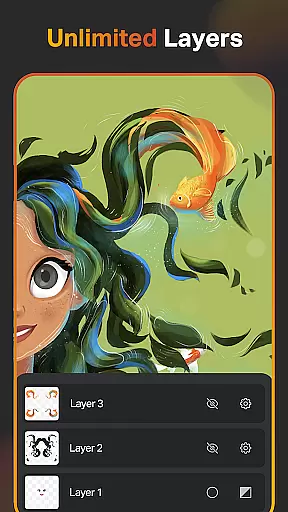
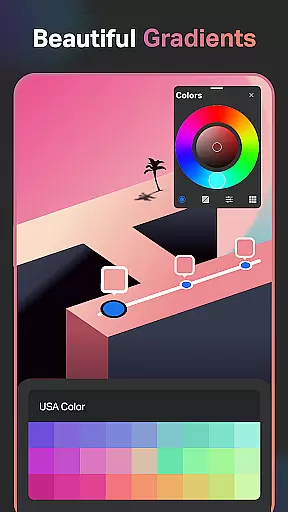
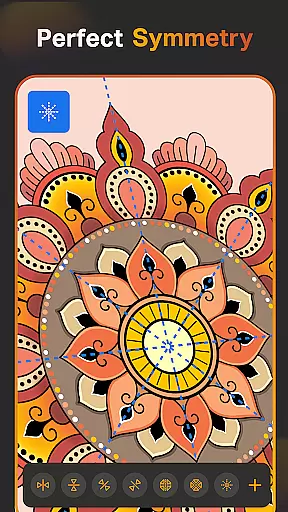
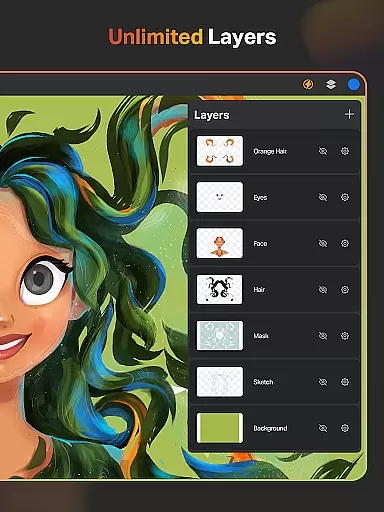
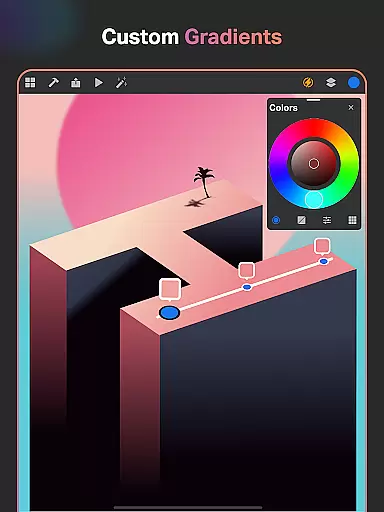
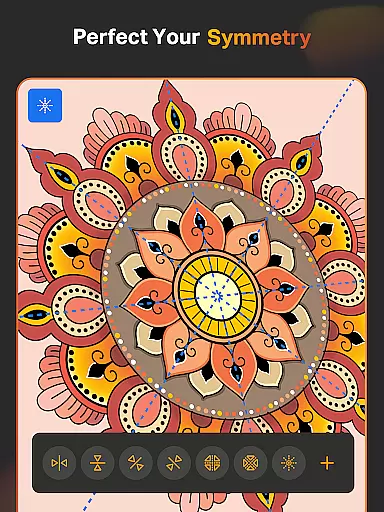
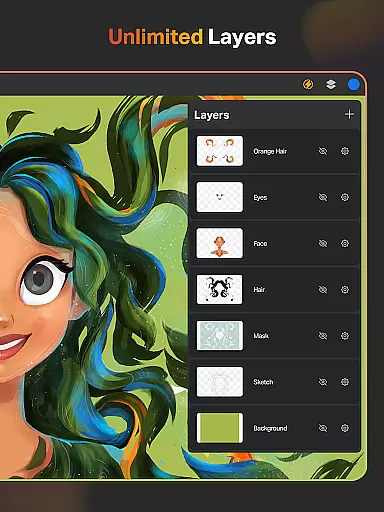
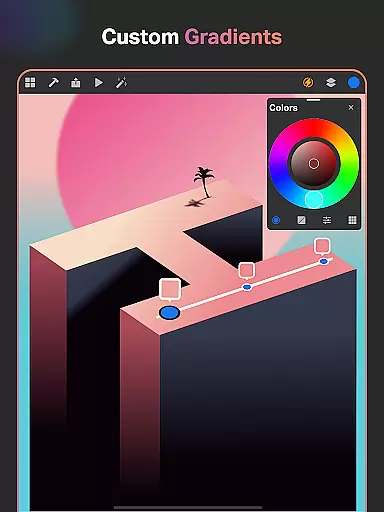
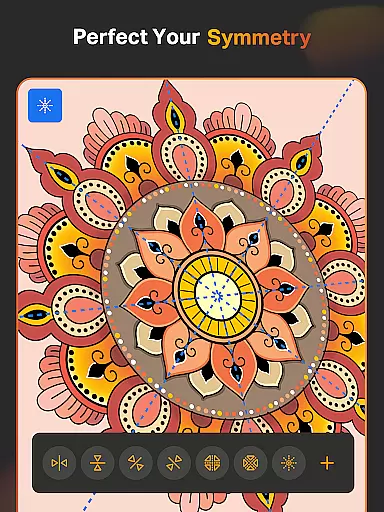
Beyond AI capabilities, SketchPro delivers essential professional tools including unlimited layers, gradient options, symmetry drawing, and shape libraries. The app's advanced layer management, color palette customization, and time-lapse playback functionality provide everything needed for professional-grade digital artwork. These features collectively create a complete ecosystem for digital artists to thrive in.
SketchPro offers an extensive suite of creative tools that cater to the needs of professional digital artists. The application includes customizable brushes for sketching, painting, and illustrating, allowing users to tailor their tools to specific project requirements.
In addition to traditional drawing implements, SketchPro provides advanced AI-driven features such as Text to Image, Sketch to Image, and Magic Edit tools. These empower artists to transform simple prompts into complex visuals, revamp colors and textures, and modify objects within their artwork seamlessly.
The app also boasts a layer system with unlimited layers, essential for intricate graphic designing and digital painting. This feature supports operations like rasterizing, duplicating, and merging layers, which are crucial for creating depth and complexity in digital art.
With smart shapes, gradient tools, and assisted drawing capabilities, SketchPro accelerates the creative process while maintaining artistic control. Such comprehensive toolsets ensure that both budding and experienced artists can execute their visions with precision and efficiency.
Flexibility in canvas and format options is vital for digital artists, and SketchPro excels in this area. Users can create on a custom canvas, adjusting dimensions to fit the scope of their work, whether it's for detailed illustrations or expansive designs.
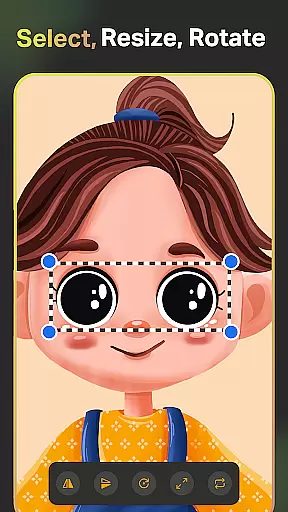
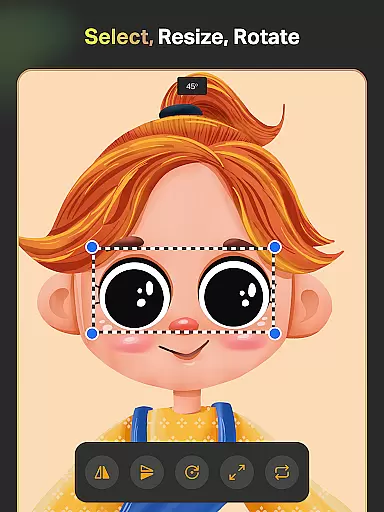
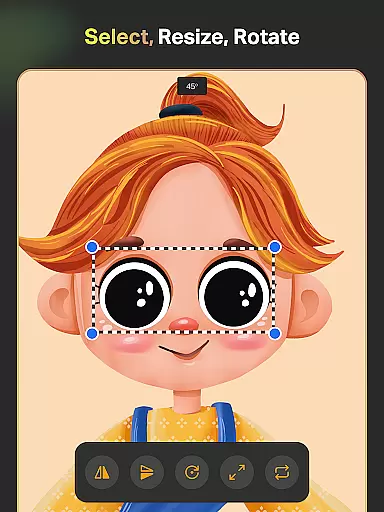
SketchPro supports various professional drawing features including symmetry tools and layer transform options, which enhance the ability to produce perfectly mirrored drawings and illustrations. This adaptability ensures that artists can explore different styles and techniques without constraint.
Moreover, the inclusion of a full-color wheel and themed color palettes allows artists to experiment with shades and hues, importing colors from photos to apply in their projects. This level of customization aids in achieving the desired aesthetic and mood in their artwork.
Finally, SketchPro enables exporting and organizing finished pieces effectively, with cloud syncing and time-lapse playback features. Artists can save, store, and review their creative journey, ensuring their work is not only flexible in creation but also in presentation and sharing.
Advanced AI tools
Customizable brushes
Unlimited layers
Cloud syncing
Time-lapse playback
Steep learning curve
High system requirements
Premium pricing
Occasional bugs
Complex interface

Premium version of Shimeji-ee app with no ads & no limit active shimeji
 4.4
4.4
Design your dream room with AI. Get decor ideas & plan home interiors
3.90
See Color, Paint Color
4.90
Passport size photo maker, create ID photo and visa photo in seconds
4.80
Create stunning art with AI.
4.80
Get creative and make art with your Sesame Friends!
4.00
Kling AI is an image and video generation and editing studio powered by AI.
4.50
Draw, make movies & animate cartoons easily with our 2D animation maker app
4.40
An intuitive, high-performance painting app that lets you focus on creating
4.40
Photo stitcher for automatically screenshot stitching into a long screenshot
4.70
Draw, fidget, and spin glow art! Relax and express your creativity with a finger
4.60
Beauty Camera - Selfie Camera is the ultimate beauty camera and selfie app
4.30
Turning simple sketches into captivating tales filled with life and motion
3.90
AI Face Swap, Video Effects Editor, Realtime Morph, Funny Video FX,AI Filters
3.70
Your homescreen as an elegant glass with customized blur, lighting, and visuals.
3.70
Create sweet, cool and unique couple avatars easily, in just a few steps!
3.40
Art of Combination Wear OS Watch faces (for Wear OS 5+ devices)
3.00
Download now for a stylish and functional timepiece
4.5
Transform photos into amazing monochrome dither art with professional algorithms
4.2





User Reviews