
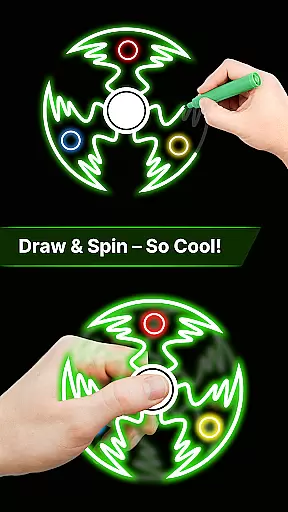
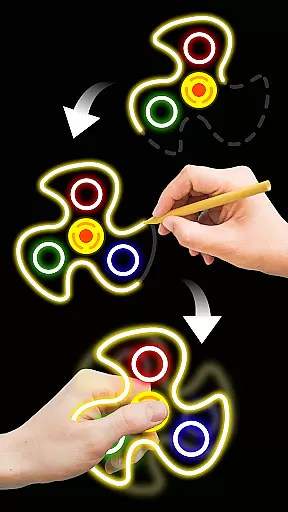
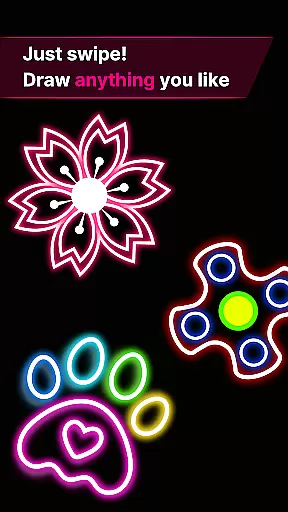
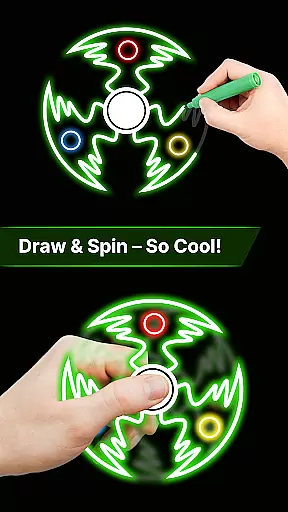
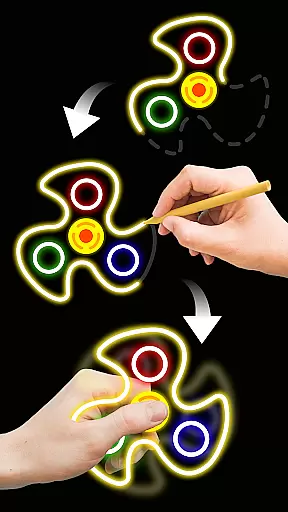
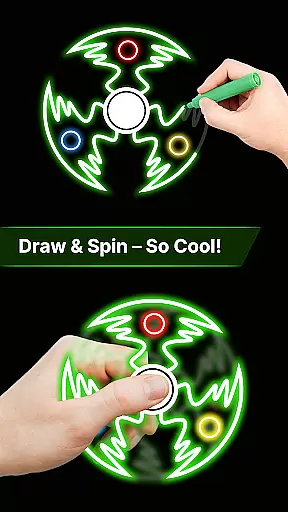
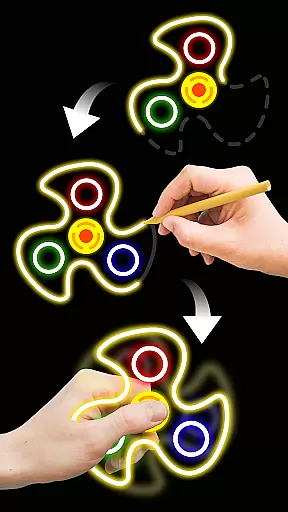
Finger Spinner: Glow Art Draw is an innovative app in the Art & Design category that combines creativity with relaxation. The core functionality allows users to draw glowing designs using their fingers, which can then be spun like fidget spinners. This unique blend of artistic expression and stress relief makes it stand out among creative apps.
The app features easy finger drawing tools, brilliant glow effects, and realistic 3D spinner physics. Users can create intricate designs with smooth lines and vivid neon colors, then watch them come to life as interactive 3D spinners. Whether you're looking to relieve stress or unleash your creativity, this app offers a perfect escape through digital art.
Perfect for artists and casual users alike, Finger Spinner transforms idle moments into engaging artistic experiences. Its soothing interface and meditative spinning mechanics make it especially valuable for those seeking a calming creative outlet.
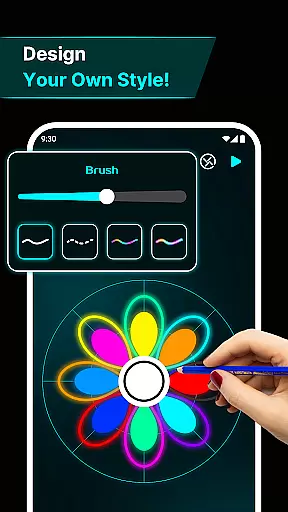
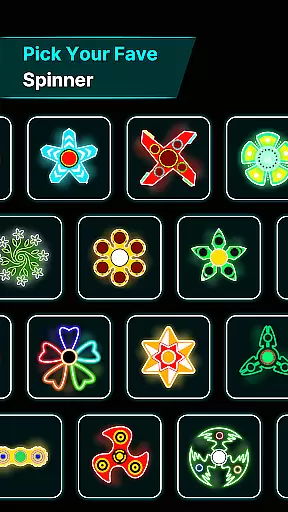
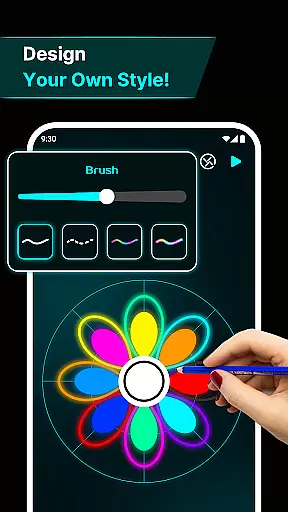
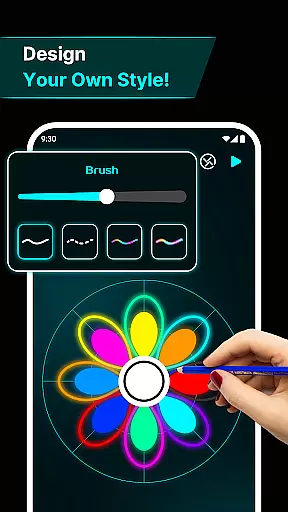
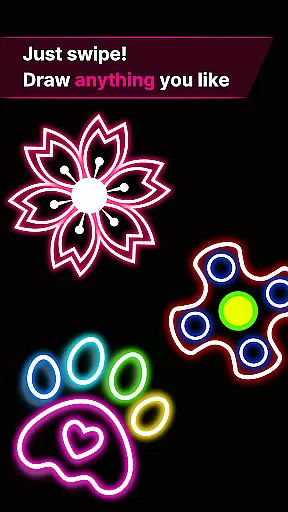
Finger Spinner stands out with its comprehensive set of artistic features designed for both fun and relaxation. The app's Easy Finger Drawing functionality lets users create smooth glowing lines with natural gestures, while the Brilliant Glow Effects add professional-grade neon lighting to every design.
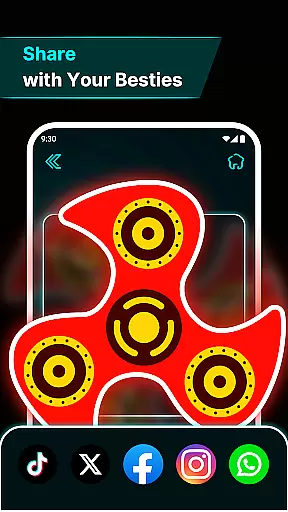
One of the most impressive aspects is the 3D Spinner Designs feature. Each artwork transforms into a realistic three-dimensional spinner with depth and dynamic movement. Combined with Realistic Spin Physics powered by an advanced engine, these spinners move naturally in all directions, creating an immersive experience.
The app also includes practical features like My Collection gallery for saving favorite creations and a Soothing Interface that enhances the overall user experience. These thoughtful additions demonstrate how Finger Spinner successfully merges artistic tools with therapeutic benefits, making it more than just a drawing app.
In the realm of digital creativity, having a comprehensive set of tools is paramount. Finger Spinner: Glow Art Draw offers an impressive array of features that cater to both casual doodlers and serious artists. The app provides easy finger drawing capabilities, allowing users to craft smooth glowing lines with simple touches.
One of the standout aspects is the brilliant glow effects. Artists can choose from a spectrum of vivid neon colors, adding a dynamic and eye-catching element to their creations. This feature ensures that each piece stands out, whether it's a minimalist design or an intricate pattern.
Additionally, the app includes 3D spinner designs, elevating flat drawings into interactive three-dimensional objects. This not only enhances visual appeal but also adds depth and realism to every artwork. Coupled with realistic spin physics, these tools create an immersive experience where art comes to life at your fingertips.
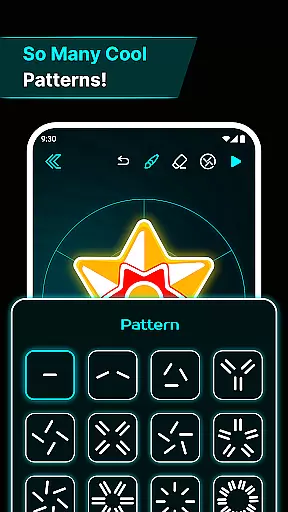
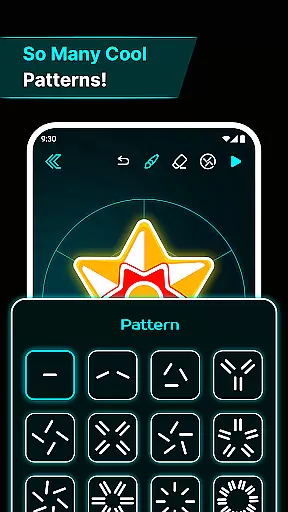
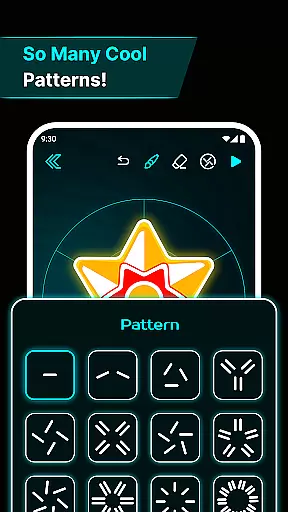
A versatile canvas is essential for unleashing full creative potential, and Finger Spinner: Glow Art Draw excels in this area. Users can explore various formats, experimenting freely without constraints on size or shape. Whether crafting sharp geometric patterns or flowing organic forms, the possibilities are endless.
The app supports different types of artistic expressions through its soothing interface. It encourages exploration by offering calming visuals that make the creative process enjoyable and stress-free. Artists can focus on their work without distraction, thanks to the streamlined and intuitive UI design.
Moreover, the My Collection feature allows saving every creation, building a personal gallery over time. This flexibility ensures that users can revisit past works, refine them, or simply admire their evolving skills. Overall, Finger Spinner: Glow Art Draw combines extensive format options with user-friendly functionality, making it a top choice for creative minds seeking flexible artistic outlets.
Unique concept
Easy to use
Stress-relieving
Creative freedom
Vivid effects
Limited tools
No collaboration
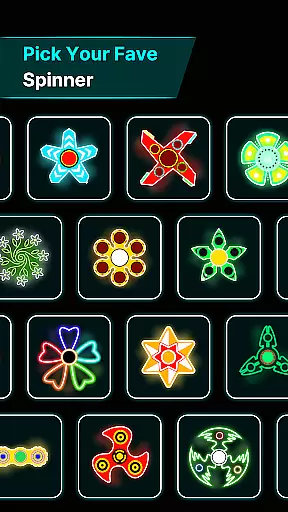
Few templates
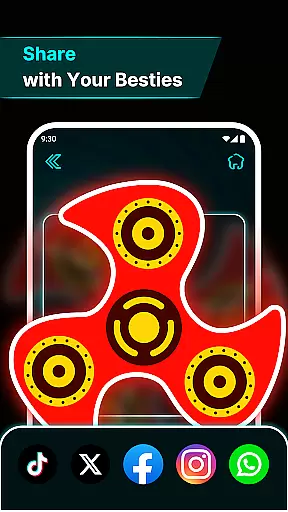
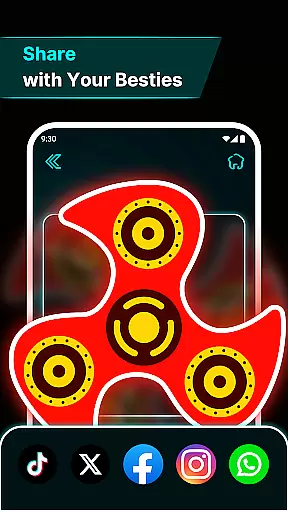
Basic sharing
Premium features

Vidu is an AI video generator made for creators and aspiring makers.
 3.30
3.30
Art of Combination Wear OS Watch faces (for Wear OS 5+ devices)
3.00
Create trending AI photos & videos with powerful effects and 3D styles.
3.20
Easy 3D drawing design maker & creator. Model designing, Sculpting. Create&paint
4.00
AI Art Generator transforms your words into AI generated art & paintings.
3.70
Create stunning art with AI.
4.80
Photo stitcher for automatically screenshot stitching into a long screenshot
4.70
Create and Design Custom Logos in Seconds with AI-Powered Tools!
4.40
Create cute cat emojis & PFPs! Fun, custom avatars for cat lovers.
3.70
Convert image to JPG PNG HEIC PDF, support almost all kinds of image formats
4.70
The ultimate tool for creating animations
4.60
Draw beautiful mandala's very easily
4.60
Draw glowing spinners, relax, and spin your creative art
4.60
The perfect place to start sketching! Use Sketchbook to draw and paint sketches.
4.50
Unleash the artist in you with our AR drawing and tracing tool for photo drawing
4.10
Draw anime easily with AR guidance, sketch templates & trace tools!
3.10
Inky runs Inkscape on Android devices and Chromebooks
2.90
Retouch photos. Create or edit images. Endless capabilities.
2.70
Premium version of Shimeji-ee app with no ads & no limit active shimeji
4.0




User Reviews