
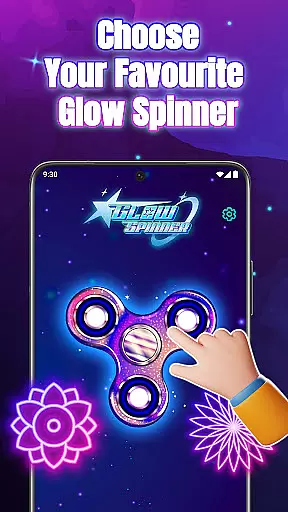
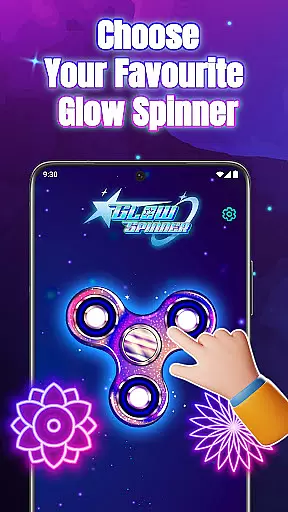
Glow Spinner is an innovative digital art application designed to provide users with a calming and creative drawing experience. The app allows you to draw glowing spinner art using your finger, bringing your creations to life with smooth motion and vibrant light effects. This unique blend of creativity, motion, and relaxation makes it ideal for stress relief, artistic expression, and simple entertainment.
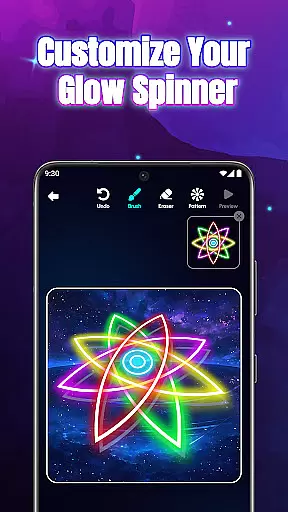
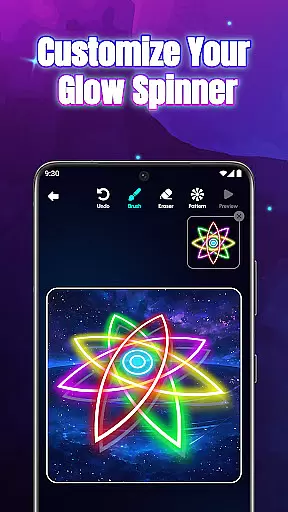
With its intuitive interface, Glow Spinner lets anyone easily create stunning spinner designs. You can customize your spinners with various glow effects, neon colors, and 3D motion, resulting in luminous patterns that reflect your imagination. Whether you're looking to unwind or explore your artistic side, this app offers a complete package of features to enhance your digital art journey.
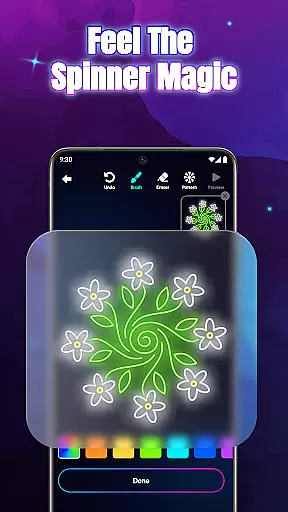
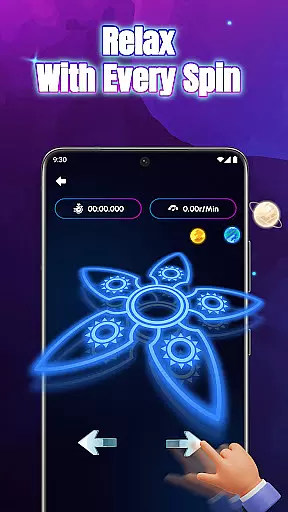
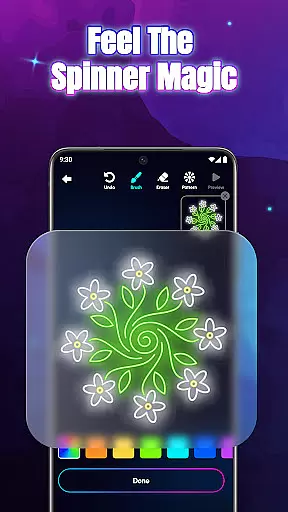
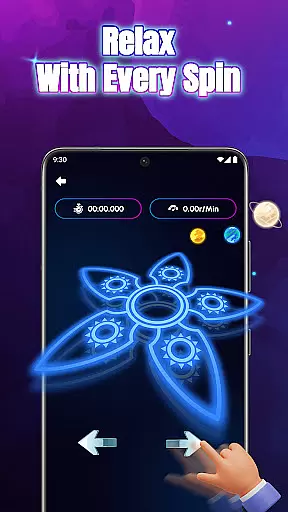
The app's standout feature is its realistic spin physics, powered by a responsive physics engine that mimics natural spinning motions. Combined with soft ambient visuals and soothing soundscapes, Glow Spinner creates an immersive environment perfect for focusing, unwinding, and enjoying stress-free creativity. Save your favorite creations in the built-in Artwork Gallery and revisit them anytime for instant joy and inspiration.
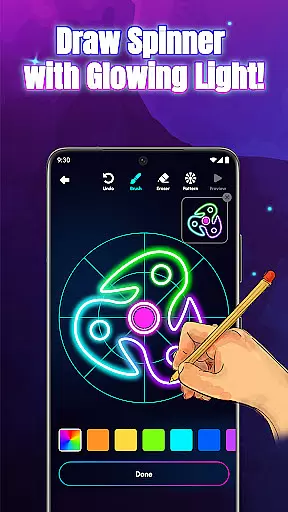
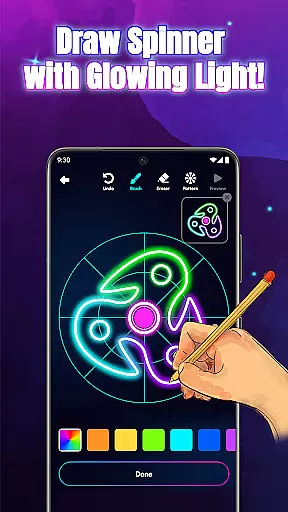
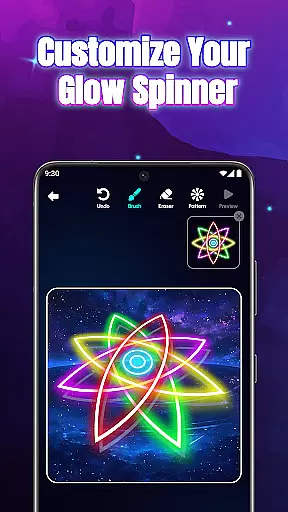
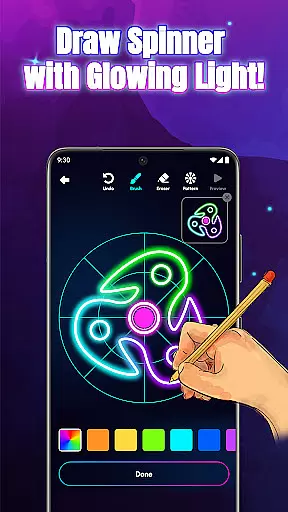
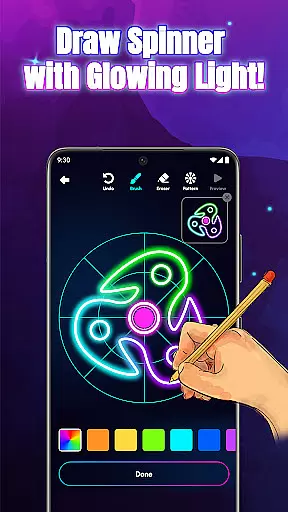
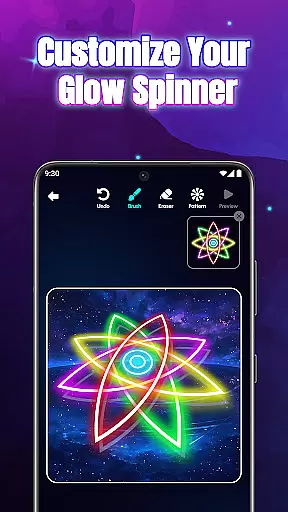
Glow Spinner stands out with its diverse range of features tailored to enhance your creative experience. One of its key highlights is the Intuitive Finger Drawing functionality, which allows every swipe of your finger to transform into glowing lines that move smoothly across the screen. This makes designing spinner art accessible even to beginners while offering enough depth for seasoned artists.
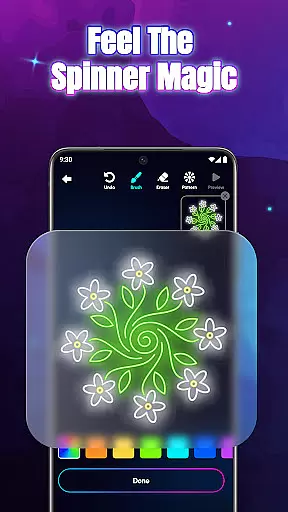
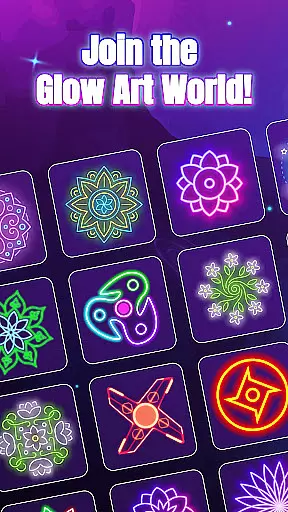
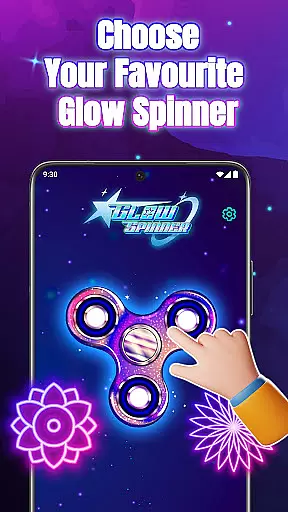
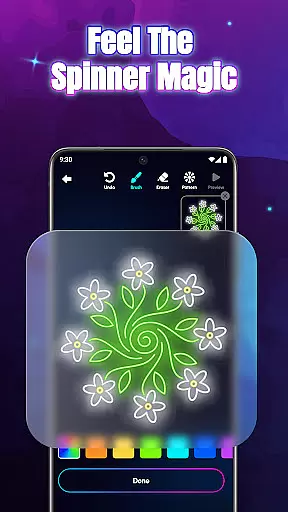
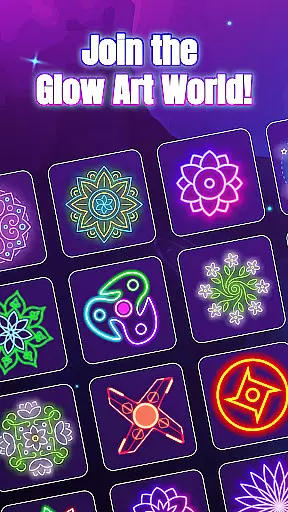
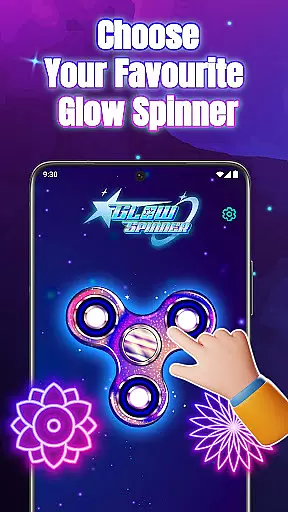
Custom Glow Effects enable users to personalize their creations further. From calm ambient tones to bright neon bursts, you can choose from a variety of glow styles, patterns, and colors that shine as your spinners rotate. The app also incorporates 3D Spinner Design, giving your creations a realistic sense of depth and motion, complete with light reflections that mimic real-world physics.
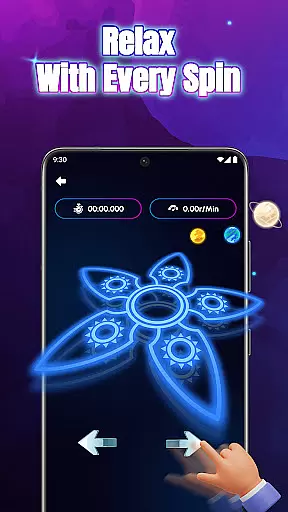
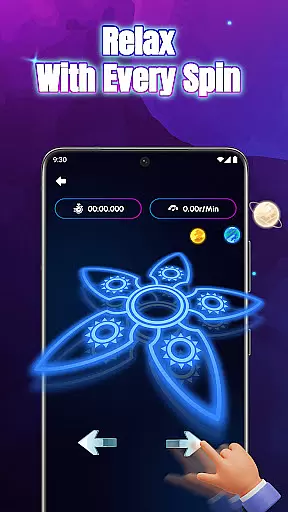
Another notable feature is the Realistic Spin Physics, powered by an advanced physics engine that ensures lifelike spinning motions when you flick your designs. Coupled with the Relaxing Ambience provided by gentle soundscapes and soft visuals, these features create an immersive environment conducive to creativity and relaxation. Additionally, the Artwork Gallery lets you save, revisit, and replay your favorite designs, building a personal collection of glowing art pieces.
Creative tools are essential for any art and design application, and Glow Spinner excels in this area. The app offers an intuitive finger drawing experience that allows users to create glowing spinner art effortlessly. With customizable glow effects, users can choose from various styles, patterns, and colors, ranging from calm ambient tones to vibrant neon bursts.
The app also features 3D spinner design capabilities, providing realistic motion with light reflection and depth. This enhances the visual appeal of each creation, making them come alive. Additionally, the inclusion of realistic spin physics powered by a responsive physics engine ensures that every flick and spin behaves naturally, adding another layer of authenticity to the user's artwork.
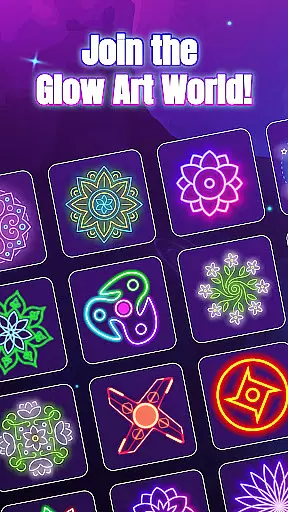
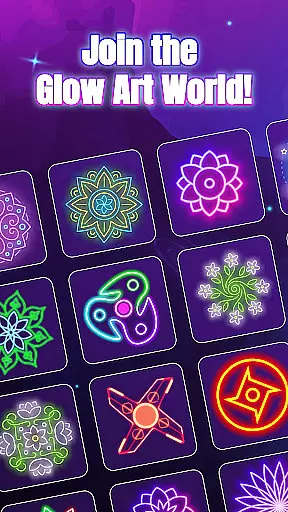
For those who appreciate a comprehensive creative suite, Glow Spinner does not disappoint. It includes an artwork gallery where users can save, revisit, and even re-spin their favorite designs. This feature not only serves as a repository for past works but also inspires future creations by allowing artists to build upon previous ideas.
Flexibility in canvas and format options is crucial for unleashing creativity without constraints. Glow Spinner understands this need and provides users with a versatile platform to explore digital art. Users can draw unique spinner shapes using their fingers, combining neon colors to form luminous patterns that reflect their imagination.
The app supports a wide array of customization options, ensuring that each piece of art can be tailored to individual preferences. Whether itu2019s adjusting the glow intensity or experimenting with different color combinations, the possibilities are virtually endless. Moreover, the ability to save creations in an artwork gallery adds a layer of convenience, enabling users to manage their portfolio efficiently.
Beyond static images, Glow Spinner incorporates relaxing ambience elements such as soft visuals and gentle soundscapes. These features contribute to a holistic creative environment, promoting focus and relaxation. By blending these aspects seamlessly, the app ensures that users can fully immerse themselves in the process of creating and spinning their glowing art.
User-friendly interface
Vibrant glow effects
Realistic 3D motion
Relaxing soundscapes
Customizable options
Limited free features
Occasional ads
Premium cost
Device compatibility
Learning curve

Create sweet, cool and unique couple avatars easily, in just a few steps!
 3.40
3.40
Stylish letters, Stylish Keyboard, Symbols, Emojis, Cool nickname
4.40
Create stylish invitation cards using templates for weddings, birthdays & RSVP.
4.20
Trace, draw, and create art with AR - from memes to masterpieces!
4.30
Create stunning video, photo & magic from text with FlixAI GPT video generator.
3.10
Powerful home decoration & house design that allows you to design dream home.
3.80
Minecraft & Roblox Clothes
4.70
Kling AI is an image and video generation and editing studio powered by AI.
4.50
Draw, make movies & animate cartoons easily with our 2D animation maker app
4.40
Image resizer to resize, crop, rotate, flip, change dpi photo or picture in bulk
4.60
Castle is social media for creating and playing games!
4.60
Draw, fidget, and spin glow art! Relax and express your creativity with a finger
4.60
Discover Cartoon Dream : Unleash Your Creativity with CuttingEdge AI
4.50
Draw Trace image sketch by, AR art projector app, Easy to trace any image.
4.50
AI generated images & photos, turn your words into drawing, painting & pictures.
4.30
Custom Character Creator & PFP Maker!
4.20
Digital Drawing: Draw & Paint
4.10
OneUI 8.5 icons ✨ Smooth, modern & based on the latest Play Store design ??
4.10
A luxurious gold watch face for an elegant and refined look.
4.5



User Reviews