
Castle is a dynamic social media platform designed specifically for game creation and interactive entertainment. This application empowers users to design their own games using an intuitive editor, share creations with the community, and explore a vast library of user-generated content.
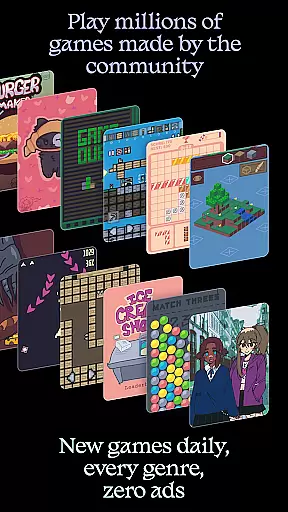
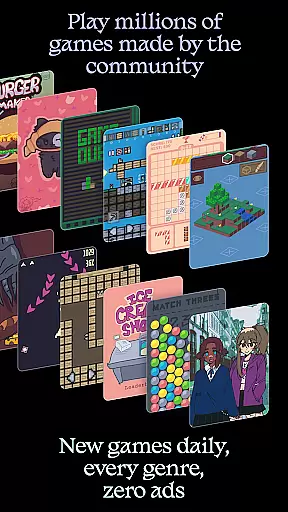
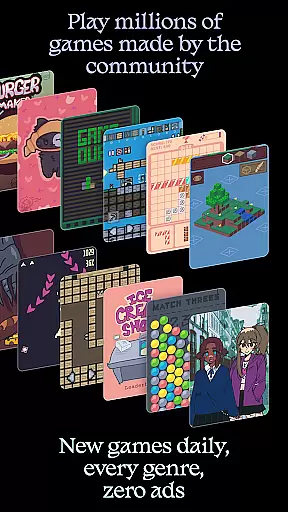
The app's key strength lies in its comprehensive suite of creative tools that support various aspects of game development including art, physics, logic, music, and sound design. Users can engage with millions of games and animations created by others, participate in community activities, and develop valuable skills through hands-on learning.
Ideal for both aspiring game developers and casual gamers, Castle provides an ad-free environment where creators can build a following and players can enjoy diverse gaming experiences across all genres without interruptions.
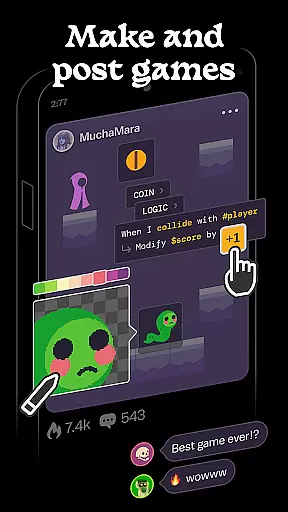
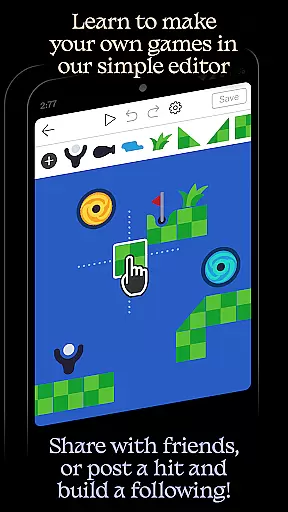
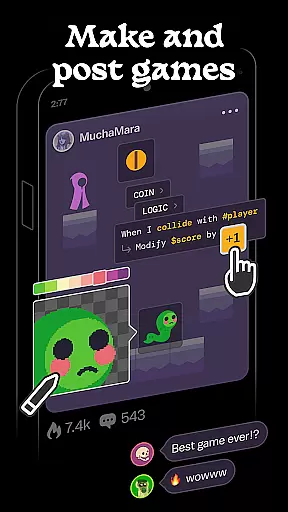
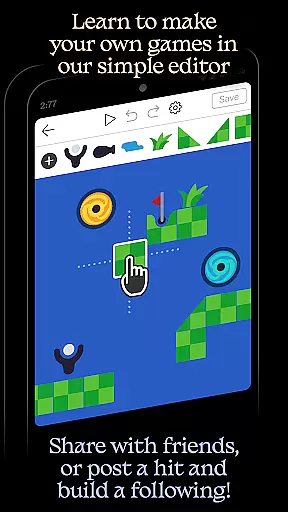
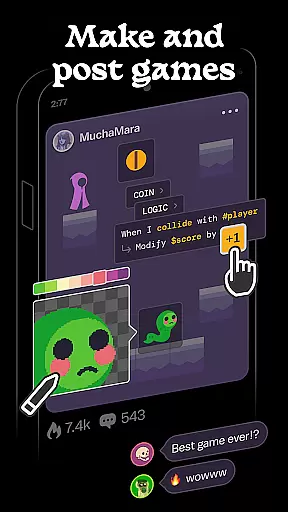
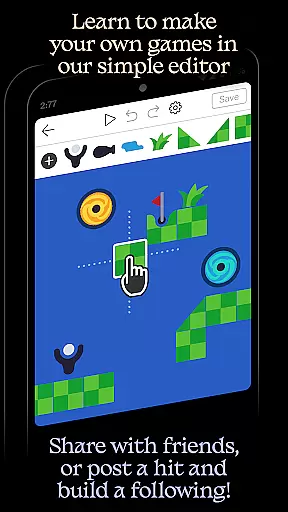
Castle distinguishes itself through its robust game creation capabilities. The app offers a simple yet powerful editor that allows users to build games from scratch or modify existing templates. Its extensive library of game objects enables creators to construct virtually any game concept they can imagine.
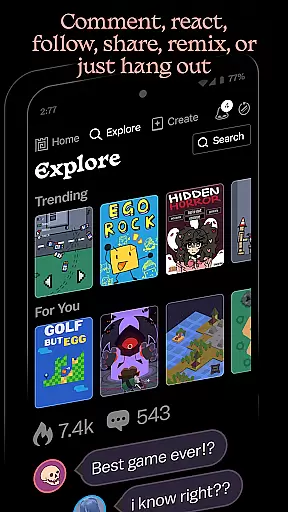
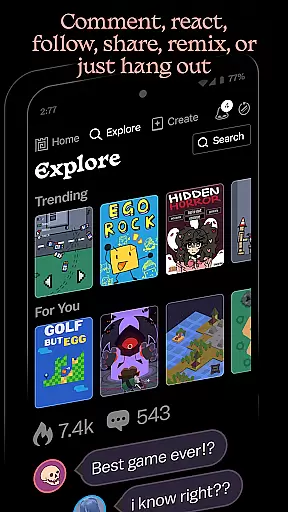
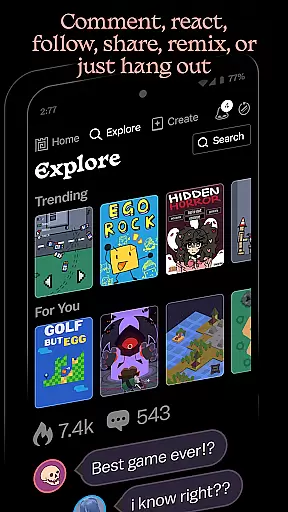
The platform supports comprehensive social features including commenting, following favorite creators, competing for high scores, and collecting achievements. These engagement tools foster a vibrant community where users can interact, learn from each other, and grow their creative skills.
Advanced editor tools provide specialized functions for art creation, physics simulation, logic programming, music composition, and sound design. While some premium features like game boosting require in-app purchases, the core functionality of creating and sharing games remains completely free.
Castle offers a comprehensive suite of creative tools that cater to various aspects of game design and development. These include art creation tools, physics simulators, logic builders, and even music and sound editors.
The availability of these diverse tools ensures that users can bring their creative ideas to life without needing external software or resources. This all-in-one approach streamlines the creative process and allows for a seamless transition from concept to finished product.
For aspiring game developers and artists, having such a complete set of tools at their disposal is invaluable. It not only enhances their creative capabilities but also helps in skill development that can have long-lasting benefits in their careers.
In Castle, users enjoy remarkable flexibility when it comes to canvas and format options. The platform supports a wide array of formats, enabling creators to experiment with different styles and types of content.
This flexibility extends to the ability to easily remix existing games and add personal touches. With access to a vast library of game objects, users can customize their creations to fit their unique vision.
Such adaptability empowers creators to push the boundaries of their imagination, knowing that the platform will support their artistic endeavors regardless of the direction they choose to take.
User-friendly game editor
Vibrant creator community
Comprehensive creative tools
Ad-free browsing experience
Free core functionality
Premium features cost extra
Steep learning curve
Limited professional tools
Mobile-only platform
Internet connection required

Premium version of Shimeji-ee app with no ads & no limit active shimeji
 4.0
4.0
Stylish letters, Stylish Keyboard, Symbols, Emojis, Cool nickname
4.40
Apply cartoon, caricature, and portrait effects to make your photos stand out!
3.60
Create stunning art with AI.
4.80
Photo editor for art, avatars, filters & fun transformations.
4.60
Android 14 style widgets and wallpapers app.
4.4
Just trace a projected picture on paper and color! Draw & Paint with AR drawing
4.40
Sketch and paint on your device with the feel and freedom of drawing on paper
4.00
Unleash your inner artist! Sketchar: AR Drawing for Limitless Creativity
4.40
Mobile pixel art editor. Simple. Fast. Portable.
4.80
Discover Cartoon Dream : Unleash Your Creativity with CuttingEdge AI
4.50
OneUI 8.5 icons ✨ Smooth, modern & based on the latest Play Store design ??
4.10
Floor Plan Creator lets you create, edit and share floor plans.
4.00
Design unique, funny and adorable cat stickers that reflect your own style!
3.80
Your homescreen as an elegant glass with customized blur, lighting, and visuals.
3.70
Create cute cat emojis & PFPs! Fun, custom avatars for cat lovers.
3.70
Experience next-gen icons with a modern liquid glass look.
3.60
AI Assistant, powered by ChatGPT GPT-4 & GPT-4o. Your intelligent companion.
3.50
Create stunning video, photo & magic from text with FlixAI GPT video generator.
3.10



User Reviews