
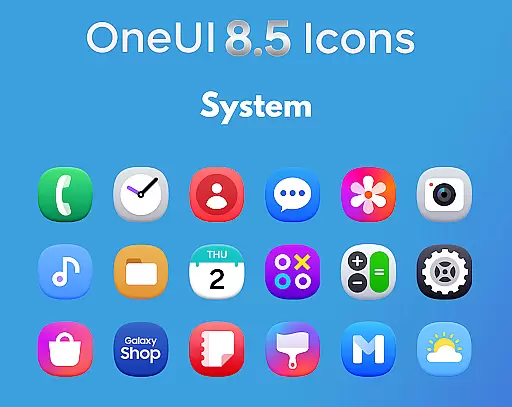
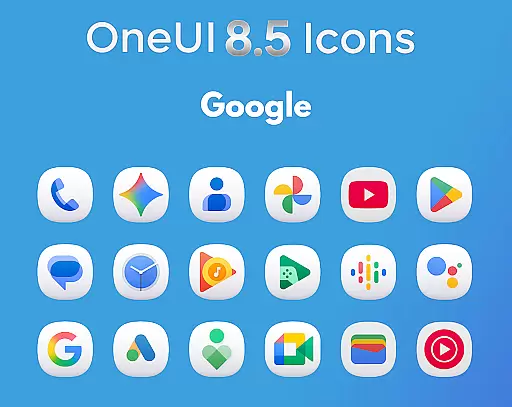
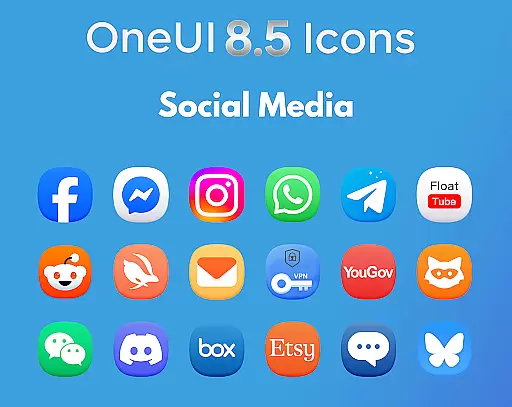
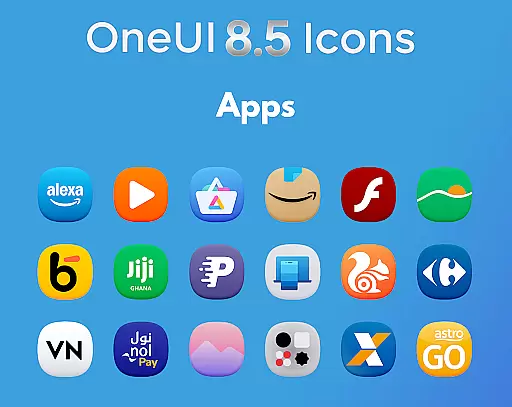
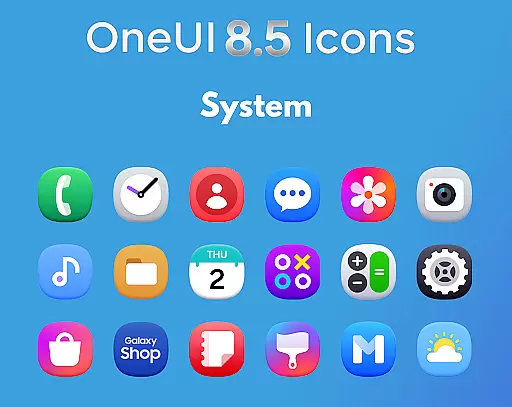
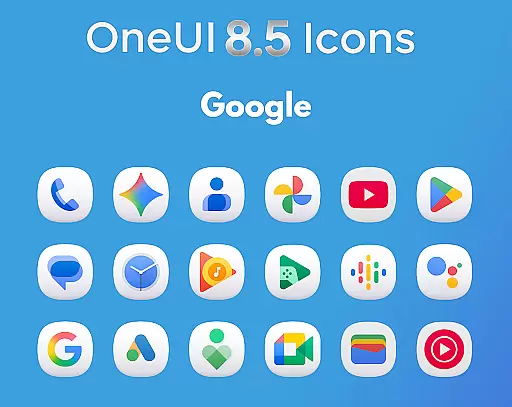
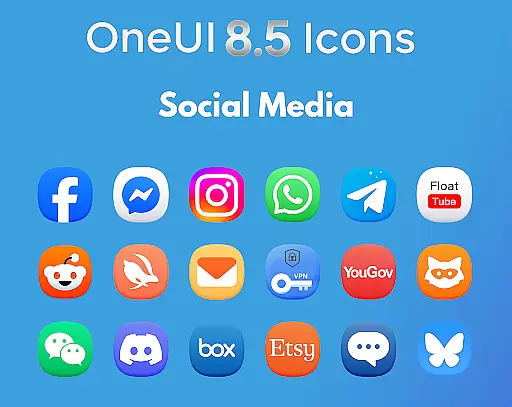
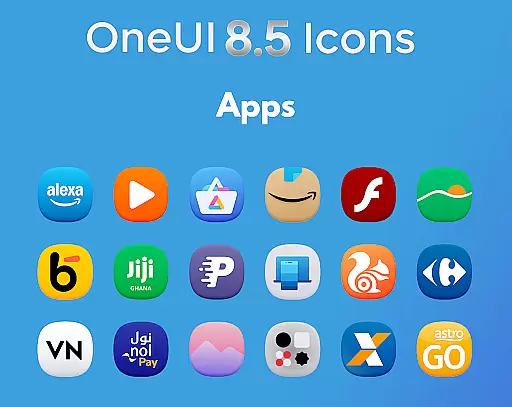
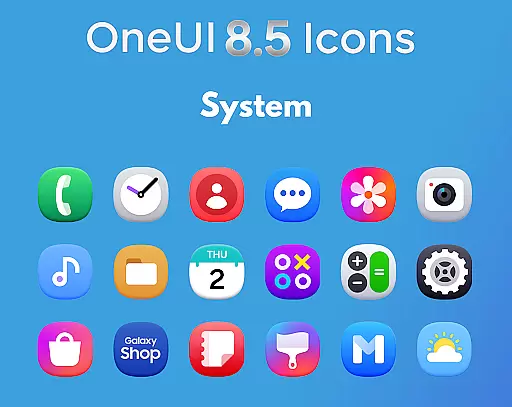
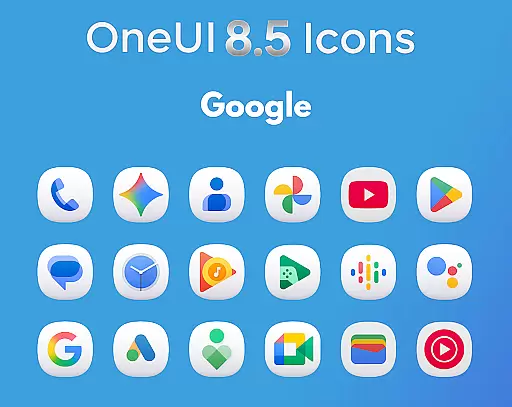
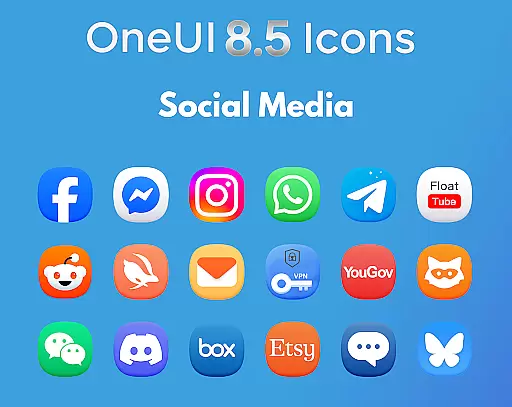
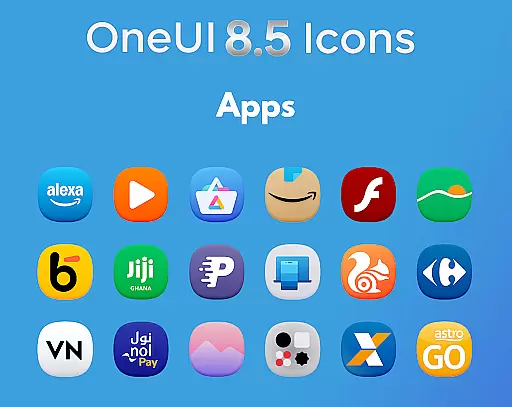
OneUI 8.5 Icons is a premium icon pack designed to elevate your Android customization experience. Featuring over 1425 meticulously crafted icons, this pack aligns with Samsung's upcoming OneUI 8.5 design language, offering a modern and futuristic aesthetic.
Each icon in the collection is inspired by the latest Play Store design updates, ensuring smooth, sharp, and high-definition visuals. The subtle 3D-inspired bottom curve adds a unique touch, making your device stand out with a polished and professional appearance.
Ideal for users seeking a next-gen OneUI experience, this icon pack transforms your home screen into a visually stunning interface while maintaining consistency with Samsung's design philosophy.
OneUI 8.5 Icons boasts an array of features that cater to both aesthetics and functionality. With 1425+ high-quality icons, the pack ensures extensive coverage for popular apps, while regular updates expand the library further.
The icons are crafted based on Samsung's OneUI 8.5 style, incorporating clean lines, balanced shapes, and subtle 3D shading at the bottom. This attention to detail enhances the visual appeal and ensures ultra HD readiness for all screen types.
Users can also request new icons, ensuring their favorite apps are covered. Whether you're a designer or simply someone who appreciates sleek visuals, this pack offers a seamless way to customize your device with precision and style.
Creative tools are essential for users who want to customize their device's appearance with unique and visually appealing icons. The OneUI 8.5 Icon Pack offers a comprehensive suite of creative options, featuring 1425+ high-quality icons that are meticulously designed.
Each icon in the pack is crafted based on the latest Play Store design updates, ensuring that they are not only aesthetically pleasing but also aligned with current design trends. This attention to detail provides a cohesive look that enhances the overall user experience.
The inclusion of regular updates with new icons ensures that users have access to a growing library of design choices. Additionally, the support for icon requests means that users can suggest specific icons they desire, making the customization process more personalized and satisfying.
Flexibility in canvas and format options allows users to enjoy a seamless customization experience across different devices and screen resolutions. The OneUI 8.5 Icon Pack excels in this area by offering icons that are ultra HD ready, providing sharp and clean visuals regardless of the device's display specifications.
These icons are perfectly balanced with subtle 3D bottom shading, which adds depth and a futuristic touch to the home screen. This feature ensures that the icons look great on any Android device, maintaining visual consistency and appeal.
By basing the design on Samsungu2019s upcoming OneUI 8.5 style, the icon pack guarantees compatibility and aesthetic harmony with Samsung devices. Users can transform their home screens into a next-gen OneUI experience, enjoying a premium and polished look that truly stands out.
Premium Design
Extensive Icon Coverage
Regular Updates
Ultra HD Quality
User Icon Requests
Limited to Android
No iOS Support
Design Specificity
Higher Price Point
Learning Curve

Stylish letters, Stylish Keyboard, Symbols, Emojis, Cool nickname
 4.40
4.40
Custom Character Creator & PFP Maker!
4.20
Create neon drawing with magic doodle and fun doodle art effects!
4.50
Passport size photo maker, create ID photo and visa photo in seconds
4.80
Draw Trace image sketch by, AR art projector app, Easy to trace any image.
4.50
Photo stitcher for automatically screenshot stitching into a long screenshot
4.70
Bring One UI 8.5 Icons to life -elegant dark icons with a modern, premium touch.
4.30
Create and Design Custom Logos in Seconds with AI-Powered Tools!
4.40
Explore future self face age filter & remove background image for a unique look.
3.50
Create stunning art with AI.
4.80
Discover Cartoon Dream : Unleash Your Creativity with CuttingEdge AI
4.50
Create color palette from Image, RGB & RYB Color wheel harmonies, Color Scheme
4.50
Trace, draw, and create art with AR - from memes to masterpieces!
4.30
Customizable Outlined Fonts. Watch Face Format. Battery friendly Digital Clock.
4.20
Unleash the artist in you with our AR drawing and tracing tool for photo drawing
4.10
Easy 3D drawing design maker & creator. Model designing, Sculpting. Create&paint
4.00
Powerful home decoration & house design that allows you to design dream home.
3.80
Experience next-gen icons with a modern liquid glass look.
3.60
Your Essential Color Theory Guide: Red, Yellow, Blue (RYB)
4.1



User Reviews