
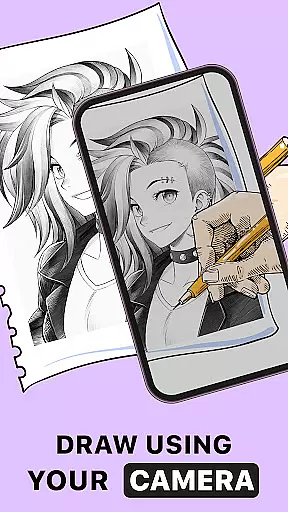
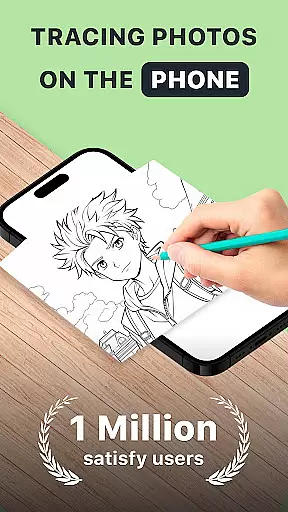
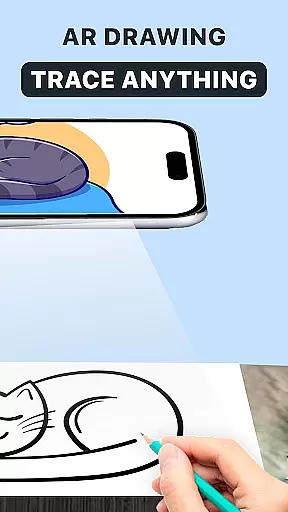
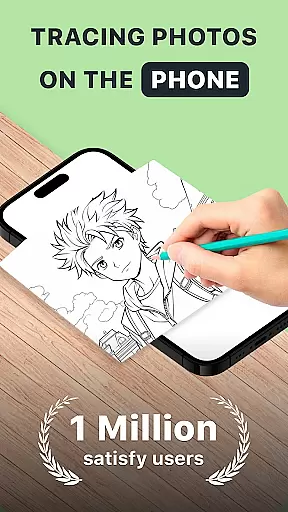
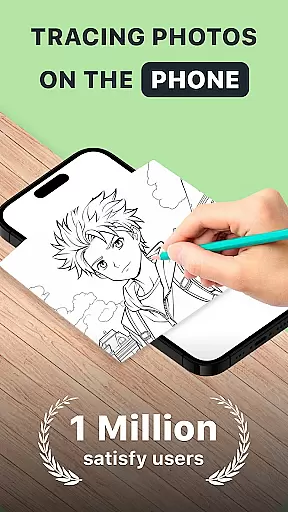
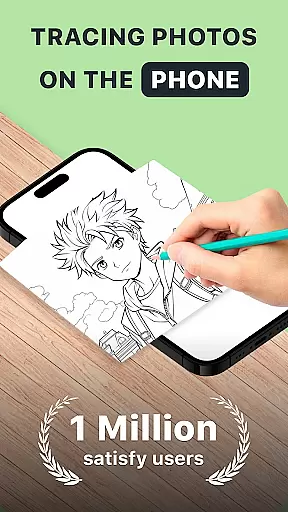
AR Drawing: Trace Anything is an innovative art application designed for creative enthusiasts who enjoy drawing and coloring. This app offers a unique augmented reality experience that allows users to trace and create artwork from any picture using their mobile device. With features like AR tracing, sketchbook integration, and time-lapse recording, it provides a complete toolkit for both beginners and professional artists.
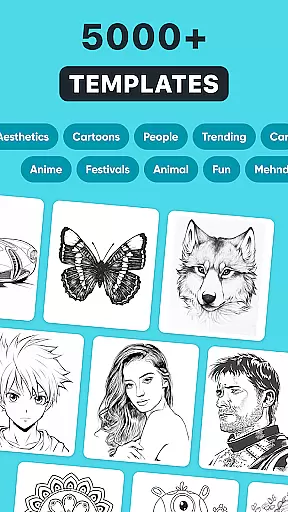
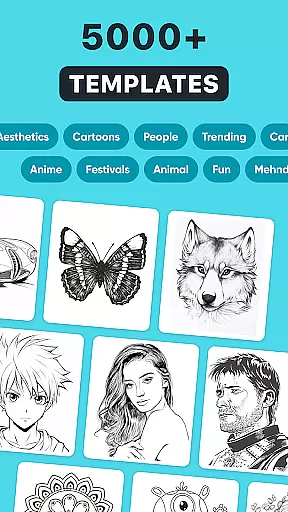
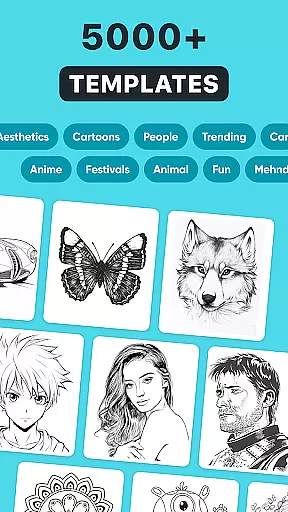
The application stands out with its ability to turn simple images into impressive masterpieces through AR technology. Users can access a rich library of images or import their own photos to start creating art. The intuitive interface makes it easy to follow the tracing guides, while advanced customization options allow for personal artistic expression. Whether you're working on complex designs or simple sketches, this app adapts to all skill levels.
Perfect for family activities or individual artistic pursuits, AR Drawing: Trace Anything enables creative expression anytime, anywhere. The app's portability and ease of use make it ideal for capturing artistic moments during travels or casual drawing sessions at home. By combining traditional drawing techniques with modern AR capabilities, it creates a new dimension in digital art creation.
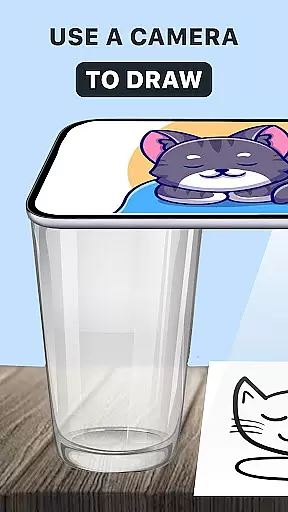
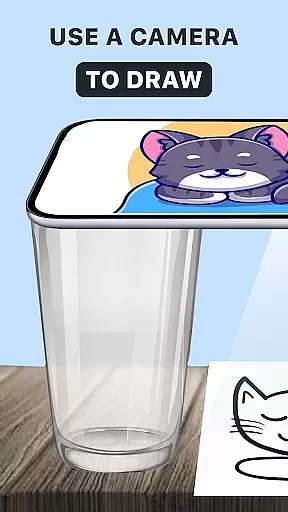
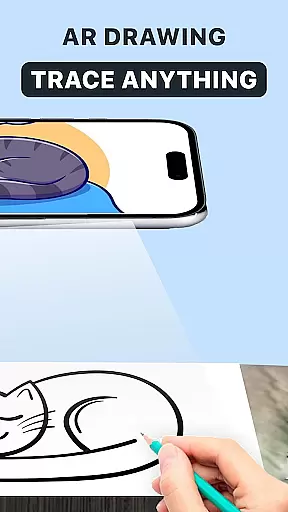
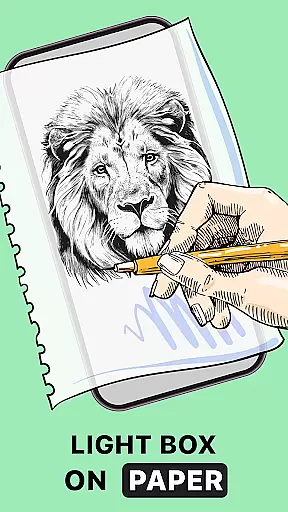
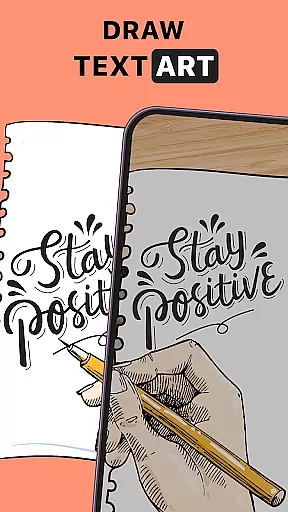
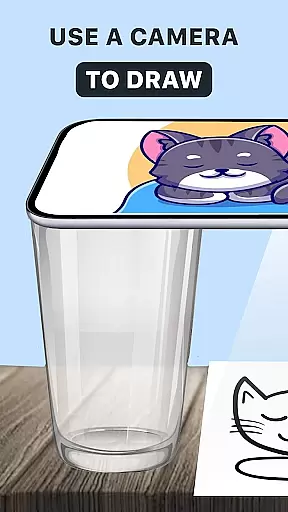
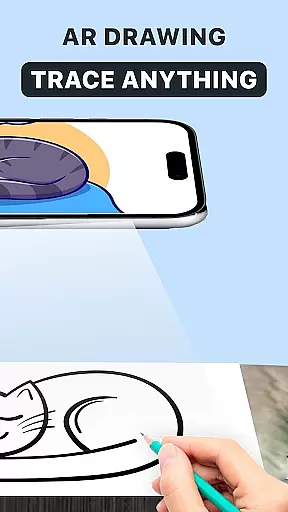
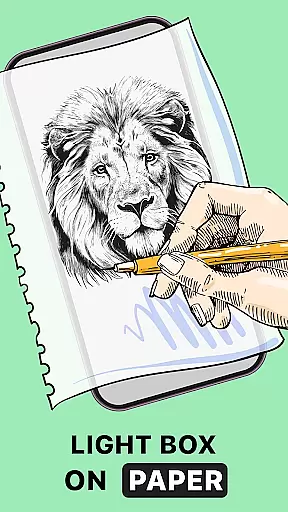
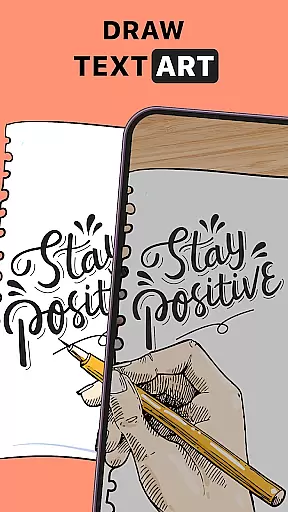
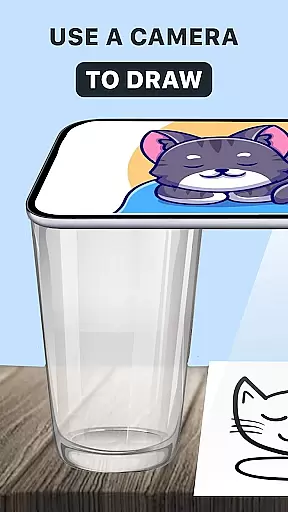
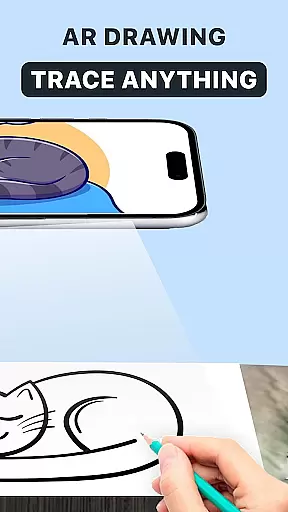
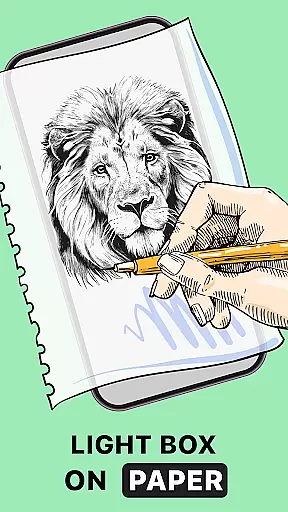
AR Drawing: Trace Anything distinguishes itself through several remarkable features that enhance the digital art creation process. The core functionality revolves around its advanced AR tracing system, which projects virtual guidelines directly onto the drawing surface. This feature helps users maintain accurate proportions and details while creating their artwork, making it especially valuable for beginners learning fundamental drawing skills.
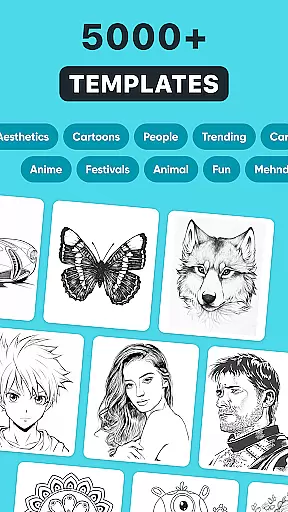
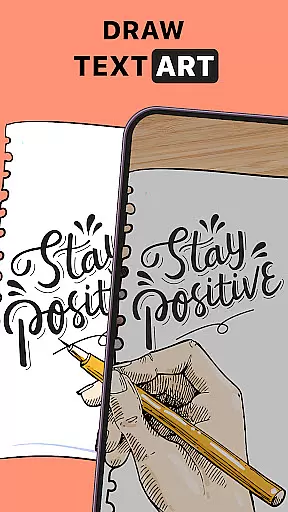
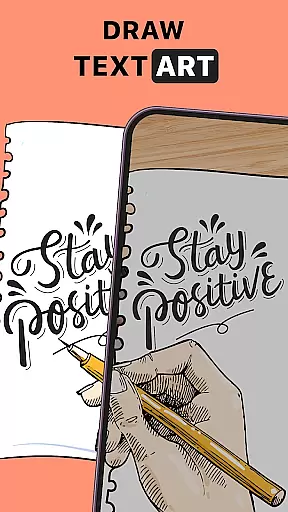
Beyond basic tracing, the app includes a comprehensive sketchbook feature that stores all your projects in one place. Each artwork can be customized using various drawing tools and effects, including transparent layers and line weight adjustments. The built-in gallery provides thousands of reference images across multiple categories, while the option to import personal photos ensures unlimited creative possibilities.
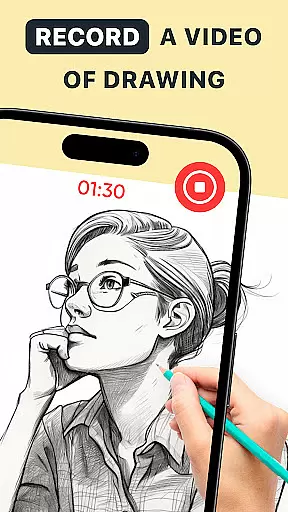
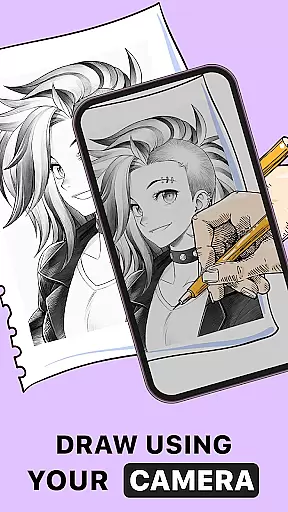
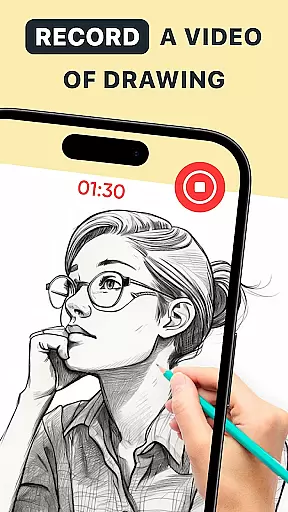
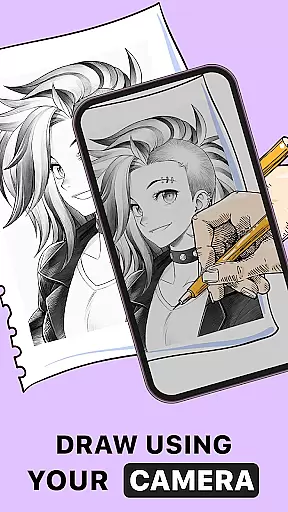
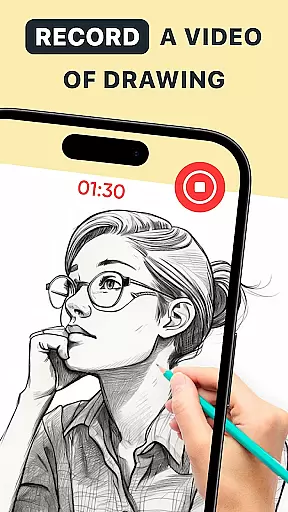
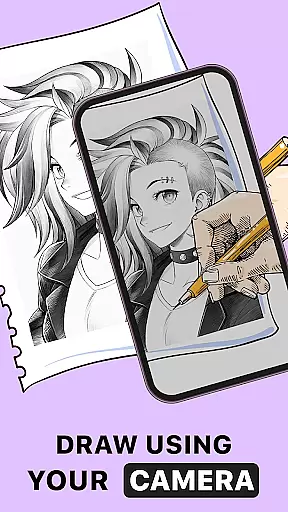
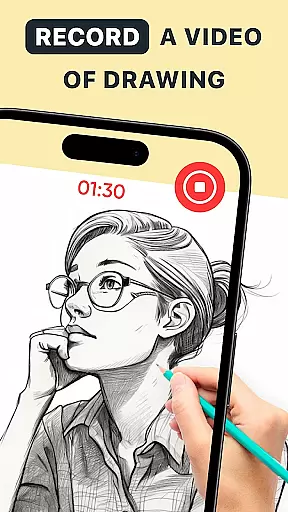
Additional notable features include time-lapse recording for creating behind-the-scenes content, perfect for sharing artistic processes on social media. The app also supports different artistic styles, from anime drawings to realistic portraits. With its user-friendly interface and powerful creative tools, AR Drawing: Trace Anything caters to both casual hobbyists and serious artists looking to enhance their skills while enjoying the convenience of digital art creation.
In the realm of digital art, having a comprehensive set of creative tools is essential for artists to fully express their visions. AR Drawing: Trace Anything offers an extensive suite of features that cater to both budding and experienced artists.
The app includes functionalities such as AR drawing, trace drawing, and an integrated sketchbook, which collectively provide a versatile platform for creating art. These tools are designed to enhance the user's ability to draw, trace, and even animate with ease and precision.
Users benefit from the app's capability to transform any picture into a traceable outline, allowing them to recreate images with accuracy and detail. This feature not only aids in improving drawing skills but also opens up new avenues for personalizing artwork with various effects.
Ultimately, the completeness of AR Drawing's toolset empowers artists to explore different styles and techniques without limitations, making it a valuable asset for anyone interested in Activities, Drawing & Coloring.
Flexibility in canvas and format options is crucial for artists who wish to work without constraints. AR Drawing: Trace Anything addresses this need by offering adaptable solutions that accommodate a wide range of artistic projects.
Artists can utilize the app to create on any canvas size they desire, whether it's for small-scale sketches or large-format drawings. The ability to adjust these settings ensures that users can tailor their workspace to fit the specific requirements of each piece they create.
Moreover, the app supports various formats, enabling creators to export their work in multiple file types suitable for sharing or printing. This versatility enhances workflow efficiency and allows seamless integration with other digital platforms.
By providing such flexible canvas and format options, AR Drawing: Trace Anything stands out as a robust tool for artists seeking to push the boundaries of their creative expression while maintaining high standards of quality and presentation.
User-friendly interface
Extensive image library
Advanced AR tracing
Customizable drawing tools
Time-lapse recording feature
Requires stable internet
Premium features locked
Steep learning curve
Limited free resources
Device compatibility issues

Customizable Outlined Fonts. Watch Face Format. Battery friendly Digital Clock.
 4.20
4.20
Design your dream room with AI. Get decor ideas & plan home interiors
3.90
Remove Background, Magic Eraser, Photo Enhancer, Story Templates, Collage Maker
4.30
Art of Combination Wear OS Watch Faces
4.0
Design unique, funny and adorable cat stickers that reflect your own style!
3.80
Art of Combination Wear OS Watch faces (for Wear OS 5+ devices)
3.90
Create cute cat emojis & PFPs! Fun, custom avatars for cat lovers.
3.70
Turning simple sketches into captivating tales filled with life and motion
3.90
Create Logos, Tattoos, AI Art & more with our AI Photo Generator & Design Editor
4.20
Mobile pixel art editor. Simple. Fast. Portable.
4.80
Image resizer to resize, crop, rotate, flip, change dpi photo or picture in bulk
4.60
Draw, fidget, and spin glow art! Relax and express your creativity with a finger
4.60
Painting, drawing, & sketching
4.50
Create and Design Custom Logos in Seconds with AI-Powered Tools!
4.40
Sketch, plan, take notes and illustrate on an infinite canvas.
4.20
Paint with oils and sketch with natural tools on a realistic virtual canvas.
3.80
AI Assistant, powered by ChatGPT GPT-4 & GPT-4o. Your intelligent companion.
3.50
Art of Combination Wear OS Watch faces (for Wear OS 5+ devices)
3.00
Android 14 style widgets and wallpapers app.
4.0




User Reviews