
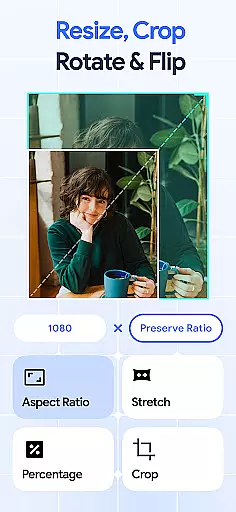
Image Resizer: Crop Photo is a versatile tool designed for resizing, cropping, rotating, flipping, and compressing images. This app caters to users who need to adjust image sizes for social media, optimize storage, or prepare high-quality prints. With its intuitive interface, the app allows effortless modification of photo dimensions while maintaining quality.
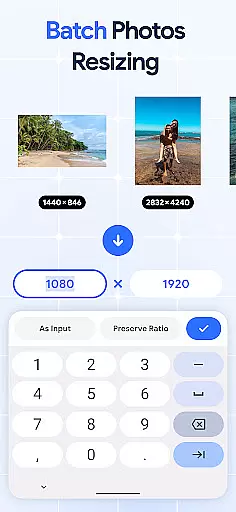
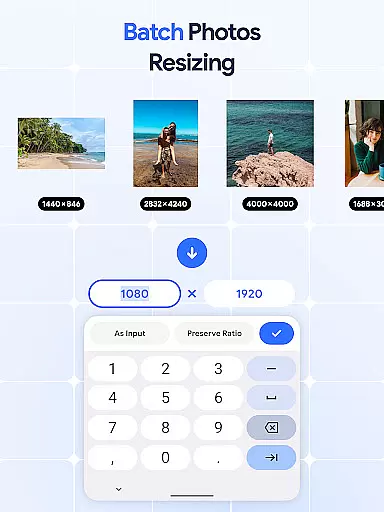
The application stands out with its batch processing capabilities, enabling users to edit multiple images simultaneously. Whether you need to resize photos in bulk, rotate several pictures at once, or compress numerous files for better storage management, Image Resizer streamlines these tasks. Its comprehensive feature set makes it an essential tool for photographers, digital marketers, and casual users alike.
One practical use case is preparing images for online platforms. Users can crop pictures to specific aspect ratios, adjust resolutions for optimal display, and compress file sizes for faster uploads. These features ensure that your visuals look professional across various digital mediums while saving valuable storage space.
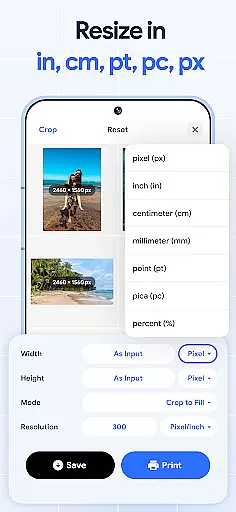
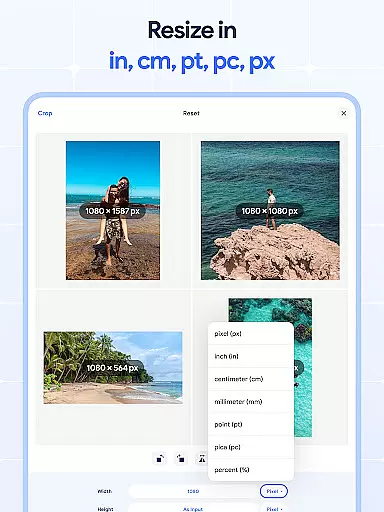
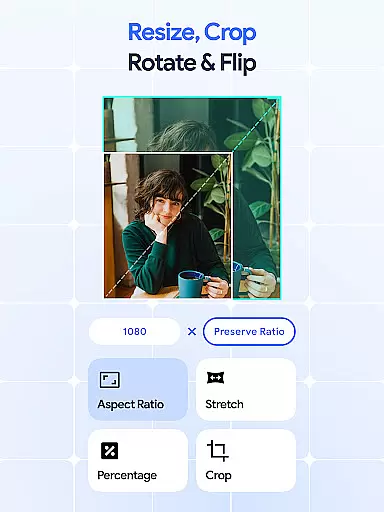
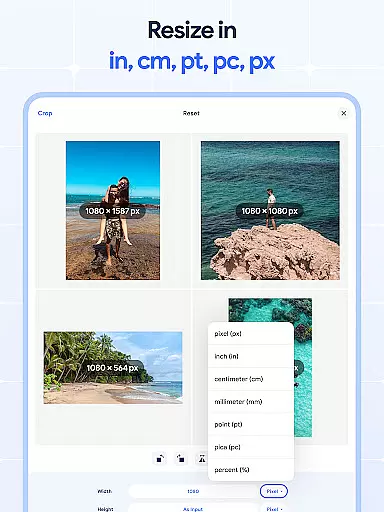
Image Resizer offers an extensive range of features that simplify image editing. The app's resizing functionality allows precise adjustments to photo dimensions, catering to different platform requirements. Users can easily modify image size for social media posts, website banners, or print materials without compromising quality.
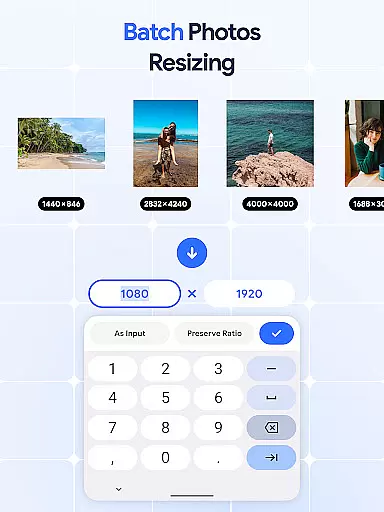
A key highlight is the batch processing feature, which enables simultaneous editing of multiple images. The batch resize option is particularly useful when handling large volumes of photos, allowing users to standardize dimensions across entire collections. Similarly, the bulk rotate and flip functions help achieve consistent orientation and mirrored effects efficiently.
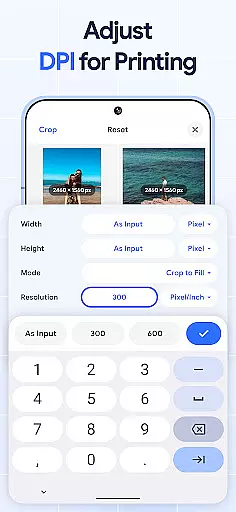
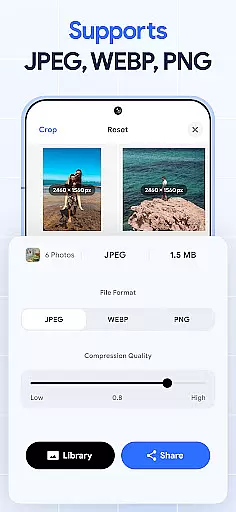
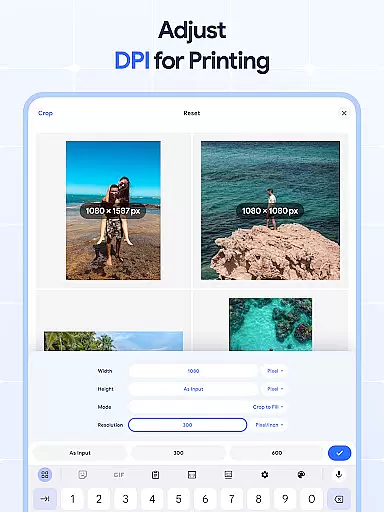
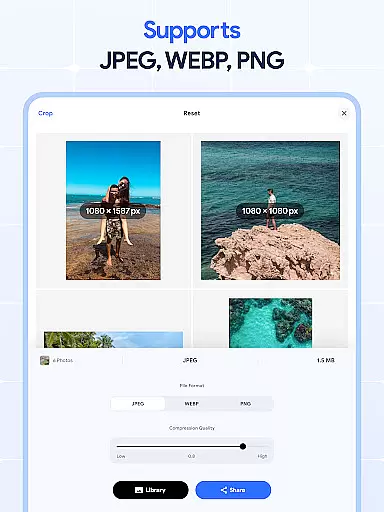
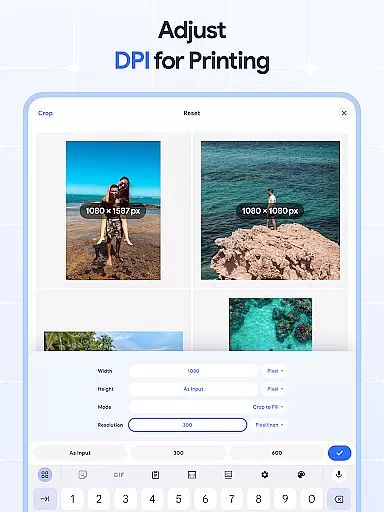
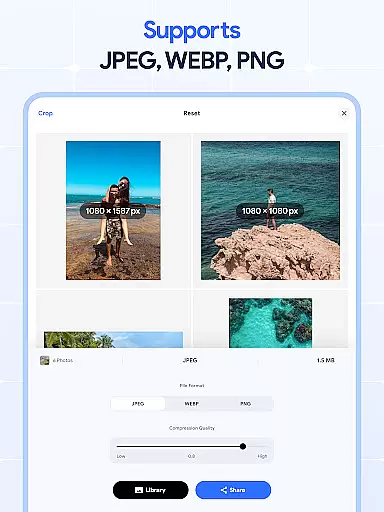
The app also includes advanced tools like DPI adjustment and photo compression. The DPI changer ensures optimal print quality by allowing users to increase or decrease image resolution as needed. Meanwhile, the photo compressor reduces file sizes while preserving visual integrity, making it ideal for optimizing storage and improving upload speeds. These robust features collectively enhance productivity and streamline workflow.
In the realm of digital art and design, having access to comprehensive tools is essential for bringing creative visions to life. Image Resizer stands out by offering a wide array of features that cater to various image editing needs.
From resizing images for different platforms to adjusting photo resolution for print or web use, this app provides users with precise control over their edits. The inclusion of a bulk image resizer further enhances productivity, allowing designers to efficiently manage multiple files without compromising on quality.
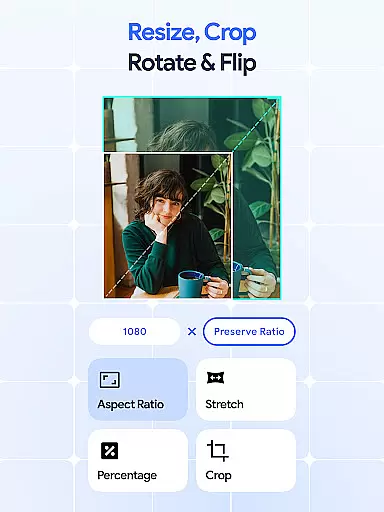
Beyond basic resizing, Image Resizer includes advanced functionalities such as cropping, rotating, flipping, and changing DPI settings. These capabilities ensure that artists can fully customize their work while maintaining professional standards.
By integrating these diverse tools into one platform, Image Resizer empowers creatives to streamline their workflow and focus more on the artistic process rather than technical limitations.
Flexibility in canvas size and format options is crucial for designers who need to adapt their work across various mediums and devices. Image Resizer addresses this requirement by providing versatile solutions tailored to meet modern design challenges.
The application supports modifications not only in dimensions but also in orientation and aspect ratios, ensuring that every project fits its intended display perfectly. Whether preparing visuals for social media posts or high-resolution prints, users can rely on Image Resizer's adaptable framework.
Additionally, the ability to batch process changes amplifies efficiency, enabling quick adjustments across numerous files simultaneously. This feature proves invaluable when working under tight deadlines or handling large volumes of content.
Ultimately, Image Resizeru2019s commitment to offering flexible canvas and format choices positions it as an indispensable asset within any designer's toolkit, facilitating seamless transitions between concepts and final outputs.
User-friendly interface
Batch processing capabilities
High-quality compression
Comprehensive editing tools
Cross-platform compatibility
Limited advanced editing options
No cloud integration
Occasional performance lags
Basic UI design
Few customization settings

AI generated images & photos, turn your words into drawing, painting & pictures.
 4.30
4.30
Apply cartoon, caricature, and portrait effects to make your photos stand out!
3.60
Digital Drawing: Draw & Paint
4.10
Trace, draw, and create art with AR - from memes to masterpieces!
4.30
See Color, Paint Color
4.90
Create color palette from Image, RGB & RYB Color wheel harmonies, Color Scheme
4.50
Castle is social media for creating and playing games!
4.60
A luxurious gold watch face for an elegant and refined look.
4.1
Draw, fidget, and spin glow art! Relax and express your creativity with a finger
4.60
Passport size photo maker, create ID photo and visa photo in seconds
4.80
Learn how to draw with step-by-step tutorials, fun lessons & multiplayer drawing
4.70
Your AI soulmate — meaningful chats, and unique emotional moments
4.70
Digital, Abstract, Classic - all types of color wheels in one app!
4.60
Kling AI is an image and video generation and editing studio powered by AI.
4.50
Unleash Your Creativity with Draw Cartoon - AR Drawing App
4.10
AI Face Swap, Video Effects Editor, Realtime Morph, Funny Video FX,AI Filters
3.70
Vidu is an AI video generator made for creators and aspiring makers.
3.30
Draw anime easily with AR guidance, sketch templates & trace tools!
3.10
Android 14 style widgets and wallpapers app.
4.4



User Reviews