
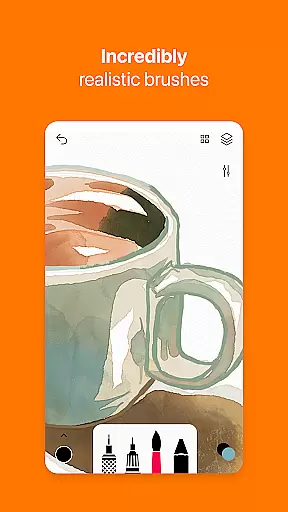
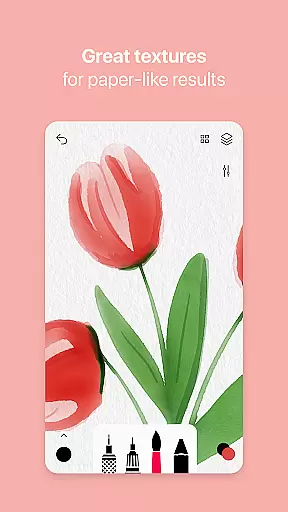
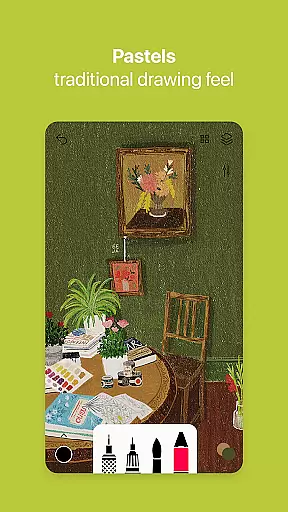
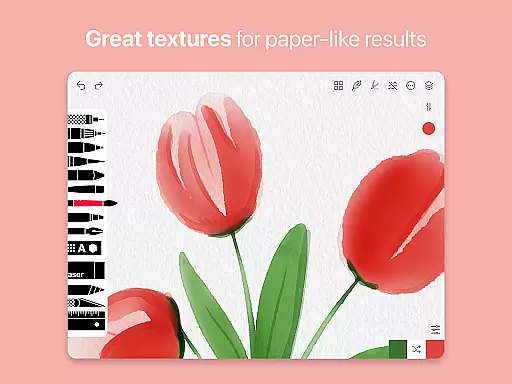
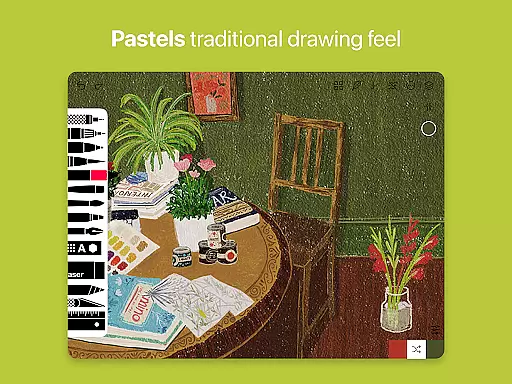
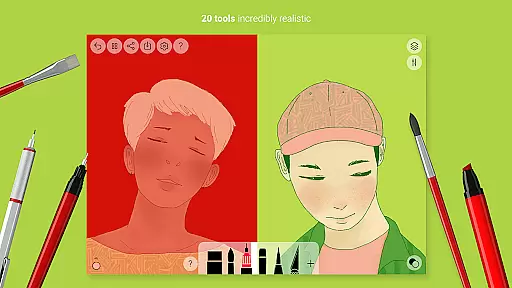
Tayasui Sketches is a premier drawing application designed for artists and creatives who value precision and beauty in their digital artwork. The app offers an impressive selection of over 20 ultra-realistic tools, each crafted to mimic traditional art mediums with remarkable accuracy. These include various brushes such as watercolor, acrylic, and oil pastel, alongside other instruments like the pen, felt pen, and airbrush.
One of the standout features of Tayasui Sketches is its ability to simulate the behavior of brushes on paper, adapting to the pressure, angle, and width of your strokes. This makes it an ideal choice for both amateur artists looking to explore digital art and professionals seeking a versatile tool for their creative projects. Additionally, the app supports layers, advanced sharing options, and stylus input, providing users with a comprehensive and intuitive drawing experience.
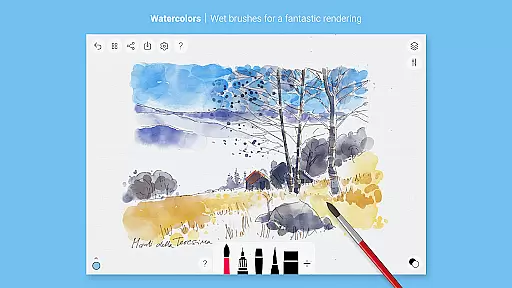
Tayasui Sketches distinguishes itself through its meticulously designed tools that cater to a wide range of artistic needs. The app includes a variety of brush types, from dry and wet watercolor brushes to acrylic and oil pastel tools, ensuring that every stroke feels authentic and vivid. The inclusion of a brush editor allows users to customize their tools further, while the color eyedropper simplifies the process of selecting colors directly from your canvas.
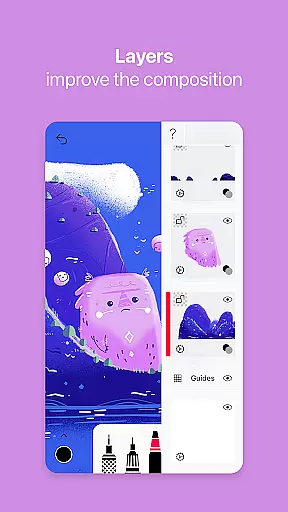
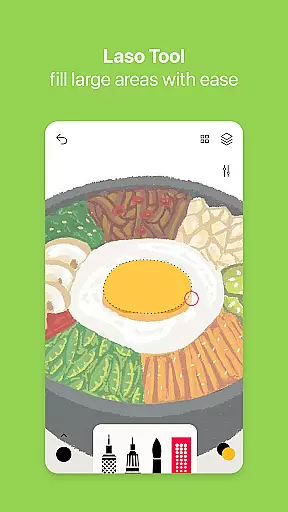
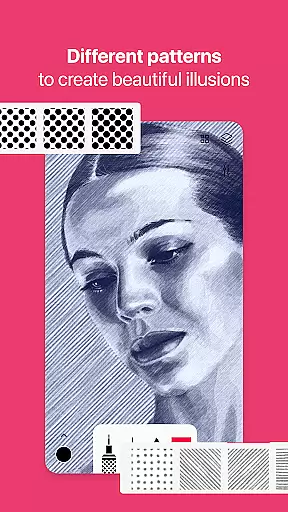
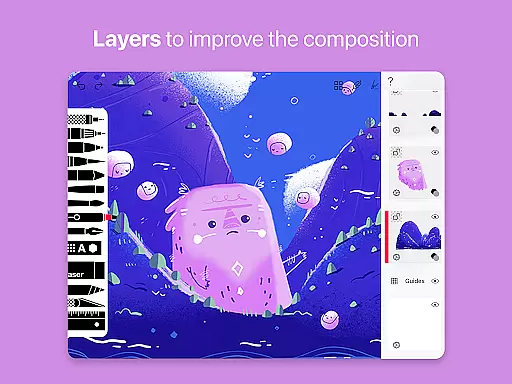
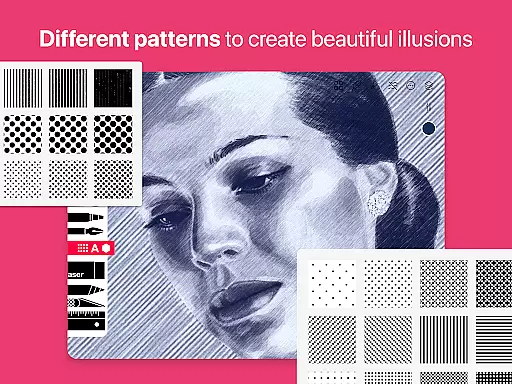
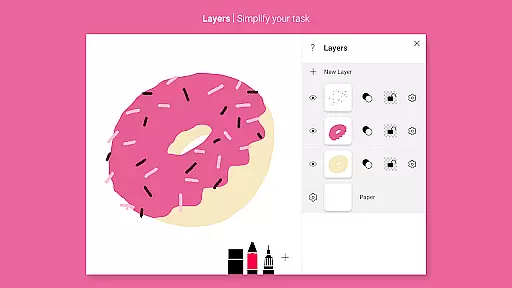
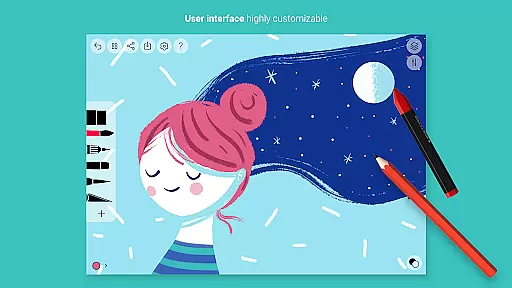
Beyond its core drawing capabilities, Tayasui Sketches also offers advanced functionalities such as layer support, which helps organize complex artworks by separating elements onto different layers. Users can import photos, apply patterns, and even add text to their creations. With its minimalist interface and focus on usability, the app ensures that artists can concentrate on their work without being distracted by unnecessary clutter or complicated controls.
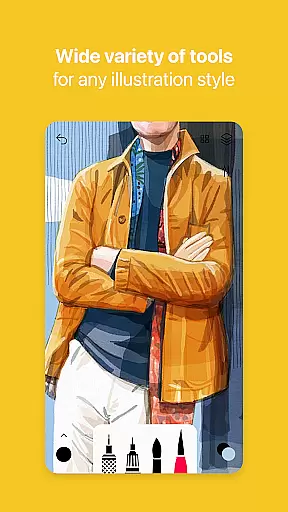
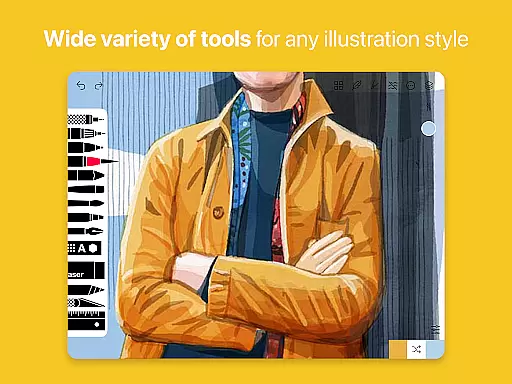
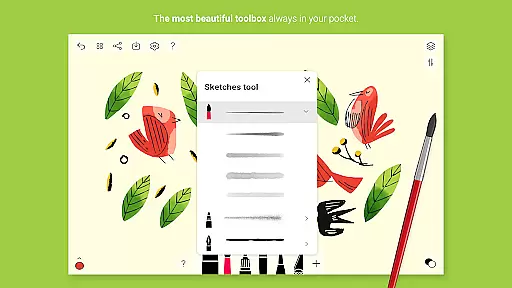
Tayasui Sketches offers an impressive array of creative tools that cater to both amateur and professional artists. With over 20 ultra-realistic tools, the app provides a diverse selection including pens, brushes, and specialized instruments like the watercolor wet brush and smudge tool.
Each tool has been meticulously designed to mimic real-world counterparts. The brushes adapt to pressure, angle, and width, delivering a vivid experience akin to traditional drawing but with the convenience of digital media.
The inclusion of advanced features such as layers, a brushes editor, and color eyedropper enhances the creative process. These tools allow for intricate detailing and sophisticated artwork composition, simplifying complex artistic tasks.
Furthermore, the app supports importing photos and offers extensive sharing and export options, making it not just a canvas but a comprehensive art studio on your device.
Flexibility in canvas and format options is where Tayasui Sketches truly shines. The app allows users to work with layers, providing greater control over different elements of their artwork. This feature simplifies editing and experimentation without affecting the entire composition.
In addition to layers, the app supports various drawing tools that can be customized extensively. The Brushes Editor and other advanced settings let users tailor their tools according to specific needs, ensuring personalized and precise strokes every time.
Tayasui Sketches also accommodates different stylus inputs, enhancing precision and offering a natural drawing experience. This compatibility ensures that artists can choose their preferred method of interaction with minimal compromise on quality or performance.
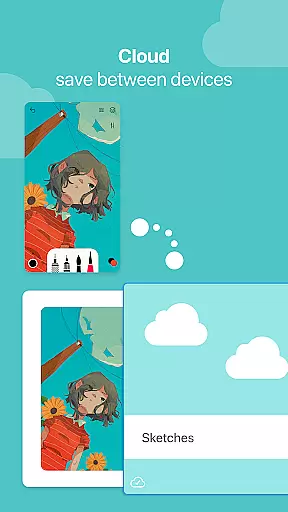
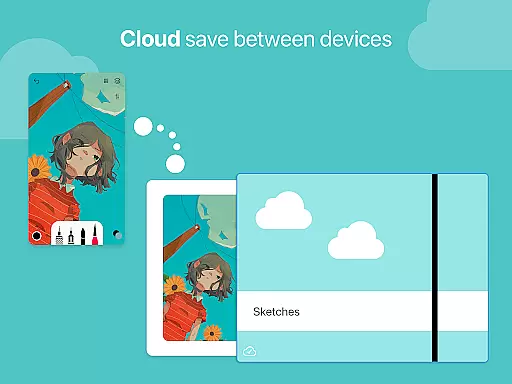
With support for exporting and sharing in multiple formats, the app makes it easy to integrate artwork into different workflows. Whether it's for professional projects or personal enjoyment, Tayasui Sketches adapts seamlessly to varied requirements.
User-friendly interface
Highly realistic brushes
Extensive tool variety
Layer support for complex projects
Regular updates with new features
Subscription model may deter some users
Limited free trial availability
Advanced features locked behind paywall
No desktop version available
Some tools exclusive to iPad

Art of Combination Wear OS Watch faces (for Wear OS 5+ devices)
 3.00
3.00
Sketch, trace and master AR drawing with awesome anime art!
3.30
Easy 3D drawing design maker & creator. Model designing, Sculpting. Create&paint
4.00
AI Assistant, powered by ChatGPT GPT-4 & GPT-4o. Your intelligent companion.
3.50
Castle is social media for creating and playing games!
4.60
Create stunning video, photo & magic from text with FlixAI GPT video generator.
3.10
Mobile pixel art editor. Simple. Fast. Portable.
4.80
Your homescreen as an elegant glass with customized blur, lighting, and visuals.
3.70
Bring One UI 8.5 Icons to life -elegant dark icons with a modern, premium touch.
4.30
Draw beautiful mandala's very easily
4.60
Beauty Camera - Selfie Camera is the ultimate beauty camera and selfie app
4.30
Unleash the artist in you with our AR drawing and tracing tool for photo drawing
4.10
Floor Plan Creator lets you create, edit and share floor plans.
4.00
Powerful home decoration & house design that allows you to design dream home.
3.80
Resize photos and print photos in exact size with our powerful photo printer!
3.80
AI Art Generator transforms your words into AI generated art & paintings.
3.70
Apply cartoon, caricature, and portrait effects to make your photos stand out!
3.60
Art of Combination Wear OS Watch faces
4.4
Art of Combination Wear OS Watch faces
4.0





User Reviews