
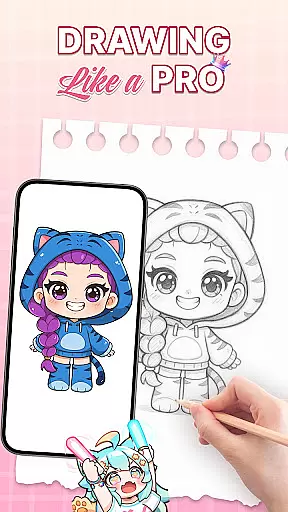
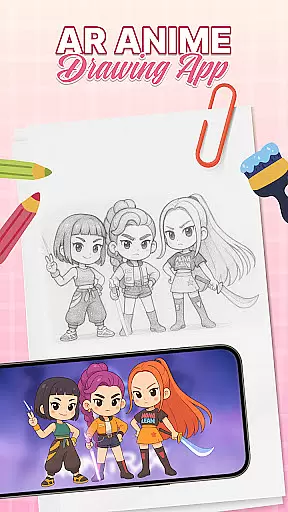
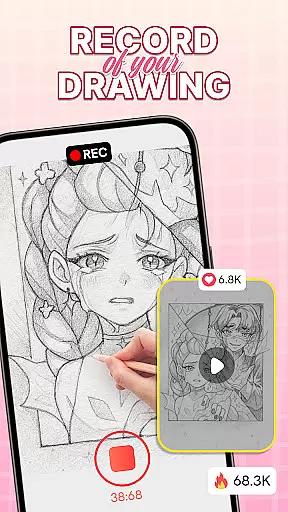
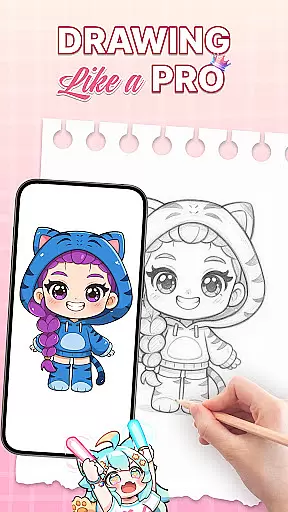
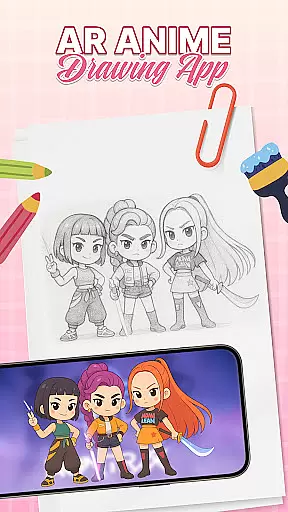
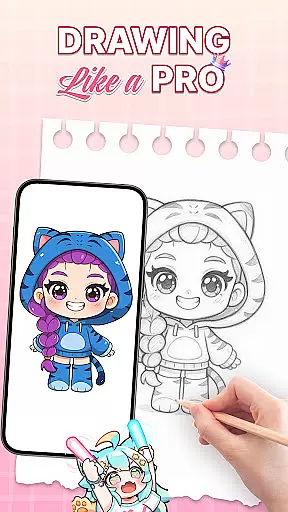
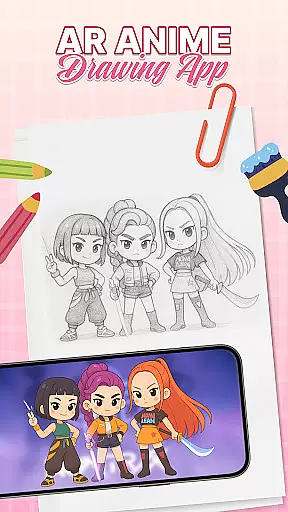
AR Drawing: Sketch & Trace is an innovative mobile application that merges augmented reality with artistic expression, allowing users to project any image onto paper for effortless tracing. This app serves as a comprehensive drawing guide, particularly beneficial for those interested in anime and cartoon art. By utilizing the phone's camera and AR technology, it creates an interactive canvas where users can trace sketches with precision.
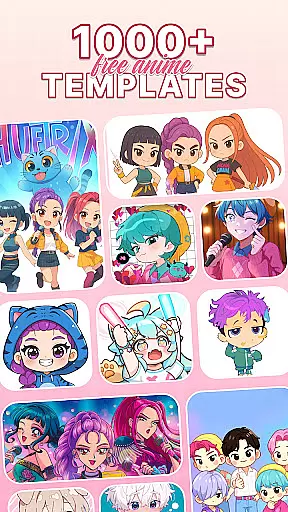
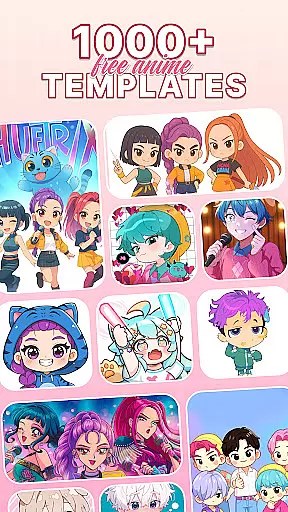
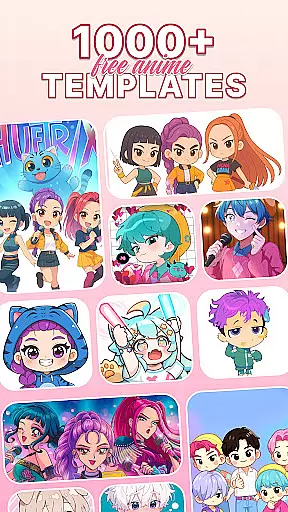
The app offers diverse drawing templates covering various categories such as anime, animals, and nature, catering to different artistic preferences. Its intuitive interface ensures accessibility for both beginners and professionals, while integrated tools like sketching, painting, and coloring functionalities provide a complete creative suite. Whether you're honing your skills or engaging in family-friendly activities, AR Drawing delivers an immersive and educational experience.
This app is especially valuable for aspiring artists seeking structured guidance in developing their techniques. The combination of AR technology with traditional drawing methods creates a unique learning platform that stimulates creativity and enhances artistic abilities. With regular updates and a supportive environment, AR Drawing: Sketch & Trace stands out as an essential tool for modern art enthusiasts.
AR Drawing: Sketch & Trace distinguishes itself through its advanced AR tracing capabilities, enabling users to overlay images onto physical surfaces seamlessly. This feature transforms any image into a traceable template, making complex drawings more approachable. The app includes a vast library of drawing templates, offering inspiration across multiple genres including anime, food, and landscapes.
Comprehensive sketch and paint tools allow users to add vibrant colors and intricate details to their artwork. The inclusion of camera stabilization features and an integrated flashlight supports optimal tracing conditions, even in low-light environments. Additionally, the app provides a wide range of artistic instruments designed to refine drawing techniques and encourage creative exploration.
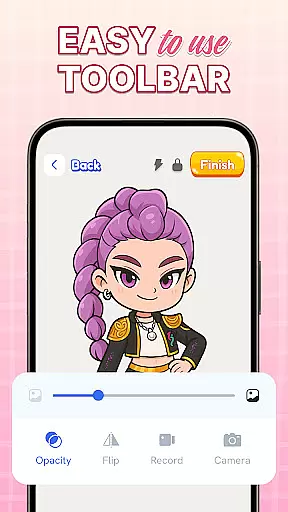
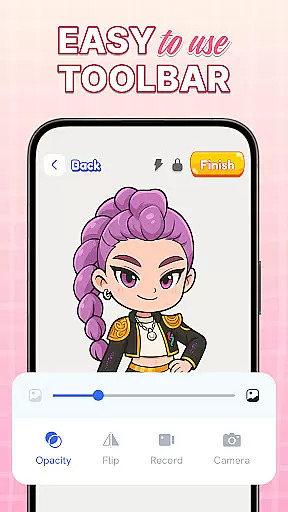
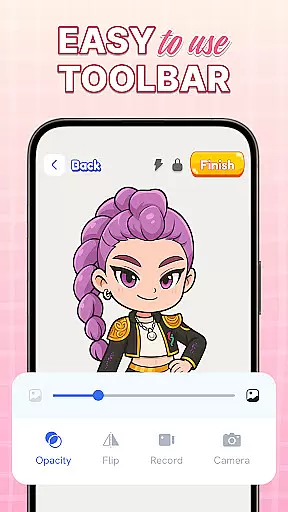
One of the standout features is its user-friendly interface, which simplifies navigation and tool utilization. The app also emphasizes educational benefits by offering progressive skill development resources. Regular updates ensure that users have access to new content and improved functionalities, maintaining the app's relevance and enhancing the overall artistic journey.
In the realm of digital art, having access to comprehensive creative tools is essential for unleashing one's artistic potential. AR Drawing: Sketch & Trace offers an impressive suite of features that cater to both budding artists and seasoned creators. The app provides a diverse range of drawing templates including anime, animals, food, nature, and more, ensuring that users will find inspiration for every artistic endeavor.
Moreover, the Sketch & Paint functionalities are designed with the artist in mind. Users can bring their sketches to life with vibrant colors and intricate details, allowing for a level of customization and personal expression that is crucial in art creation. The inclusion of a vast palette within the Paint & Color section further expands the possibilities for artists to experiment and refine their work.
The app also integrates practical tools such as camera usage for projecting images onto surfaces, which is particularly useful for tracing. With the added benefit of a flashlight feature for low-light environments, artists are equipped to create anytime and anywhere. These robust capabilities ensure that AR Drawing: Sketch & Trace stands out as a complete package for those looking to expand their artistic toolkit.
Flexibility in canvas and format options is vital for artists who wish to express themselves without technical limitations. AR Drawing: Sketch & Trace addresses this need by offering versatile solutions that adapt to various artistic styles and preferences. Whether you're sketching on a small notepad or a large canvas, the app's augmented reality feature projects your chosen image with precision, adapting to the surface you're working on.
Furthermore, the app supports different types of artwork, from traditional sketches to colorful paintings, providing a seamless transition between various mediums. This ensures that whether you're practicing anime drawing or exploring complex painting techniques, the app evolves with your creative process. The ability to easily trace and sketch images empowers artists to recreate their visions accurately, regardless of the original image format.
AR Drawing: Sketch & Trace doesn't just stop at static formats; it embraces the dynamic nature of art by enabling users to refine their skills progressively. With regular updates and enhancements, the app promises to keep pace with the ever-changing landscape of digital art, thus maintaining its relevance and utility for the artistic community.
User-friendly interface
Wide template variety
Advanced AR features
Educational benefits
Family-friendly design
Requires stable surface
Limited free content
Camera dependency
Premium features cost
Learning curve present

Download now for a stylish and functional timepiece
 4.2
4.2
Easy 3D drawing design maker & creator. Model designing, Sculpting. Create&paint
4.00
Draw anime & manga drawing, art with templates to create stunning picture!
4.50
Passport size photo maker, create ID photo and visa photo in seconds
4.80
Make your phone cooler and have a fantastic experience
4.80
Nano Banana AI Image Generator, Anime Filter, AI Portrait, AI Photo Generator
4.30
AR Anime Drawing: How to draw anime with AR drawing & sketching apps!
4.00
2D animation studio for Android tablets - unlimited layers, infinite timeline
4.70
Inky runs Inkscape on Android devices and Chromebooks
2.90
Learn how to draw with step-by-step tutorials, fun lessons & multiplayer drawing
4.70
Convert image to JPG PNG HEIC PDF, support almost all kinds of image formats
4.70
Novices can also easily complete diamond painting masters
4.70
Castle is social media for creating and playing games!
4.60
Turn your drawings into flipbook-style animations with simple creative tools
4.60
Get an overview over all your embroidery threads, projects and more.
4.60
Painting, drawing, & sketching
4.50
Everything you need to create hand drawn animation, anywhere you go!
4.40
Your Essential Color Theory Guide: Red, Yellow, Blue (RYB)
4.3
Art of Combination Wear OS Watch Faces
4.1



User Reviews