
AR Drawing - Paint & Sketch is an innovative art application that combines augmented reality with traditional drawing techniques. This app allows users to create stunning anime-style artwork using advanced AR tracing and sketching tools. With features like AR projection, precise tracing overlays, and a vast library of free templates, the app caters to both beginners and professional artists.
The application provides a complete suite of painting tools including vibrant brushes, shading options, and color palettes. Its unique Anime Studio mode offers specialized tutorials and presets for creating detailed anime drawings. Additionally, the app includes game-like challenges and competitions, making the creative process more engaging and fun.
Whether you're looking to learn basic drawing skills or master complex anime illustrations, AR Drawing - Paint & Sketch offers a comprehensive solution. The intuitive interface and mobile accessibility make it easy to use anywhere, while the community features allow artists to connect, share their work, and grow together.
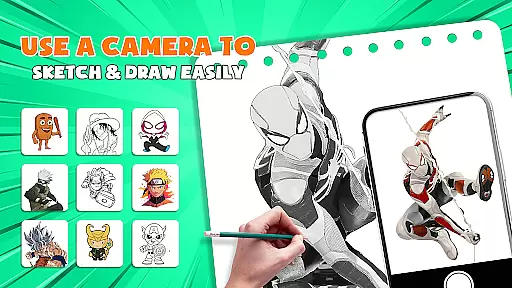
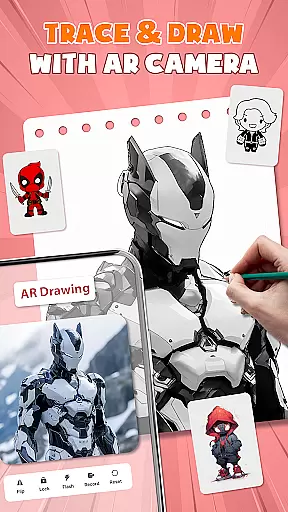
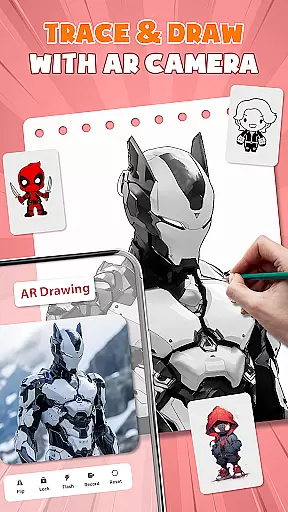
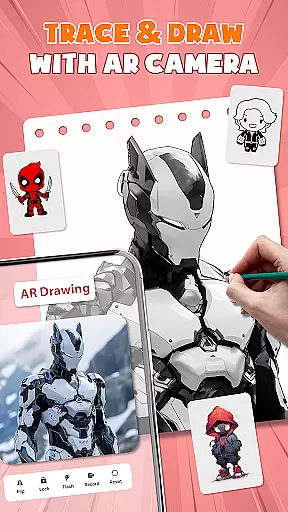
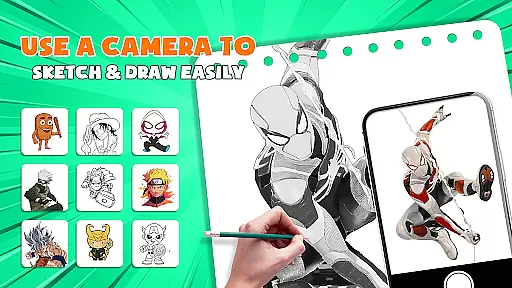
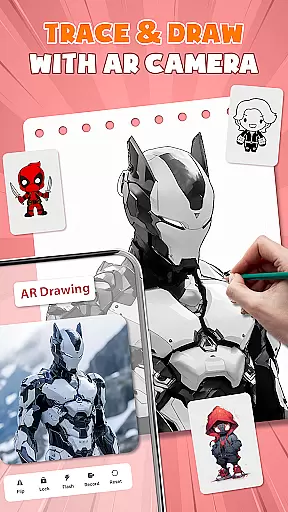
AR Drawing - Paint & Sketch stands out with its diverse range of powerful features designed for all types of artists. One of its core functionalities is the AR projection and tracing system, which transforms your device into a portable projector. This feature enables users to trace real-world objects and scenes with remarkable accuracy, providing an excellent learning tool for beginners.
The app also includes a complete digital art studio with advanced painting capabilities. Users can access various brush styles, color palettes, and shading tools to create detailed artwork. The dedicated Anime Studio mode offers specialized features such as anime sketch filters, drawing tutorials, and preset templates specifically designed for creating Japanese-style illustrations.
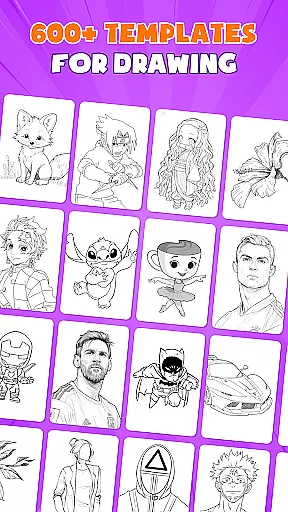
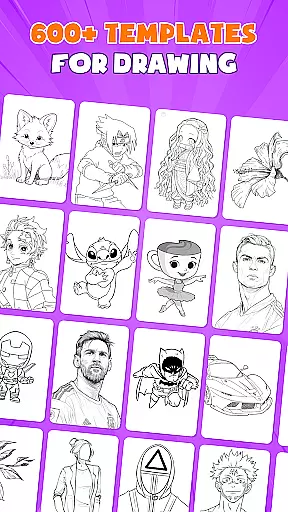
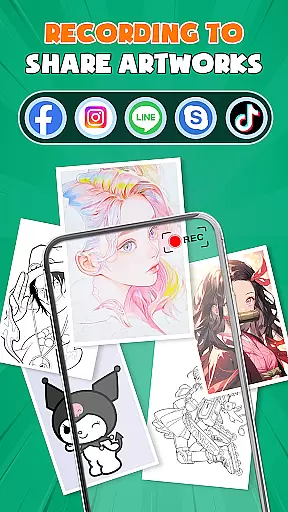
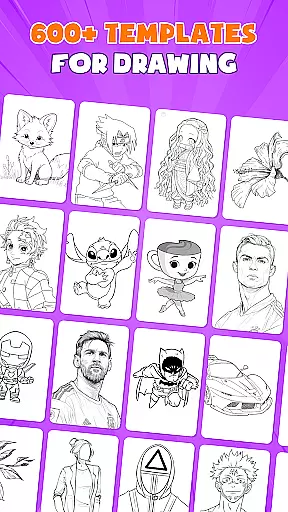
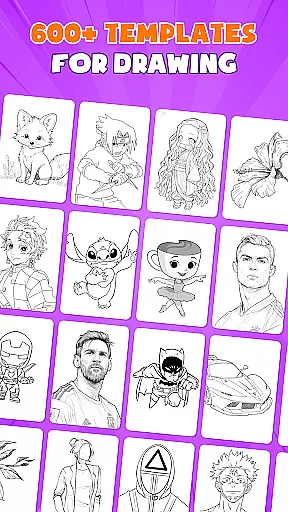
Additional notable features include over 1000 free drawing templates, tattoo and pencil art modes, and picture importing functionality. The app's community platform allows artists to share their creations, participate in drawing competitions, and receive feedback from fellow users. These comprehensive features make AR Drawing - Paint & Sketch a versatile tool for both casual doodlers and serious artists.
AR Drawing - Paint & Sketch offers an extensive suite of creative tools that cater to both amateur and professional artists. The app includes AR projection and tracing features, allowing users to turn their devices into mobile projectors for precise sketching. This functionality bridges the gap between traditional drawing and modern technology, providing a unique way to trace images with accuracy.
In addition to its projection capabilities, the app boasts a full range of painting features. Users can experiment with vibrant brushes and shading techniques using the AR pencil drawing mode. Whether it's creating anime pictures or realistic tattoos, the app supports various art styles. With over 1000+ free templates available in its library, artists have a vast selection of patterns and outlines at their disposal.
The inclusion of specialized modes such as Anime Studio and Tattoo Art further demonstrates the app's commitment to offering comprehensive creative options. These modes come equipped with tutorials, presets, and effects tailored for specific artistic endeavors. By integrating these advanced features, AR Drawing - Paint & Sketch ensures that users have all the necessary tools to bring their artistic visions to life.
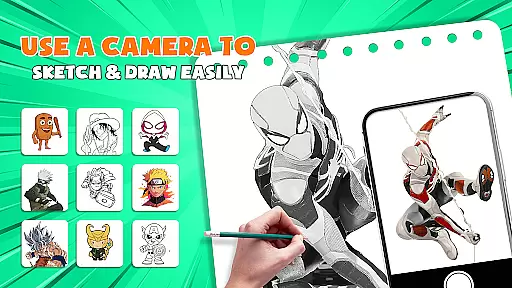
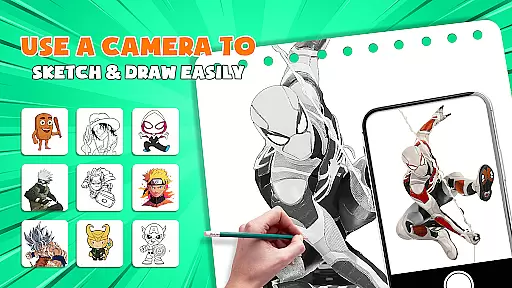
One of the standout features of AR Drawing - Paint & Sketch is its canvas and format flexibility, which allows artists to work on various surfaces without limitations. The app's easy-to-use interface enables sketching on any surface using just a phone and paper. This eliminates the need for bulky traditional tools while maintaining professional-grade precision.
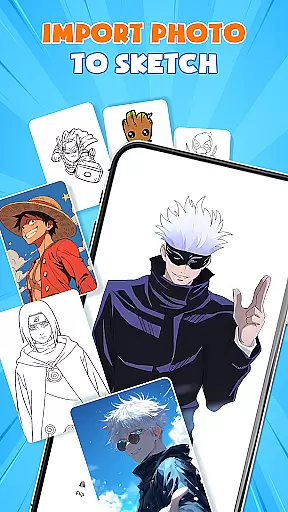
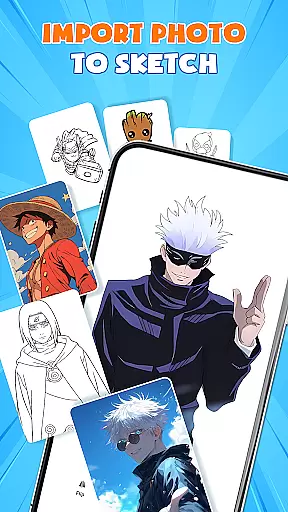
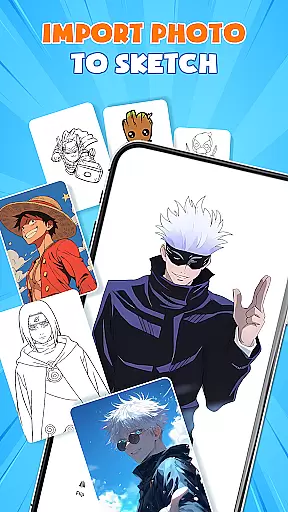
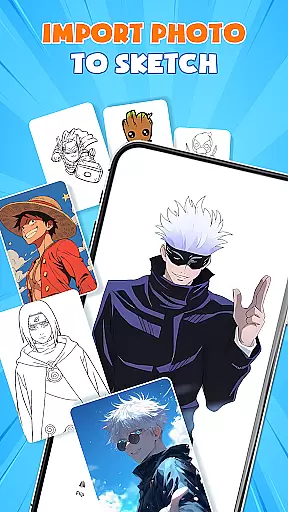
Users can import pictures directly from their gallery, adjust opacity, and trace them effortlessly. This picture importer feature transforms any photo into instant artwork, giving creators the freedom to work with existing images or start from scratch. The ability to switch between different drawing modes, such as paint mode for coloring, adds another layer of versatility to the creative process.
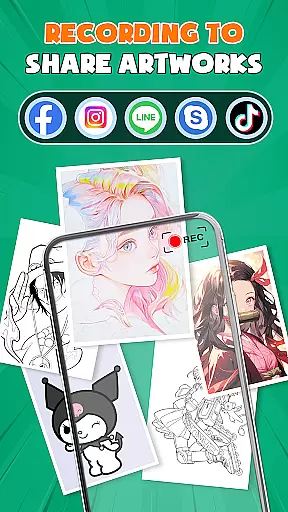
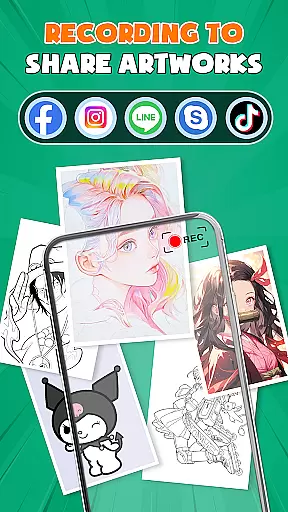
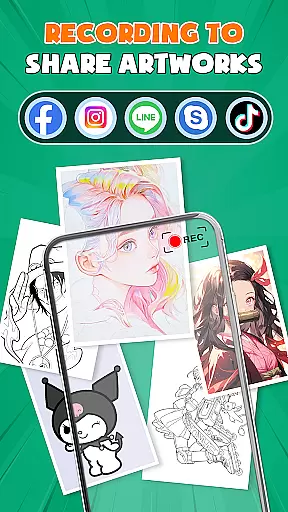
Furthermore, the app supports multiple file formats and offers seamless integration with other drawing applications. Artists can save, export, or share their creations directly from the app in various formats, ensuring compatibility across different platforms. This flexibility extends to its community features as well, where users can connect with fellow artists, receive feedback, and expand their creative network.
User-friendly interface
Extensive template library
Advanced AR tracing
Vibrant color options
Active artist community
May require premium subscription
Steep learning curve
Occasional performance issues
Limited offline functionality
High storage requirements

Transform photos into amazing monochrome dither art with professional algorithms
 4.4
4.4
Castle is social media for creating and playing games!
4.60
Create stunning video, photo & magic from text with FlixAI GPT video generator.
3.10
Android 14 style widgets and wallpapers app.
4.5
Art of Combination Wear OS Watch faces (for Wear OS 5+ devices)
3.90
Inky runs Inkscape on Android devices and Chromebooks
2.90
Create Logos, Tattoos, AI Art & more with our AI Photo Generator & Design Editor
4.20
Draw, fidget, and spin glow art! Relax and express your creativity with a finger
4.60
AI-powered photo & video creation—fast, fun, and effortless with Quick Actions
4.60
Make your phone cooler and have a fantastic experience
4.80
Novices can also easily complete diamond painting masters
4.70
Digital, Abstract, Classic - all types of color wheels in one app!
4.60
Remove Background, Magic Eraser, Photo Enhancer, Story Templates, Collage Maker
4.30
Floor Plan Creator lets you create, edit and share floor plans.
4.00
AI Art Generator transforms your words into AI generated art & paintings.
3.70
Art of Combination Wear OS Watch Faces
3.30
Draw anime easily with AR guidance, sketch templates & trace tools!
3.10
Art of Combination Wear OS Watch faces
4.4
A luxurious gold watch face for an elegant and refined look.
4.1



User Reviews