
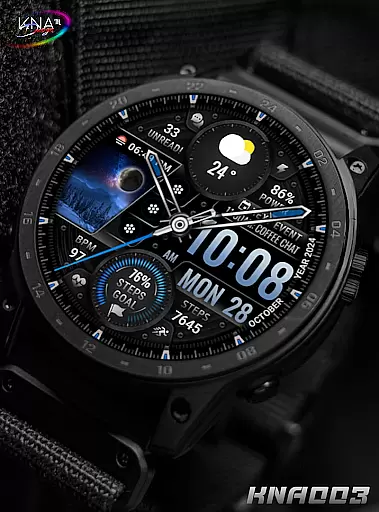
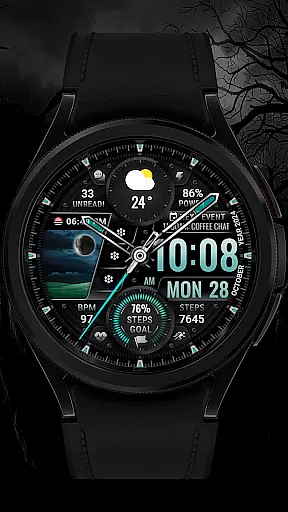
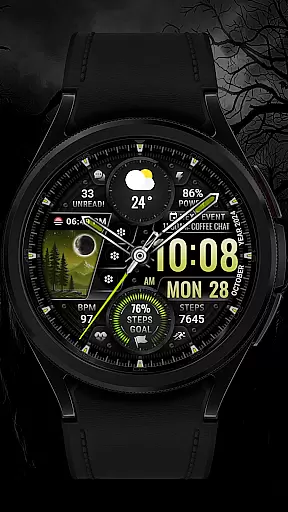
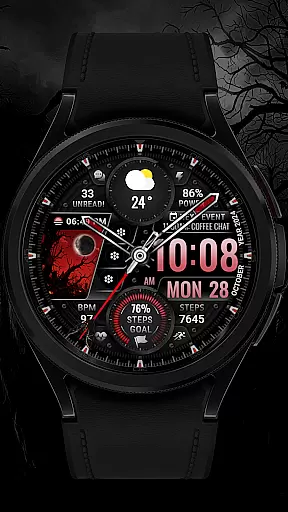
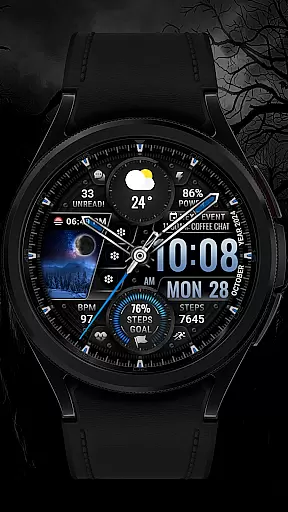
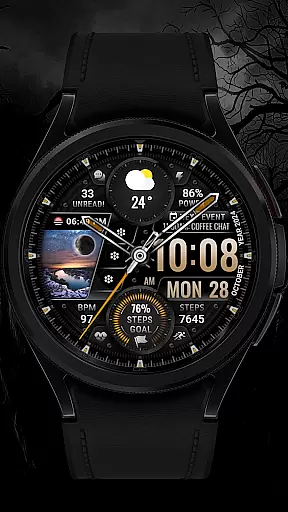
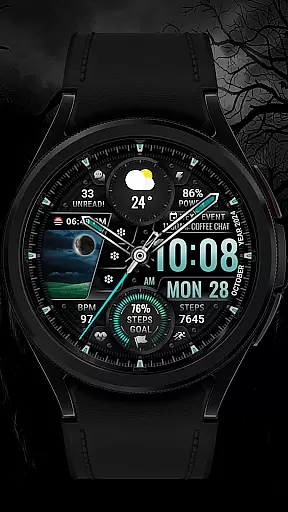
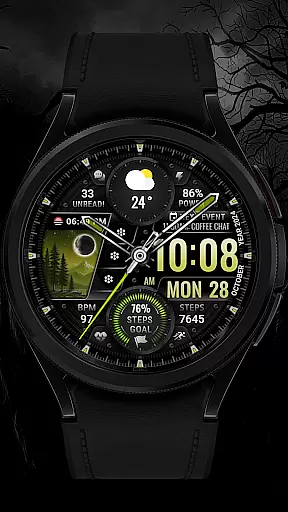
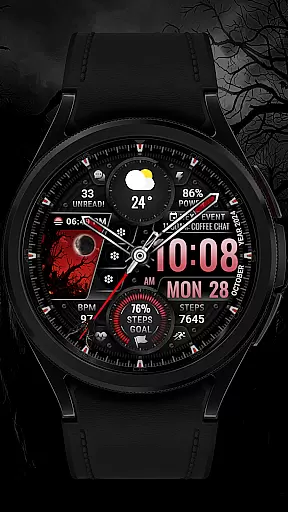
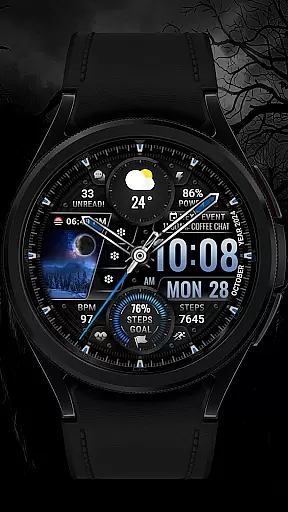
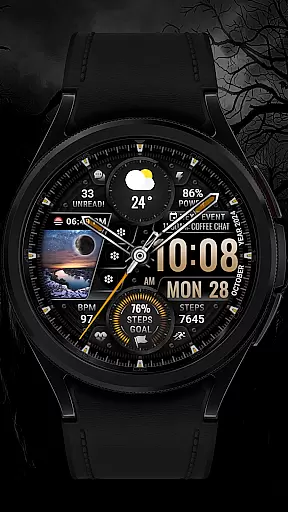
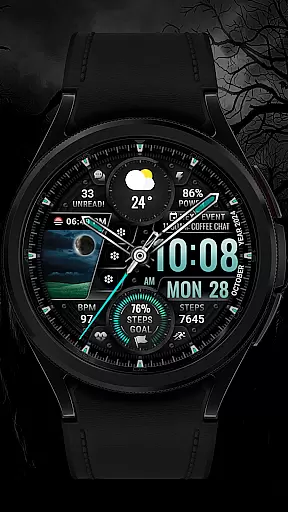
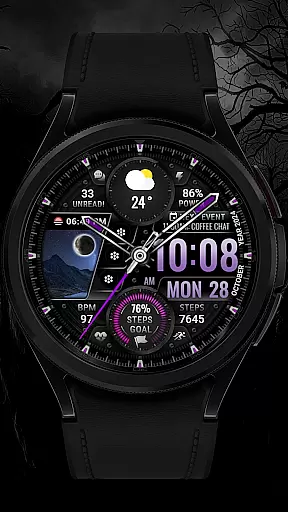
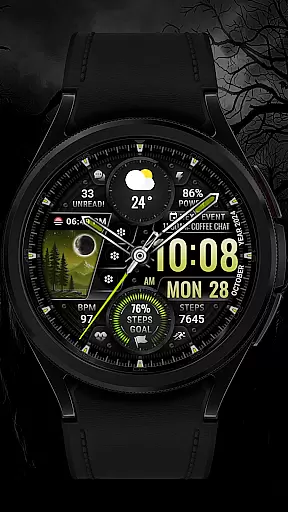
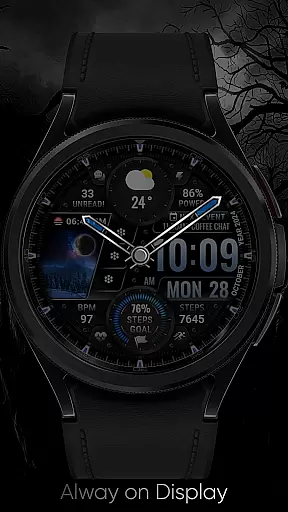
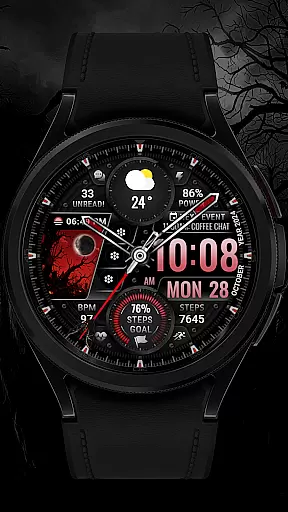
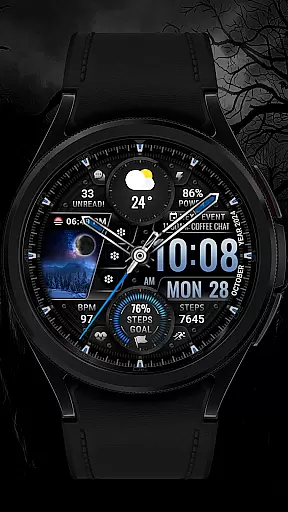
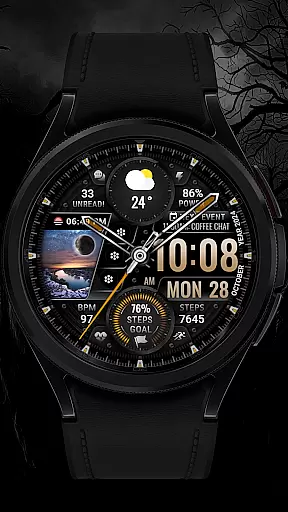
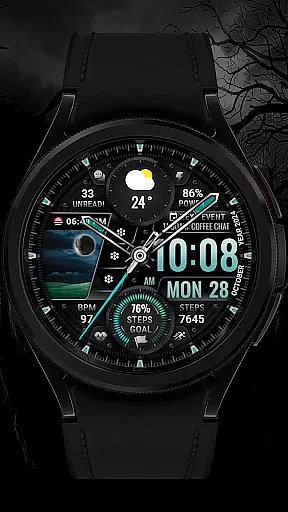
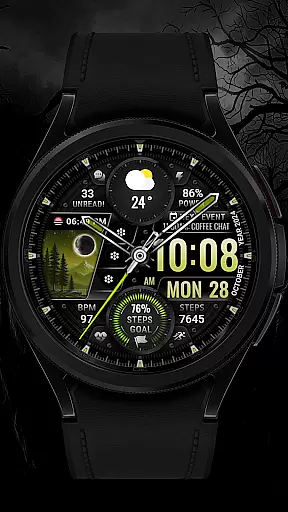
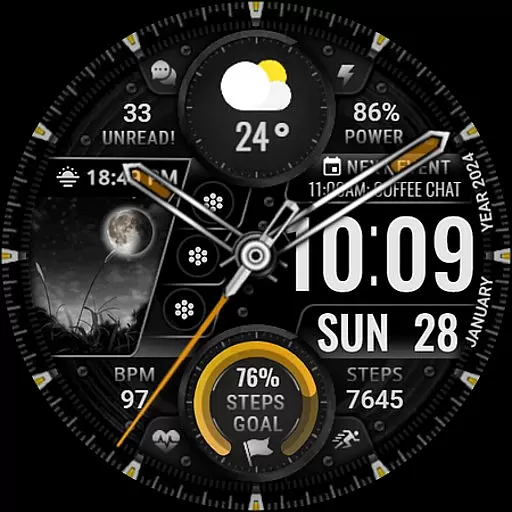
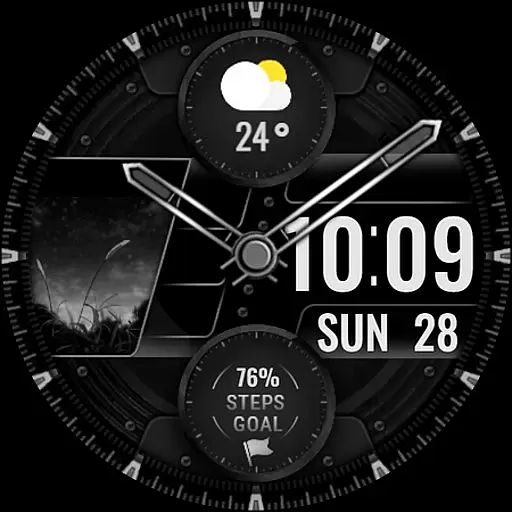
[KNA003] SHADOW is a feature-rich watch face designed specifically for Wear OS devices, offering users both analog and digital styles to suit their preferences. With compatibility across API level 30+ devices including Google Pixel and Galaxy Watch series, this app brings customization and functionality to your wrist.
The watch face provides essential information such as date, day of the week, and month, while also integrating complications that can be tailored to display weather, world clock, or even health metrics like heart rate and step count. Its customizable design allows users to adjust colors and shortcuts, ensuring a personalized experience that fits seamlessly into their daily lives.
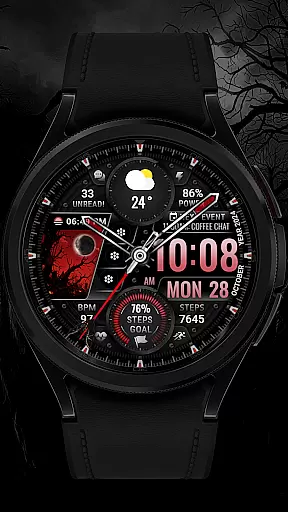
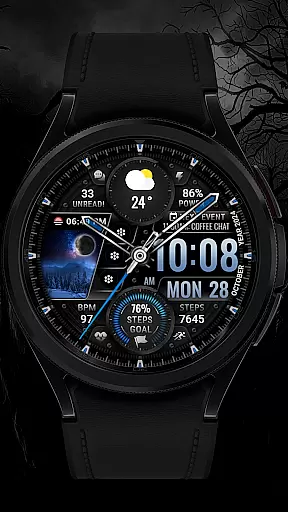
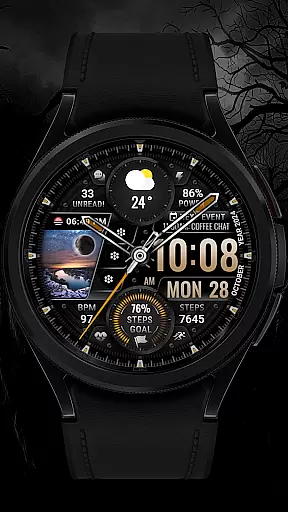
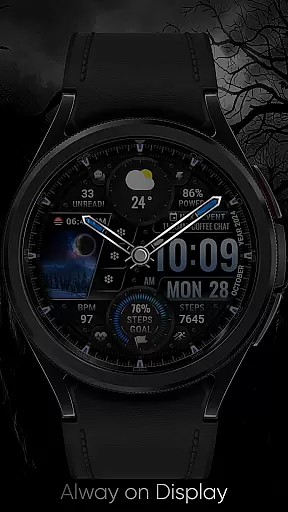
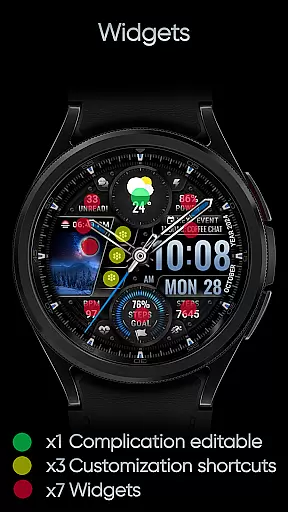
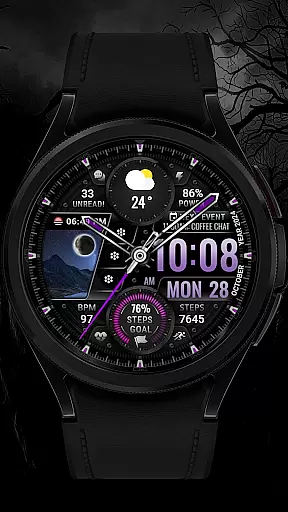
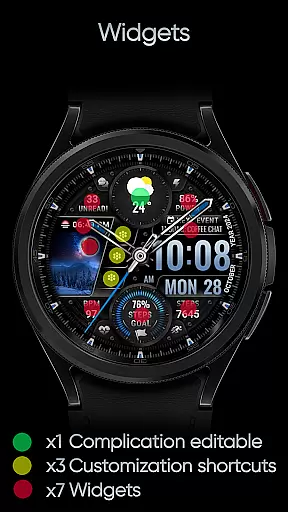
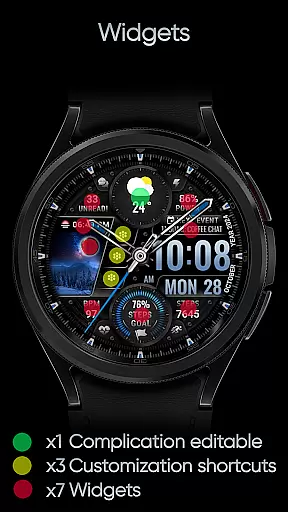
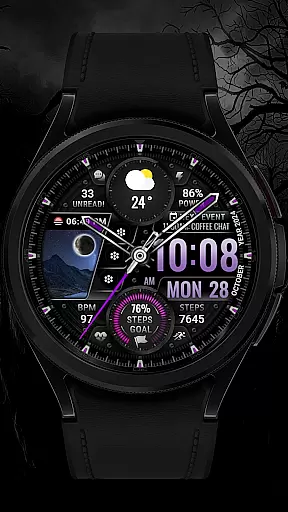
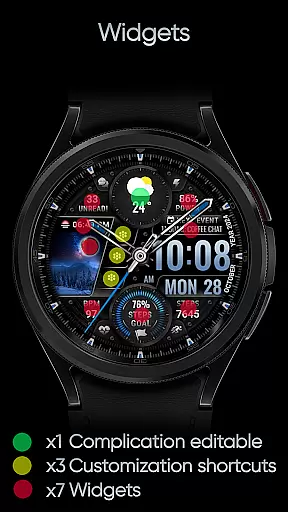
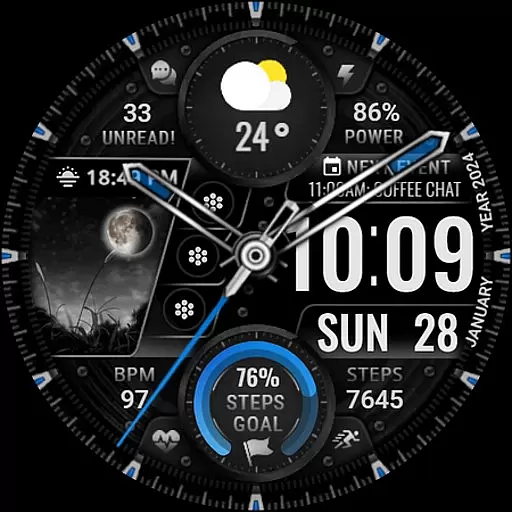
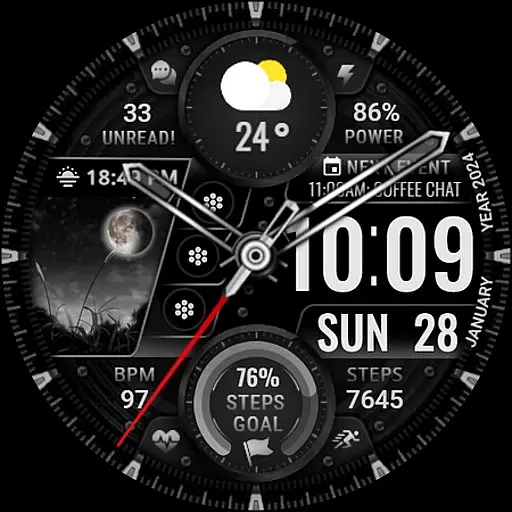
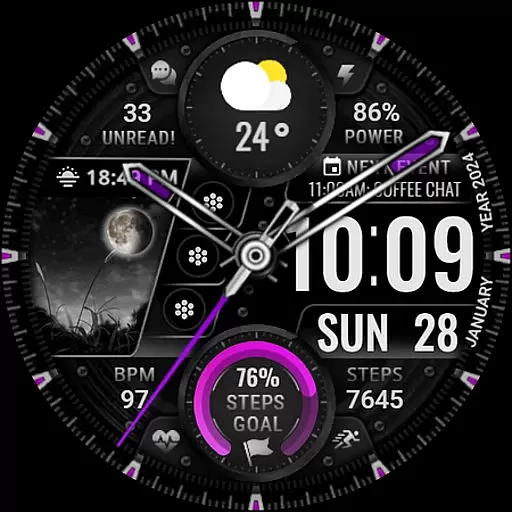
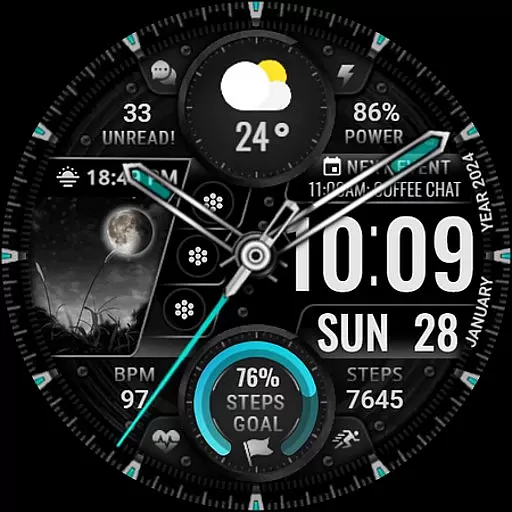
This Wear OS watch face stands out with its versatile customization options. Users can choose from five different color settings for backgrounds, clock hands, and step progress indicators. The interface supports up to three editable app shortcuts and one fully customizable complication, allowing integration of data such as weather forecasts, unread message counts, or next calendar events.
Additional features include dynamic animations in the field background, which add an interactive element to the display. Health-conscious users will appreciate tracking capabilities for steps, heart rate, battery level, and more. These comprehensive functionalities ensure that [KNA003] SHADOW not only enhances aesthetic appeal but also boosts practical utility on compatible smartwatches.
In the realm of Art & Design, having a comprehensive suite of creative tools is essential for unleashing artistic potential. The [KNA003] SHADOW watch face offers an impressive array of features that cater to design enthusiasts who wear Wear OS devices. With its analog and digital styles, users can choose their preferred display format while enjoying additional data such as date, day of the week, and month.
One of the standout aspects of this watch face is its customizable complications. Users have the freedom to tailor the information displayed on their watch face with options ranging from weather updates to world clocks. This level of personalization ensures that each user's wearable device becomes a true extension of their personal and artistic expression.
Beyond just complications, the watch face also provides three editable app shortcuts and five color choices for backgrounds, clock hands, and steps progress. These features allow designers to match their wearable tech with their current projects or outfits seamlessly. Moreover, practical information like step count, heart rate, battery level, moon phase, unread message count, and next event are all accessible at a glance.
Flexibility in canvas and format options is a hallmark of any strong design tool, allowing artists to adapt their work to various mediums and dimensions. The [KNA003] SHADOW watch face embraces this principle by providing compatibility with API level 30+ devices, including Google Pixel watches and Galaxy Watch models 4, 5, and 6 among other Wear OS devices. Before proceeding with installation, it's important to verify your deviceu2019s compatibility with WEAR OS to ensure proper functionality.
Once installed, setting up the watch face requires a few simple steps due to its intuitive customization process. By touching and holding the display then tapping on 'Customize Option', users gain access to a plethora of settings designed to enhance usability and aesthetic appeal. This ease-of-use empowers creators to focus more on designing rather than troubleshooting technical issues.
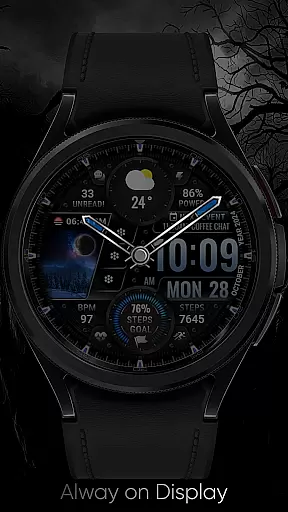
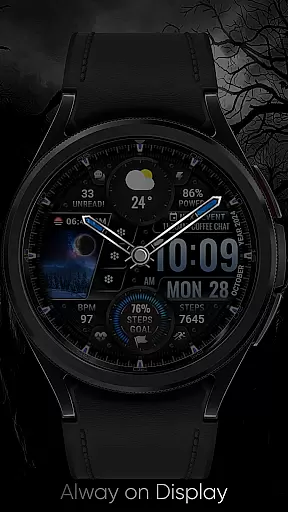
The inclusion of field background animations adds another layer of visual interest while maintaining performance standards across different devices. While some advanced features may not be available on every watch model, overall support remains robust thanks to careful consideration during development. For those seeking further assistance or wishing to provide feedback, direct contact via email is available ensuring ongoing improvement based on real-world usage scenarios.
Highly Customizable
Versatile Complications
Dynamic Animations
Health Tracking
Wide Compatibility
Limited Free Options
Complex Setup
Device Restrictions
Premium Features Cost
Occasional Bugs

AI Face Swap, Video Effects Editor, Realtime Morph, Funny Video FX,AI Filters
 3.70
3.70
Your Essential Color Theory Guide: Red, Yellow, Blue (RYB)
4.3
Art of Combination Wear OS Watch Faces
4.3
Digital, Abstract, Classic - all types of color wheels in one app!
4.60
Castle is social media for creating and playing games!
4.60
Draw glowing spinners, relax, and spin your creative art
4.60
Novices can also easily complete diamond painting masters
4.70
Photo stitcher for automatically screenshot stitching into a long screenshot
4.70
Kling AI is an image and video generation and editing studio powered by AI.
4.50
Image resizer to resize, crop, rotate, flip, change dpi photo or picture in bulk
4.60
Create neon drawing with magic doodle and fun doodle art effects!
4.50
Share the joy of painting with ibis Paint! Drawing anime and manga art.
4.50
Stylish letters, Stylish Keyboard, Symbols, Emojis, Cool nickname
4.40
Image/ Text to Video Generator
4.40
800+ Drawing, Painting Lessons App to Practice, Sketch & Paint Art.
4.30
Unleash the artist in you with our AR drawing and tracing tool for photo drawing
4.10
Design your dream room with AI. Get decor ideas & plan home interiors
3.90
Vidu is an AI video generator made for creators and aspiring makers.
3.30
Transform photos into amazing monochrome dither art with professional algorithms
4.2



User Reviews