
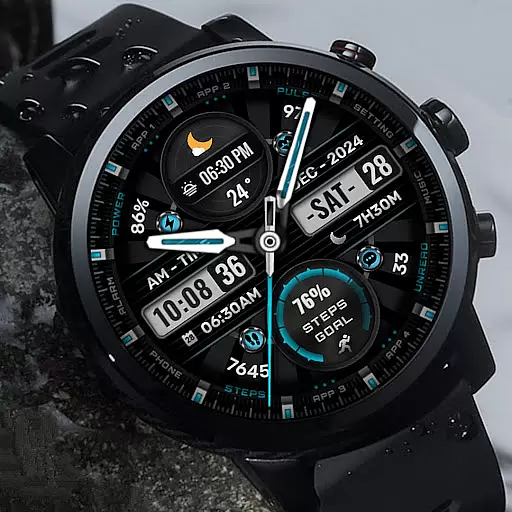
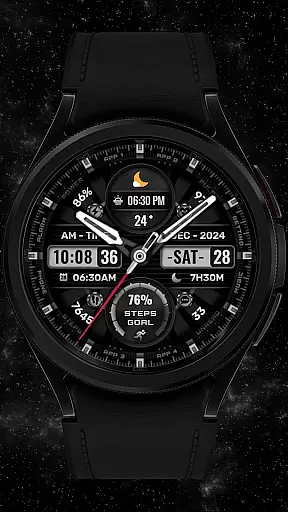
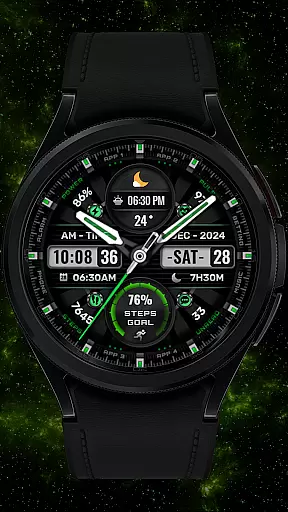
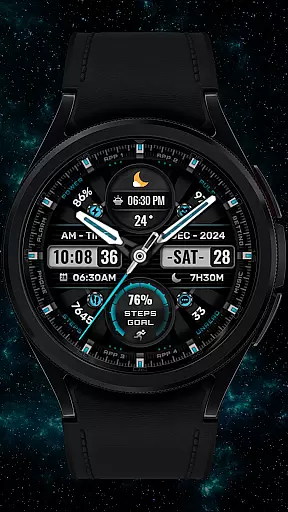
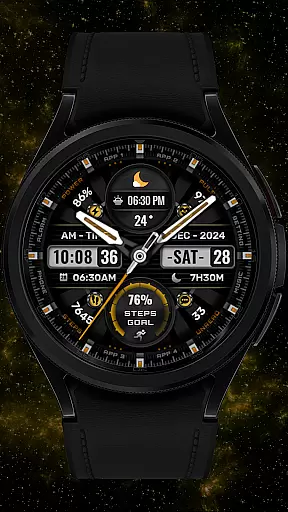
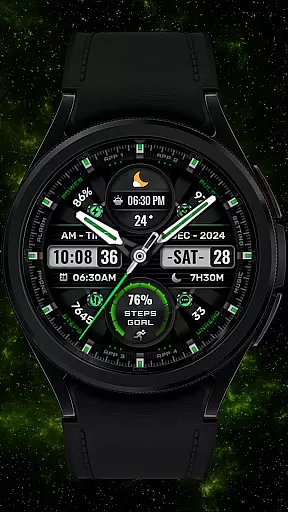
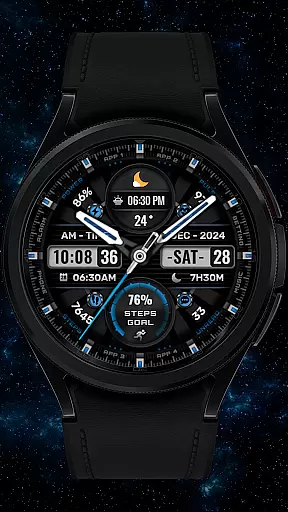
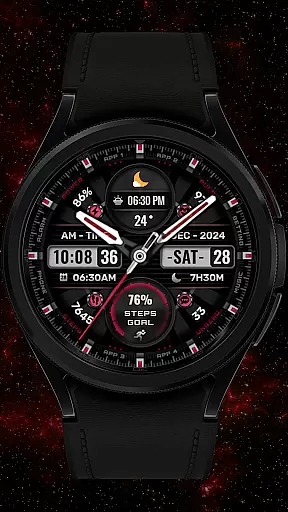
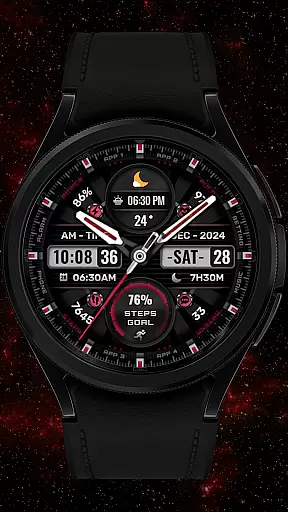
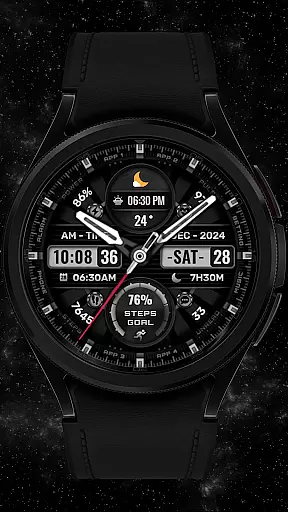
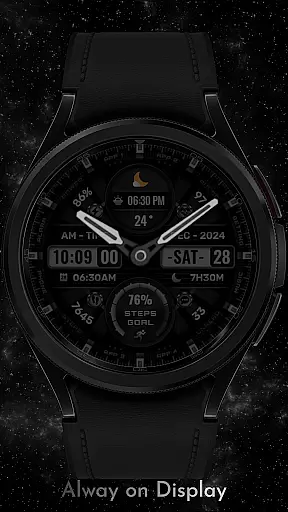
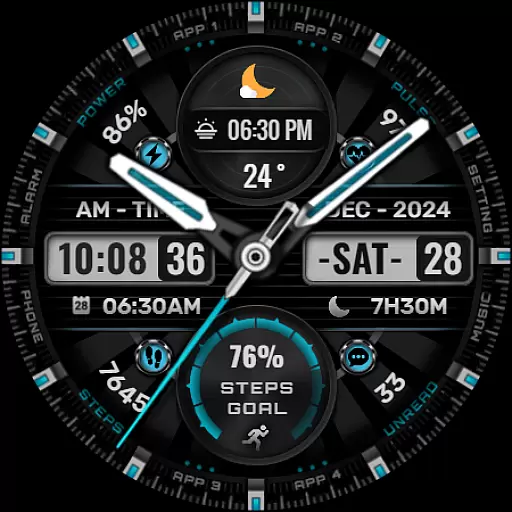
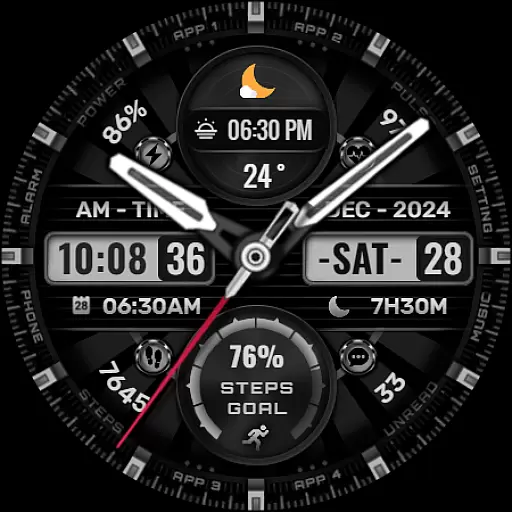
[KNA002] SHINE is a feature-rich Wear OS watch face that offers extensive customization options for users who want both style and functionality. Designed for compatible smartwatches, this app provides an array of complications and personalization features to suit various preferences.
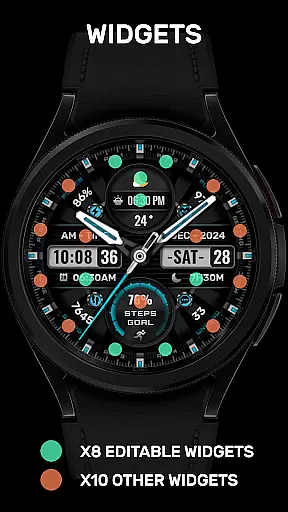
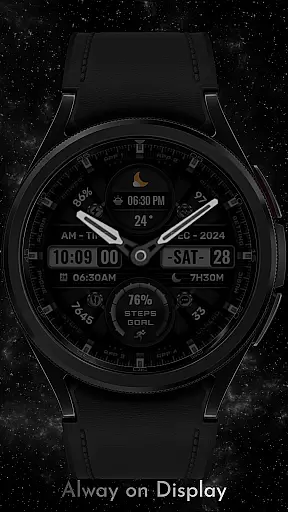
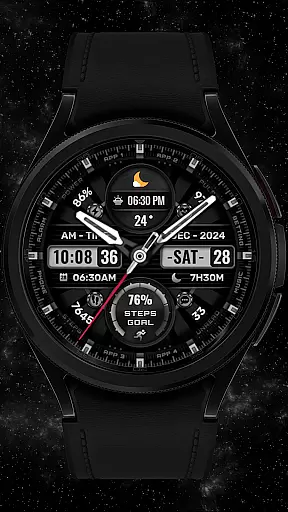
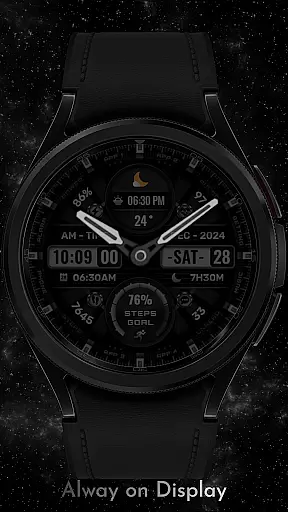
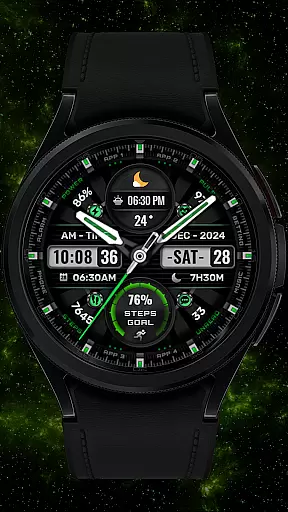
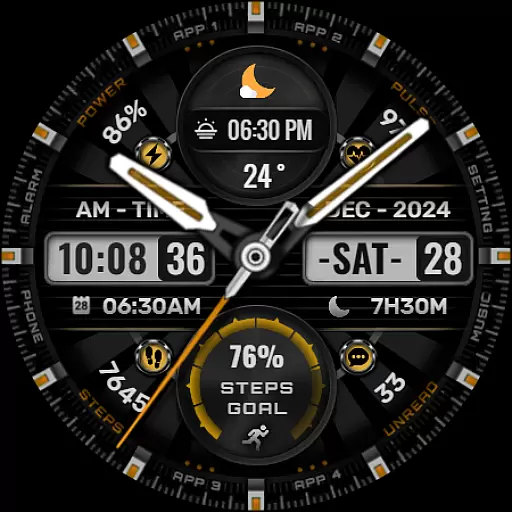
With its hybrid styles, the watch face displays essential information such as date, day of the week, and month. Users can also choose from eight editable complications, offering data like steps count, heart rate, battery level, calendar events, and more. The app supports multiple color backgrounds, analog hands, and progress indicators, ensuring a personalized experience tailored to individual tastes.
This application is ideal for users with API level 30+ devices, including Google Pixel watches and Galaxy Watch series 4, 5, and 6. By following simple installation steps, users can enjoy a customized watch face that enhances their wearable's utility while reflecting their unique style.
The [KNA002] SHINE watch face stands out with its versatile features designed to enhance user interaction and provide valuable information at a glance. One of its key attributes is the ability to display hybrid styles, seamlessly integrating analog and digital elements for a modern look.
Users have access to eight customizable complications, allowing them to tailor the watch face to show relevant data such as weather updates, world clocks, sunrise and sunset times, and even barometric pressure. This flexibility ensures that each user can create a layout that best suits their lifestyle and needs.
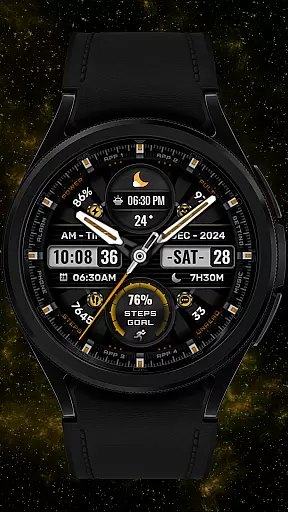
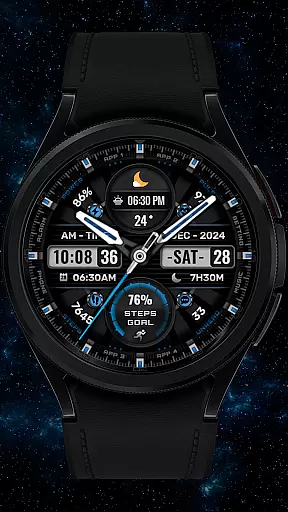
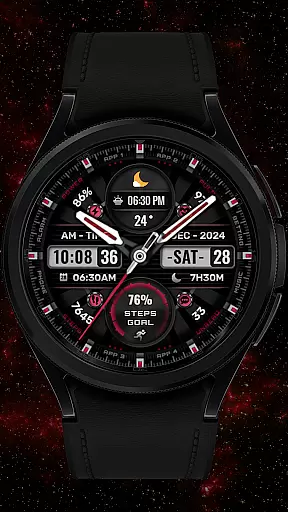
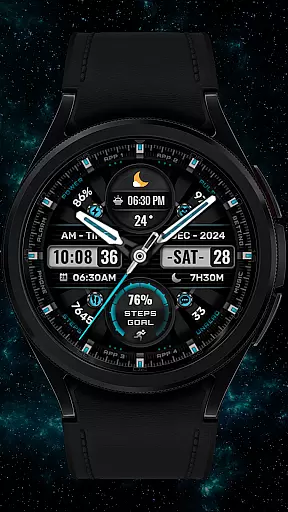
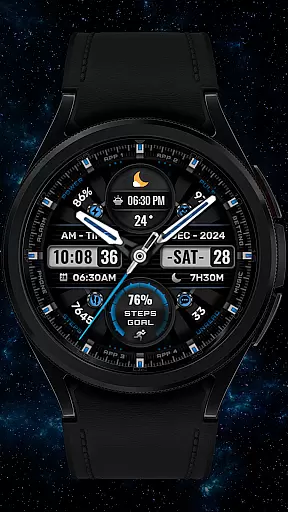
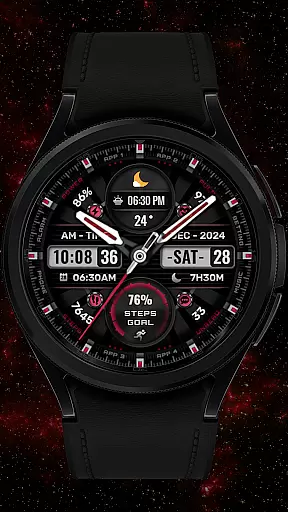
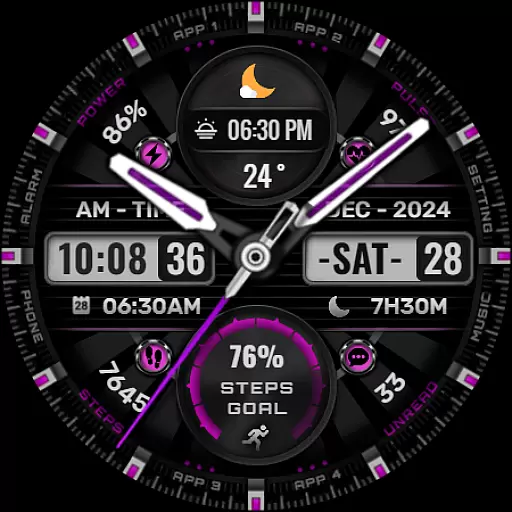
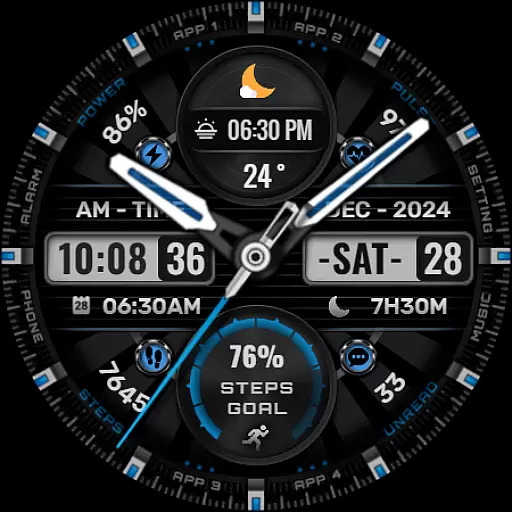
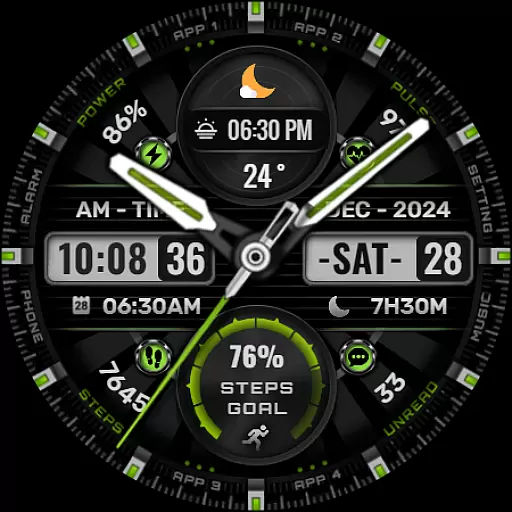
In addition to complications, the app offers eight color options for backgrounds, analog hands, and step progress indicators. These design choices enable users to personalize their watch faces extensively, making it easy to match their device's appearance with personal aesthetics or mood. Note that some advanced features may not be available on all Wear OS devices, so compatibility should be verified before installation.
In the realm of digital art and design, having a comprehensive suite of creative tools is essential for unleashing an artist's full potential. The [KNA002] SHINE watch face for Wear OS devices stands out by offering a versatile canvas right on your wrist. With features such as hybrid styles, date, day of the week, and month displays, it merges functionality with aesthetics seamlessly.
One of the most compelling aspects of this watch face is its support for up to 8 editable complications. This allows users to tailor their watch face with a variety of data points including steps count, heart rate, battery level, calendar events, and even sunrise & sunset times. Such a wide array of customization options ensures that artists and designers can craft a personalized and functional timepiece that resonates with their unique style.
Moreover, the inclusion of 8 color backgrounds, analog hands, and step progress indicators adds another layer of personalization. Users can choose from different colors and styles to match their outfit or mood, making the [KNA002] SHINE not just a tool for telling time but also a fashion statement. This level of creative freedom empowers users to express themselves fully through their wearable device.
The true mark of a superior design tool is its ability to adapt to various formats and sizes without compromising on quality or functionality. The [KNA002] SHINE watch face excels in this aspect by ensuring compatibility with API level 30+ devices like Google Pixel and Galaxy Watch 4, 5, 6 series among other Wear OS models. Before proceeding with installation, users are encouraged to verify their deviceu2019s compatibility, underscoring the emphasis on format flexibility.
This adaptability extends beyond mere device compatibility. Upon installing the watch face, users have the option to customize it extensively. By simply touching and holding the display, then tapping on the customize option, one can modify the watch face to suit individual preferences. This ease of personalization highlights the thoughtful design that caters to diverse user needs.
Furthermore, the ability to select from a range of complicationsu2014such as weather updates, world clocks, and barometric readingsu2014ensures that the canvas remains dynamic and relevant to the useru2019s lifestyle. While some features may vary across different watches, the core experience of a flexible and customizable watch face remains consistent. Thus, [KNA002] SHINE delivers a robust platform where creativity meets practicality in perfect harmony.
Highly customizable
Eight complications
Multiple color options
User-friendly interface
Compatible with latest Wear OS
Not compatible with all devices
Some features unavailable
Requires latest Android
Limited support options
Installation not automatic

Premium version of Shimeji-ee app with no ads & no limit active shimeji
 4.0
4.0
Pose and morph realistic male and female models! 3D poser app
3.00
Sketch, trace and master AR drawing with awesome anime art!
3.30
Art of Combination Wear OS Watch faces
4.1
Unleash Your Creativity with Draw Cartoon - AR Drawing App
4.10
Get creative and make art with your Sesame Friends!
4.00
Draw, fidget, and spin glow art! Relax and express your creativity with a finger
4.60
Unleash your inner artist! Sketchar: AR Drawing for Limitless Creativity
4.40
AI-powered photo & video creation—fast, fun, and effortless with Quick Actions
4.60
See Color, Paint Color
4.90
Passport size photo maker, create ID photo and visa photo in seconds
4.80
Draw on screen: FP sDraw is a simple and lightweight drawing app
4.70
Image resizer to resize, crop, rotate, flip, change dpi photo or picture in bulk
4.60
Draw Trace image sketch by, AR art projector app, Easy to trace any image.
4.50
Image/ Text to Video Generator
4.40
Bring One UI 8.5 Icons to life -elegant dark icons with a modern, premium touch.
4.30
Floor Plan Creator lets you create, edit and share floor plans.
4.00
Easy 3D drawing design maker & creator. Model designing, Sculpting. Create&paint
4.00
Art of Combination Wear OS Watch faces (for Wear OS 5+ devices)
3.90














User Reviews