
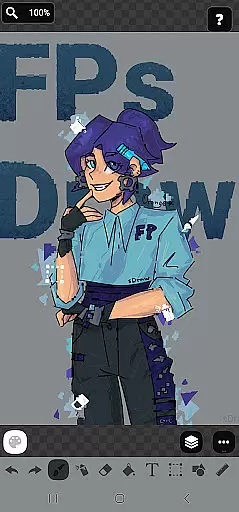
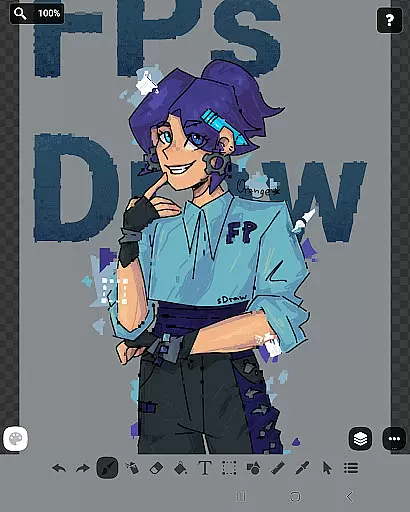
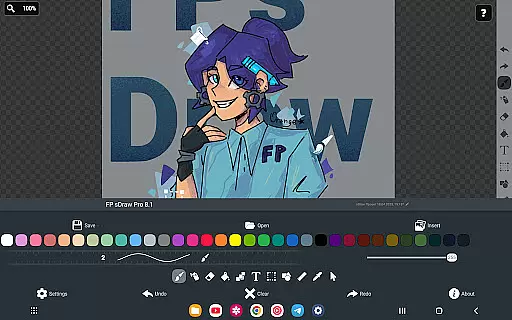
FP sDraw Pro is a streamlined drawing application tailored for users seeking simplicity and efficiency in their creative tasks. This app provides essential drawing tools without any unnecessary distractions, making it ideal for quick sketches, annotations, or creating memes. With its lightweight design and absence of ads, FP sDraw Pro ensures a seamless experience on all devices, even older models.
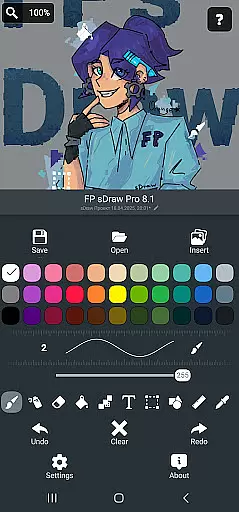
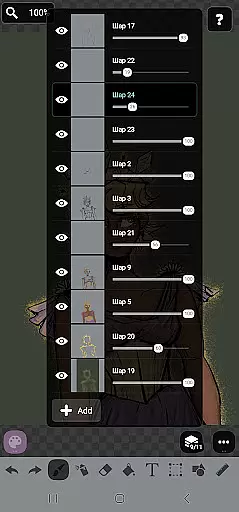
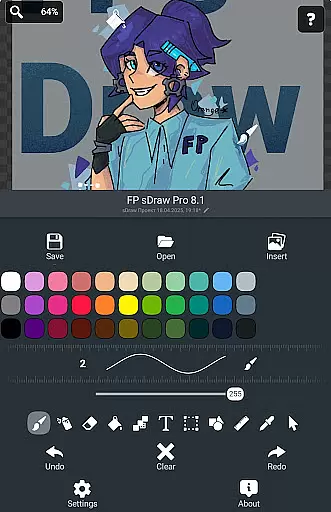
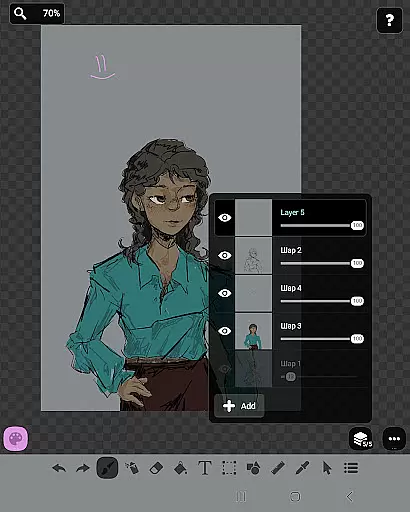
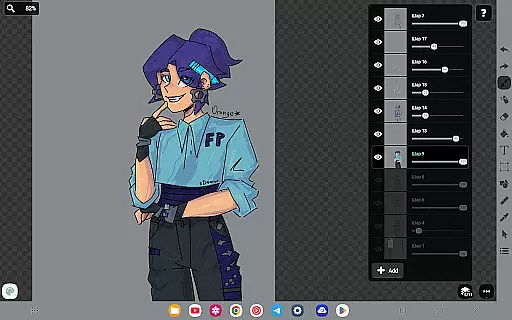
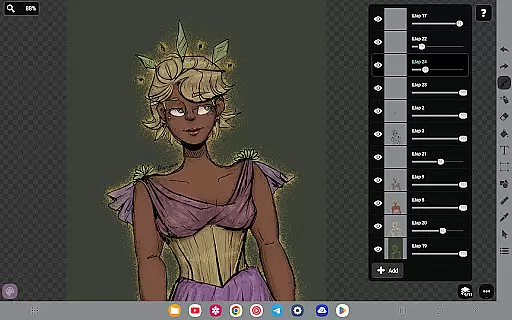
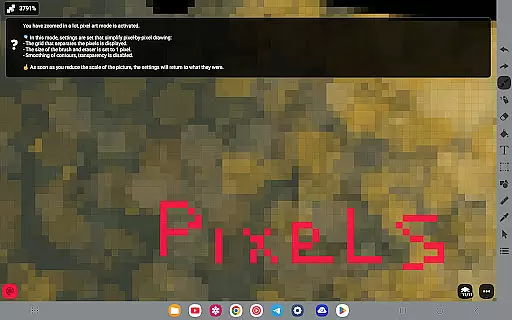
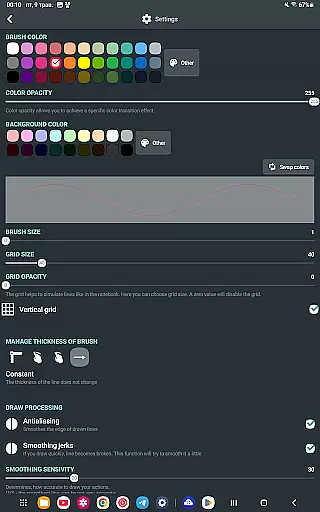
The application boasts a variety of features including layers, brush and eraser tools, airbrush effects, text insertion, and shape creation. Its user-friendly interface can be customized to suit individual preferences, while automatic backups safeguard your work. The app's compatibility with stylus input enhances precision, catering to both casual doodlers and more serious artists.
FP sDraw Pro shines in scenarios where users need to quickly visualize ideas or annotate images without the overhead of complex software. Its minimal system requirements and instant startup time make it an invaluable tool for anyone needing a reliable, no-frills drawing solution.
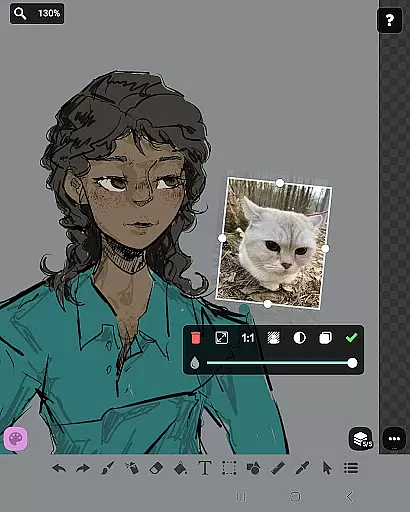
FP sDraw Pro stands out with its comprehensive yet straightforward feature set designed to cater to various drawing needs. The inclusion of layers allows for organized and complex sketching, while the ability to insert images from the gallery expands creative possibilities. Users can experiment with different brush strokes, airbrush effects, and text styles to bring their visions to life.
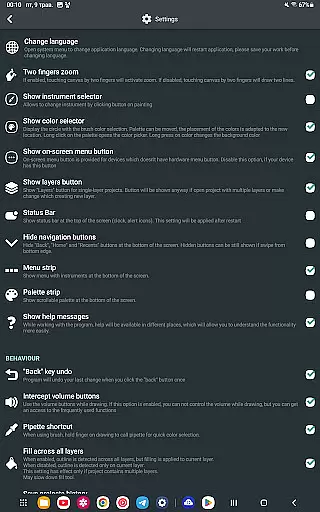
Customization is at the heart of FP sDraw Pro's appeal. From flexible UI elements that adapt to user preferences to support for stylus input such as sPen and Active Pen, the app offers a personalized drawing experience. Helpful tips appear contextually, ensuring that guidance is available only when necessary, thus maintaining an unobstructed workspace.
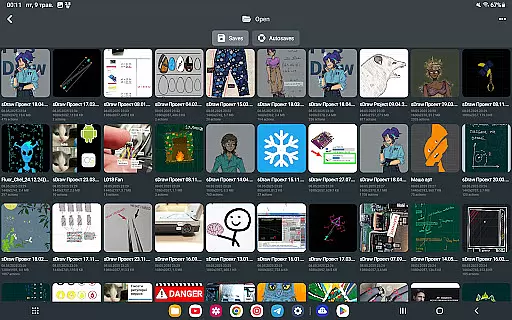
Additional features like automatic backup, volume button shortcuts, and compatibility with older devices underscore the app's commitment to accessibility and convenience. While the free version is fully functional, upgrading to the Pro version supports the developer and removes minor inconveniences, enhancing the overall user experience.
In the realm of digital art, having a comprehensive set of creative tools is paramount. FP sDraw Pro offers an extensive array of features that cater to both amateur doodlers and professional artists alike. With functionalities ranging from basic brush strokes to advanced layer management, this application ensures that all artistic visions can be realized without compromise.
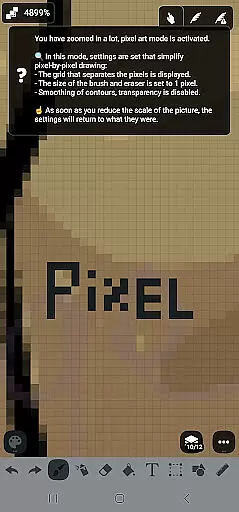
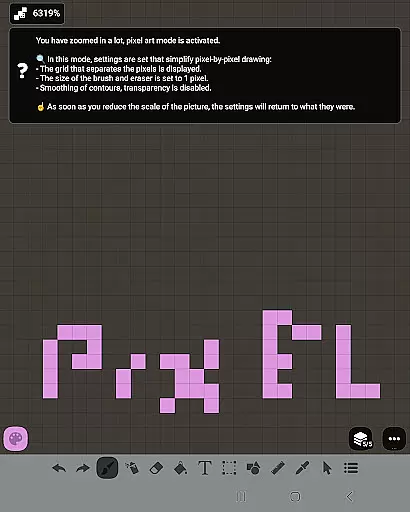
FP sDraw Pro stands out by providing users with drawing tools such as layers for organizing complex sketches, an airbrush for smooth shading, text insertion for annotations, and even a ruler for precision lines. The inclusion of these diverse instruments empowers creators to experiment with different styles and techniques, enhancing their expressive capabilities within a digital canvas.
The true value of FP sDraw Pro's complete toolkit becomes apparent when users seamlessly integrate stylus support into their workflow. Whether itu2019s an sPen or Active Pen, artists can enjoy natural hand movements while sketching diagrams, notes, or quick ideas. This harmonious blend of hardware and software elevates the user experience, making every stroke feel intuitive and authentic.
A flexible canvas is essential for unleashing creativity without boundaries. FP sDraw Pro understands this need and offers remarkable adaptability in terms of canvas size and format options. Artists are no longer constrained by predefined dimensions; instead, they have the freedom to customize their workspace according to specific project requirements.
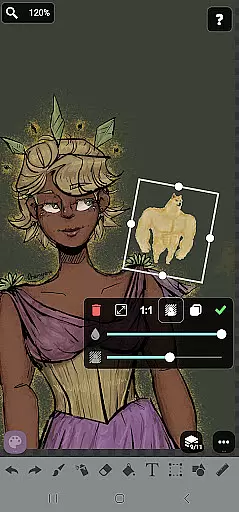
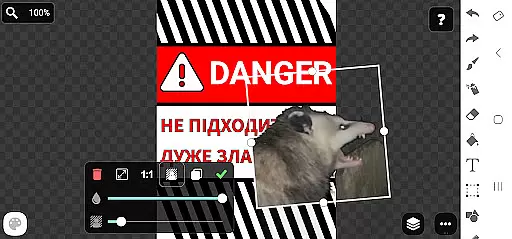
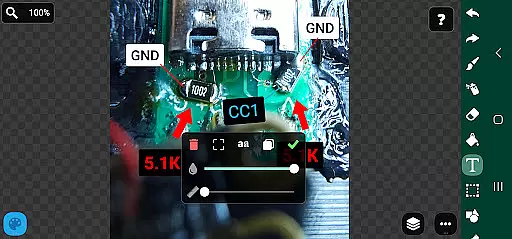
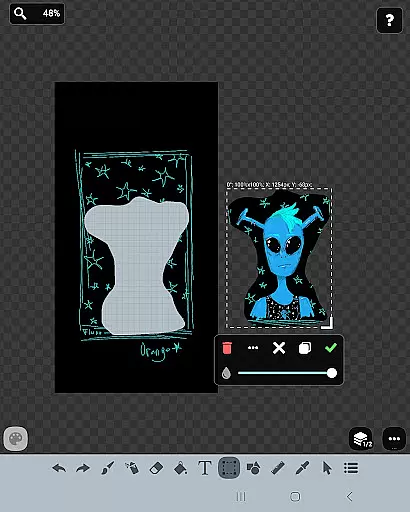
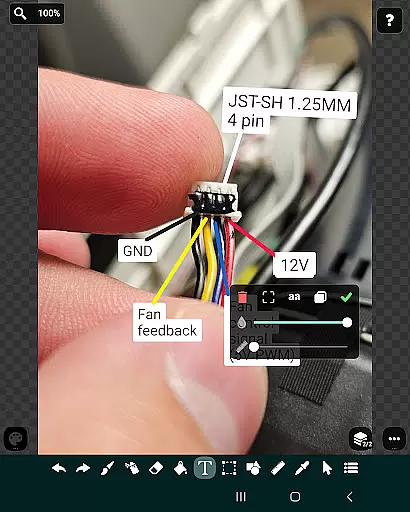
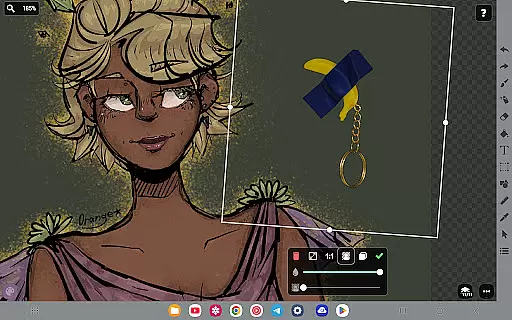
This application allows you to insert images directly from your gallery onto a customizable canvas where you can highlight or mark elements with precision. Such versatility ensures that whether you're creating memes, adding text overlays on photos, or experimenting with various shapesu2014the only limit is your imagination.
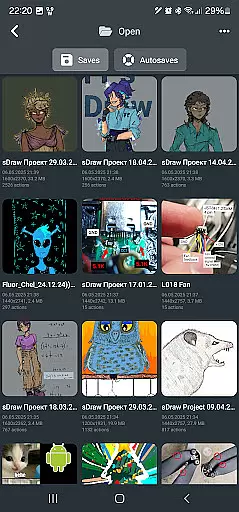
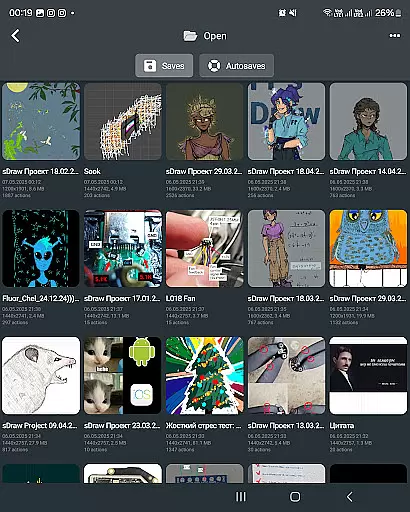
Moreover, FP sDraw Pro supports automatic backups which keep your valuable sketches safe regardless of format changes during editing sessions. This feature not only secures your work but also enhances productivity as projects transition smoothly between different states without losing quality or detailu2014a testament to its robust design tailored for modern creatives.
User-friendly interface
No ads or clutter
Lightweight and fast
Stylus support included
Automatic backup feature
Limited advanced tools
Basic UI customization
Fewer filters/effects
No cloud sync option
Premium version costs

Discover Cartoon Dream : Unleash Your Creativity with CuttingEdge AI
 4.50
4.50
Pose and morph realistic male and female models! 3D poser app
3.00
Trace, draw, and create art with AR - from memes to masterpieces!
4.30
Photo blender app to create overlay photos & double exposure.
4.40
Draw beautiful mandala's very easily
4.60
Photo editor for art, avatars, filters & fun transformations.
4.60
Resize photos and print photos in exact size with our powerful photo printer!
3.80
Your homescreen as an elegant glass with customized blur, lighting, and visuals.
3.70
Retouch photos. Create or edit images. Endless capabilities.
2.70
Image resizer to resize, crop, rotate, flip, change dpi photo or picture in bulk
4.60
Draw, fidget, and spin glow art! Relax and express your creativity with a finger
4.60
Digital illustration drawing & painting pad app to paint Anime and Manga art
4.50
Unleash your drawing and painting potential
4.50
Share the joy of painting with ibis Paint! Drawing anime and manga art.
4.50
Customizable Outlined Fonts. Watch Face Format. Battery friendly Digital Clock.
4.20
AR Anime Drawing: How to draw anime with AR drawing & sketching apps!
4.00
Sketch, trace and master AR drawing with awesome anime art!
3.30
Premium version of Shimeji-ee app with no ads & no limit active shimeji
4.3
Art of Combination Wear OS Watch Faces
4.1



User Reviews