
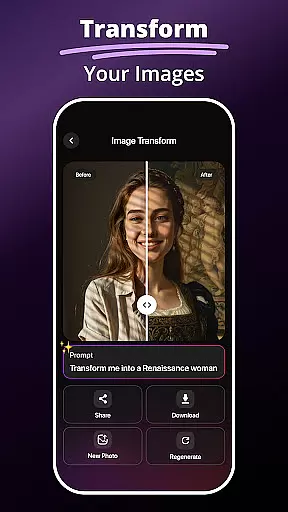
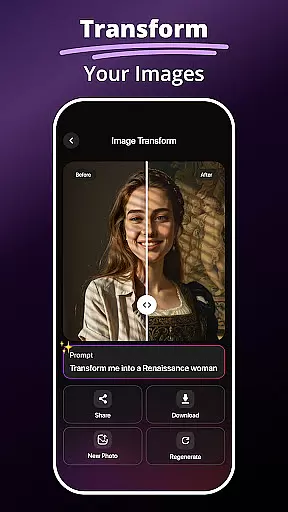
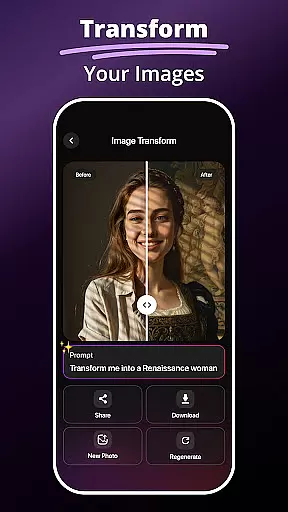
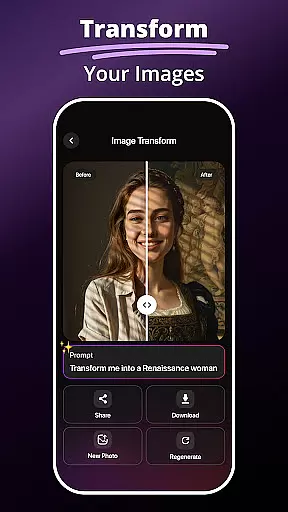
MePic is an advanced AI-powered photo editor designed for creative professionals and casual users alike. This all-in-one solution allows you to transform ordinary photos into stunning digital artworks with minimal effort. The app's core features include AI-driven image generation, professional-grade editing tools, and innovative effects that cater to various artistic needs.
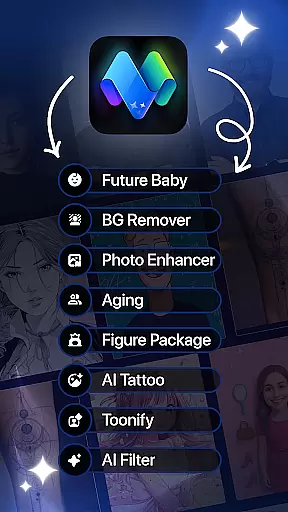
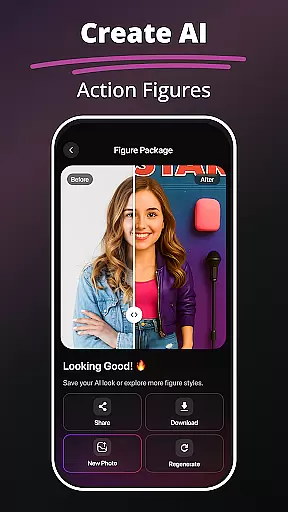
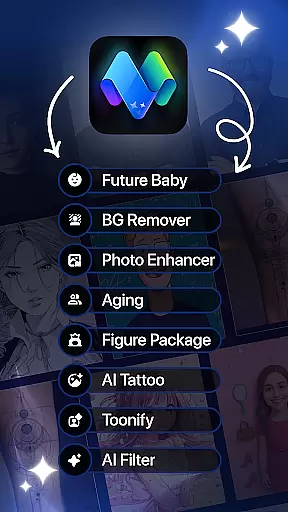
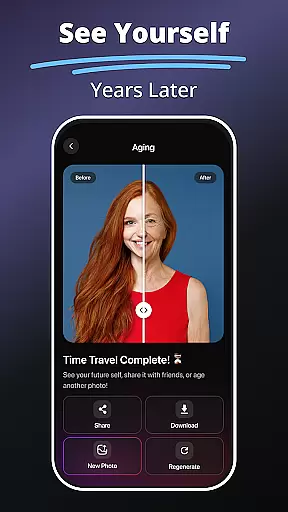
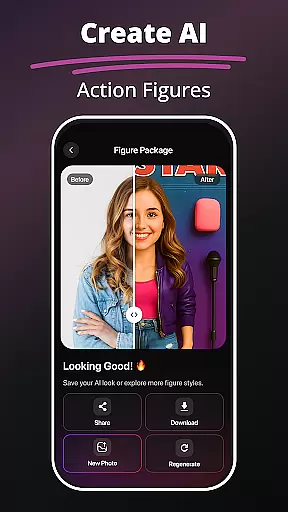
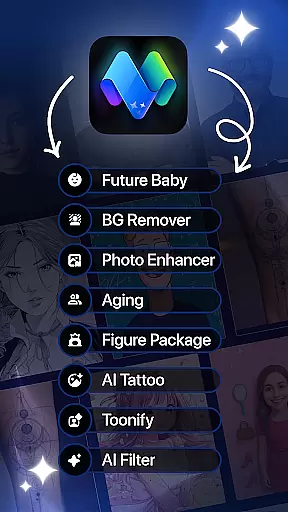
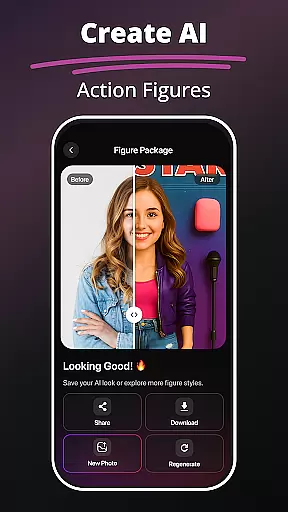
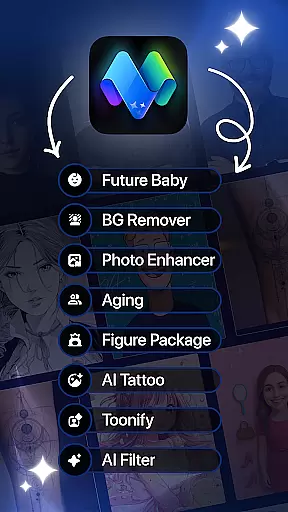
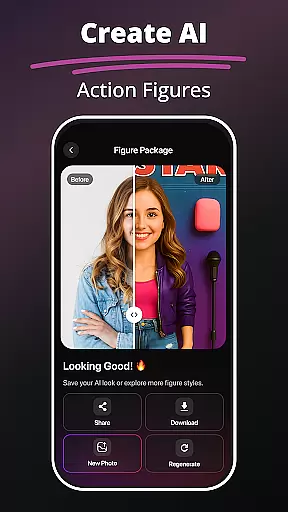
One of MePic's standout capabilities is its Text to Image feature, which converts descriptive text into unique visuals. Users can also experiment with futuristic tools like the Future Baby Generator and Avatar Creator, making it a versatile choice for both entertainment and professional projects. Whether you're enhancing portraits or designing custom avatars, MePic delivers exceptional results across multiple platforms.
The application proves especially valuable for social media enthusiasts and digital artists who need quick yet high-quality edits. Its comprehensive toolset helps users create engaging content while saving time through automated processes and intelligent suggestions.
MePic distinguishes itself through its extensive collection of AI-powered features that revolutionize photo editing. The Text to Image functionality uses sophisticated algorithms to interpret user descriptions and generate corresponding visuals, opening new possibilities for creative expression. This feature alone sets MePic apart from traditional editors by bridging imagination and reality.
The app's editing capabilities extend to detailed portrait enhancements, including skin smoothing, object removal, and color adjustments. Unique tools like Hair & Beard Changer and Background Remover provide precise control over image modifications. These features are implemented using advanced machine learning models that ensure natural-looking results while maintaining artistic flexibility.
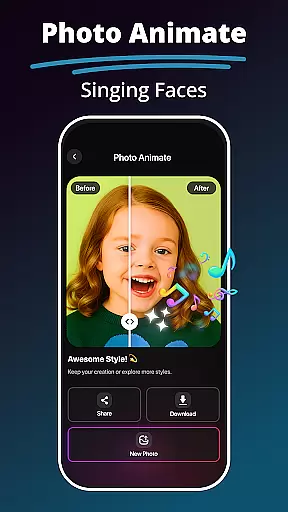
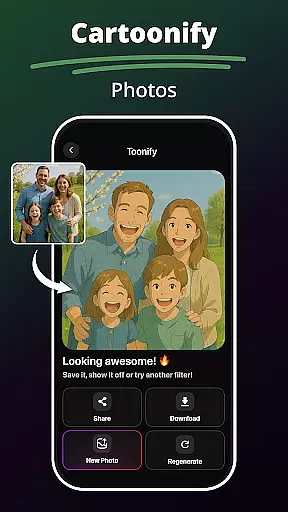
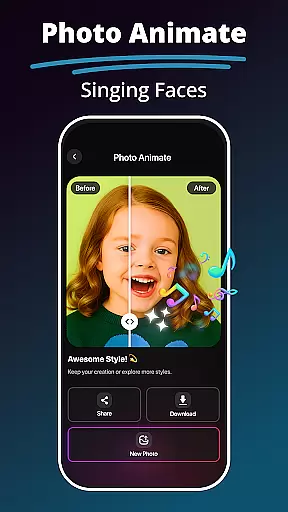
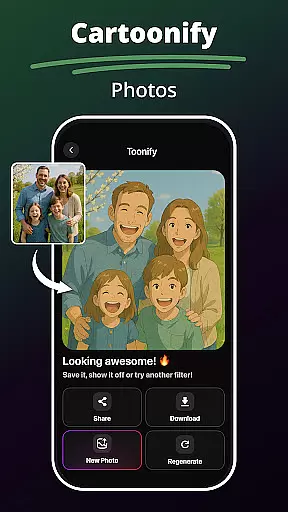
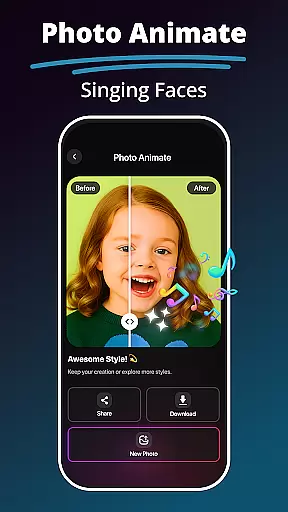
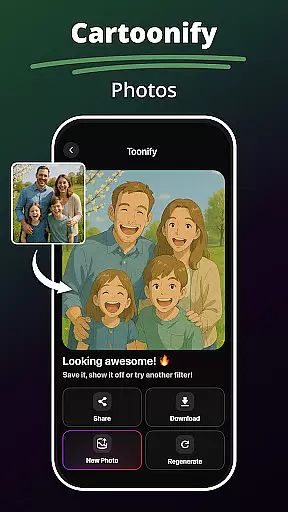
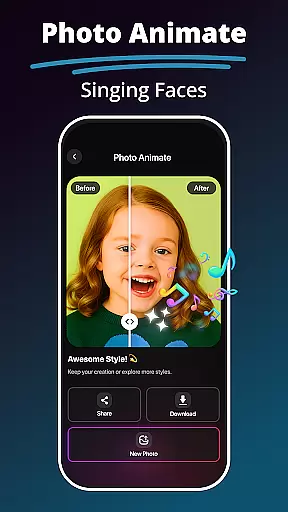
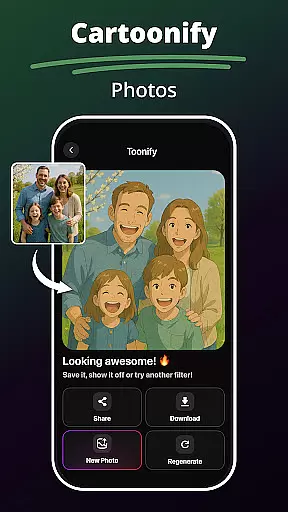
MePic's value proposition lies in its ability to combine professional-grade tools with user-friendly interfaces. The Photo Animate feature brings static images to life through dynamic motion effects, while the comprehensive filter library offers styles ranging from cartoon effects to digital paintings. Each feature is designed to maximize creativity while minimizing the technical expertise required for impressive results.
In the realm of digital artistry, having a comprehensive suite of creative tools is essential. MePic stands out by offering an extensive array of features that cater to both amateur enthusiasts and professional designers. The application includes functionalities such as Text to Image transformation, which leverages AI to generate visuals from textual descriptions, providing a novel way to visualize ideas.
Moreover, MePic doesn't stop at static image creation; it extends into the territory of imaginative avatar crafting and style manipulation. Users can experiment with an assortment of aesthetic modifications, including but not limited to, altering hairstyles, applying makeup digitally, or even stylizing beards. This versatility ensures that whether you're looking to create a cartoonish persona or a realistic portrayal, MePic accommodates diverse artistic expressions.
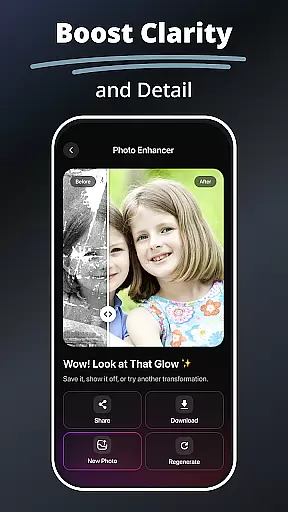
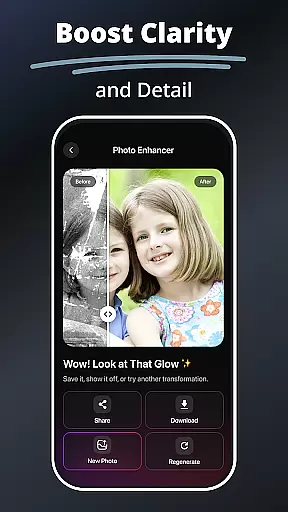
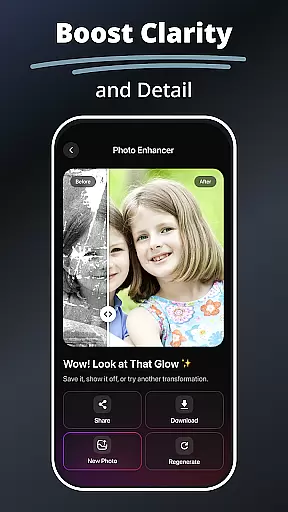
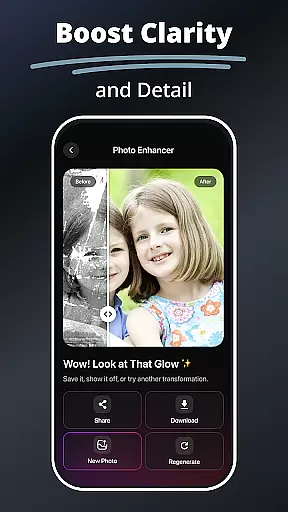
The app further augments its creative arsenal with tools designed for photo enhancement and object editing. From smoothing skin textures to removing unwanted background elements, each instrument within MePic is engineered for precision and ease of use. Such complete integration of advanced editing capabilities empowers users to refine their images meticulously, thus elevating the standard of mobile photo editing.
Flexibility in canvas and format options is a hallmark of any top-tier design application, and MePic delivers this through its adaptive interface that supports various image manipulations. Whether altering the dimensions for a custom project or preparing visuals for specific platforms, MePic provides the agility needed to meet different design requirements without compromising on quality.
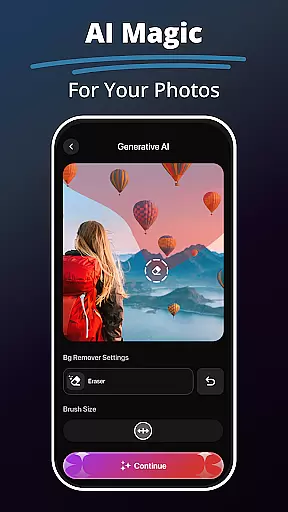
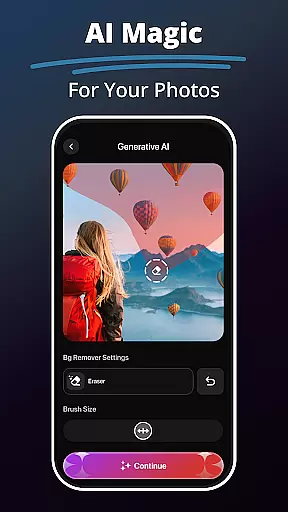
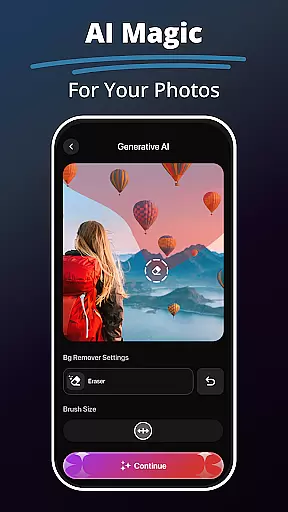
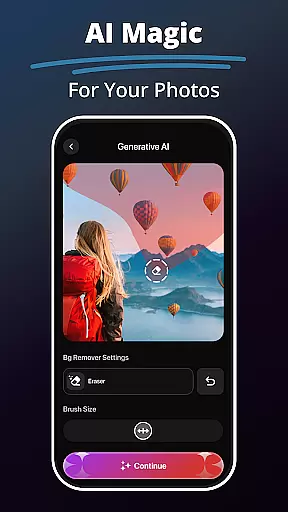
One notable feature is the Background Remover & Object Editing tool, which allows creators to seamlessly erase and replace backgrounds or adjust individual components within an image. This level of control over the canvas ensures that artists can isolate subjects effectively or integrate them into new scenes with minimal effort.
Additionally, MePic's support for multiple stylesu2014from photorealistic edits to illustrative avatarsu2014demonstrates its commitment to format compatibility. By enabling transitions between different artistic representations, such as converting portraits into animated characters or futuristic renditions, MePic solidifies its position as a flexible platform where creativity knows no bounds.
AI-Powered Editing
Comprehensive Toolset
User-Friendly Interface
Innovative Features
Cross-Platform Support
Subscription Required
Learning Curve
Processing Time
Limited Free Options
Resource Intensive

Discover Cartoon Dream : Unleash Your Creativity with CuttingEdge AI
 4.50
4.50
Create sweet, cool and unique couple avatars easily, in just a few steps!
3.40
Art of Combination Wear OS Watch faces
4.4
Draw on screen: FP sDraw is a simple and lightweight drawing app
4.70
See Color, Paint Color
4.90
Unleash Your Creativity with Draw Cartoon - AR Drawing App
4.10
Photo stitcher for automatically screenshot stitching into a long screenshot
4.70
Beauty Camera - Selfie Camera is the ultimate beauty camera and selfie app
4.30
How to draw anime step by step for beginner easily by AR drawing sketch & paint.
3.60
Minecraft & Roblox Clothes
4.70
2D animation studio for Android tablets - unlimited layers, infinite timeline
4.70
The ultimate tool for creating animations
4.60
Create neon drawing with magic doodle and fun doodle art effects!
4.50
Painting, drawing, & sketching
4.50
Customizable Outlined Fonts. Watch Face Format. Battery friendly Digital Clock.
4.20
Custom Character Creator & PFP Maker!
4.20
Create stylish invitation cards using templates for weddings, birthdays & RSVP.
4.20
Digital Drawing: Draw & Paint
4.10
Draw anime easily with AR guidance, sketch templates & trace tools!
3.10



User Reviews