
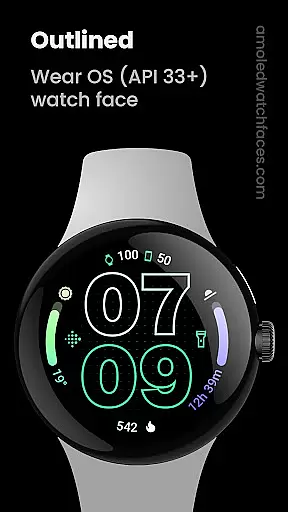
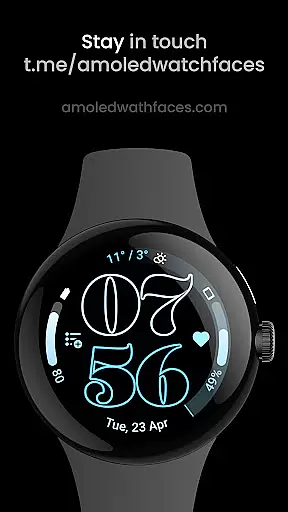
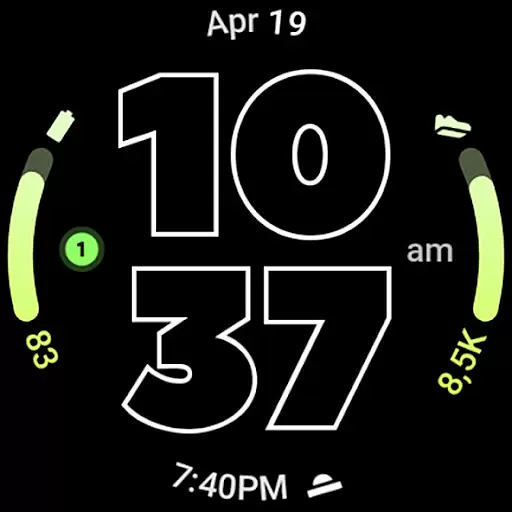
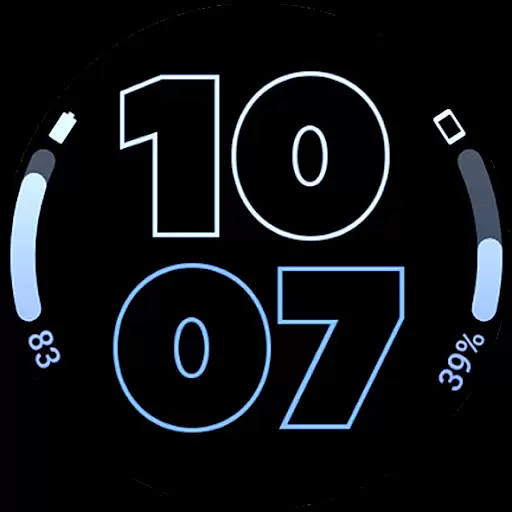
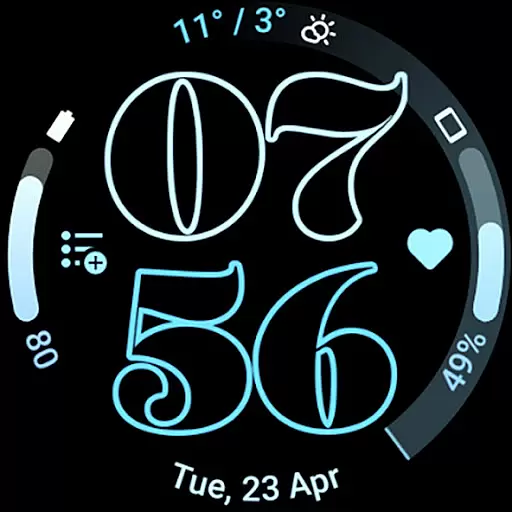
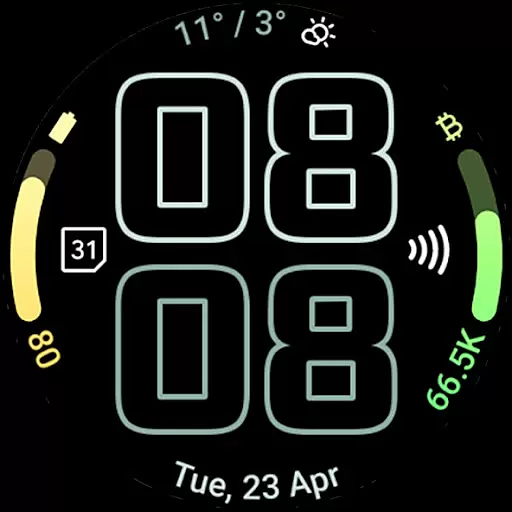
Outlined Watch Face is a premium wearable app designed exclusively for Wear OS 4+ devices. This application offers a sophisticated watch face format with unique features such as two gradient arc complication slots and combined watch/phone battery complications. Users can enjoy customizable options including selectable outlined Digital Clock fonts, true black backgrounds, and high-resolution designs optimized for battery efficiency.
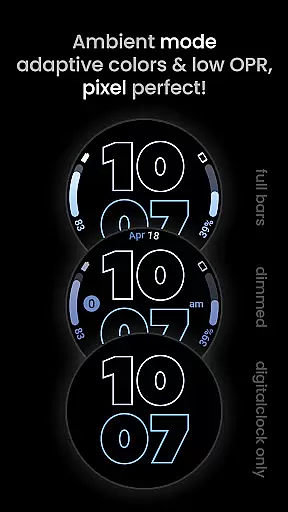
The app supports full compatibility with Pixel Watch 2 and Galaxy Watch6, providing users with the ability to personalize their experience through individual progress bar gradients and burn-in protection. With three Always-On Display (AOD) styles and optional wave-styled seconds indicators, this watch face ensures both functionality and personalization. Whether you're looking for a minimalist design or advanced customization, Outlined Watch Face serves as your ultimate daily companion on your smartwatch.
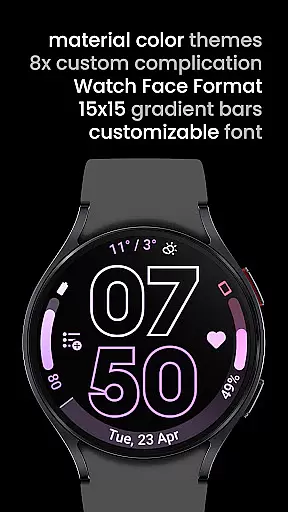
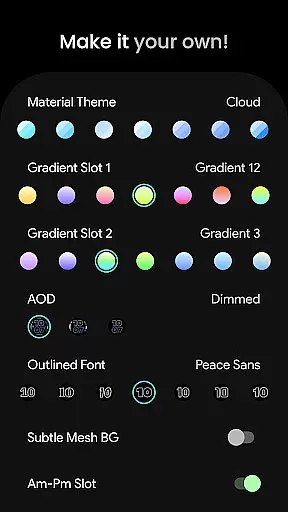
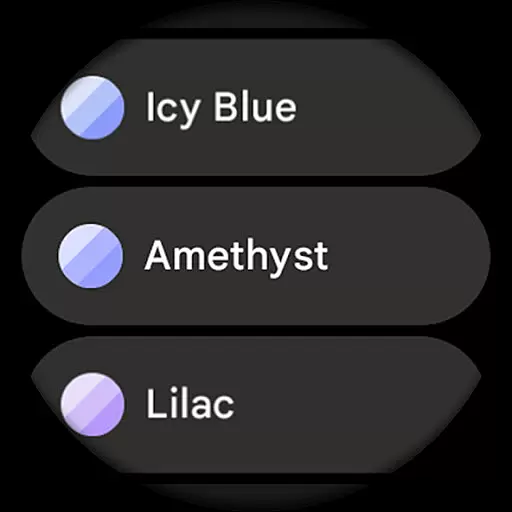
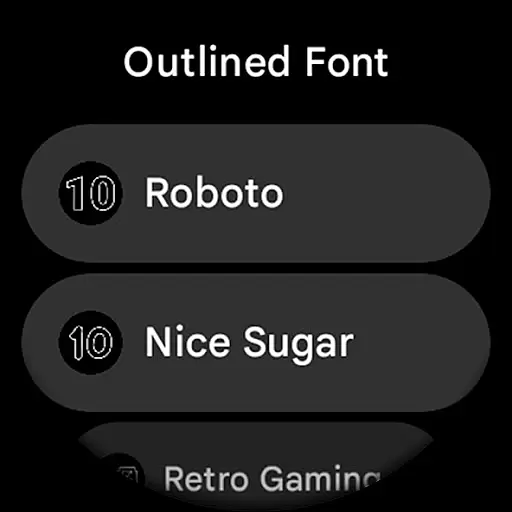
Outlined Watch Face stands out due to its rich feature set tailored specifically for wearable technology enthusiasts. One of the key highlights includes support for custom complications via dedicated apps, allowing users to integrate additional functionalities directly into their watch faces. The inclusion of material theme options (over 60 themes), gradient slots, and outlined font selections (10 variations) ensures that every user can tailor the appearance to match their style.
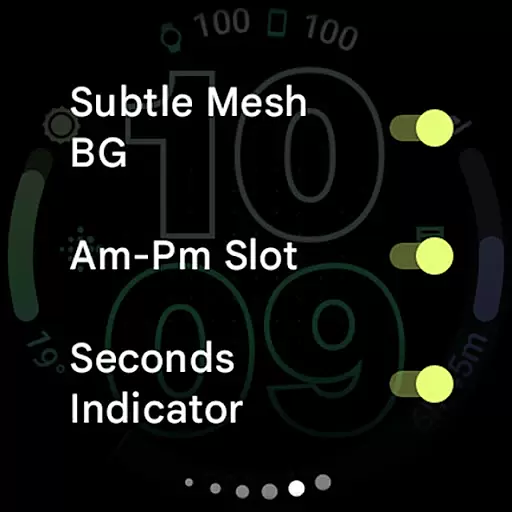
Advanced settings provide further personalization opportunities; users can toggle features like subtle mesh backgrounds, AM-PM slots, and tinted icons based on monochromatic schemes. Additionally, the app offers three AOD styles and an option to offload processing entirely to the MCU for improved battery life. These capabilities not only enhance usability but also extend the device's longevity by minimizing power consumption while maintaining aesthetic appeal.
Outlined Watch Face offers an extensive suite of creative tools that cater to personalization and functionality. With over 60 material themes, users can select from a wide variety of color schemes to match their style.
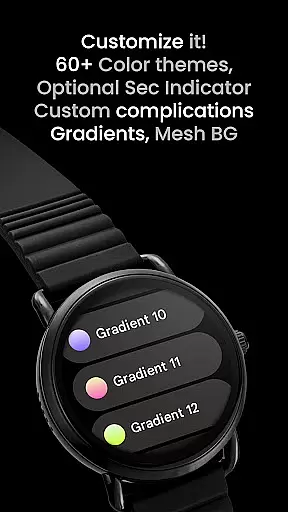
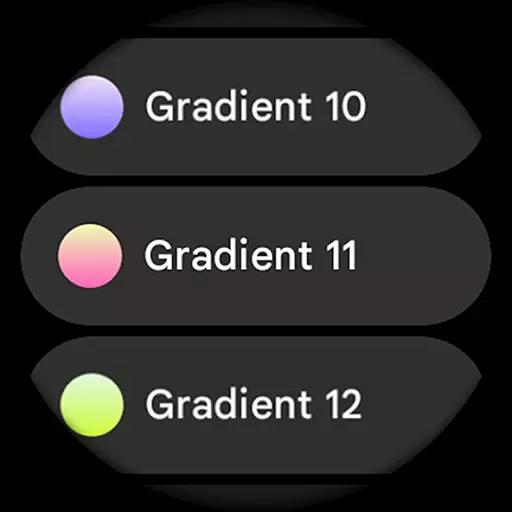
The application provides two gradient arc complication slots with 19 different gradients, allowing for versatile design configurations. Users can also choose from unique outlined digital clock fonts to ensure their watch face stands out.
Additionally, the app supports combined watch and phone battery complications, keeping users informed at a glance. The inclusion of customizable progress bar gradients adds another layer of individual expression when using ranged value complications.
With burn-in protection, optional wave-styled seconds indicators, and three always-on display (AOD) styles, this app ensures both novelty and practicality while offering users numerous ways to create their unique daily companion.
Flexibility in canvas and format options is where Outlined Watch Face truly shines. It boasts compatibility with high-end models like the Pixel Watch 2 and Galaxy Watch6, ensuring a seamless experience across devices.
Users have the freedom to customize each aspect of their watch face, including the ability to individually adjust progress bar gradients when using ranged value complications. This level of detail allows for a highly personalized and dynamic visual experience.
The app features true black backgrounds and battery-friendly designs, optimizing the display for AMOLED screens and enhancing battery life. High-resolution design support further ensures crisp visuals on any compatible wearable device.
Moreover, with settings that include subtle mesh backgrounds, AM-PM slots, and tinted icons, users can fine-tune their watch faces to suit their preferences perfectly, making it not just a timepiece but a personal statement on their wrists.
User-friendly interface
Highly customizable
Battery efficient
Unique design options
Compatible with latest watches
Not suitable for rectangular watches
Requires Wear OS 4+
Premium pricing
Limited free features
Complex setup process

Vidu is an AI video generator made for creators and aspiring makers.
 3.30
3.30
Premium version of Shimeji-ee app with no ads & no limit active shimeji
4.2
Apply cartoon, caricature, and portrait effects to make your photos stand out!
3.60
Trace, draw, and create art with AR - from memes to masterpieces!
4.30
Mobile pixel art editor. Simple. Fast. Portable.
4.80
Your homescreen as an elegant glass with customized blur, lighting, and visuals.
3.70
Unleash the artist in you with our AR drawing and tracing tool for photo drawing
4.10
Photo stitcher for automatically screenshot stitching into a long screenshot
4.70
Draw, make movies & animate cartoons easily with our 2D animation maker app
4.40
See Color, Paint Color
4.90
Minecraft & Roblox Clothes
4.70
Digital, Abstract, Classic - all types of color wheels in one app!
4.60
Just trace a projected picture on paper and color! Draw & Paint with AR drawing
4.40
800+ Drawing, Painting Lessons App to Practice, Sketch & Paint Art.
4.30
Bring One UI 8.5 Icons to life -elegant dark icons with a modern, premium touch.
4.30
Easy 3D drawing design maker & creator. Model designing, Sculpting. Create&paint
4.00
Create cute cat emojis & PFPs! Fun, custom avatars for cat lovers.
3.70
Create trending AI photos & videos with powerful effects and 3D styles.
3.20
Art of Combination Wear OS Watch faces
4.0



User Reviews