
AR Drawing Sketch Painting App is an innovative tool that transforms your phone into a magical AR sketchpad. This app allows users to trace drawings, create meme art, and learn to draw step-by-step directly on real paper using their phone's camera. Whether you're a beginner or a professional artist, this app helps you create stunning artwork and jump on the latest meme trends with ease.
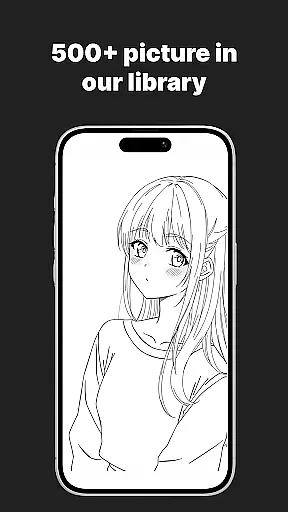
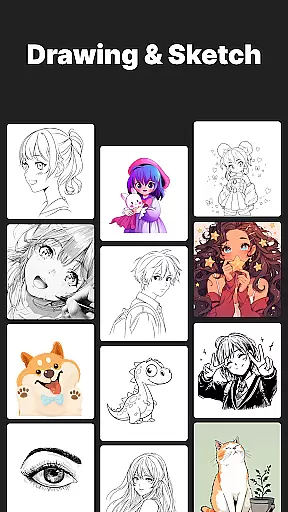
The app features a massive template library with thousands of templates including anime, portraits, animals, cars, flowers, tattoos, icons, trending memes, and more. It also offers customization tools to adjust opacity, zoom, rotate, and enable flashlight for better visibility. With weekly updates, fresh templates are added every week so you never run out of inspiration.
This app is perfect for anyone looking to enhance their drawing skills while keeping up with online trends. It blends creativity with cutting-edge AR technology, making it suitable for kids, students, parents, art teachers, and professional illustrators alike.
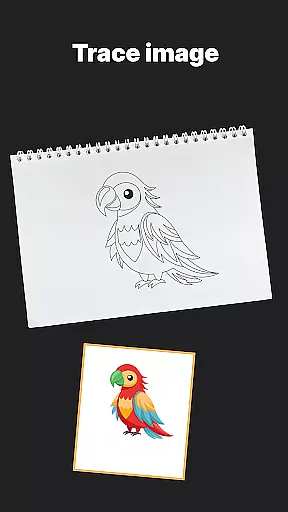
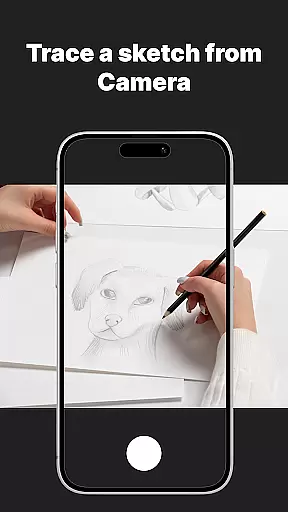
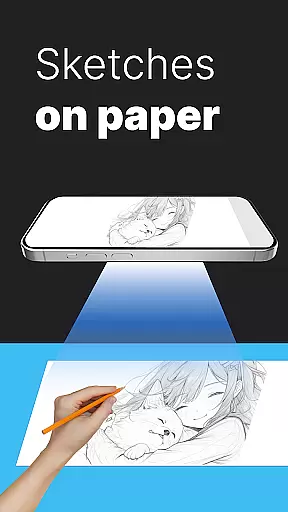
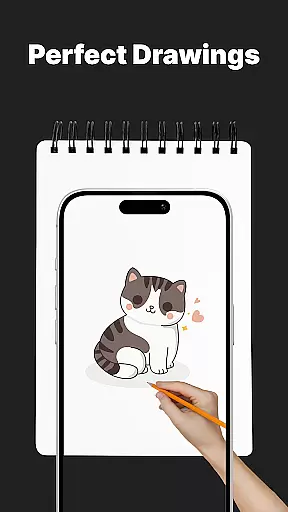
One of the standout features of AR Drawing Sketch Painting App is its AR Trace Drawing capability. Users can select a template, place their phone on a stand, look through the camera, and trace the lines onto paper. This feature is particularly useful for beginners who want to improve their drawing skills by following guided tutorials.
In addition to AR tracing, the app offers a Meme Mode with exclusive meme collections. This mode allows users to create fun meme art and stay updated with the latest internet trends. The app also includes step-by-step drawing lessons for all levels, making it a comprehensive learning tool for aspiring artists.
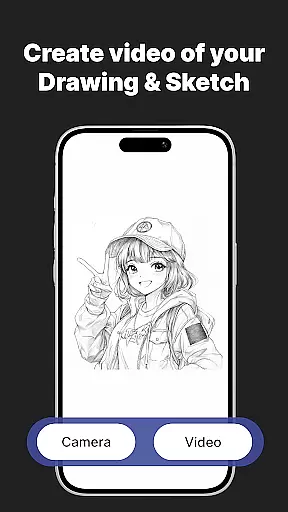
Customization tools further enhance the user experience by allowing adjustments in opacity, zoom, rotation, and enabling the flashlight for better visibility. Users can save and share their creations, capturing time-lapse videos of their drawing process and sharing them instantly on social media platforms.
AR Drawing Sketch Painting App offers an extensive suite of creative tools that cater to both amateur and professional artists. With features like AR Trace Drawing, users can select from thousands of templates ranging from anime to portraits, and trace these designs directly onto paper using their phoneu2019s camera.
The app also includes step-by-step drawing lessons, which are perfect for those looking to improve their skills. These tutorials cover various levels of complexity, ensuring that every user can find something suitable for their current skill set.
Customization is another strong point, allowing users to adjust opacity, zoom, and rotation. This flexibility ensures that your creative process is not hindered by the app's interface but rather enhanced by it.
Additionally, the ability to save and share time-lapse videos of your drawing process adds a social element, making it easy to showcase your work or even jump on the latest meme trends with ease.
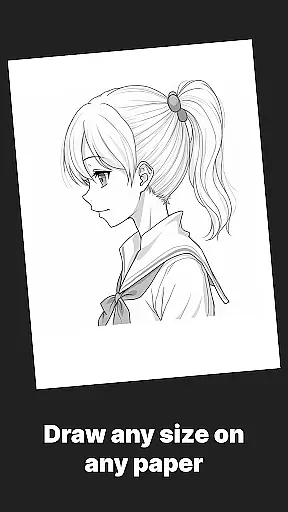
One of the standout features of AR Drawing Sketch Painting App is its canvas and format flexibility. The app supports multiple styles, from realistic portraits to hilarious meme drawings, catering to a wide audience including kids, students, parents, art teachers, and professional illustrators.
Users have the freedom to upload their own images, providing unlimited creative possibilities. Whether you want to sketch a personal photo or trace a popular meme, this feature ensures that your options are not limited to pre-existing templates.
The app's compatibility with various standsu2014be it a cup, box, or any stable surfaceu2014adds another layer of convenience. This adaptability allows users to set up their workspace in a way that best suits their environment and preferences.
Moreover, weekly updates bring fresh templates, ensuring that users never run out of inspiration. This commitment to regular content refresh makes AR Drawing Sketch Painting App a dynamic tool for continuous artistic exploration.
User-friendly interface
Extensive template library
Customizable drawing tools
Regular content updates
Suitable for all skill levels
Requires stable phone positioning
Limited to real paper use
No advanced digital editing
Premium templates may cost extra
Dependent on phone camera quality

Text to Image, Image to Video & AI Chat
 4.20
4.20
Passport size photo maker, create ID photo and visa photo in seconds
4.80
Convert image to JPG PNG HEIC PDF, support almost all kinds of image formats
4.70
Image resizer to resize, crop, rotate, flip, change dpi photo or picture in bulk
4.60
Get an overview over all your embroidery threads, projects and more.
4.60
Everything you need to create hand drawn animation, anywhere you go!
4.40
Share the joy of painting with ibis Paint! Drawing anime and manga art.
4.50
How to draw anime step by step for beginner easily by AR drawing sketch & paint.
3.60
AI-powered photo & video creation—fast, fun, and effortless with Quick Actions
4.60
Learn how to draw with step-by-step tutorials, fun lessons & multiplayer drawing
4.70
2D animation studio for Android tablets - unlimited layers, infinite timeline
4.70
800+ Drawing, Painting Lessons App to Practice, Sketch & Paint Art.
4.30
Create Logos, Tattoos, AI Art & more with our AI Photo Generator & Design Editor
4.20
OneUI 8.5 icons ✨ Smooth, modern & based on the latest Play Store design ??
4.10
Floor Plan Creator lets you create, edit and share floor plans.
4.00
AR Anime Drawing: How to draw anime with AR drawing & sketching apps!
4.00
AI Assistant, powered by ChatGPT GPT-4 & GPT-4o. Your intelligent companion.
3.50
Premium version of Shimeji-ee app with no ads & no limit active shimeji
4.3
Download now for a stylish and functional timepiece
4.0



User Reviews