
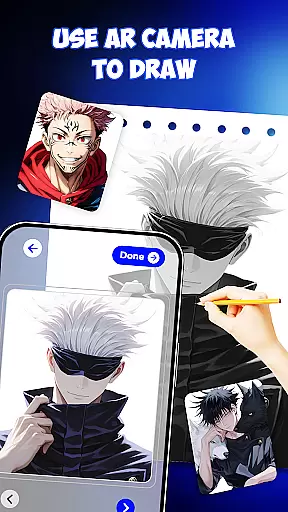
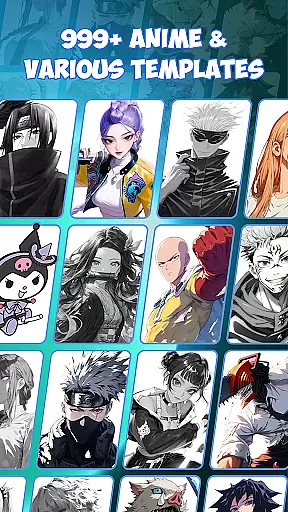
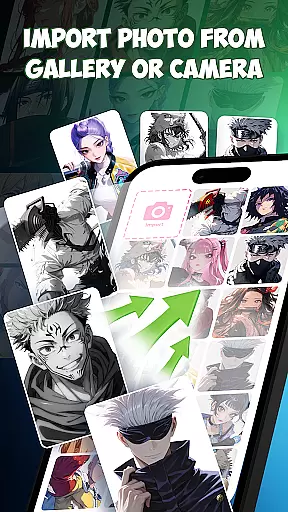
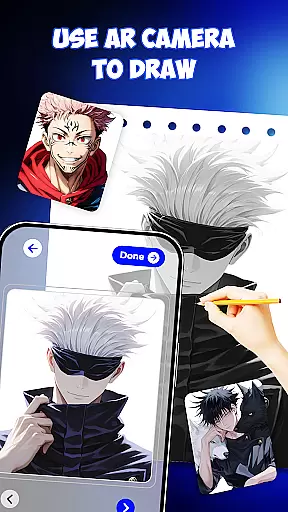
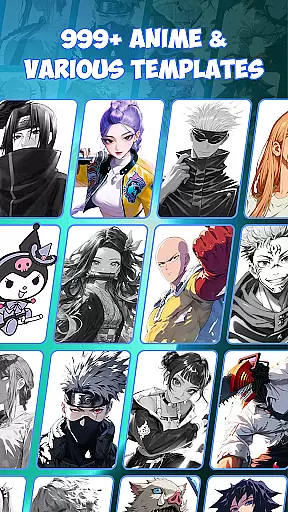
Draw Anime is an innovative AR-powered drawing application designed specifically for anime enthusiasts. This app allows users to learn and practice anime drawing through augmented reality guidance, making it easier than ever to sketch, trace, and paint anime characters. With over 999 templates available, users can draw their favorite characters with step-by-step instructions directly projected onto their paper. The app combines traditional drawing techniques with modern AR technology, creating a seamless learning experience for beginners and experienced artists alike.
The application's unique AR guidance system provides real-time outlines and tracing support, eliminating the need for endless video tutorials. Whether you're practicing at home, preparing for art school, or designing tattoo sketches, Draw Anime offers versatile tools for various use cases. The app's intuitive interface makes it accessible even for children and complete beginners, while its comprehensive features satisfy professional artists' needs.
By merging AI drawing support with traditional sketching methods, Draw Anime helps users improve their skills faster and more accurately. The app's value extends beyond simple drawing, serving as a creative platform for manga enthusiasts, pop art lovers, and doodle artists. Its combination of AR technology, extensive template library, and user-friendly design makes it an essential tool for anyone interested in anime art.
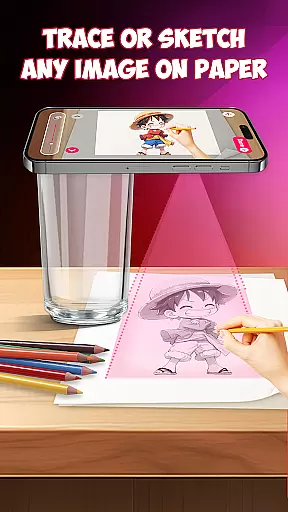
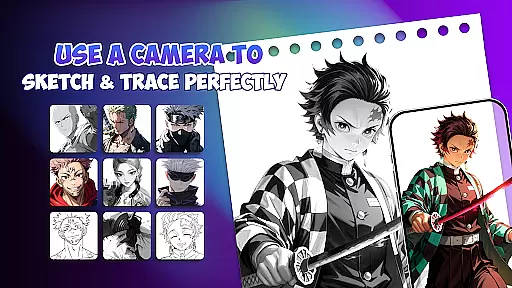
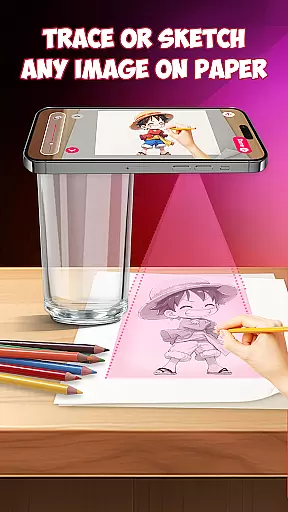
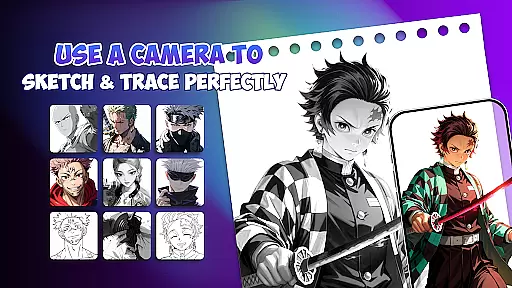
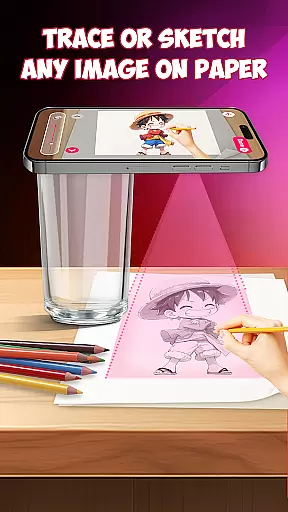
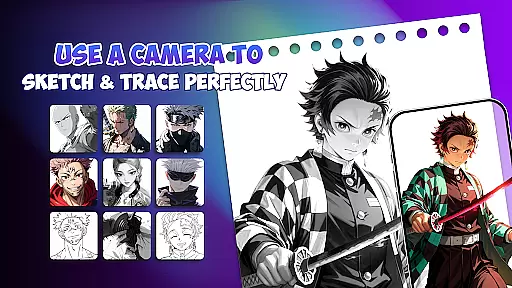
Draw Anime distinguishes itself through several remarkable features that enhance the drawing experience. The app's core functionality revolves around its advanced AR guidance system, which projects precise outlines onto physical paper, enabling users to trace characters with exceptional accuracy. This feature alone revolutionizes traditional drawing methods by providing real-time visual assistance and eliminating guesswork from the sketching process.
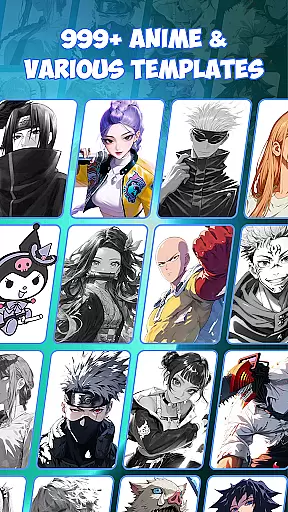
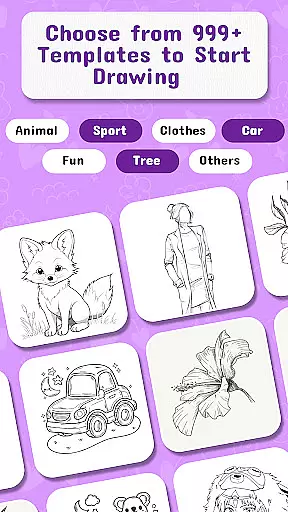
Beyond basic tracing, the application offers comprehensive drawing tools including AI-powered sketch support, step-by-step lessons, and precision drafting instruments. The AI integration particularly stands out, offering creative suggestions and enhancements to users' artwork. With over 999 templates available, ranging from beginner-friendly designs to complex character studies, the app caters to various skill levels. Each template comes with detailed instructions, making the learning process structured and manageable.
Additional notable features include freehand drawing capabilities, painting tools, and design elements for creating unique artworks. The app also functions as an educational platform, helping users build muscle memory through repeated tracing exercises while gradually introducing more complex techniques. These combined features create a comprehensive drawing ecosystem that supports both casual hobbyists and serious artists in their creative journey.
In the realm of digital art, having access to comprehensive creative tools is essential for artists to fully express their visions. Draw Anime rises to the occasion by offering an extensive suite of features tailored for anime enthusiasts and professional artists alike.
This app provides over 999 templates, allowing users to draw any beloved character with AR guidance. The step-by-step lessons cater to beginners, while advanced functionalities like AI drawing support offer extra creativity for seasoned artists. Whether it's sketching, tracing, painting, or designing tattoo sketches, this drafting and design tool equips users with precision instruments.
Users benefit from an all-in-one platform that merges traditional sketching with augmented reality technology. This fusion facilitates a faster learning curve and supports various art forms including manga, doodle art, and pop art.
The integration of free drawing apps features ensures unlimited practice, making it an invaluable resource for anyone looking to improve their art sketch skills without constraints. With these robust capabilities, Draw Anime stands out as a complete creative package in the Art & Design category.
Flexibility in canvas and format options is crucial for artists who need to adapt their work across different mediums and sizes. Draw Anime addresses this need by providing versatile solutions that cater to a wide array of artistic requirements.
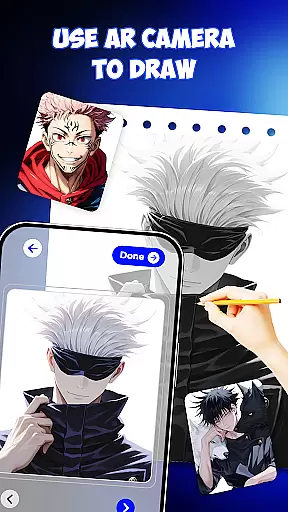
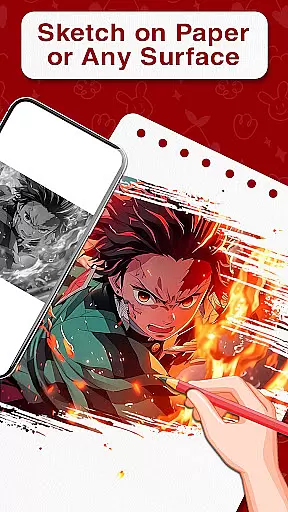
The app allows users to place paper on their desk and follow AR guidance displayed on their phone screen. Outlines appear directly over the paper, enabling precise tracing and drawing. This feature not only supports traditional canvas formats but also extends to unique designs through AR picture drawing.
Artists can explore various dimensions and styles, from small doodles to large-scale projects. The ability to switch between different formats empowers users to experiment with diverse art forms such as painting, sketching, and even 3D paint.
By accommodating both casual learners and professionals, Draw Anime ensures that every artist has the freedom to choose their preferred canvas and format. This adaptability enhances the overall user experience, making it a go-to choice for those seeking flexibility in their artistic endeavors.
User-friendly interface
Extensive template library
Real-time AR guidance
AI-powered enhancements
Cross-skill level support
Requires stable internet
Premium features locked
Device compatibility issues
Limited offline content
Subscription fees apply

Unleash your drawing and painting potential
 4.50
4.50
See Color, Paint Color
4.90
Art of Combination Wear OS Watch Faces
4.5
Make your phone cooler and have a fantastic experience
4.80
Castle is social media for creating and playing games!
4.60
AR Anime Drawing: How to draw anime with AR drawing & sketching apps!
4.00
Painting, drawing, & sketching
4.50
Novices can also easily complete diamond painting masters
4.70
Minecraft & Roblox Clothes
4.70
Create stunning art with AI.
4.80
Learn how to draw with step-by-step tutorials, fun lessons & multiplayer drawing
4.70
Photo editor for art, avatars, filters & fun transformations.
4.60
Share the joy of painting with ibis Paint! Drawing anime and manga art.
4.50
Video AI: Revolutionize Your Content Creation with Advanced Video Generation
4.50
Create and Design Custom Logos in Seconds with AI-Powered Tools!
4.40
AI Art Generator transforms your words into AI generated art & paintings.
3.70
Your homescreen as an elegant glass with customized blur, lighting, and visuals.
3.70
AI Assistant, powered by ChatGPT GPT-4 & GPT-4o. Your intelligent companion.
3.50
Draw anime easily with AR guidance, sketch templates & trace tools!
3.10



User Reviews