
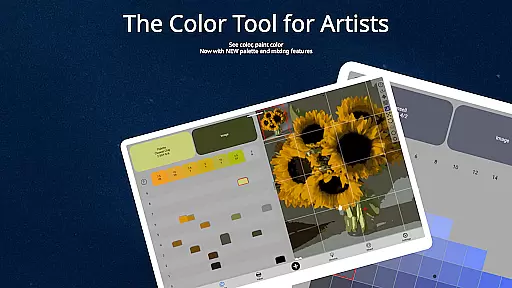
ChromaMagic is an innovative color analysis tool designed specifically for artists. This application allows users to load any photo or reference image and instantly identify the exact color properties using the Munsell color system. The app provides detailed breakdowns of hue, value, and chroma, enabling artists to understand and replicate colors more accurately in their work.
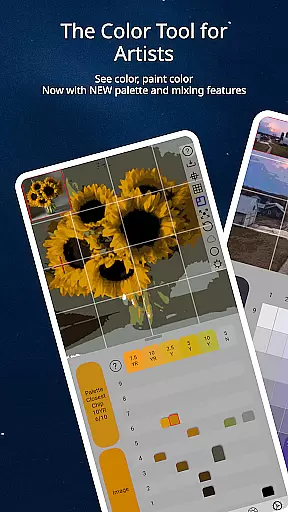
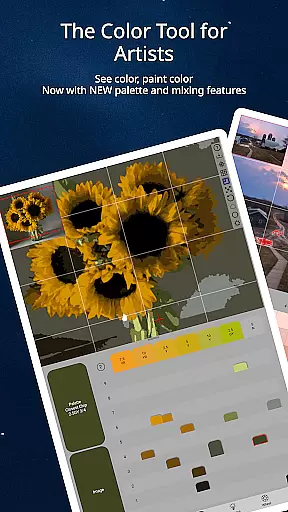
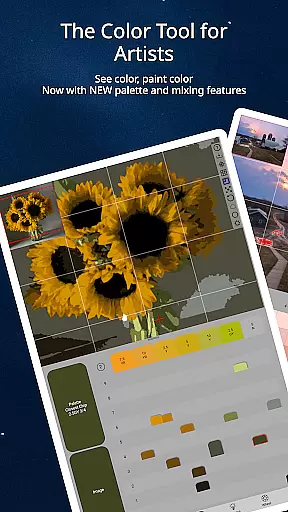
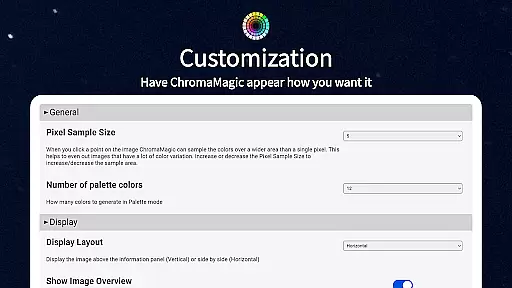
Beyond basic color identification, ChromaMagic offers advanced features including multiple viewing modes that help artists analyze their references through different lenses - from value shapes to saturation maps and color wheel distribution. The application's intuitive interface supports buttery-smooth zooming and panning, making color analysis both efficient and enjoyable.
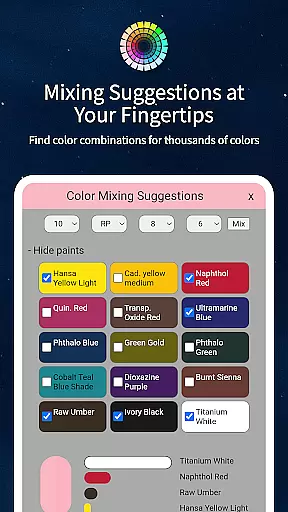
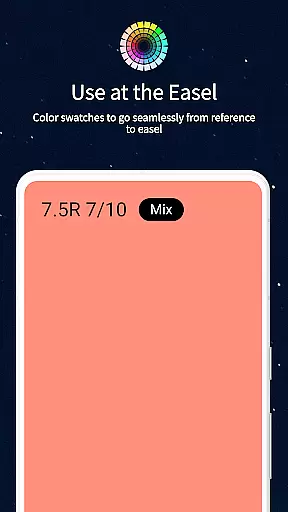
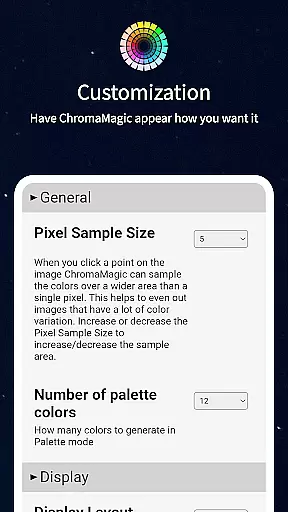
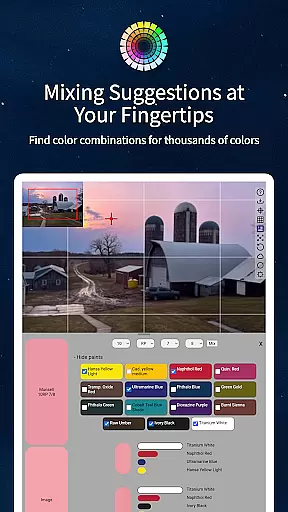
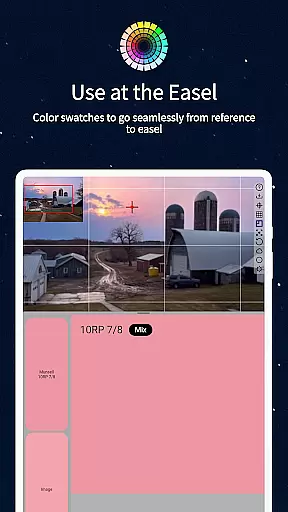
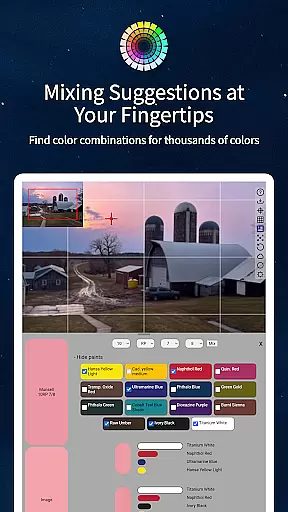
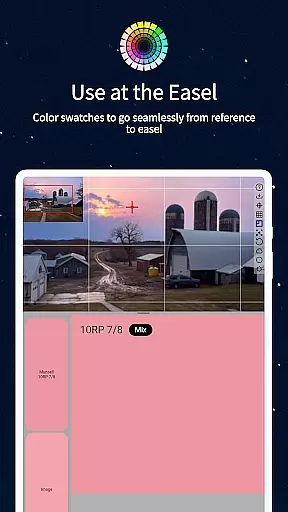
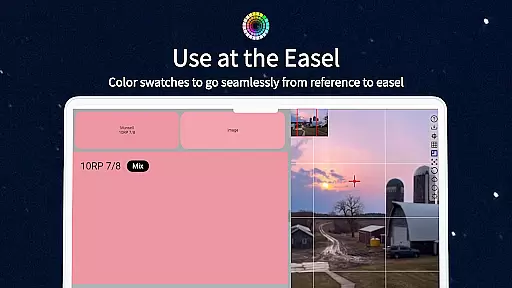
The app proves particularly valuable in studio settings where artists can use it alongside their easel for precise color mixing. With additional features like paint recommendations and multi-pixel averaging, ChromaMagic serves as an essential tool for both amateur and professional artists seeking to improve their color perception and application skills.
ChromaMagic distinguishes itself through its comprehensive suite of artist-focused tools. The application's core feature is its implementation of the Munsell color system, which provides scientifically accurate color readings that are intuitively understandable for artists. Unlike traditional color pickers, ChromaMagic breaks down each color into its component parts - hue, value, and chroma - using terminology familiar to artists.
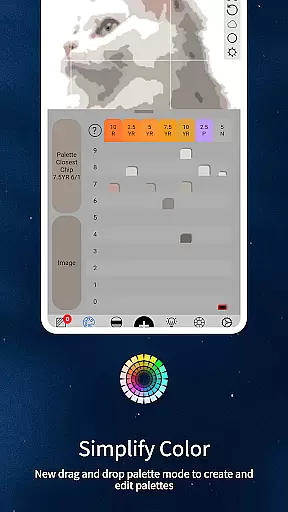
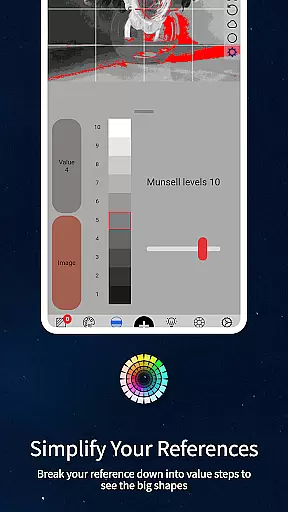
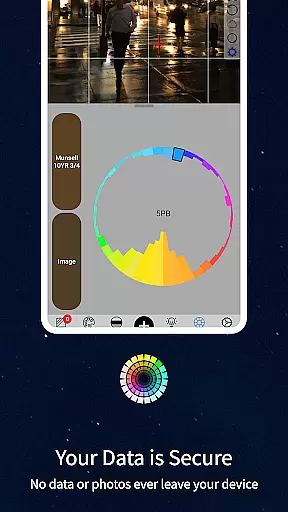
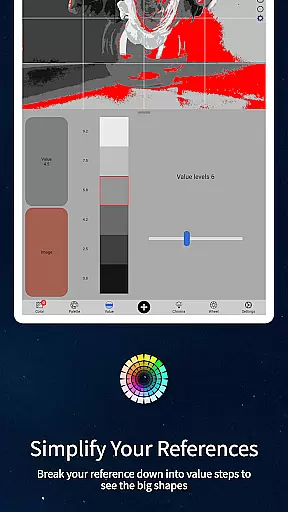
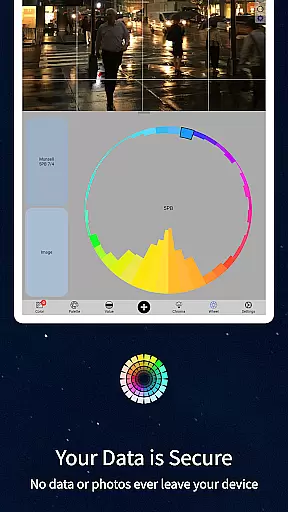
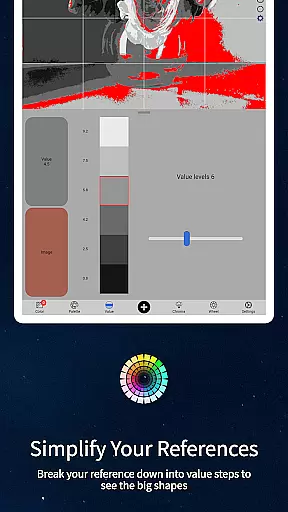
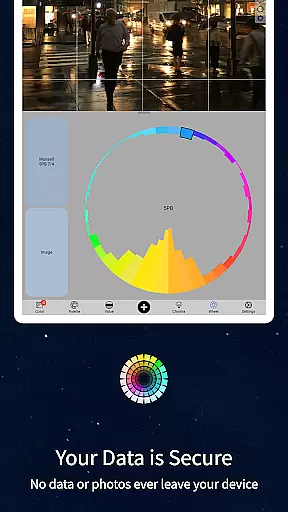
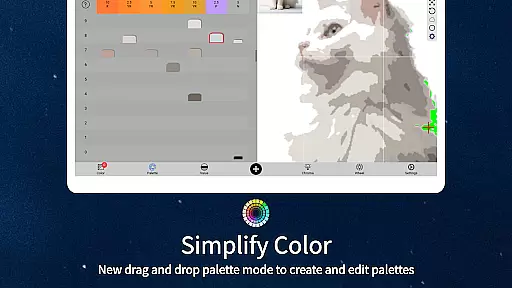
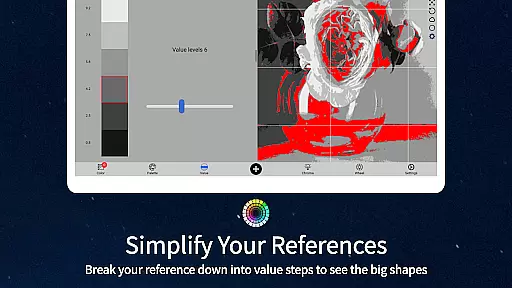
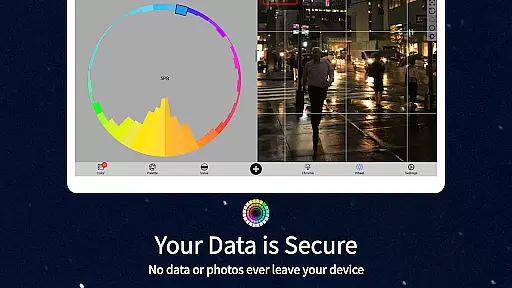
The application includes five distinct viewing modes that cater to different aspects of color analysis. Value mode helps artists identify major shapes and forms through adjustable grayscale steps. Saturation view reveals the intensity distribution across images, while the color wheel mode visualizes hue relationships. These specialized views, combined with the ability to average colors across multiple pixels, make complex color analysis accessible to artists of all levels.
Additional professional-grade features include drag-and-drop functionality for quick file loading, calibration tools for accurate color matching, and a comprehensive database linking digital colors to real-world paint equivalents. The app's offline capability and cross-device compatibility further enhance its practicality for artists working in various environments.
In the realm of digital artistry, having a comprehensive suite of creative tools is paramount. ChromaMagic stands out by offering artists an all-encompassing color analysis solution that transcends traditional boundaries.
This application provides multiple modes to dissect and understand colors in ways that are most intuitive for artists. From Munsell color mode to value shapes organization, grayscale conversion, chroma visualization, and color wheel distribution, each feature is meticulously crafted to enhance the artist's perception and manipulation of color.
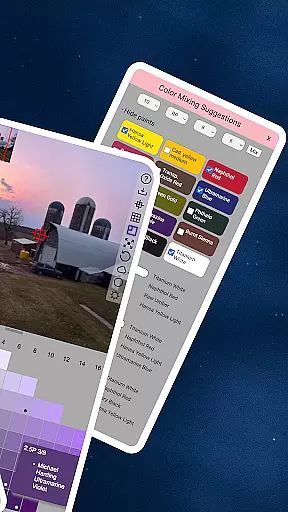
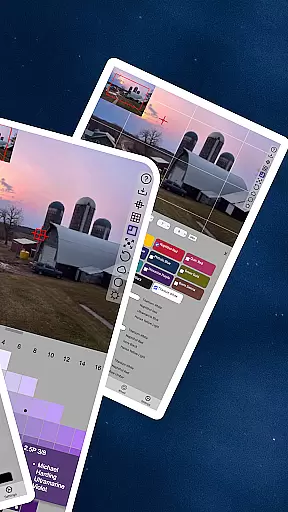
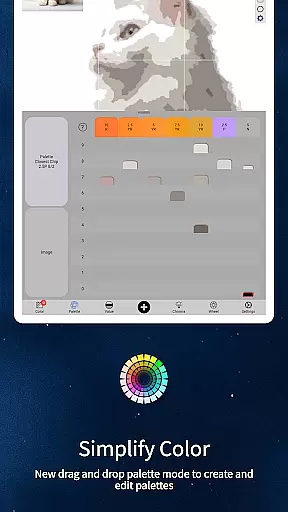
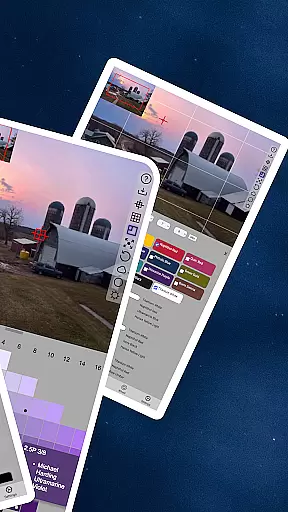
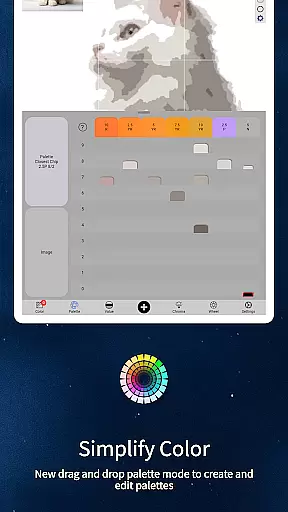
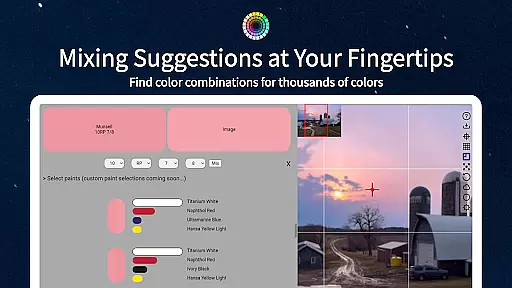
Moreover, ChromaMagic integrates practical functionalities such as links to hundreds of top-quality oil paints and mixing swatches with calibration values. These tools not only facilitate accurate color matching but also bridge the gap between digital and traditional painting mediums.
By equipping artists with these sophisticated yet accessible tools, ChromaMagic empowers them to focus on their creative process without being hindered by technical limitations or color confusion.
Flexibility in canvas and format options is crucial for artists who need to adapt their work across various mediums and devices. ChromaMagic addresses this need by providing a versatile platform that supports diverse artistic workflows.
The application boasts a user-friendly interface with buttery smooth zoomable and pannable images, allowing artists to navigate their projects with ease. This seamless interaction ensures that users can focus on their artwork without being distracted by cumbersome navigation controls.
Furthermore, ChromaMagic enables artists to use the app both online and offline, liberating them from the constraints of constant internet connectivity. Whether working in a studio or up a mountain, artists can rely on ChromaMagic to be accessible and functional.
With additional features like drag-and-drop file loading and multi-device compatibility, ChromaMagic offers unparalleled flexibility. Artists can seamlessly transition between different devices and environments while maintaining consistent access to their essential color tools.
Accurate color readings
Intuitive artist interface
Multiple analysis modes
Offline functionality
Cross-device support
Steep learning curve
Advanced features cost
High system requirements
Limited beginner guidance
Occasional lag

Pose and morph realistic male and female models! 3D poser app
 3.00
3.00
Create trending AI photos & videos with powerful effects and 3D styles.
3.20
Draw Trace image sketch by, AR art projector app, Easy to trace any image.
4.50
800+ Drawing, Painting Lessons App to Practice, Sketch & Paint Art.
4.30
Turn your drawings into flipbook-style animations with simple creative tools
4.60
Get creative and make art with your Sesame Friends!
4.00
Photo stitcher for automatically screenshot stitching into a long screenshot
4.70
Video AI: Revolutionize Your Content Creation with Advanced Video Generation
4.50
Multiplayer Drawing game, Coloring, Painting・Sketch, Handwriting・Paint, draw
4.30
Get an overview over all your embroidery threads, projects and more.
4.60
Painting, drawing, & sketching
4.50
AI Tattoo Generator: Create Tattoo Designs & Get Ideas! Ink & Stencil Maker
4.50
Draw, make movies & animate cartoons easily with our 2D animation maker app
4.40
Custom Character Creator & PFP Maker!
4.20
Digital Drawing: Draw & Paint
4.10
OneUI 8.5 icons ✨ Smooth, modern & based on the latest Play Store design ??
4.10
Create cute cat emojis & PFPs! Fun, custom avatars for cat lovers.
3.70
Create sweet, cool and unique couple avatars easily, in just a few steps!
3.40
Art of Combination Wear OS Watch Faces
3.30




User Reviews