
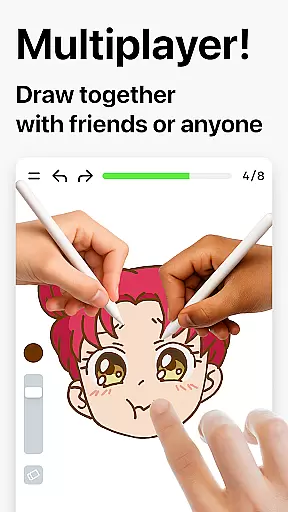
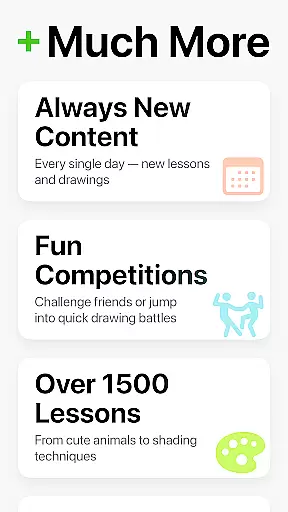
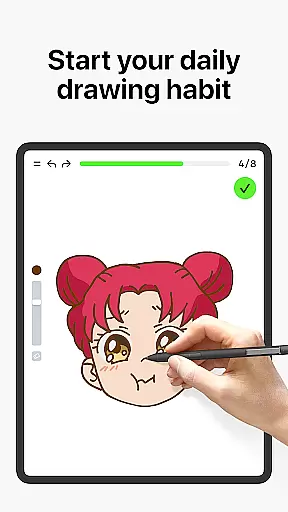
Learn how to draw is an innovative drawing and painting trainer app that combines art education with interactive gameplay. Designed for all ages, it offers over 1000 step-by-step tutorials, making digital art accessible even to beginners. The app features a unique multiplayer mode where users can draw and trace together in real time, fostering collaborative creativity. With its dynamic tutorials broken into simple steps, Learn how to draw ensures steady progress while its scoring system tracks improvement.
Beyond basic tutorials, the app evaluates both the accuracy and quality of strokes, offering meaningful feedback to refine techniques. It includes themed courses covering various art forms like doodling, sketching, and painting, alongside weekly updates inspired by global cultures. Suitable for both kids and adults, this app serves as a comprehensive learning tool or daily warm-up exercise for experienced artists. Its engaging approach creates a stress-free environment, blending education with fun.
Learn how to draw stands out with its diverse range of features tailored to enhance artistic skills. One key highlight is the Dynamic Tutorials section, which breaks down each lesson into 10-30 manageable steps. These tutorials guide users through mastering different techniques such as tracing photos, painting holiday themes, or exploring cultural art styles. Additionally, the Multiplayer Mode allows real-time collaboration, enabling users to draw alongside friends or other artists globally, creating a vibrant community-driven experience.
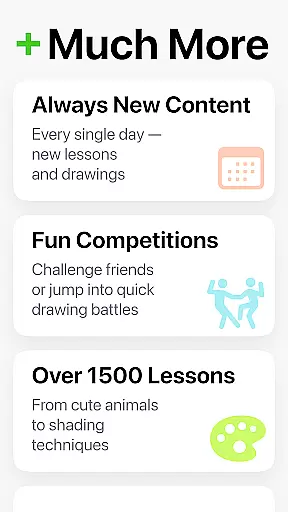
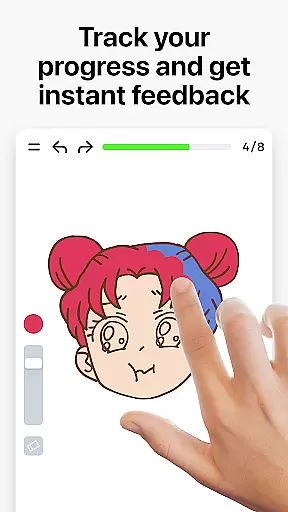
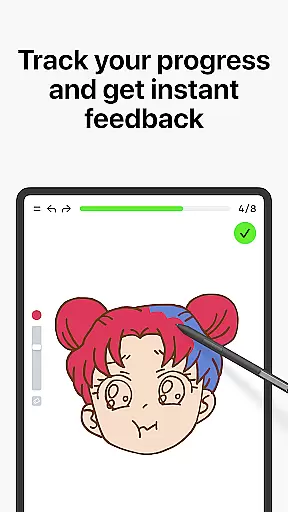
The app also incorporates an innovative scoring system that measures user progress based on stroke accuracy and quality. This feature provides clear evidence of improvement over time, motivating continued practice. Furthermore, Learn how to draw offers skill trainers with immediate feedback, helping users understand their strengths and areas needing refinement. Regular updates introduce new courses weekly, ensuring fresh content and sustained engagement for users at all skill levels.
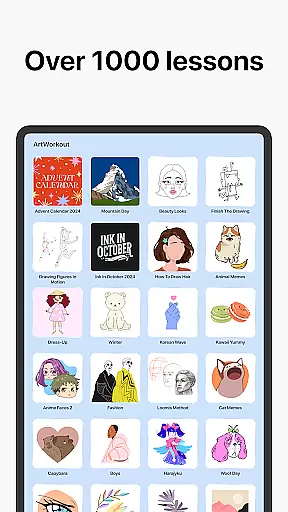
ArtWorkout offers a comprehensive suite of creative tools that cater to both beginners and experienced artists. With over 1000 step-by-step tutorials, users can explore various techniques in drawing, painting, and tracing.
The app's unique algorithm tracks user progress, providing clear evidence of improvement. This feature ensures that learners can see their development over time, making it an invaluable resource for skill enhancement.
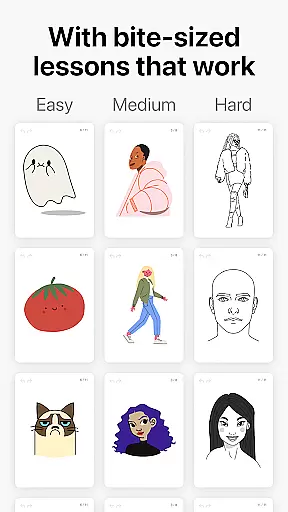
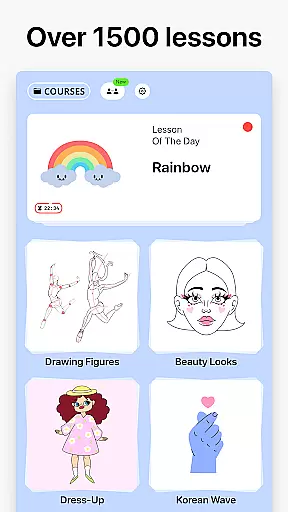
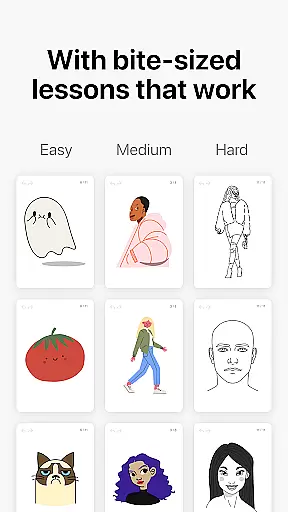
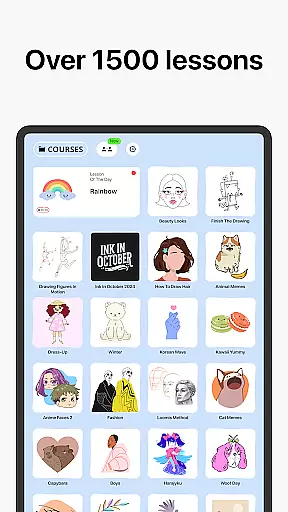
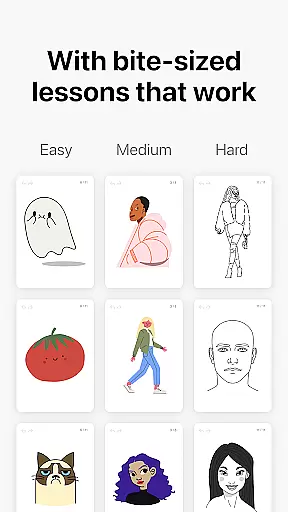
Interactive courses cover a wide range of topics including doodling, sketching, and handwriting. These courses are designed to be engaging and educational, offering bite-sized lessons that fit into any schedule.
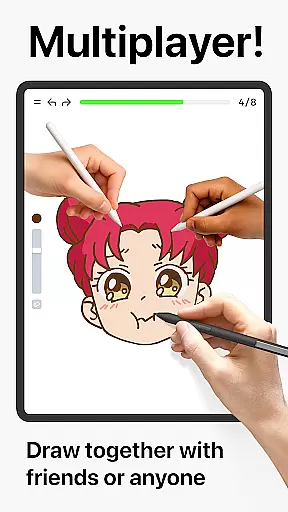
Additionally, the introduction of a multiplayer mode allows users to draw together with friends or other users in real-time. This collaborative space fosters community engagement and friendly competition, enhancing the overall learning experience.
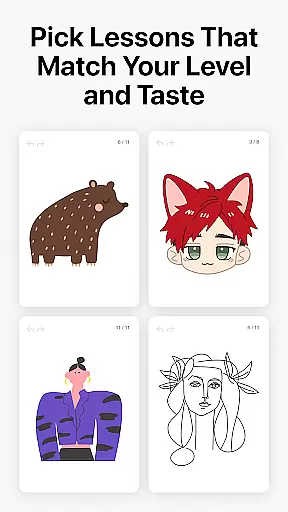
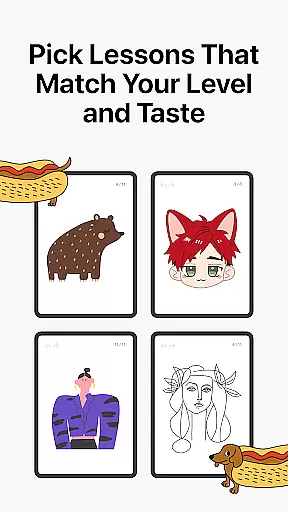
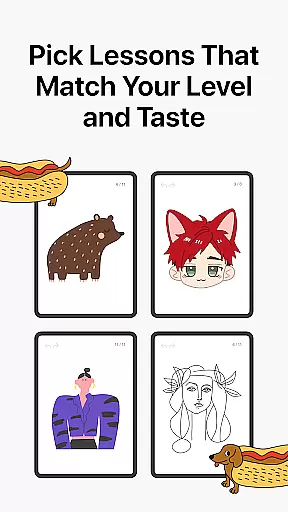
ArtWorkout provides remarkable canvas and format flexibility, accommodating different artistic styles and preferences. Users can choose from a variety of lessons that suit their interests, whether they want to trace photos, paint holiday themes, or explore cultural art forms.
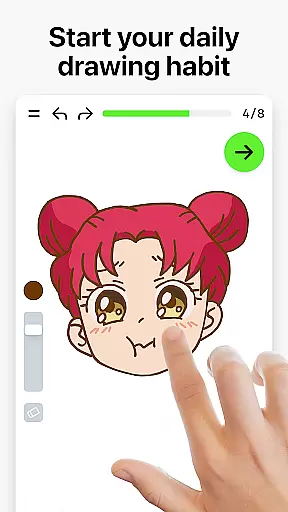
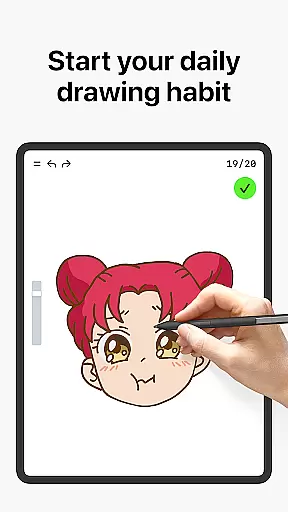
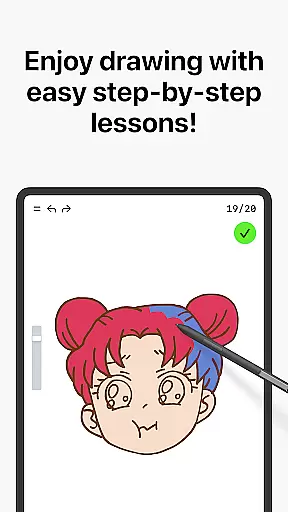
The app supports dynamic tutorials that break down each lesson into 10-30 simple steps. This approach makes complex techniques accessible, allowing users to master skills at their own pace without feeling overwhelmed.
Moreover, ArtWorkout evaluates the quality of strokes beyond mere accuracy. It assesses how steady, clean, and expressive each line is, offering detailed feedback that helps refine technique and encourages artistic growth.
With weekly updates introducing new courses inspired by global cultures, users have continuous opportunities to expand their repertoire. This commitment to diversity ensures that there is always something fresh and exciting to explore within the app.
User-friendly interface
Comprehensive tutorials
Real-time multiplayer
Innovative scoring system
Regular content updates
Limited advanced tools
Occasional bugs
Internet required
Premium subscription
Ads in free version

Stylish letters, Stylish Keyboard, Symbols, Emojis, Cool nickname
 4.40
4.40
Easy 3D drawing design maker & creator. Model designing, Sculpting. Create&paint
4.00
Digital illustration drawing & painting pad app to paint Anime and Manga art
4.50
Remove Background, Magic Eraser, Photo Enhancer, Story Templates, Collage Maker
4.30
Convert image to JPG PNG HEIC PDF, support almost all kinds of image formats
4.70
AI Art Generator transforms your words into AI generated art & paintings.
3.70
Art of Combination Wear OS Watch faces (for Wear OS 5+ devices)
3.90
Share the joy of painting with ibis Paint! Drawing anime and manga art.
4.50
AI-powered photo & video creation—fast, fun, and effortless with Quick Actions
4.60
Passport size photo maker, create ID photo and visa photo in seconds
4.80
Draw on screen: FP sDraw is a simple and lightweight drawing app
4.70
Novices can also easily complete diamond painting masters
4.70
Your AI soulmate — meaningful chats, and unique emotional moments
4.70
Draw, fidget, and spin glow art! Relax and express your creativity with a finger
4.60
AI Tattoo Generator: Create Tattoo Designs & Get Ideas! Ink & Stencil Maker
4.50
Beauty Camera - Selfie Camera is the ultimate beauty camera and selfie app
4.30
Create Logos, Tattoos, AI Art & more with our AI Photo Generator & Design Editor
4.20
OneUI 8.5 icons ✨ Smooth, modern & based on the latest Play Store design ??
4.10
Art of Combination Wear OS Watch faces
4.1





User Reviews