
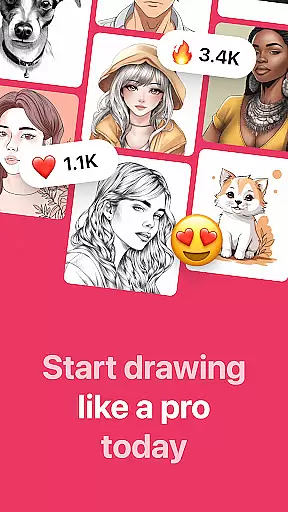
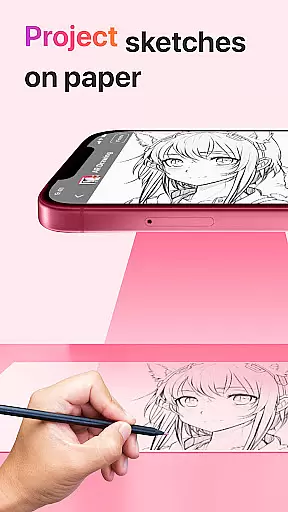
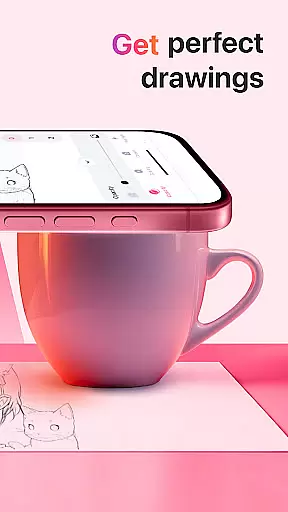
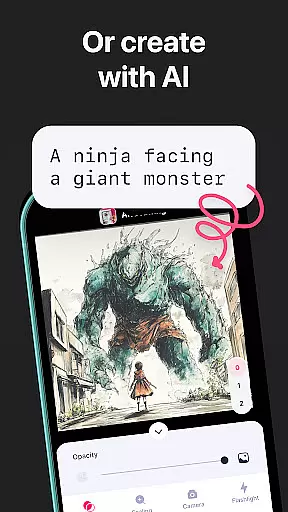
AR Drawing: Sketch & Paint is an innovative mobile application that utilizes augmented reality technology to assist users in learning how to draw and create impressive artworks. The app projects images onto paper or any surface, allowing users to trace and color them with ease. With a rich selection of tracing templates ranging from animals to anime, it caters to various interests and skill levels.
The app's built-in flashlight feature ensures that drawing can be done in any lighting condition. Additionally, users can save their artwork in the gallery, record the entire creation process, and share their finished pieces with friends. Whether you're a novice looking to learn drawing basics or an experienced artist wanting to explore new techniques, AR Drawing offers a versatile platform for artistic expression.
This app is particularly beneficial for those who prefer hands-on learning and seek inspiration through guided practice. By leveraging AR technology, it bridges the gap between traditional drawing methods and modern digital tools, making art more accessible and enjoyable for everyone.
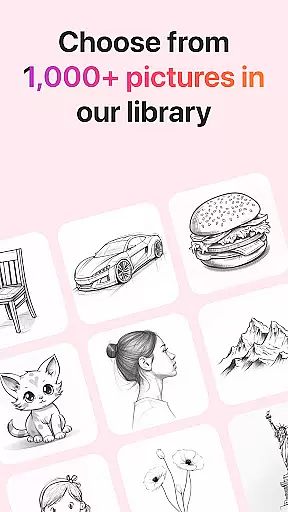
AR Drawing stands out with its unique combination of augmented reality and traditional drawing methods. The app's core feature is its ability to project images onto any surface using the phone's camera, enabling users to trace and create realistic drawings. This functionality is enhanced by a diverse library of tracing templates, including categories such as Animals, Cars, Nature, Food, and Anime, providing endless creative possibilities.
Beyond basic drawing capabilities, the app includes practical features like a built-in flashlight for optimal visibility and a recording function that captures the entire drawing and painting process. Users can save their completed works in an integrated gallery, maintaining a personal collection of their artistic journey. The sharing feature allows artists to showcase their creations on social media platforms directly from the app.
What sets AR Drawing apart is its accessibility and versatility. Suitable for all skill levels, it provides beginners with a structured learning path while offering experienced artists a fresh approach to their craft. The app's user-friendly interface and innovative features make it an invaluable tool for anyone interested in developing their drawing skills or simply exploring their creativity.
AR Drawing: Sketch & Paint offers a comprehensive suite of creative tools that cater to both novice and experienced artists. The app provides various tracing templates, including Animals, Cars, Nature, Food, and Anime, which serve as a starting point for users who need guidance or inspiration.
In addition to the extensive template library, the app includes a built-in flashlight feature, allowing users to draw in low-light conditions without any hassle. This ensures that the creative process is not interrupted by environmental constraints, thus enhancing user experience.
The ability to save drawings in a gallery within the app not only helps users to keep track of their work but also encourages them to refine their skills by reviewing past creations. This feature fosters a sense of accomplishment and progression, which is crucial for continuous learning and improvement.
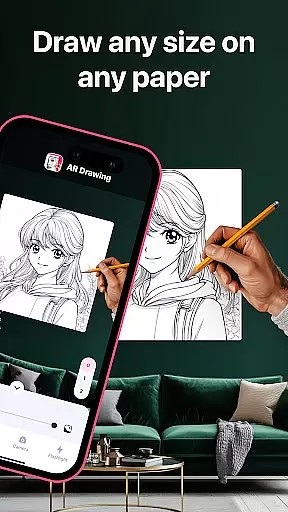
With AR Drawing: Sketch & Paint, users are not confined to the limitations of traditional drawing surfaces. The app utilizes augmented reality technology, enabling artists to create on any surface using their phone camera. This canvas flexibility breaks down barriers and opens up new possibilities for artistic expression.
Moreover, the app allows users to record videos of their drawing and painting processes. This feature adds another layer of format flexibility, as artists can document their creative journey and share it with others. It's an excellent way for users to showcase their techniques and progress over time.
Sharing capabilities further enhance the flexible format options. Users can easily share their finished artwork with friends, promoting community interaction and receiving feedback from peers. This social aspect enriches the overall experience and motivates users to continue exploring their artistic potential.
User-friendly interface
Versatile template library
Innovative AR technology
Comprehensive drawing tools
Active community support
Limited free templates
Occasional performance issues
Subscription fees required
Steep learning curve
Device compatibility concerns

Create sweet, cool and unique couple avatars easily, in just a few steps!
 3.40
3.40
Meet the magic aı 3d photo generator and smart AI video generator app.
3.20
AI Face Swap, Video Effects Editor, Realtime Morph, Funny Video FX,AI Filters
3.70
Draw on screen: FP sDraw is a simple and lightweight drawing app
4.70
Photo blender app to create overlay photos & double exposure.
4.40
Convert image to JPG PNG HEIC PDF, support almost all kinds of image formats
4.70
Mobile pixel art editor. Simple. Fast. Portable.
4.80
2D animation studio for Android tablets - unlimited layers, infinite timeline
4.70
Bring One UI 8.5 Icons to life -elegant dark icons with a modern, premium touch.
4.30
Make your phone cooler and have a fantastic experience
4.80
Minecraft & Roblox Clothes
4.70
Create Logos, Tattoos, AI Art & more with our AI Photo Generator & Design Editor
4.20
Art of Combination Wear OS Watch faces (for Wear OS 5+ devices)
3.90
Design unique, funny and adorable cat stickers that reflect your own style!
3.80
Apply cartoon, caricature, and portrait effects to make your photos stand out!
3.60
Art of Combination Wear OS Watch faces (for Wear OS 5+ devices)
3.00
Inky runs Inkscape on Android devices and Chromebooks
2.90
Premium version of Shimeji-ee app with no ads & no limit active shimeji
4.2
Art of Combination Wear OS Watch faces
4.4




User Reviews