
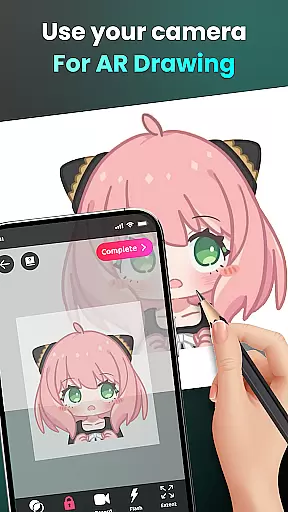
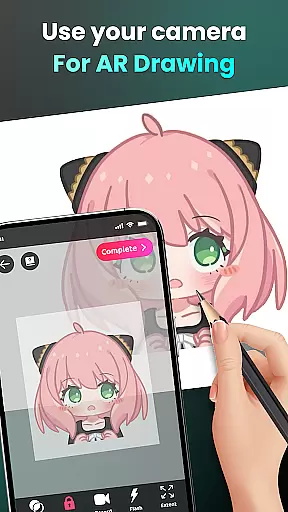
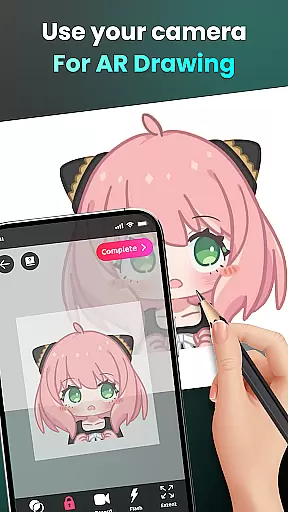
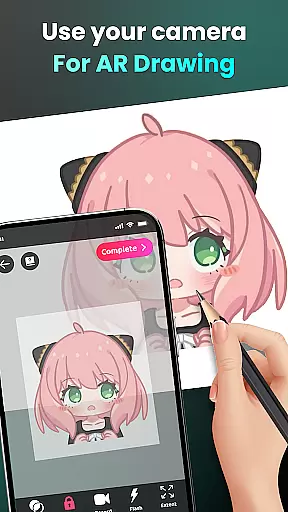
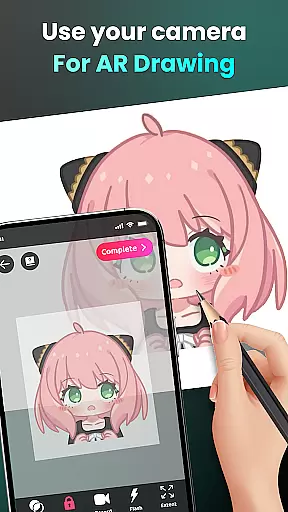
AR Drawing - Sketchar App represents a breakthrough in the Art & Design category, offering users an innovative way to learn and create art through augmented reality. This app allows both beginners and professional artists to draw by using their device's camera, transforming any real-world surface into a canvas for creativity.
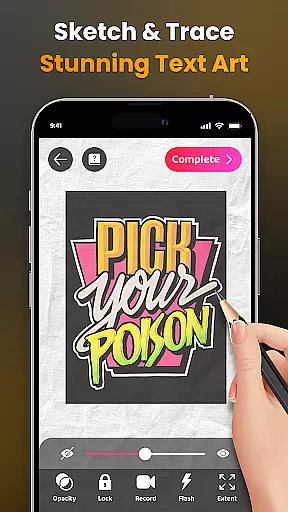
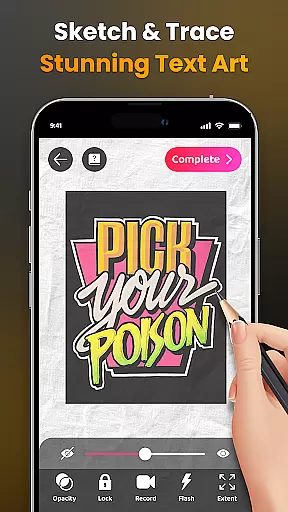
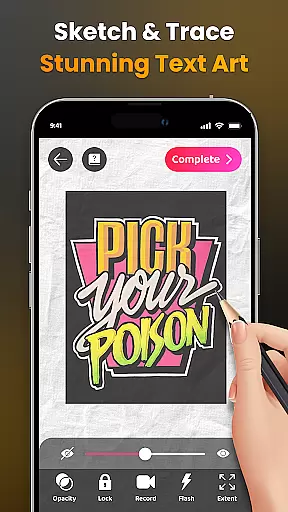
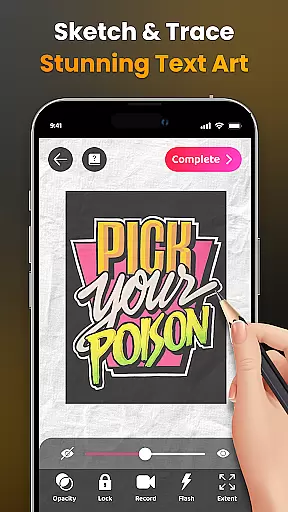
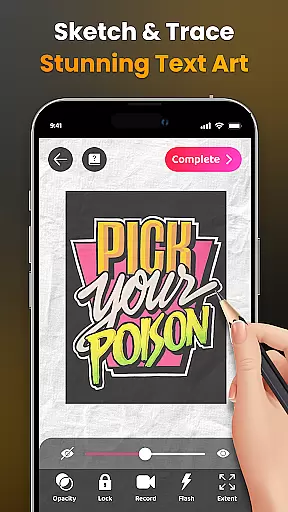
The application provides advanced AR technology that enables users to sketch everything from sample photos to entire scenes as seen through their camera lens. With features like adjustable opacity, flash control, zoom functionality, and video recording of the drawing process, it ensures a comprehensive creative experience. The ability to trace complex images with simplified outlines makes it ideal for skill development.
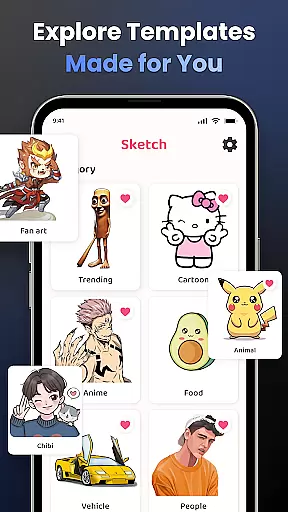
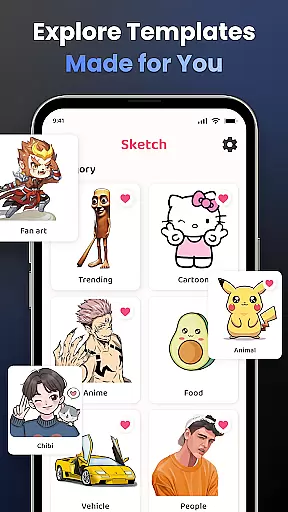
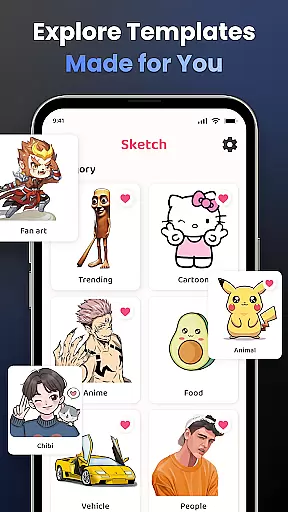
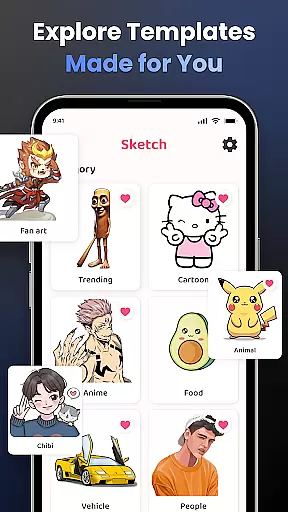
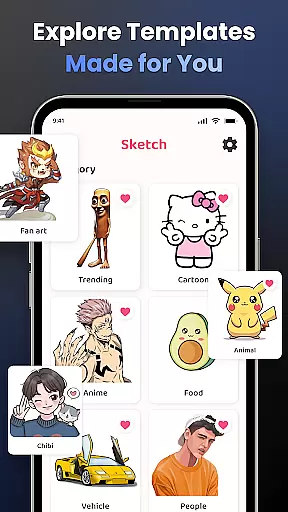
Whether you're looking to draw popular characters like Hello Kitty or Pikachu, or explore themes such as Anime, Cartoon, Animals, and more, AR Drawing offers limitless possibilities. It also supports sharing your artwork with a community of 50 million users worldwide, making it not just a tool but a platform for artistic expression.
AR Drawing stands out with its diverse set of features tailored for all artist levels. One key feature is the ability to draw through the camera, allowing users to sketch live scenes or objects in their environment. This function bridges the gap between traditional drawing and modern technology, providing an immersive experience.
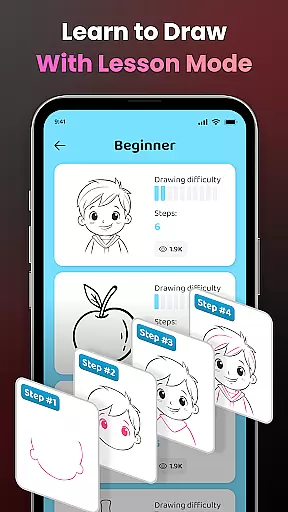
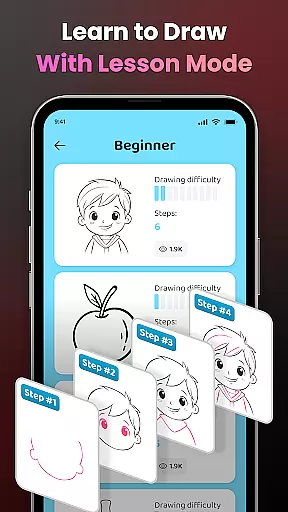
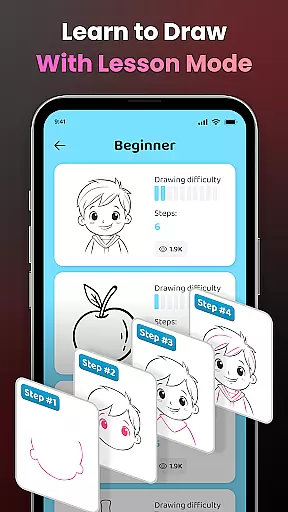
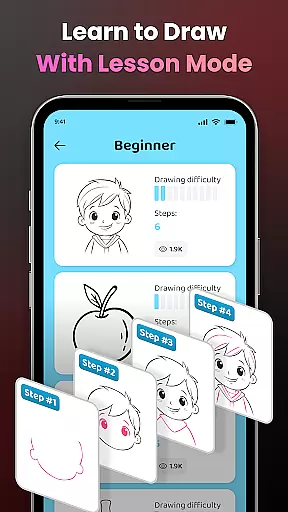
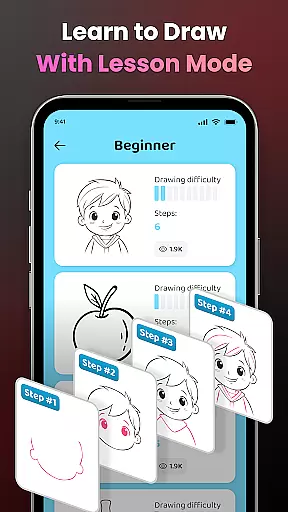
Another notable aspect is the structured learning path available within the app. Users can choose from three difficulty levels, each designed to progressively challenge and improve their skills. Video tutorials guide beginners through specific drawings while seasoned artists can refine their techniques with complex outlines and custom photo imports.
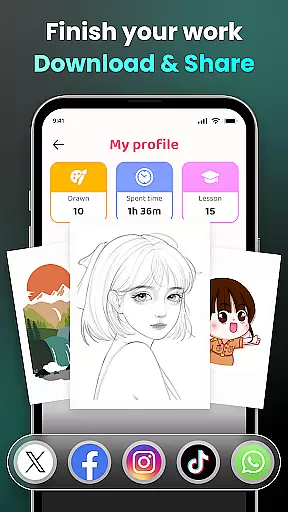
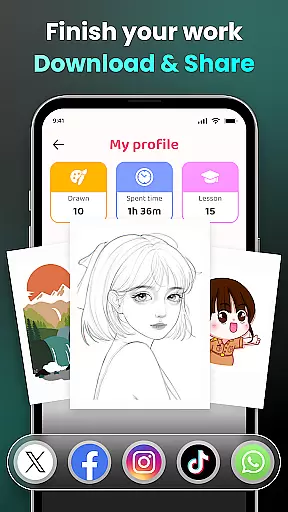
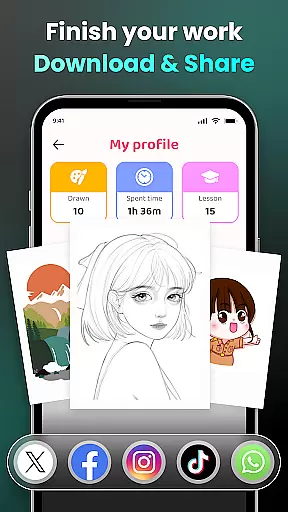
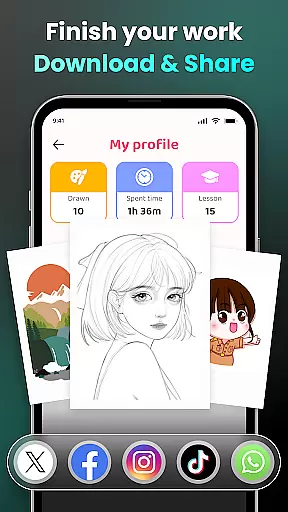
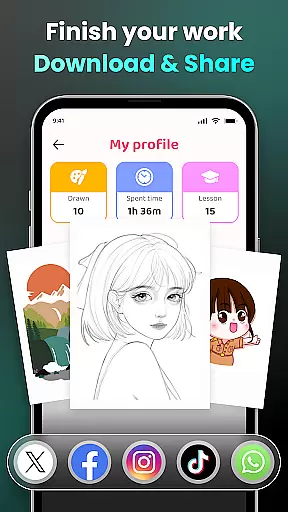
Additionally, personalization plays a significant role in enhancing user engagement. Artists can track their progress over time, monitor completed lessons, and access personalized content recommendations based on their drawing history. Sharing capabilities further enrich this ecosystem by enabling easy distribution of finished works across social platforms or within the app's own community space.
AR Drawing - Sketchar App offers an extensive suite of creative tools that cater to both novice and professional artists. The app provides a diverse sample library, allowing users to choose from various themes such as Anime, Cartoon, and Nature, among others.
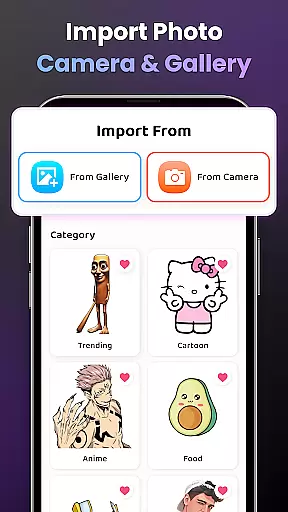
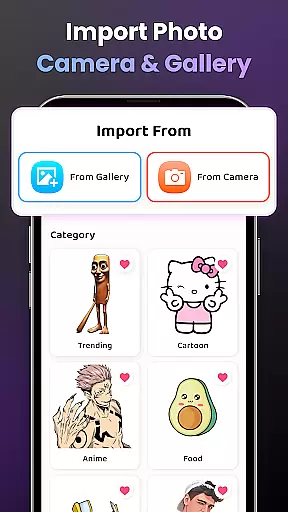
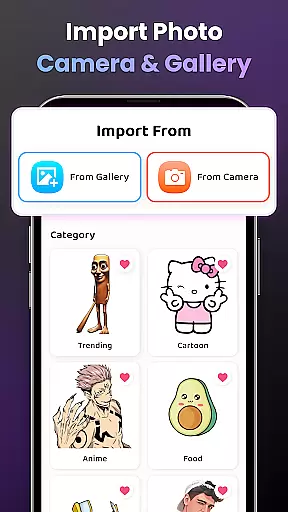
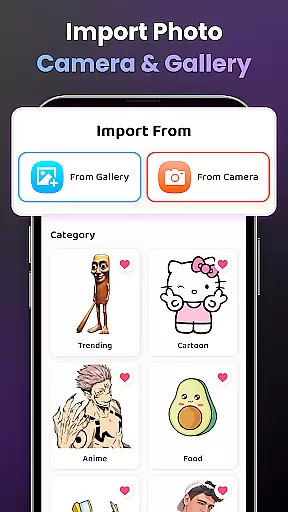
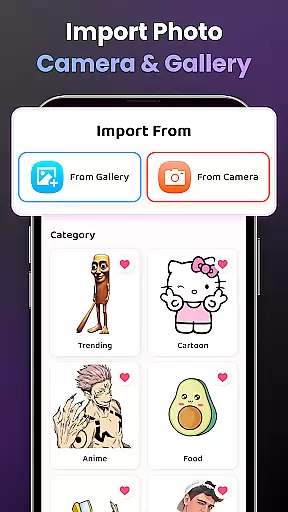
For those who prefer a personalized touch, the app supports importing images from your gallery, transforming them into traceable outlines. This feature simplifies the process of learning to draw by providing clear guides for users to follow.
Augmented Reality (AR) technology is at the core of this app, enabling users to draw through their camera on any real-world surface. With adjustable opacity, zoom functionality, and flash control, AR Drawing ensures precision and ease in every sketch.
Additionally, the app includes video tutorials tailored for beginners, guiding them through drawing specific pictures. This comprehensive approach not only enhances creativity but also educates users, making it an invaluable tool for anyone looking to improve their art skills.
One of the standout features of AR Drawing - Sketchar App is its canvas and format flexibility, which allows artists to adapt their workspace according to their needs. Users can easily adjust their drawing space with zoom in-out capabilities, ensuring comfort and precision while sketching.
The app's support for various content formats means that whether you're working with characters like Hello Kitty or intricate scenes from Jujutsu Kaisen, you'll find the perfect fit for your project. This versatility extends to genre options too, covering everything from Animals to Fanart.
Moreover, AR Drawing doesn't limit creativity to predefined templates; it lets users import personal photos and convert complex images into simple outlines. This customization empowers artists to create unique works without constraints imposed by traditional drawing apps.
Sharing creations is seamless, thanks to integrated social features that allow exporting finished pieces in multiple formats suitable for sharing across platforms or privately with friends and family.
User-friendly interface
Advanced AR tools
Versatile drawing options
Active community support
Comprehensive learning modules
Requires stable internet
Premium features costly
Steep learning curve
Limited offline functions
Device compatibility issues

Stylish letters, Stylish Keyboard, Symbols, Emojis, Cool nickname
 4.40
4.40
Art of Combination Wear OS Watch faces
4.4
Digital Drawing: Draw & Paint
4.10
Paint with oils and sketch with natural tools on a realistic virtual canvas.
3.80
Draw anime easily with AR guidance, sketch templates & trace tools!
3.10
Photo editor for art, avatars, filters & fun transformations.
4.60
Art of Combination Wear OS Watch faces (for Wear OS 5+ devices)
3.90
Bring One UI 8.5 Icons to life -elegant dark icons with a modern, premium touch.
4.30
AI-powered photo & video creation—fast, fun, and effortless with Quick Actions
4.60
2D animation studio for Android tablets - unlimited layers, infinite timeline
4.70
Digital illustration drawing & painting pad app to paint Anime and Manga art
4.50
Video AI: Revolutionize Your Content Creation with Advanced Video Generation
4.50
Photo blender app to create overlay photos & double exposure.
4.40
Sketch, plan, take notes and illustrate on an infinite canvas.
4.20
Create Logos, Tattoos, AI Art & more with our AI Photo Generator & Design Editor
4.20
AI Face Swap, Video Effects Editor, Realtime Morph, Funny Video FX,AI Filters
3.70
Create sweet, cool and unique couple avatars easily, in just a few steps!
3.40
Pose and morph realistic male and female models! 3D poser app
3.00
Premium version of Shimeji-ee app with no ads & no limit active shimeji
4.1




User Reviews