
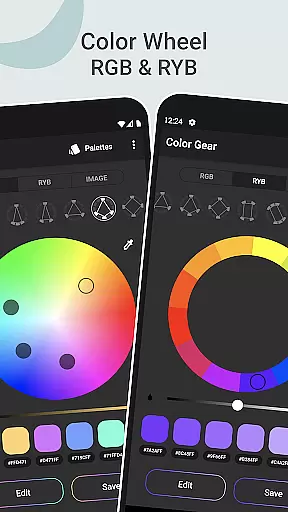
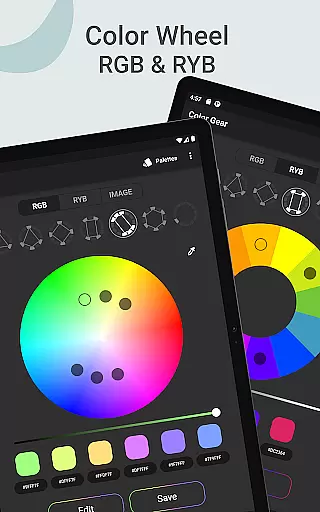
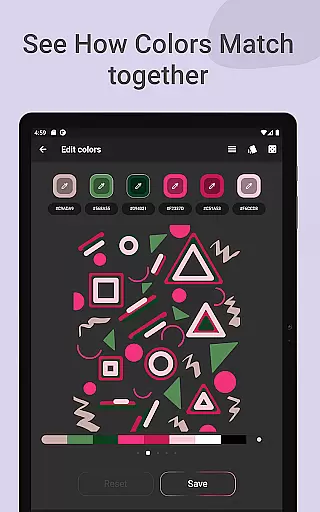
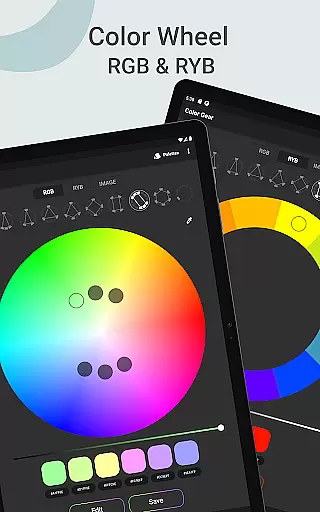
Color Gear is an essential tool for designers and artists seeking to master color theory and create harmonious palettes. The app supports two color models - RGB and Itten Color Wheels, allowing users to apply over 10 color schemes. With features like HEX color code input, image-based palette extraction, and advanced color editing, it offers a comprehensive solution for all color-related needs.
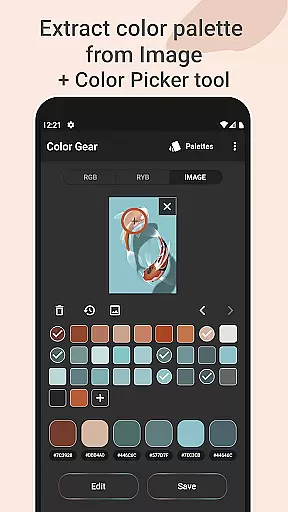
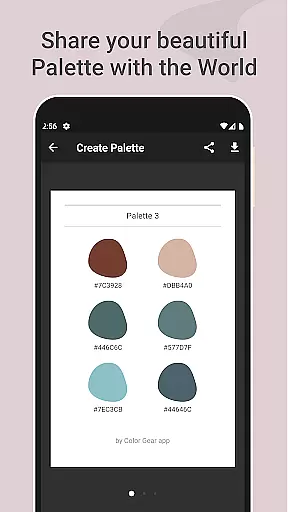
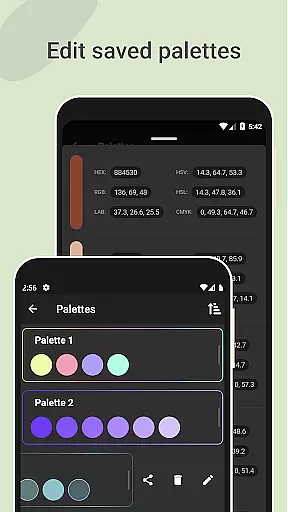
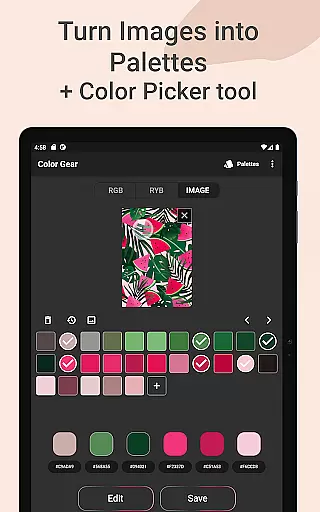
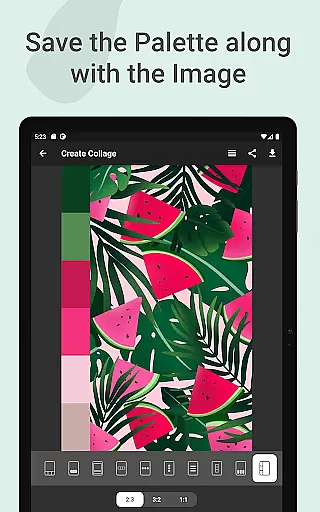
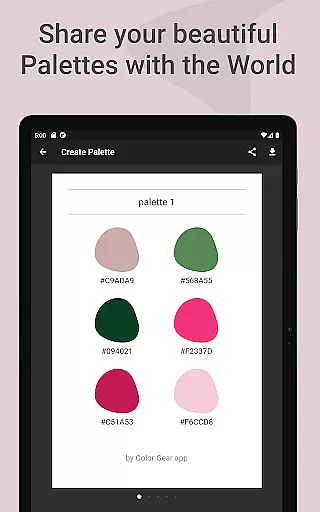
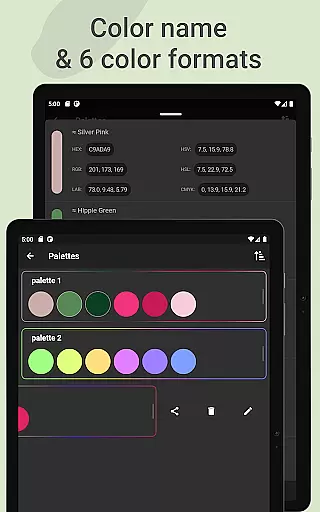
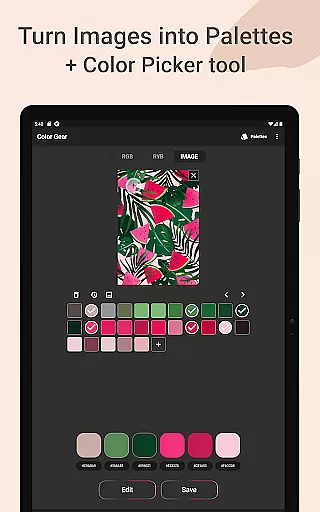
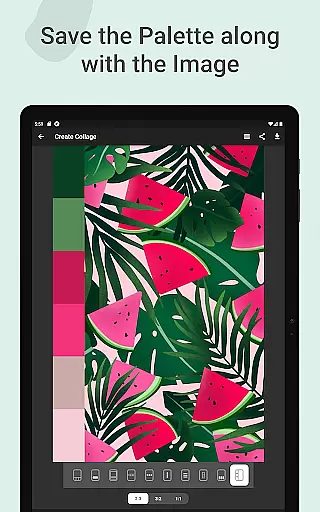
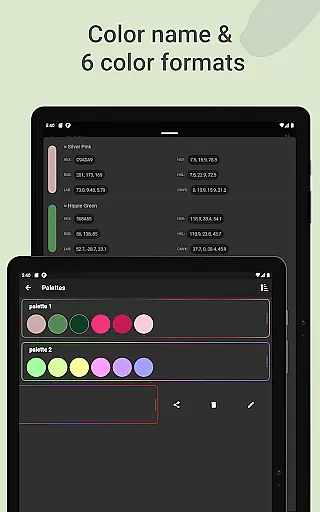
The application's ability to turn photos into palettes through automatic color detection or manual picking with the Hex Color Picker makes it stand out. Users can save palettes along with images as collages and share them easily. The inclusion of precise color value editing and support for six color formats (RGB, HEX, LAB, HSV, HSL, CMYK) ensures professional-grade control.
Whether you're a digital artist working with RGB in digital media or a traditional painter using RYB, Color Gear adapts to your needs. Its offline functionality and all-in-one toolkit make it invaluable for daily palette creation and understanding color relationships.
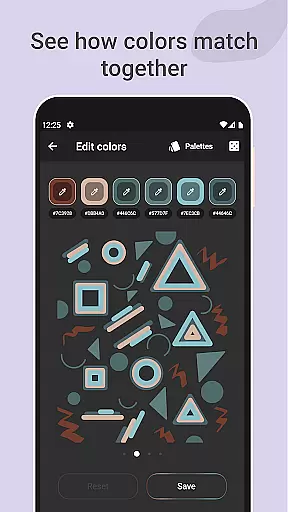
Color Gear distinguishes itself through its robust feature set tailored for color professionals. The dual support for RGB and Itten Color Wheels caters to both digital and traditional art forms, while the 10+ color harmony schemes provide extensive creative options. The ability to input specific HEX or RGB codes allows for targeted palette generation based on existing colors.
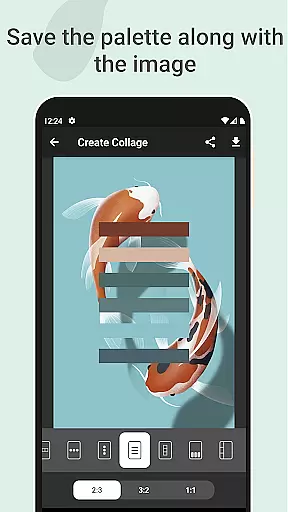
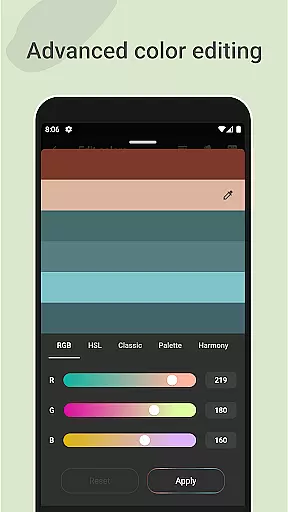
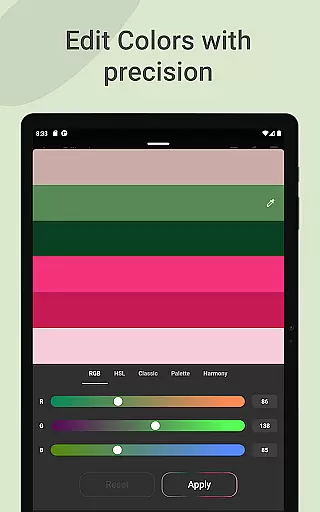
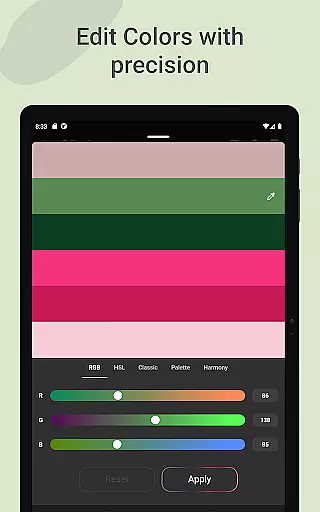
One of the standout features is the image-based palette extraction. Users can either let the algorithm automatically detect colors or manually pick them using the Hex Color Picker. This flexibility extends to saving palettes with images as collages, making it perfect for mood boards or project presentations. The advanced color editing tools give precise control over Hue, Saturation, and Lightness values.
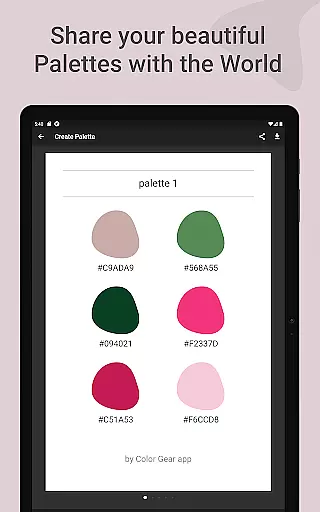
The app's sharing capabilities are equally impressive, supporting multiple color formats including RGB, HEX, LAB, HSV, HSL, and CMYK. The offline functionality ensures these tools are always available, regardless of internet connectivity. These features collectively make Color Gear an indispensable tool for professional color work.
In the realm of digital art and design, having a comprehensive set of creative tools is essential for professionals and hobbyists alike. Color Gear stands out by offering an extensive suite of features that cater to various aspects of color theory and palette creation.
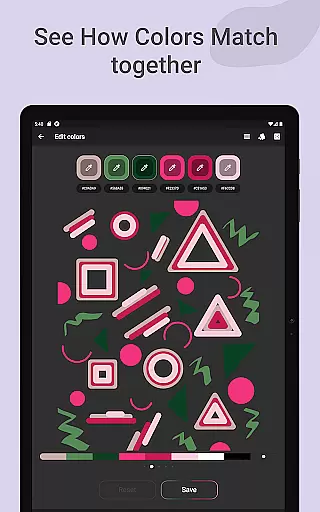
The app includes two distinct color models - RGB and Itten's RYB color wheels, allowing users to work within the digital or traditional art space seamlessly. With over 10 color schemes available for each model, it ensures that designers can experiment with different harmonies and find the perfect palette for their projects.
Additionally, advanced functionalities such as extracting palettes from images and precise editing of color values (Hue, Saturation, Lightness) provide artists with the flexibility needed to refine their work. These capabilities make certain that whether you're designing graphics or painting a landscape, your colors will always be in harmony.
By consolidating these powerful tools into one offline application, Color Gear empowers users to create without limitations, ensuring every shade and tint is at their disposal whenever inspiration strikes.
A versatile canvas is crucial for unleashing creativity without constraints. Color Gear excels in providing format flexibility that supports a wide range of artistic needs, making it an indispensable companion for designers and artists.
One standout feature is the ability to input specific HEX or RGB color codes, which allows for exact color matching and experimentation. This precision ensures that users can replicate colors from existing designs or explore new combinations based on established standards.
Moreover, the app facilitates easy management and sharing of color palettes through multiple formats including RGB, HEX, LAB, HSV, HSL, and CMYK. Such diversity in format support enables seamless integration with other design software and platforms, enhancing workflow efficiency.
With its robust set of export options and adaptable canvas settings, Color Gear guarantees that your creative vision remains uncompromised, regardless of where your artwork eventually resides.
User-friendly interface
Comprehensive color models
Advanced editing tools
Offline functionality
Versatile sharing options
Limited advanced tutorials
No cloud sync
Basic collage layouts
Occasional UI lag
Premium feature costs

Pose and morph realistic male and female models! 3D poser app
 3.00
3.00
Transform photos into amazing monochrome dither art with professional algorithms
4.5
Digital Drawing: Draw & Paint
4.10
Create stunning video, photo & magic from text with FlixAI GPT video generator.
3.10
Draw Trace image sketch by, AR art projector app, Easy to trace any image.
4.50
Video AI: Revolutionize Your Content Creation with Advanced Video Generation
4.50
Turning simple sketches into captivating tales filled with life and motion
3.90
Create Logos, Tattoos, AI Art & more with our AI Photo Generator & Design Editor
4.20
Just trace a projected picture on paper and color! Draw & Paint with AR drawing
4.40
See Color, Paint Color
4.90
Convert image to JPG PNG HEIC PDF, support almost all kinds of image formats
4.70
The ultimate tool for creating animations
4.60
Digital, Abstract, Classic - all types of color wheels in one app!
4.60
Castle is social media for creating and playing games!
4.60
Unleash your drawing and painting potential
4.50
OneUI 8.5 icons ✨ Smooth, modern & based on the latest Play Store design ??
4.10
AR Anime Drawing: How to draw anime with AR drawing & sketching apps!
4.00
Retouch photos. Create or edit images. Endless capabilities.
2.70
Your Essential Color Theory Guide: Red, Yellow, Blue (RYB)
4.5



User Reviews