
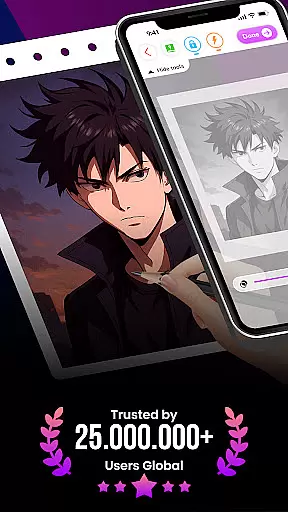
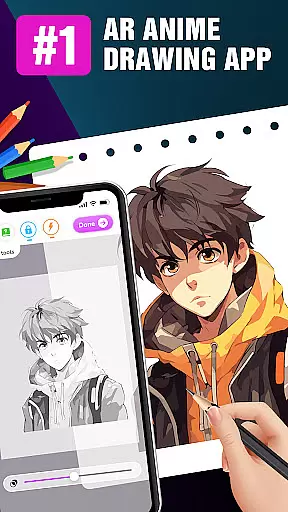
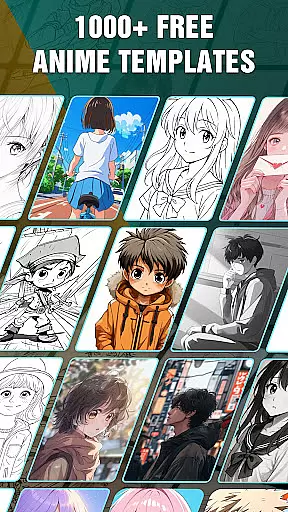
Draw Anime: AR Drawing Sketch is an innovative art application that combines traditional anime drawing with augmented reality technology. Designed for both beginners and experienced artists, the app offers step-by-step tutorials to guide users through the process of creating stunning anime artwork.
The app's standout feature is its AR functionality, which allows users to incorporate real-world elements into their sketches using their device's camera. This creates a unique blend of digital and physical artistry. With additional tools like opacity adjustment, flashlight control, and artwork tracking, Draw Anime provides a comprehensive creative experience that evolves with the user's skill level.
Whether you're a teenager exploring anime art for the first time or a dedicated artist looking to enhance your skills, this app offers a fun and engaging way to develop your artistic abilities while enjoying the limitless possibilities of augmented reality drawing.
Draw Anime: AR Drawing Sketch stands out with its comprehensive set of features designed to enhance the drawing experience. The app provides detailed step-by-step tutorials that break down complex anime drawings into manageable steps, making it accessible for artists of all levels.
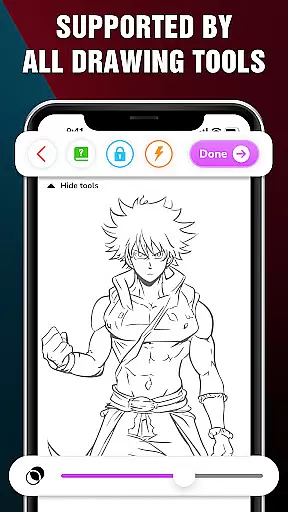
One of the app's most innovative features is its augmented reality integration. Users can utilize their device's camera to bring real-world elements into their sketches, creating unique hybrid artworks. The app also includes advanced drawing tools such as opacity adjustment, flashlight control, and various sketch manipulation options. These features give artists precise control over their creations while maintaining the flexibility to experiment with different styles and techniques.
Additionally, the app offers an artwork tracking system that helps users monitor their progress and achievements. With the ability to save favorite characters and share finished pieces with friends, Draw Anime creates a complete ecosystem for artistic growth and community engagement in the realm of anime art.
In the realm of digital art, having a comprehensive set of creative tools is essential for artists to fully express their visions. Draw Anime: AR Drawing Sketch offers an extensive suite of features that cater to both budding and experienced artists.
The app provides step-by-step anime tutorials, which break down complex drawing processes into manageable steps. This guided approach helps users at any skill level to improve and create stunning anime artwork with confidence.
Additionally, the app enhances the drawing experience with advanced options such as Extend, Adjust Opacity, On/Off Flashlight, Lock, and Reset functionalities. These tools offer precision and control, allowing artists to infuse real-world elements into their sketches using augmented reality technology.
By blending traditional drawing techniques with innovative AR capabilities, Draw Anime: AR Drawing Sketch empowers users to track their artistic journey, save their favorite creations, and share their masterpieces with friends, making it a complete creative package for the art community.
A versatile canvas is crucial for artists who wish to explore different formats and styles in their work. Draw Anime: AR Drawing Sketch excels in providing canvas and format flexibility, ensuring that artists are only limited by their imagination.
Artists can utilize the app's AR features to incorporate real-world surroundings into their anime sketches. This seamless integration allows for endless possibilities in terms of canvas size and environmental interactions, breaking free from the constraints of traditional drawing surfaces.
Furthermore, the app supports various drawing modes and settings adjustments, including opacity control and flashlight usage, which enhance the adaptability of the canvas to different lighting conditions and artistic preferences.
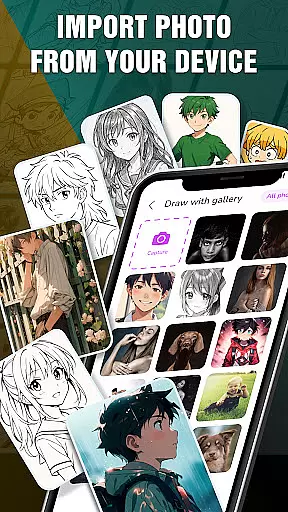
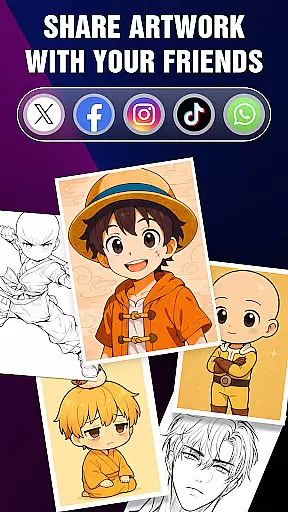
With the ability to save or share perfect AR drawings, users can experiment with diverse formats and styles while enjoying the freedom to distribute their work widely. This flexibility not only enriches the creative process but also encourages sharing and collaboration within the artist community.
User-friendly interface
AR-enhanced drawing
Step-by-step guidance
Advanced drawing tools
Artwork tracking system
Limited free content
High system requirements
Occasional bugs
Premium subscription needed
Steep learning curve

Premium version of Shimeji-ee app with no ads & no limit active shimeji
 4.2
4.2
Create sweet, cool and unique couple avatars easily, in just a few steps!
3.40
Stylish letters, Stylish Keyboard, Symbols, Emojis, Cool nickname
4.40
Design your dream room with AI. Get decor ideas & plan home interiors
3.90
Paint with oils and sketch with natural tools on a realistic virtual canvas.
3.80
Castle is social media for creating and playing games!
4.60
Photo editor for art, avatars, filters & fun transformations.
4.60
Painting, drawing, & sketching
4.50
Retouch photos. Create or edit images. Endless capabilities.
2.70
2D animation studio for Android tablets - unlimited layers, infinite timeline
4.70
Draw glowing spinners, relax, and spin your creative art
4.60
Video AI: Revolutionize Your Content Creation with Advanced Video Generation
4.50
AI Tattoo Generator: Create Tattoo Designs & Get Ideas! Ink & Stencil Maker
4.50
Remove Background, Magic Eraser, Photo Enhancer, Story Templates, Collage Maker
4.30
800+ Drawing, Painting Lessons App to Practice, Sketch & Paint Art.
4.30
Bring One UI 8.5 Icons to life -elegant dark icons with a modern, premium touch.
4.30
Unleash the artist in you with our AR drawing and tracing tool for photo drawing
4.10
AR Anime Drawing: How to draw anime with AR drawing & sketching apps!
4.00
Vidu is an AI video generator made for creators and aspiring makers.
3.30


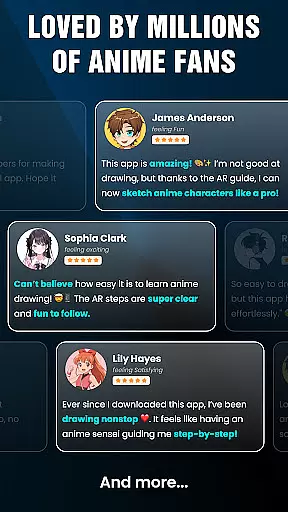

User Reviews