
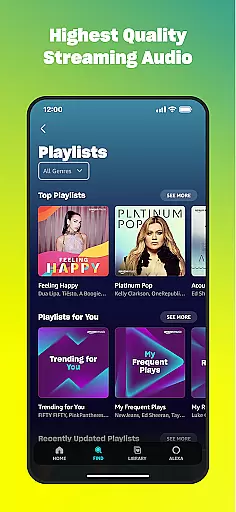
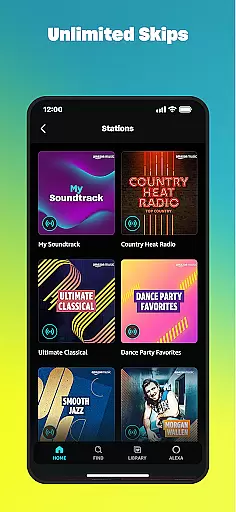
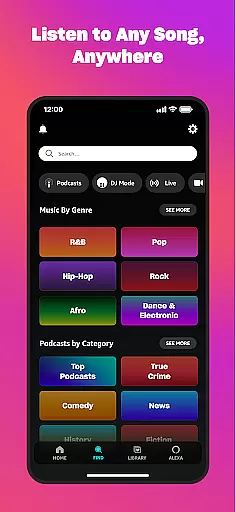
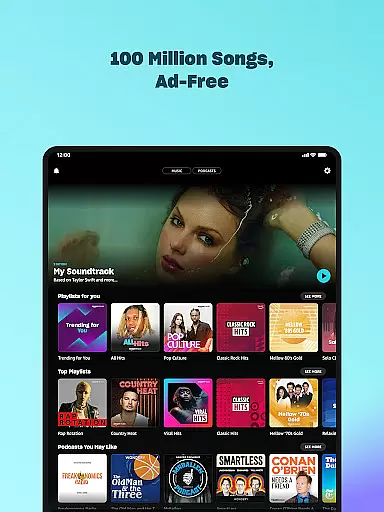
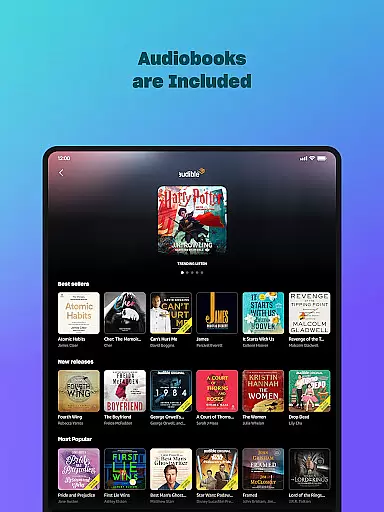
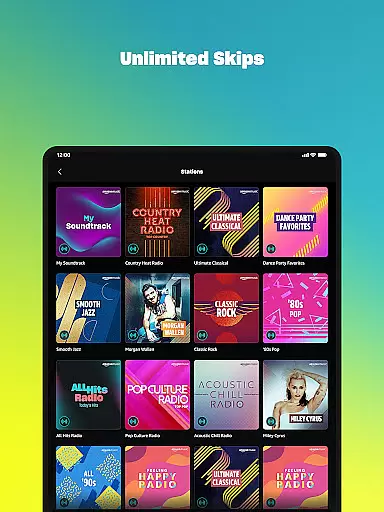
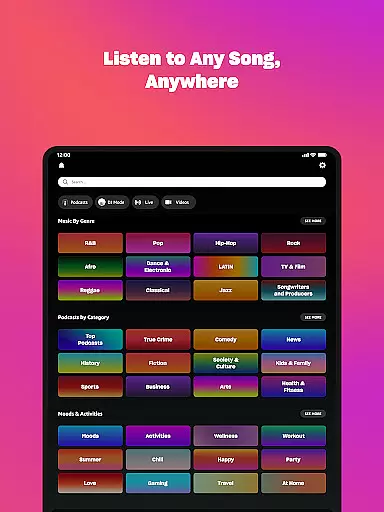
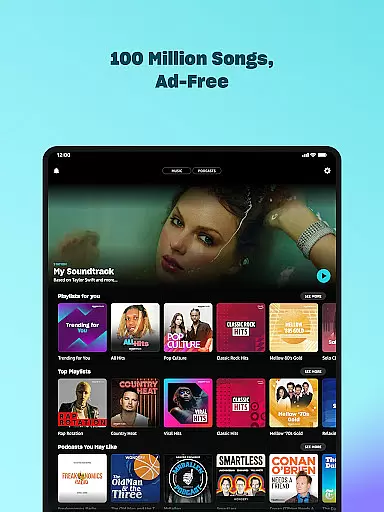
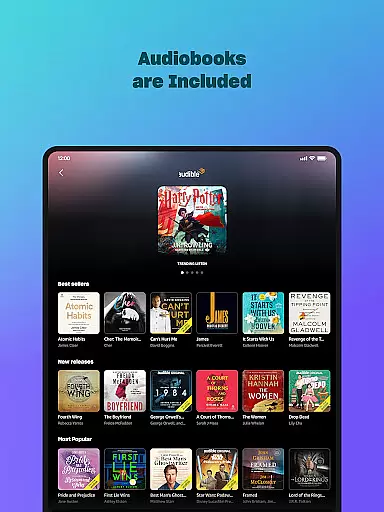
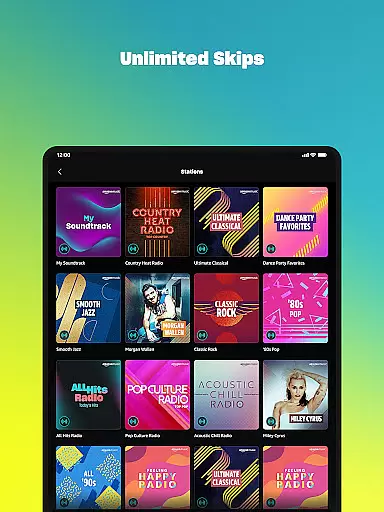
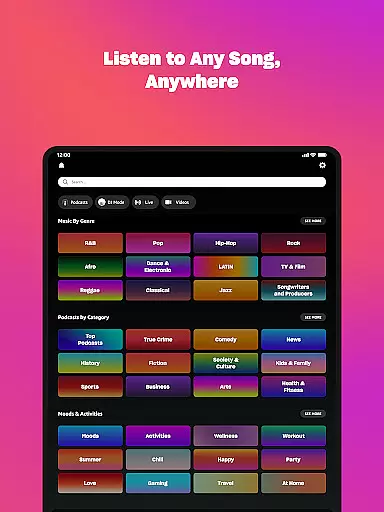
Amazon Music is a comprehensive music streaming service that redefines how users discover and enjoy their favorite audio content. The app offers multiple subscription tiers, including a free ad-supported version, Prime member benefits, and the premium Amazon Music Unlimited plan. Users can access millions of songs, top podcasts, and audiobooks across various devices.
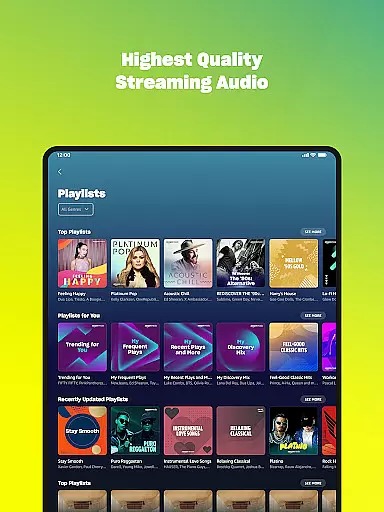
The service stands out with its personalized recommendations, seamless playlist imports from other platforms, and integration with Amazon's extensive digital music library. With offline listening capabilities, spatial audio support, and smartwatch functionality through Wear OS, Amazon Music provides a versatile audio experience for all types of listeners.
Amazon Music distinguishes itself through its multi-tiered service structure and advanced features. The app's recommendation engine uses machine learning to suggest new music and podcasts based on user preferences, while its playlist import tool allows seamless migration from competing services.
Unique to Amazon Music is its integration with the company's vast digital ecosystem. Users can access their purchased MP3s or AutoRip CDs/Vinyl collection alongside streaming content. The Wear OS implementation enables on-the-go listening with offline storage capabilities and remote playback control, making it an ideal solution for tech-savvy music enthusiasts.
Companion app integration is essential for a seamless experience between mobile devices and wearables. Amazon Music ensures that your favorite playlists, albums, and personalized recommendations are effortlessly synchronized across your smartphone and Wear OS device.
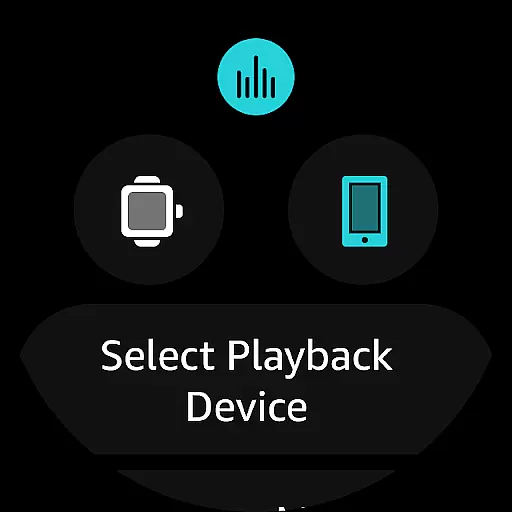
The application provides real-time data sharing, allowing users to access their music library directly from their wrist. This feature not only enhances convenience but also enables control over music playback on compatible Android devices right from your watch.
With the ability to cast and control playback, users can enjoy a fluid transition between devices without missing a beat. This interconnected ecosystem enriches the user experience by maintaining continuity and accessibility, regardless of which device you choose to interact with.
Ensuring broad compatibility with various Wear OS devices, Amazon Music offers an adaptable solution for music enthusiasts who use smartwatches. The app supports a range of devices, providing users with the flexibility to enjoy their music library on different platforms without limitations.
By focusing on system compatibility, Amazon Music delivers a consistent performance across devices. Whether you're using a newer model or an older version of Wear OS, the application maintains its core functionalities while optimizing the interface for varying screen sizes and hardware capabilities.
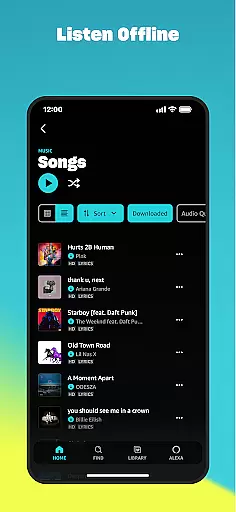
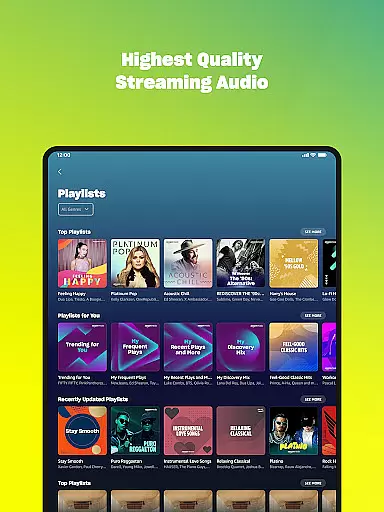
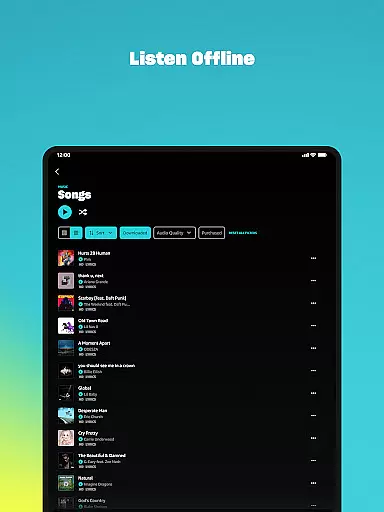
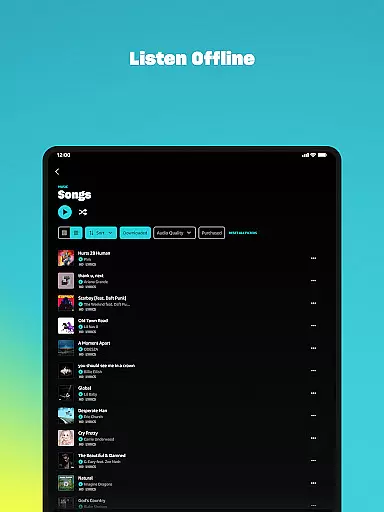
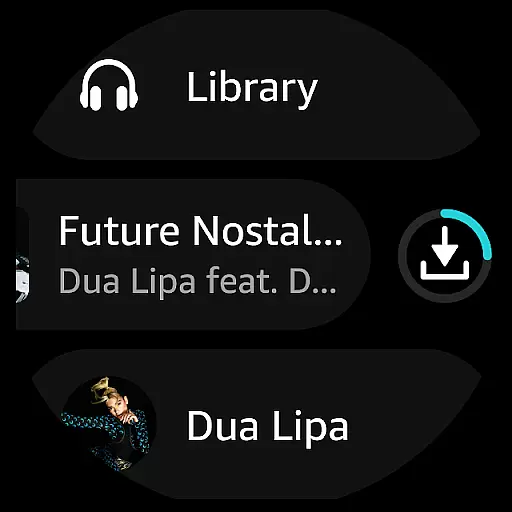
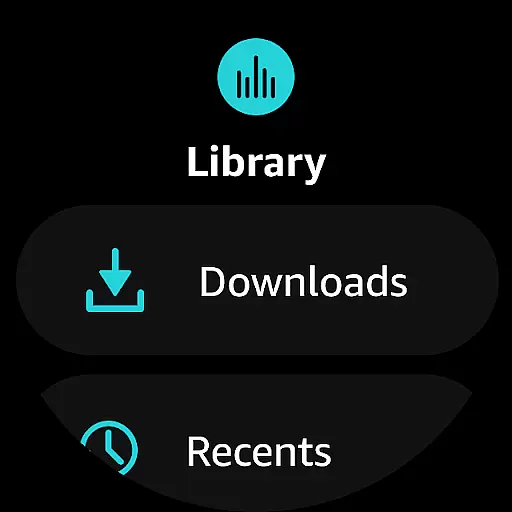
This commitment to compatibility means that users can download playlists and albums for offline listening, experiencing high-quality audio even when they're away from their phones or without an internet connection. Such versatility underscores Amazon Music's dedication to catering to the dynamic needs of its audience.
User-friendly interface
Extensive music library
Personalized recommendations
Seamless device integration
Offline listening options
Limited free version features
Requires Amazon account
Interface can be complex
Higher subscription costs
Occasional connectivity issues

Highly customizable hybrid watch face for Wear OS, perfect for everyday use.
 4.60
4.60
Wear Os Watch Face - Animated Snow - Sesonal for Christmas & Winter
4.1
Stunning modern digital watch face with 7 complications and strong contrast
4.1
A modern premium sporty hybrid watch face for Wear OS by Ballozi
4.70
Digital, flexibly customizable watch face. For Wear OS 5.0, API 34+ and later.
5.00
Period, ovulation & pregnancy tracker. Fertility insights & menstrual calendar.
4.90
A modern hybrid informative watch face for Wear OS designed by BALLOZI
4.80
Track your active life in one place and share the journey with friends.
4.40
From periods to pregnancy & perimenopause, Flo helps you track it all. Try now.
4.70
Gym & home workout plans with strength training, exercise tracking, HIIT & more.
4.60
Stylish, Energizing and Modern Watch Face crafted by Dominus Mathias.
4.50
Premium hybrid watch face with many customizations for Wear OS devices.
4.40
Bold, Modern Hybrid Watch Face for Wear OS. 10 Colors, Rich Info Display.
4.30
The ultimate destination for kids ages 3-8 to explore the Marvel Universe!
4.30
Watch face for Wear OS.
4.20
Structured watch face with seven complications and modular UI elements
3.90
Contemporary digital watch face with five complications
4.5
Fitness interactive virtual pet super fighter boy watch face
4.3
Minimalistic design modern digital watch face.
4.0












User Reviews