
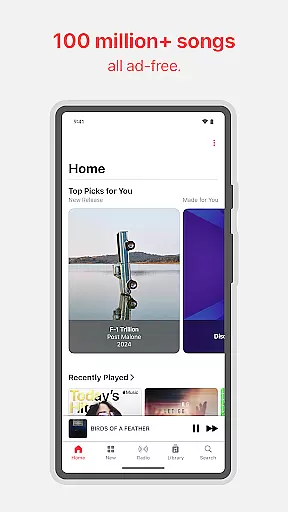
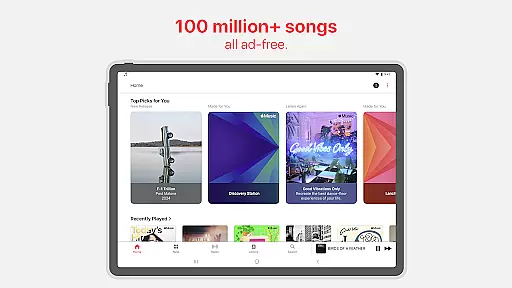
Apple Music stands as a premier music streaming service, offering users access to an extensive library of over 100 million songs. The platform is designed not only for casual listeners but also for audiophiles and music enthusiasts who value high-quality audio. With features like Spatial Audio with Dolby Atmos and Lossless Audio, it delivers an unmatched listening experience that captures every detail and nuance of the original recordings.
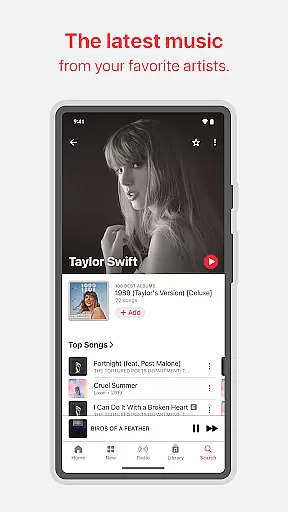
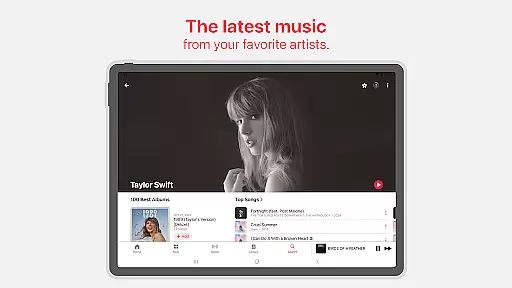
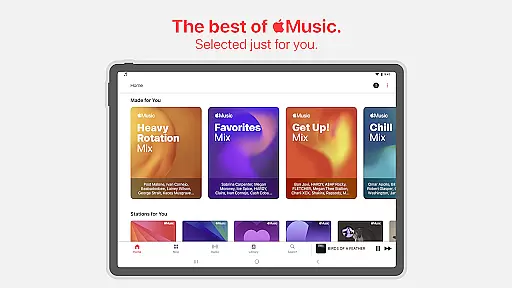
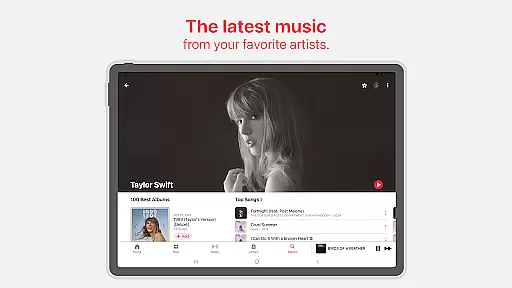
Beyond its vast music catalog, Apple Music provides exclusive content such as in-depth artist interviews, live performances, and radio shows hosted by iconic figures in the music industry. These offerings give subscribers a deeper connection to their favorite artists and the stories behind the music. Additionally, personalized playlists and recommendations curated by expert editors ensure that users continually discover new music tailored to their tastes.
The app's seamless integration across Apple devices makes it particularly appealing to iPhone, iPad, and Mac users. However, its availability on Android ensures cross-platform accessibility. Whether you're commuting, working out, or relaxing at home, Apple Music adapts to your lifestyle, allowing offline downloads and uninterrupted playback. This combination of quality, exclusivity, and convenience establishes Apple Music as a top choice for digital music consumption.
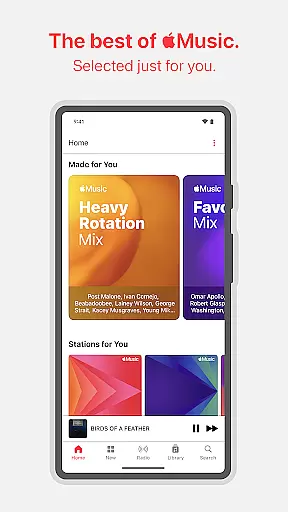
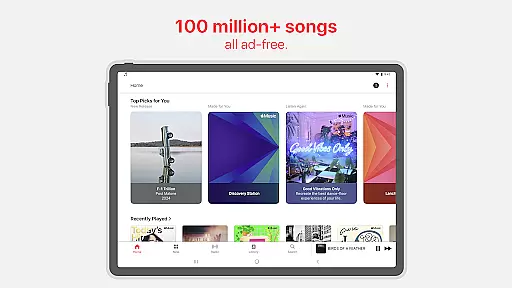
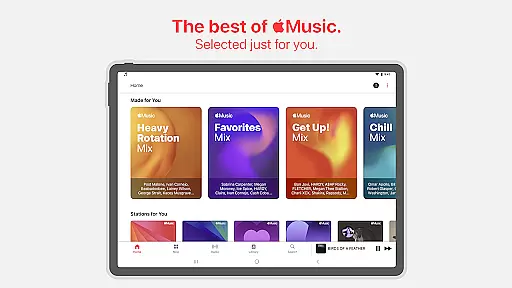
Apple Music boasts a rich array of features designed to enhance user engagement and satisfaction. One standout aspect is its emphasis on personalized content. Through advanced algorithms and editorial curation, the app generates custom playlists like the Discovery Station, personalized picks, and daily mixes. These features help users uncover new tracks while staying aligned with their musical preferences, ensuring a fresh yet familiar listening journey.
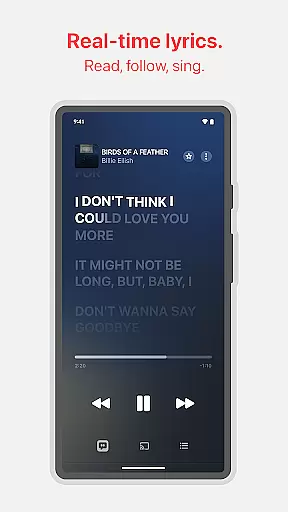
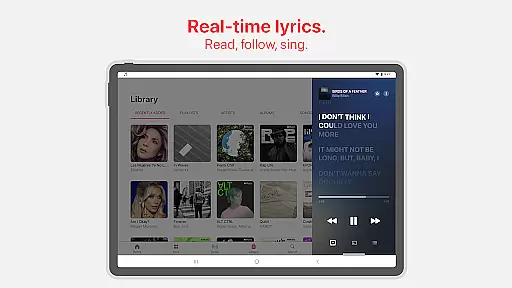
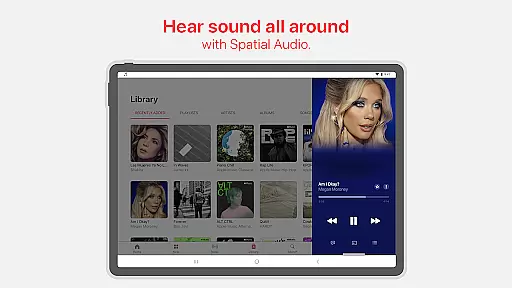
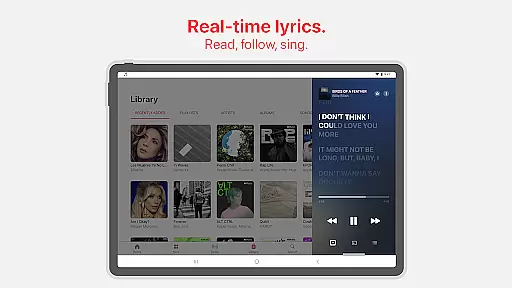
Another key feature is the platform's social connectivity tools. Users can share playlists with friends, collaborate on joint projects, and even control playback together using SharePlay during group activities. For those who enjoy singing along, precise beat-by-beat lyrics are available, enabling real-time karaoke-style interaction. Furthermore, the inclusion of immersive technologies like Spatial Audio with Dolby Atmos elevates the auditory experience, making listeners feel as though they're inside the music itself.
Apple Music also prioritizes accessibility and convenience. Subscribers can download songs for offline listening, stream via Chromecast to external devices, and utilize Android Auto for hands-free operation while driving. Continuous playback is supported through AutoPlay, which intelligently queues up similar tracks when a playlist ends. Collectively, these features create a dynamic ecosystem where users can explore, engage, and enjoy music in ways that suit their individual lifestyles.
Apple Music offers an extensive music library with over 100 million songs, ensuring users have access to a vast array of tracks across various genres and languages. This immense collection is made possible through legitimate licensing agreements with artists and record labels, guaranteeing the authenticity of the content.
The service's commitment to copyright compliance ensures that musicians and creators are fairly compensated for their work, fostering a sustainable ecosystem for music production. Users can trust that every song they listen to is legally available, providing peace of mind while enjoying their favorite tunes.
With such a comprehensive music library, Apple Music caters to diverse musical tastes and preferences, allowing listeners to discover new artists and explore different music styles without limitations. The platform's dedication to offering only licensed content reinforces its reputation as a reliable source for high-quality music streaming.
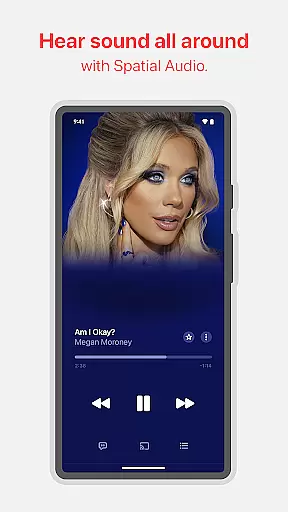
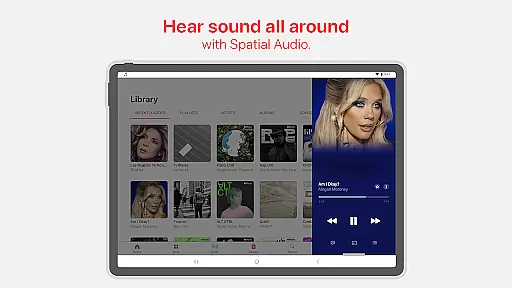
Apple Music stands out in the realm of audio quality, delivering an unmatched listening experience through advanced sound technologies. The platform supports Spatial Audio with Dolby Atmos, creating an immersive soundscape that places listeners at the center of their music, making it feel like the artists are performing live in the room.
In addition to Spatial Audio, Apple Music also provides Lossless Audio options, ensuring that tracks maintain their original studio-quality sound. This feature appeals to audiophiles who demand the highest fidelity in their music playback, preserving every detail and nuance of the recording.
These superior audio quality options enhance the overall enjoyment of music on Apple Music, setting a new standard for digital music streaming services. Whether users are casual listeners or discerning audiophiles, they can appreciate the depth and clarity that these advanced audio features bring to their favorite songs.
User-friendly interface
High-quality audio options
Exclusive artist content
Personalized recommendations
Offline listening capability
Subscription fees required
Limited free version
Regional restrictions apply
No built-in equalizer
Heavy data usage for streaming

Equalizer, Bass Booster and Volume Booster (Eq & Bass) improve sound quality
 4.30
4.30
Formerly known as Spotistats! View your top tracks, artists, albums and more!
4.40
Performance-Synthesizer & Multi-Track-Sequencer, polyphonic + multi timbral!
4.70
Network/Cloud Streaming, Visualization, Graphic Equalizer and Sound Effects.
4.20
A sleek, no-frills player designed for true music lovers.
4.20
Enjoy singing any song, no matter how high or low it is
4.30
Play your hearts out on TouchTunes jukeboxes & connect with fellow music lovers.
4.80
Make songs with AI! Any genre, custom lyric, song generator for music creation!
4.80
Listen to offline music and sounds from all categories
4.70
Bass Booster & Volume Equalizer Pro improves your music and video sound quality
4.60
Guzheng Master supports many playing techniques as an acoustic Guzheng
4.50
Time Trainer: accurate metronome w tools to help you develop your internal time!
4.20
Permanently backup Now Playing. Maps, filters & listening stats.
4.00
Offline Tunes, Unlimited Vibes
3.90
Background pads for your band
3.80
The iconic iOS metronome app is now on Android.
3.70
Simple mp3 and mp4 player with advanced features.
3.40
MilkDrop for Android TV
3.00
Simply convert wav to mp3. Clear. Reliable. Safe.
4.0



User Reviews