
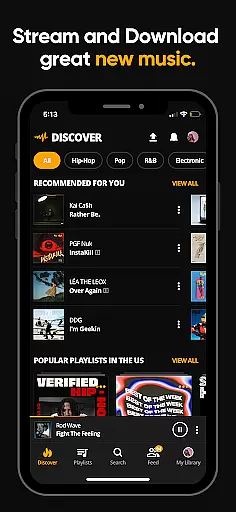
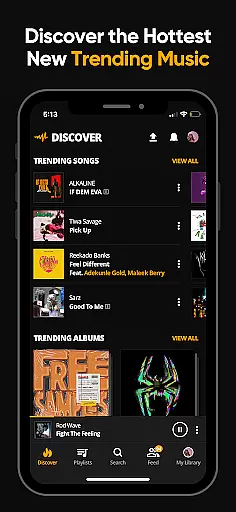
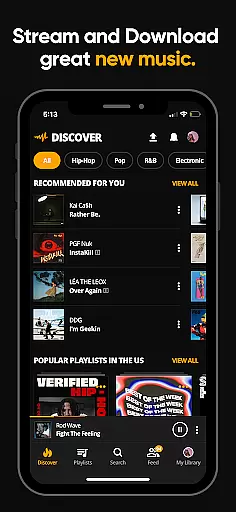
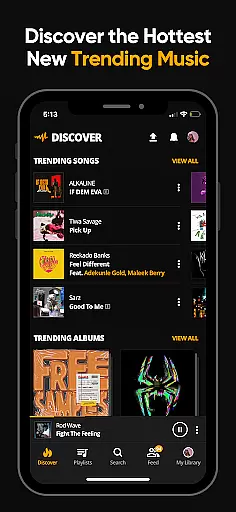
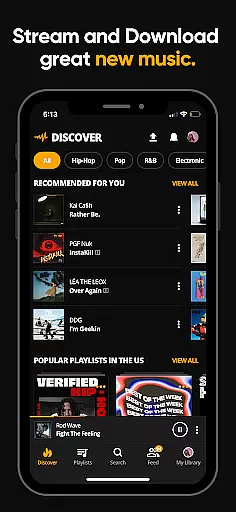
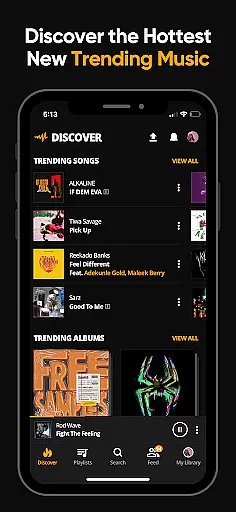
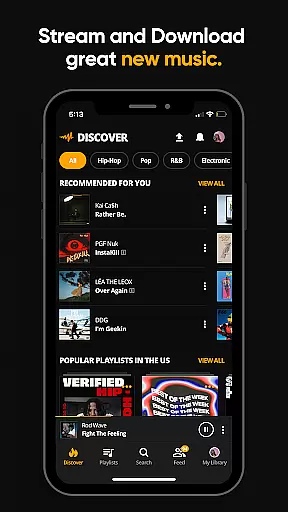
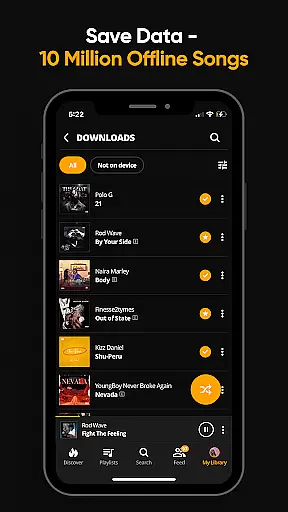
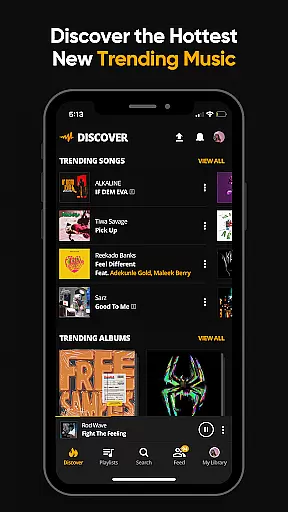
Audiomack is a premier music streaming and downloading app tailored for Android Wear users. It offers unlimited access to trending full tracks across genres like Hip-Hop, Rap, R&B, EDM, Afropop, and Reggae. The app stands out with its offline data-free listening feature, enabling users to download songs and albums without needing Wi-Fi. Additionally, Audiomack allows playback of local MP3s, WAV, M4A, AAC files directly from the app, making it versatile for various audio formats.
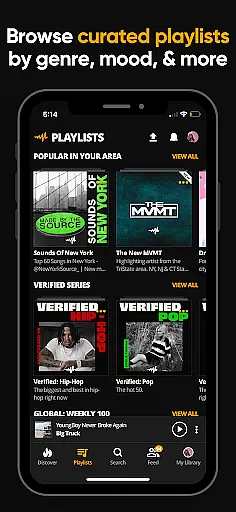
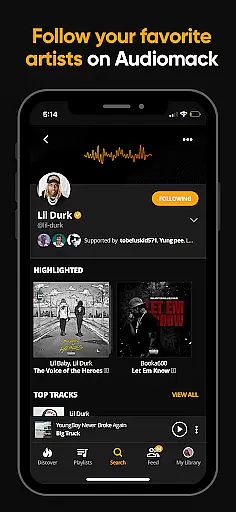
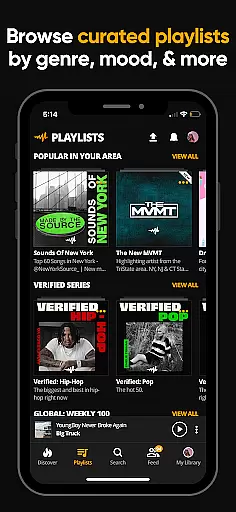
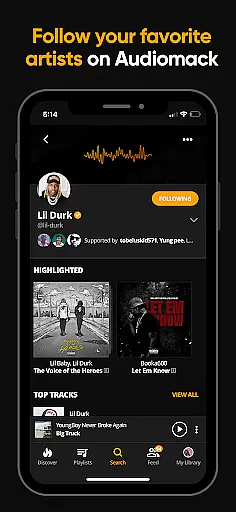
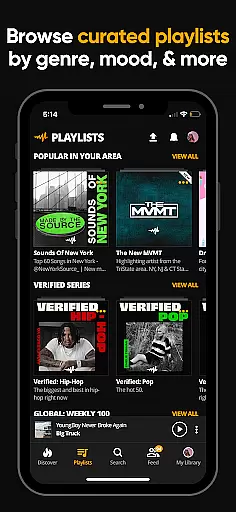
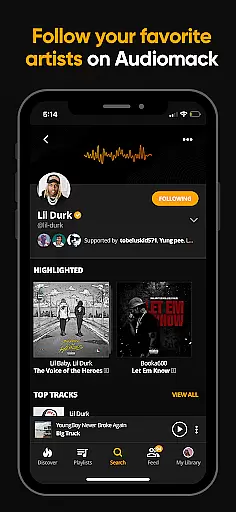
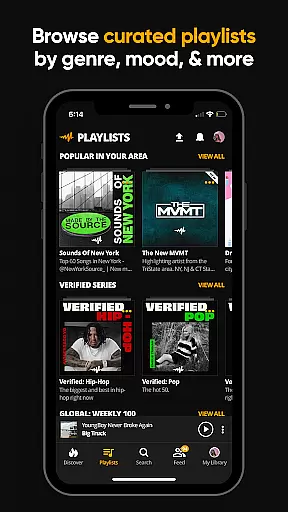
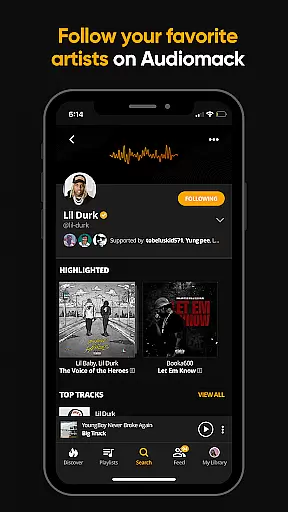
One of the key highlights is its expertly curated playlists by mood and genre, alongside the ability to create unlimited personal playlists. Users can follow top artists such as 21 Savage, Youngboy, and Kevin Gates, ensuring they stay updated with the latest in music. With seamless integration across platforms including Wear OS and Android Auto, Audiomack provides an immersive experience whether you're commuting or working out.
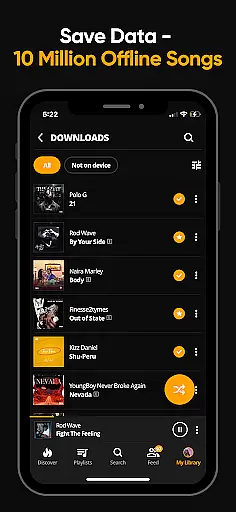
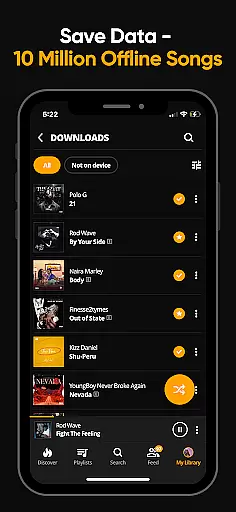
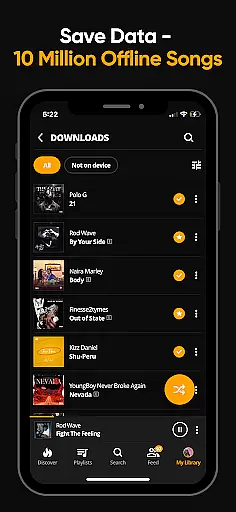
Audiomack boasts a rich set of features designed to enhance user experience on Android Wear. The app's unlimited streaming capability covers new and trending tracks, allowing users to be ahead of the curve in music discovery. Its offline mode lets users download entire albums for uninterrupted listening without using mobile data, which is perfect for environments with limited connectivity.
The app supports background play, meaning users can listen to music while engaging with other apps. This multi-tasking ability extends to managing favorite tracks, albums, and playlists efficiently. Moreover, Audiomack's local file player supports multiple formats like MP3, AAC, M4A, and WAV, providing flexibility in playing locally stored music. Integration with platforms like Wear OS and Android Auto ensures that users have a consistent experience across devices.
Companion app integration is essential for a seamless experience across multiple devices. Audiomack excels in this area by providing users with the ability to sync their music libraries and preferences effortlessly between their smartphones and Wear OS devices. This ensures that whether you're on the go or at home, your music and playlists are always up-to-date and accessible.
The Audiomack app allows users to download songs and albums for offline listening, which can be synchronized with their Wear OS devices. This means you can leave your phone at home and still enjoy your favorite tracks while out for a run or walk, without missing a beat. The synchronization process is automatic and reliable, ensuring that your music is always where you need it.
Furthermore, Audiomack's compatibility with Android Auto enhances the driving experience by allowing drivers to control their music safely and easily from their car's interface. This integration provides a safer way to change tracks or browse playlists without taking your eyes off the road, making every journey more enjoyable and stress-free.
Ensuring compatibility with Wear OS and other devices is crucial for apps like Audiomack that aim to provide a comprehensive music experience. Audiomack supports a wide range of devices, including smartphones, tablets, and Wear OS smartwatches, allowing users to enjoy their music library wherever they are. This broad device support ensures that no matter what device you have, you can access your favorite tracks and discover new music effortlessly.
Audiomack's Wear OS compatibility extends beyond just playing music; it also includes features such as playlist management and the ability to favorite tracks directly from your wrist. These functionalities make managing your music library convenient and efficient, even when you're on the move. With Audiomack, you don't have to compromise on functionality just because you're using a smaller device.
In addition to supporting various devices, Audiomack offers a consistent user experience across platforms. Whether you're using the app on your smartphone or interacting with it via your Wear OS watch, the interface remains intuitive and easy to navigate. This consistency helps users feel comfortable and confident when using Audiomack, regardless of the device they choose to engage with the app on.
User-friendly interface
Offline listening mode
Versatile music library
Expertly curated playlists
Cross-platform support
Limited free version
Occasional ads
Subscription cost
Regional restrictions
High storage usage

Rose gold watch face with festive lights & customizable features.
 4.60
4.60
A Wintery Snow Globe on Your Wrist; now celebrating Christmas!
4.1
MyNISSAN® lets you remotely control your car from your phone.*
4.50
Period, ovulation & pregnancy tracker. Fertility insights & menstrual calendar.
4.90
Get helpful reminders, take progress photos and find answers to your questions.
3.90
Hybrid watch face for Wear OS with customizable complications by Matteo Dini MD
4.70
Fast and smart typing with Emojis, GIFs, and more
4.50
Fitbit is dedicated to helping people lead healthier, more active lives.
4.10
Back up your contacts & access them anywhere
4.30
Christmas - Festive - Christmas Village - Winter - Christmas lights
5.00
The Chevron App allows you to pay for fuel from the comfort of your car!
4.80
The most customizable hybrid watch face. For Wear OS 5.0, API 34+ and later
4.70
Real-time results, stats, schedules and player profiles for all leagues
4.60
Premium hybrid watch face with many customizations for Wear OS devices.
4.40
A white realistic classic analog watch face with many customization options.
4.40
Christmas watch face. For Wear OS devices.
4.30
Find EV charging stations
4.30
Animated video-game inspired “secret agent” simulation, right on your wrist!
4.20
Watch the sharpness of the sky on your wrist..
3.70





User Reviews