
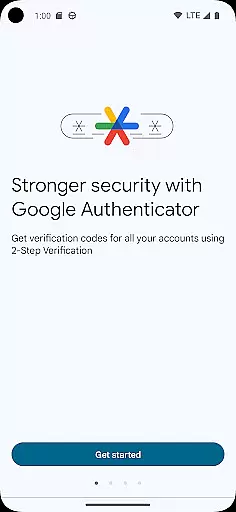
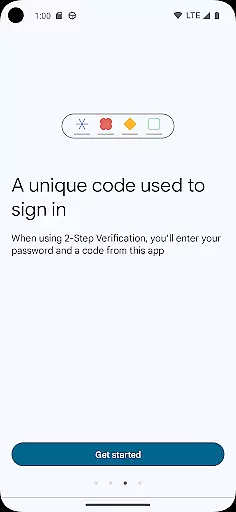
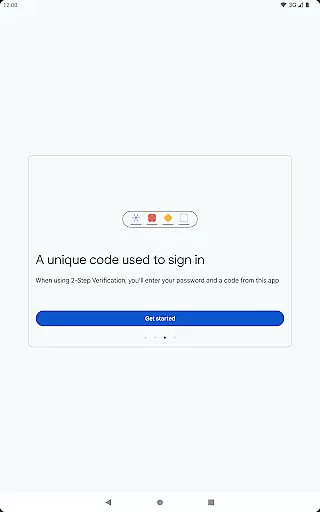
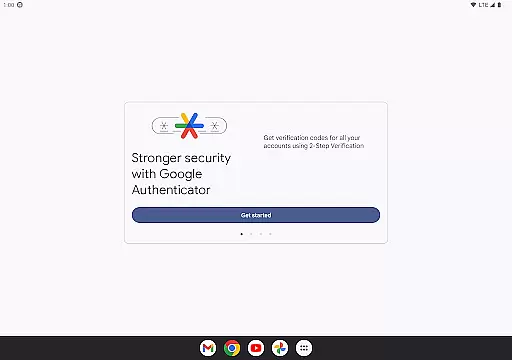
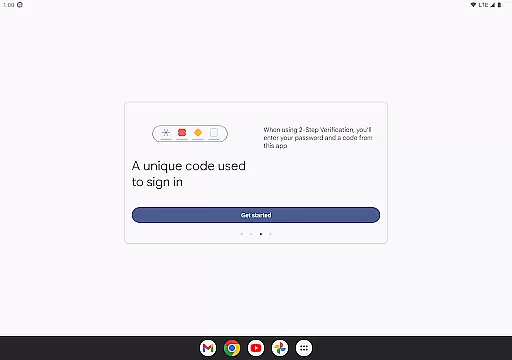
Google Authenticator is a security tool that provides an additional layer of protection for your online accounts through two-factor authentication. When signing in, users must enter both their password and a unique code generated by the app on their mobile device. This ensures enhanced account security even if passwords are compromised.
The app supports time-based and counter-based code generation, syncs codes across devices via Google Account, and allows easy setup using QR codes. It also enables management of multiple accounts and facilitates account transfers between devices seamlessly. With its offline functionality, users can generate verification codes without requiring an internet connection.
This application is particularly useful for individuals seeking to secure sensitive accounts such as email, banking, or work-related platforms. By integrating with Google's 2-Step Verification process, it significantly reduces the risk of unauthorized access, offering peace of mind in today’s digital landscape.
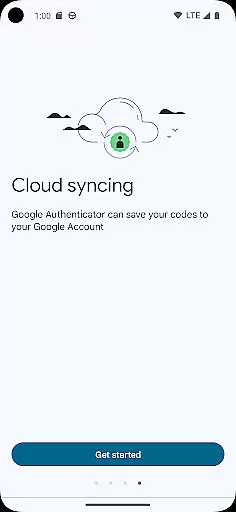
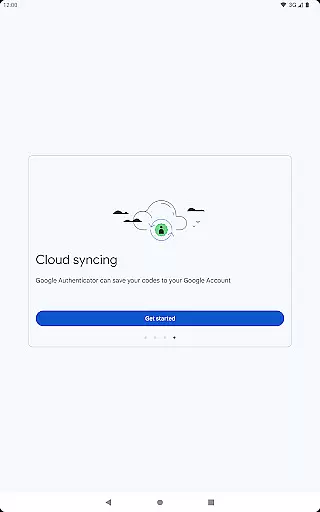
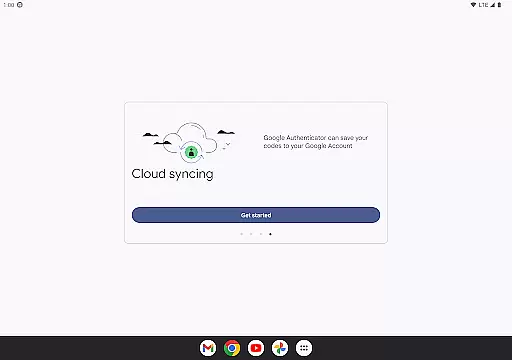
One of the standout features of Google Authenticator is its ability to generate time-sensitive codes that expire after a short duration, ensuring robust security. The app operates independently of network connectivity, making it reliable in any situation. Additionally, users can sync their authenticator data with their Google Account, safeguarding against loss due to damaged or misplaced devices.
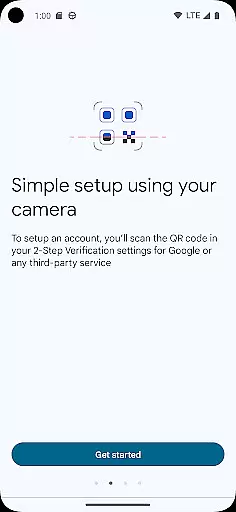
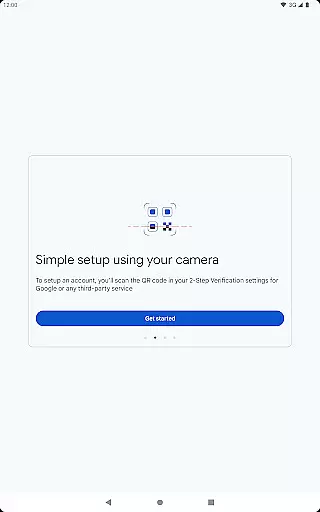
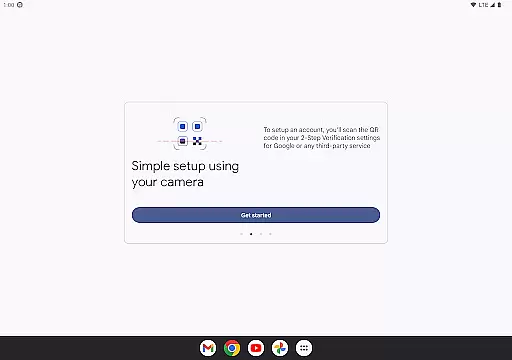
For ease of use, the app supports automatic account setup via QR codes, streamlining the integration process with various services. It also accommodates multiple accounts within a single interface, eliminating the need to switch between different apps. Furthermore, transferring accounts to new devices is simplified through QR-based migration, enhancing user convenience while maintaining high-security standards.
Another notable feature is the flexibility to choose between time-based and counter-based code generation methods, catering to diverse user preferences. These capabilities make Google Authenticator a versatile and indispensable tool for anyone prioritizing online security.
Google Authenticator excels in providing precise and effective two-factor authentication. The app generates time-based or counter-based codes that serve as the second verification step for your online accounts, ensuring an additional layer of security beyond just passwords.
The core functionality is designed to work seamlessly even without an internet connection, making it reliable in various scenarios. This offline capability guarantees that users can always access their verification codes, regardless of network availability.
By supporting multiple account management and automatic setup through QR codes, the app streamlines the process of adding and managing different services. This makes it not only accurate in code generation but also highly effective in enhancing account security across various platforms.
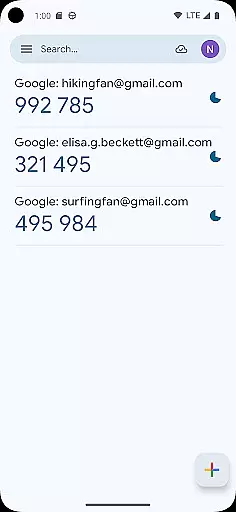
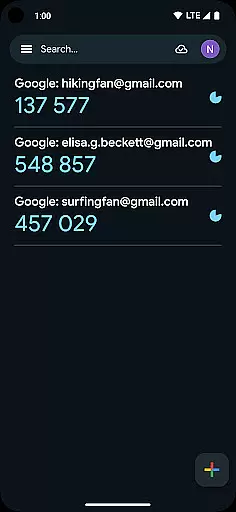
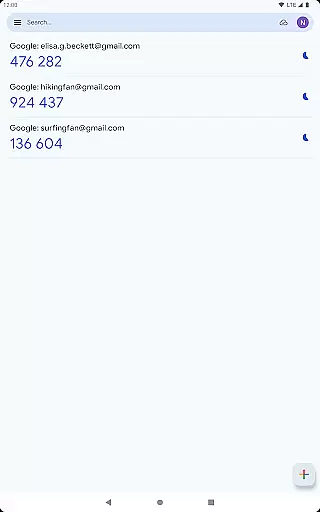
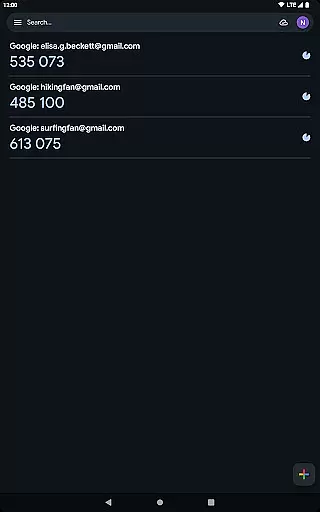
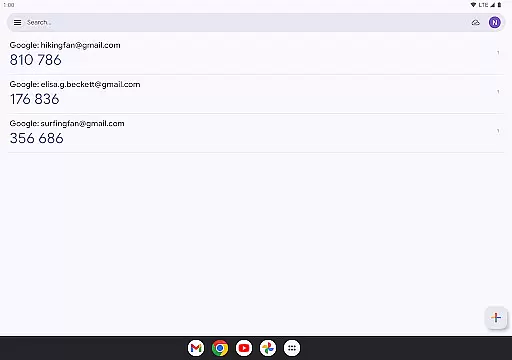
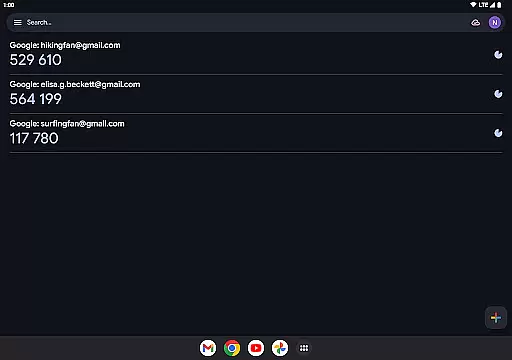
The interface of Google Authenticator is crafted to offer a straightforward and intuitive user experience. Upon opening the app, users are greeted with a minimalistic design that displays the essential informationu2014account names and corresponding verification codesu2014in a clear and organized manner.
Adding new accounts is made simple through QR code scanning, which eliminates manual input errors and speeds up the setup process. This ease of use extends to transferring accounts between devices, where a QR code scan effortlessly moves all data to a new phone.
Despite its powerful security features, the app maintains a clean and uncluttered interface, focusing on usability without compromising functionality. This balance ensures that both tech-savvy users and those less familiar with digital tools can navigate and utilize the app with ease.
Enhanced Security
Offline Functionality
Multi-Account Support
Easy Setup via QR Code
Device Sync Option
No Built-In Backup
Limited Customization
Requires Manual Entry
No Desktop Version
QR Dependency

 4.50
4.50
Change your GPS location instantly. Simulate routes anywhere in the world.
4.90
Connect instantly to a fast, encrypted VPN with one tap
4.60
Universal TV remote control all TVs, Roku, LG, Samsung, Fire, Vizio, Sony, TCL.
4.40
Support Fossify apps with a warm thank you!
5.00
Mirror your screen to Fire TV - Super fast and simple
4.40
Create your own custom widget with endless possibilities
3.90
Clean up large files and similar photos, fast and easy to use
4.40
Screen recorder with audio to record high-quality videos and take screenshots.
4.40
Navigate with Ease and Style
4.90
Enjoy smooth gameplay with Game Booster
4.90
Game Booster, GFX Tool is now compatible with newer game update
4.50
Forza Tuning Calculator App for Forza Horizon 5, Motorsport and Earlier Titles
4.40
pdf merge, word to pdf, jpg to pdf, edit pdf, convert to pdf and much more!
4.20 4.10
4.10
A powerful, easy-to-use flight computer on your phone or tablet!
3.80
This app unlocks the Pro features of the Central for DayZ app
3.60
A non-root local ADB shell client. READ BELOW!
3.40
PDF Reader - Document Viewer: Read, Manage & Organize Your Documents
3.10




User Reviews