
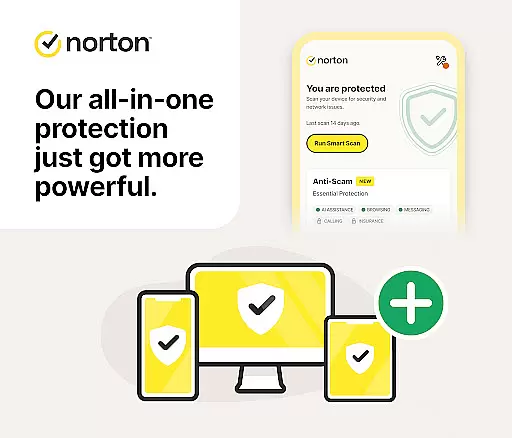
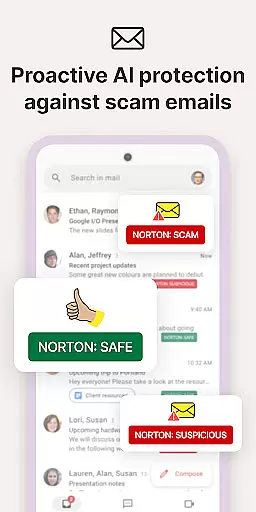
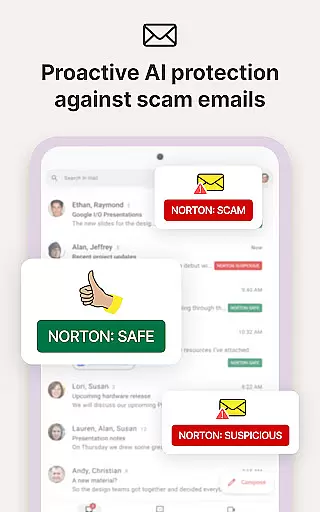
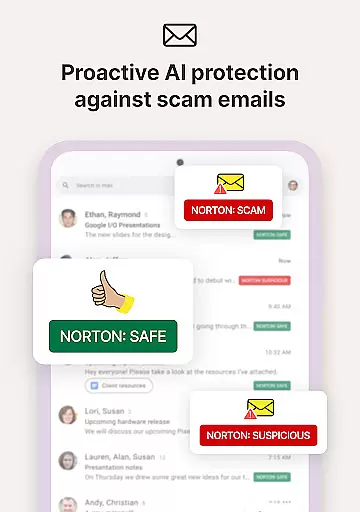
Norton 360 Antivirus & Security is a comprehensive mobile security application that provides robust protection through advanced AI-powered features. The app offers real-time malware scanning, virus cleaning, and an integrated VPN for enhanced online privacy. Its scam protection suite covers multiple communication channels including email, web browsing, phone calls, and SMS, ensuring holistic user safety.
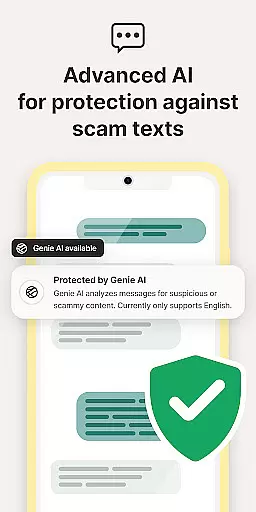
Key functionalities include Norton Genie, an AI assistant that helps identify potential scams in messages and YouTube videos. The app also features Safe SMS to filter spam texts, Safe Web for online scam protection, and App Advisor to scan apps for threats. With additional tools like WiFi Security scanning and Ad Tracker Blocker, the application creates a secure mobile environment while maintaining user privacy through bank-grade encryption.
This security solution is particularly valuable for users who frequently engage in online shopping, banking, or use public WiFi networks. By combining multiple layers of protection, Norton 360 ensures both device security and personal data protection, making it an essential tool for maintaining digital safety in today's threat landscape.
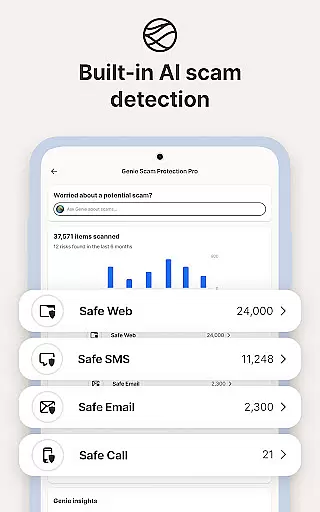
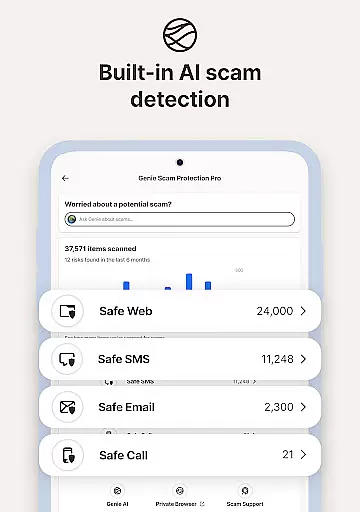
The application stands out with its comprehensive feature set designed to address various cybersecurity threats. The AI-powered Scam Protection Pro actively monitors and blocks sophisticated scams across multiple platforms, while the built-in Norton Genie serves as a virtual security assistant, capable of analyzing potential threats in real-time communications.
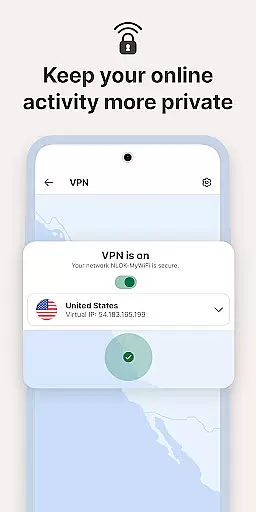
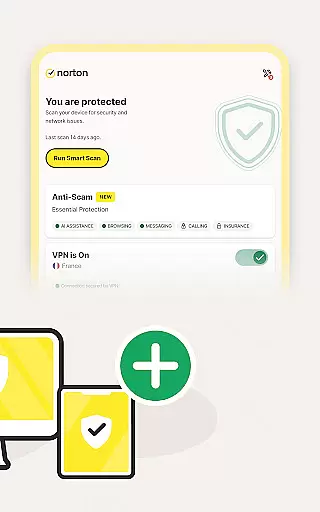
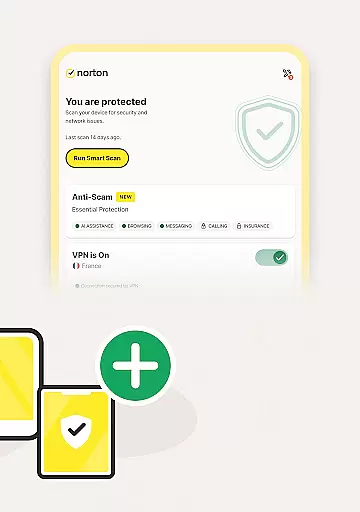
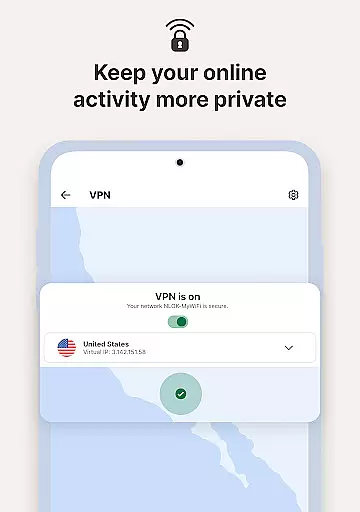
Advanced protection mechanisms include real-time virus scanning and cleaning capabilities that alert users about malicious applications. The integrated VPN service provides bank-grade encryption for secure internet connections, especially useful when accessing sensitive information over public networks. Additional features like Safe SMS, Safe Web, and Safe Call work together to create a protective barrier against modern cyber threats through proactive monitoring and filtering.
What makes Norton 360 particularly innovative is its modular approach to security. Features like Dark Web Monitoring and WiFi Security scanning demonstrate the application's commitment to providing complete protection. The Ad Tracker Blocker enhances user privacy by preventing unwanted tracking across different platforms, while the App Advisor functionality continuously monitors installed applications for potential vulnerabilities, ensuring sustained protection against emerging threats.
Norton 360 Antivirus & Security stands out in the Tools category by delivering highly accurate and effective core functionalities that ensure comprehensive mobile security. The app employs advanced AI-powered malware protection, which actively scans for and removes malicious software with precision.
The real-time virus scanner and cleaner promptly alert users to any detected malware, allowing for immediate removal. This proactive approach prevents potential threats from compromising device integrity and user data.
Additionally, Norton Genie, an integrated AI assistant, enhances the app's effectiveness by identifying scams within messages and YouTube videos. This feature empowers users to navigate digital spaces confidently, knowing they have an extra layer of smart protection.
With its robust suite of tools including scam protection across multiple communication channels, Norton 360 ensures users can browse, shop, and communicate safely, making it an indispensable tool for maintaining cybersecurity.
A key strength of Norton 360 Antivirus & Security is its commitment to providing a simple and intuitive interface that makes managing digital safety effortless. Despite the complexity of its underlying technologies, the app presents a clean layout where essential features are easily accessible.
Users benefit from straightforward navigation that allows them to activate services like the built-in VPN or initiate malware scans without hassle. Each function is clearly labeled, ensuring even those new to cybersecurity tools can utilize Norton 360 effectively.
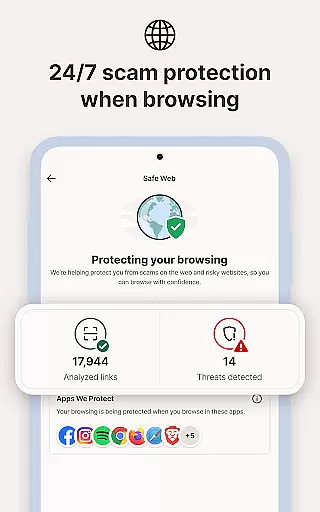
Moreover, specialized features such as Safe SMS and Safe Web integrate seamlessly into daily activities, filtering spam messages and protecting against online scams without requiring intricate setup processes. This ease of use encourages regular engagement with the app's protective capabilities.
By prioritizing clarity and accessibility, Norton 360 enables users to focus on enjoying their digital experiences while remaining assured that their security is being actively maintained without unnecessary complications.
Comprehensive security suite
AI-powered threat detection
Multi-platform protection
Real-time monitoring
User-friendly interface
Paid subscription model
Limited free trial period
Feature availability varies
Country restrictions apply
Resource-intensive operation

 4.50
4.50
A convenient photo, video, and file recovery tool.
4.00
An easy-to-use calculator designed to save time calculating and bending conduit
4.30
Best leveling tool for your Android device. Hang paintings like a pro.
4.90
Detect hidden spy camera with advanced scanning {{ Premium version }}
4.00
Navigate with Ease and Style
4.90
Introducing Smart Printer, your ultimate destination for printing solutions!
4.00
Clean up your phone, find files, play media, and share files offline
4.50
fast and easy mp3 music downloader
4.80
Connect wirelessly to your computer to watch movies, browse the web, play games
5.00
The ultimate tool for network analysis, wifi scanning and problem detection.
4.90
Enjoy smooth gameplay with Game Booster
4.90
Bedrock Together: Join any bedrock server on Xbox/PS
4.80
HD Video player and downloader for all formats, fast & smooth 4K video playback.
4.60
Button mapper, mouse toggle, sleep timer and a lot of another features
4.50
PC precision for mobile gaming: dominate with keyboard and mouse!
4.30
Amateur Radio app for APRS: Track friends, exchange messages, get tactical info.
3.90
Unleash gamepad precision for ultimate mobile gaming dominance.
3.90
Create your own custom widget with endless possibilities
3.90















User Reviews