
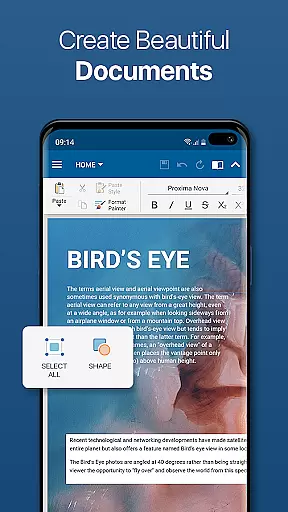
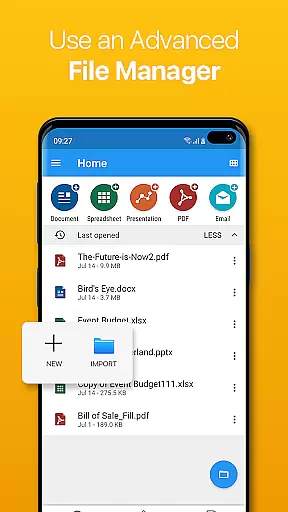
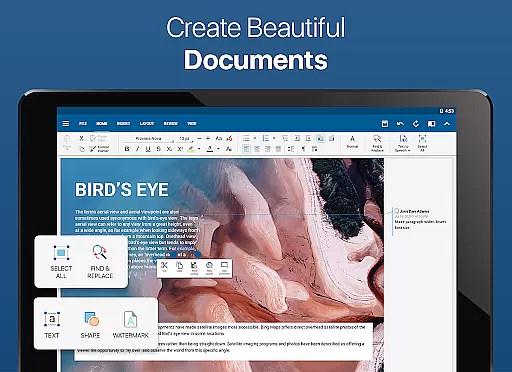
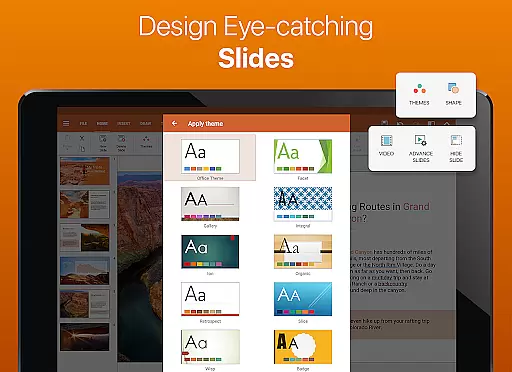
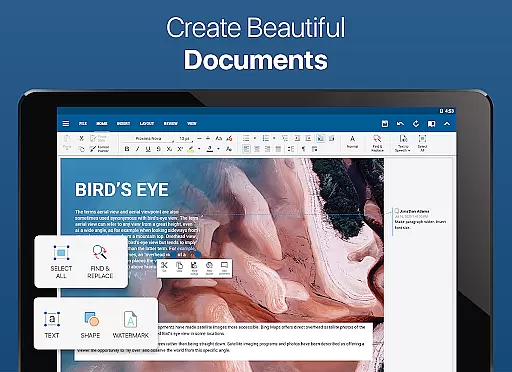
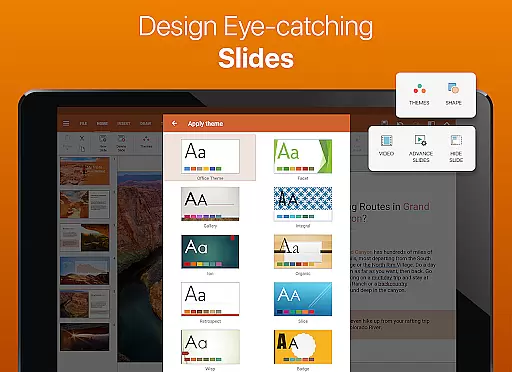
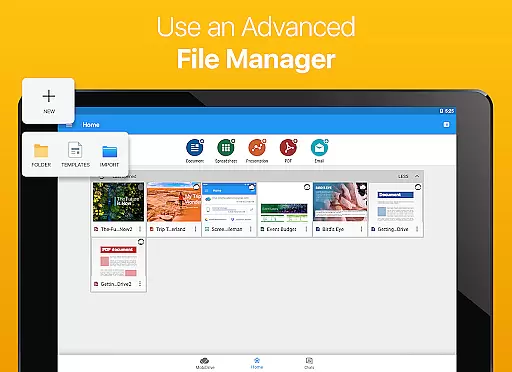
OfficeSuite Pro + PDF is a comprehensive business application designed to handle all your document processing needs. This professional-grade office suite allows users to seamlessly view, edit, and create Word, Excel, and PowerPoint documents while offering advanced PDF management capabilities. With its intuitive desktop-style interface and full compatibility with Microsoft Office formats, the app ensures smooth document handling for both personal and professional use.
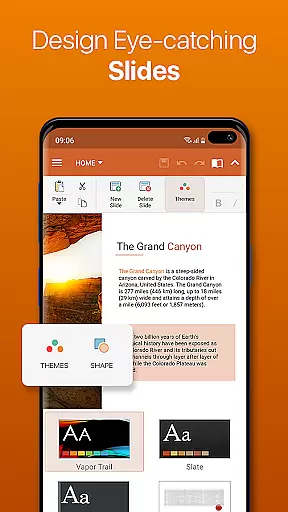
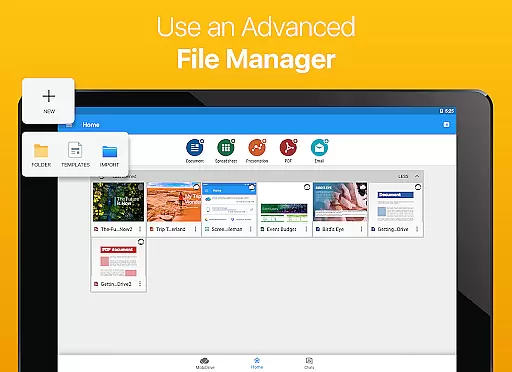
The application stands out with exclusive features such as integrated cloud services, PDF security tools, and text-to-speech functionality. Preloaded on devices from top manufacturers like Sony and Amazon, OfficeSuite Pro provides robust file management through MobiSystems Drive and File Commander integration. Whether you're managing complex spreadsheets or creating dynamic presentations, this app delivers enterprise-level functionality optimized for Android Q.
OfficeSuite Pro + PDF distinguishes itself through an impressive array of features tailored for business professionals. The app supports complete document lifecycle management including viewing, creating, and editing complex office files with desktop-like precision. Its comprehensive format compatibility covers all major Microsoft Office extensions plus additional support for Open Office formats through in-app purchases.
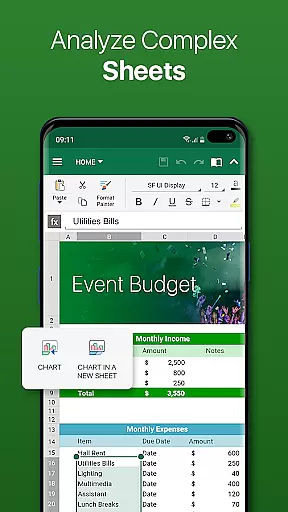
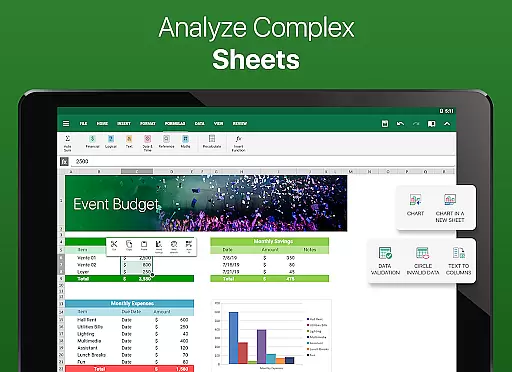
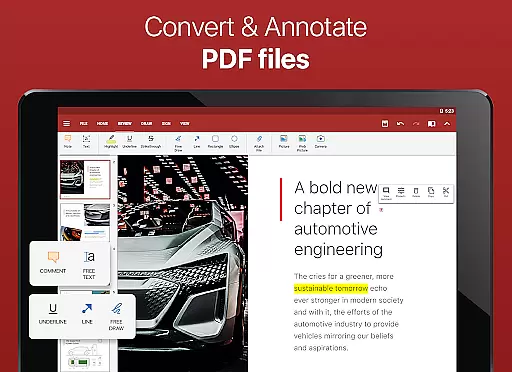
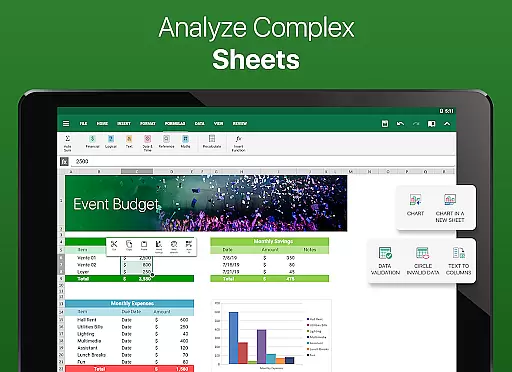
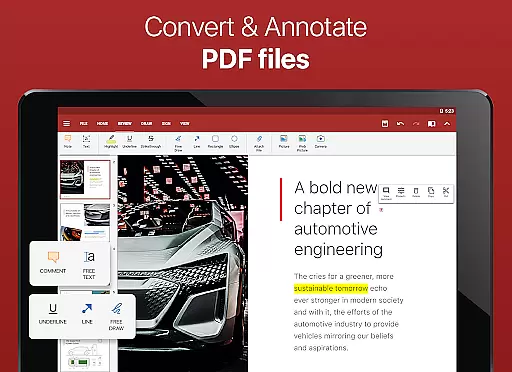
Advanced PDF capabilities set this application apart from competitors. Users can scan documents using their camera, export files to PDF, and work with fillable forms. The newly introduced OfficeSuite Chats enables real-time document collaboration while enhanced security features allow working with password-protected files. Additional premium features include track changes functionality, interactive PDF form support, and advanced spreadsheet tools like conditional formatting and chart editing.
Collaborative work features are essential for modern business applications, enabling teams to work together efficiently regardless of location. OfficeSuite Pro + PDF excels in this area by offering multiple advanced functionalities.
The application provides real-time document collaboration through OfficeSuite Chats, allowing users to exchange documents and collaborate with colleagues seamlessly. This feature supports teamwork by ensuring that all team members can contribute to documents simultaneously.
Track changes with multiple author support is another valuable feature, making it easier to manage edits and suggestions from different team members. This ensures that every contribution is recorded and can be reviewed systematically.
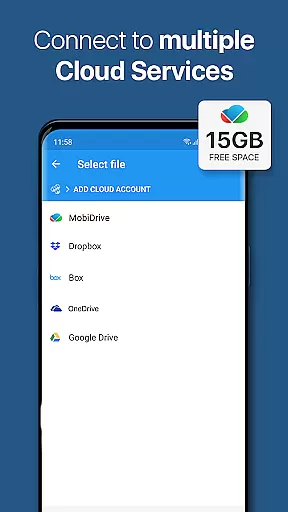
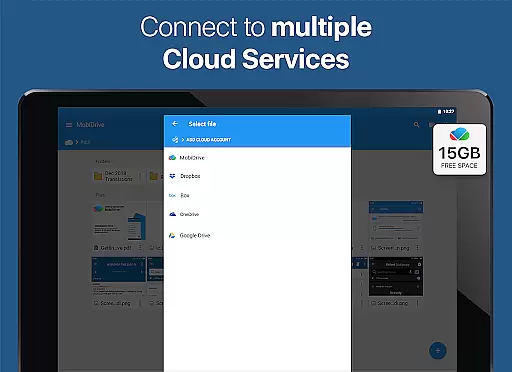
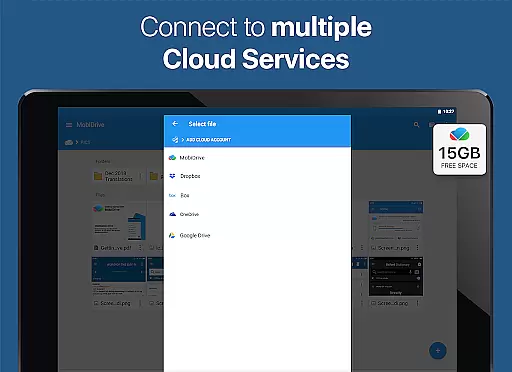
Additionally, the app integrates with various cloud services like Google Drive, OneDrive, and Dropbox, facilitating easy sharing and synchronization of documents across devices. These collaborative tools collectively enhance productivity and streamline project workflows.
Effective task management is crucial for maintaining productivity and meeting deadlines in a business environment. OfficeSuite Pro + PDF offers several features that significantly aid in managing tasks efficiently.
One standout feature is the ability to protect individual sheets and cells in spreadsheets, adding an extra layer of security and control over sensitive data. This allows users to assign specific permissions, ensuring that only authorized personnel can make changes.
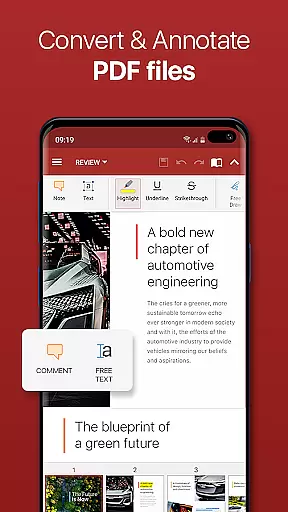
The app also supports converting documents to PDF and managing PDF files, including digital signatures and permissions management. These capabilities help in organizing and securing important business documents, which is vital for task tracking and accountability.
Furthermore, OfficeSuite's integration with cloud services and its text-to-speech support for documents and PDFs enable users to access and review their tasks from anywhere, at any time, thus improving overall task management efficiency.
Comprehensive feature set
Intuitive user interface
Excellent compatibility
Robust security options
Real-time collaboration
Subscription required
Complex for beginners
High system requirements
Limited free version
Occasional bugs

Zoom built for Chrome OS
 3.90
3.90
AI-powered document scanner with auto enhance for perfect PDFs.
4.60
FaxCover - Create fax cover pages. Works with any app or fax machine.
4.90
Windows App allows you to connect to remote PCs and virtual apps.
3.70
Find work, shifts and gigs near you. Jobs lasting a few hours to a few months.
4.30
Master crypto trading with real-time simulations and exciting challenges!
4.50
Access to Paylocity, empowering employees with information they need 24/7.
4.70
Smarter career moves start here. AI job alerts, insights & the right tools.
4.20
Roadie connects people with stuff to send with drivers already going that way.
3.50
BuildCalc - the easiest AND the most advanced construction calculator app.
4.80 4.70
4.70
All your team communication in one place
4.70
Paychex Flex - Save Time and Stay Connected
4.60
Earn money with the driver & delivery partner app for Uber, UberEats & Postmates
4.60
Manage work life on the go
4.50
Say hello to the mobile work experience built to help you thrive at work.
4.30
The All-in-One File Manager for Phone, TV, Watch, Cars, XR / VR, Chromebook
4.10
Work happy with AI Companion
4.10
Find part-time earning opportunities near you that pay within days.
3.20






User Reviews