
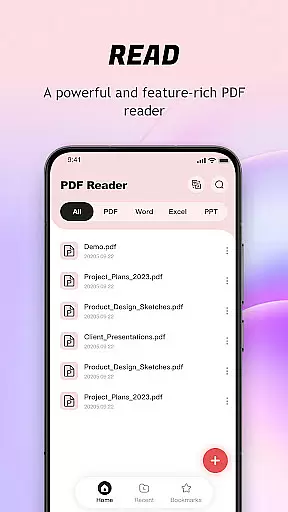
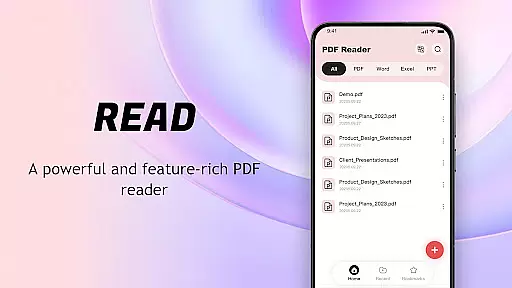
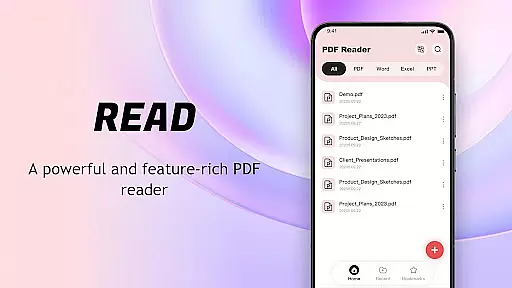
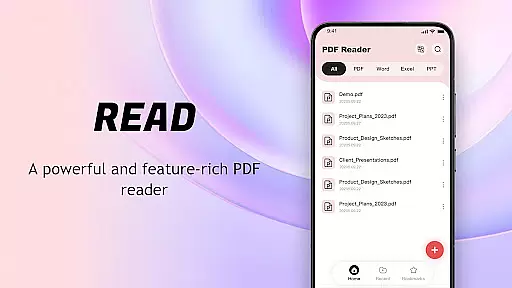
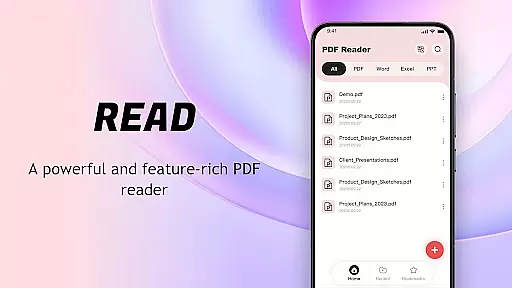
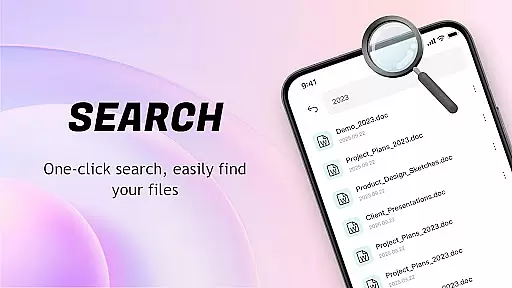
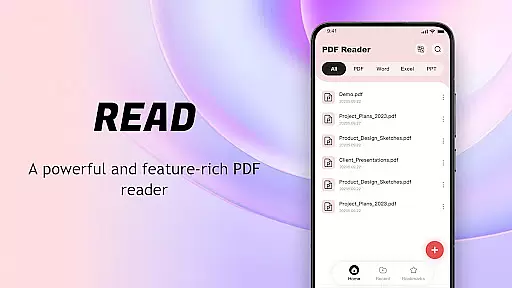
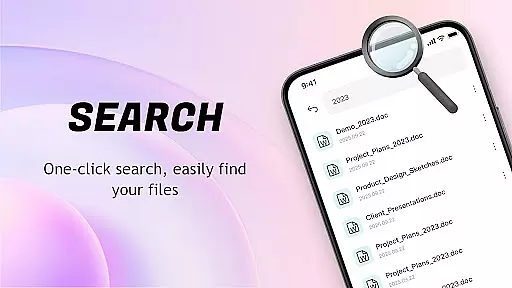
PDF Reader: Easy Fast Viewer is a versatile document management tool designed for efficient PDF handling. This application automatically scans and organizes PDF files on your mobile device, presenting them in an easily accessible format. With its intuitive interface, users can quickly open and read documents while enjoying features like smooth page scrolling and clear text rendering.
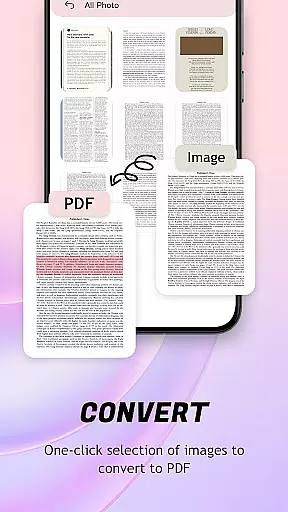
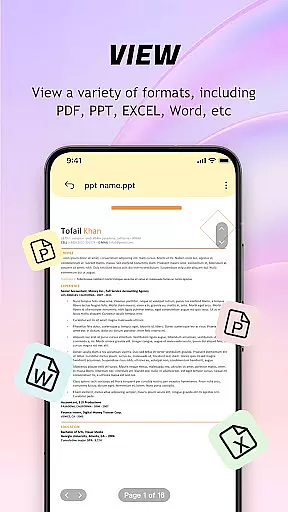
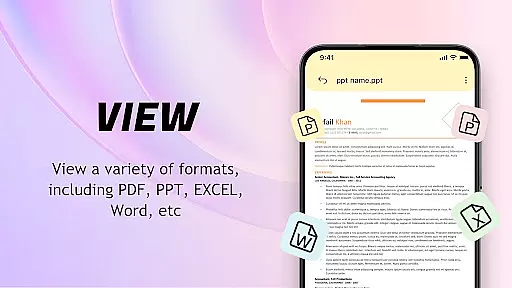
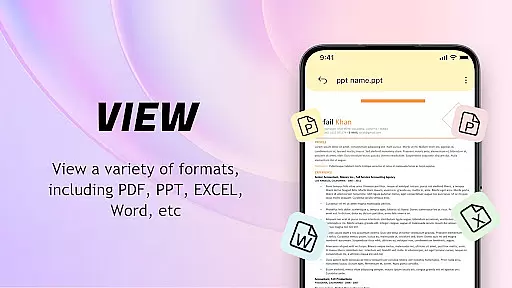
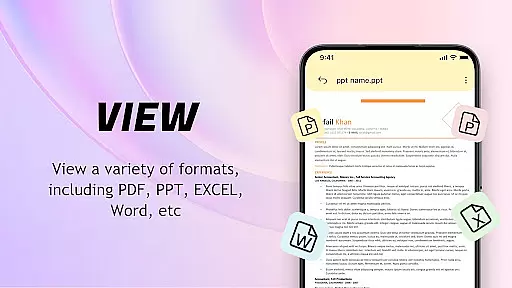
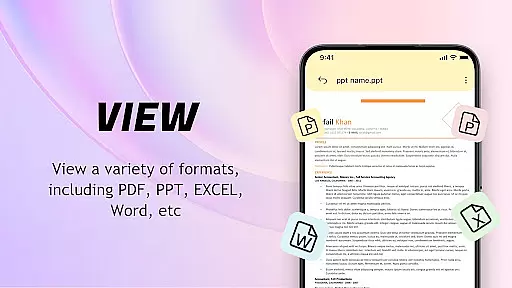
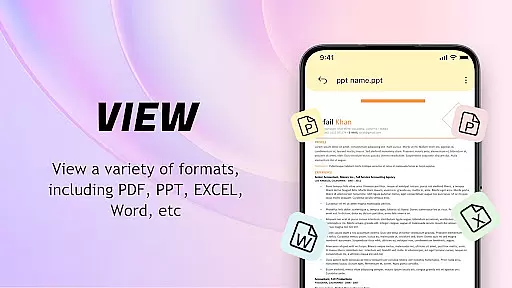
The app supports multiple file formats and offers advanced functionalities such as image-to-PDF conversion with automatic layout optimization. Its powerful file management system allows users to delete, bookmark, and share files effortlessly. Whether you need to print documents directly from your phone or collaborate with others by sharing files, this PDF Reader provides a complete solution for all your document needs.
Ideal for students, professionals, and casual readers, the app ensures a seamless reading experience while maintaining essential organizational features. The ability to classify files based on metadata and keep complex PDFs running smoothly in the background makes it an indispensable tool for managing your digital library.
PDF Reader: Easy Fast Viewer stands out with its comprehensive feature set tailored for document management. The app's automatic file recognition system scans your device for PDF documents, displaying them in a well-organized list that facilitates easy access. It supports various scrolling modes, enabling users to choose their preferred method of document navigation while maintaining crisp text and image quality.
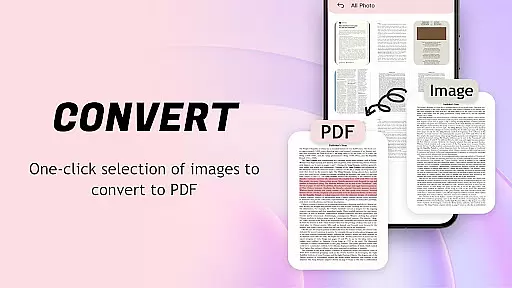
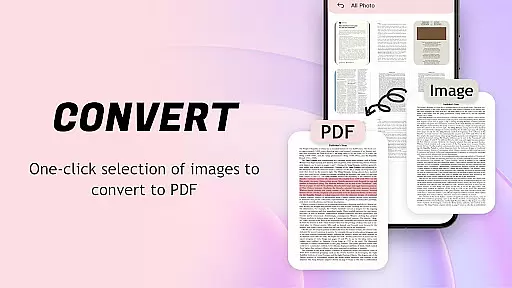
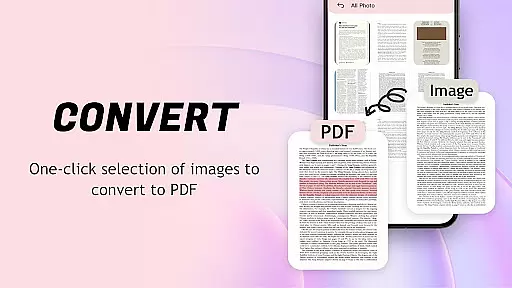
One of the app's notable capabilities is its image-to-PDF conversion feature. This function not only converts images to PDF format but also optimizes the layout for better readability and professional presentation. The recent files display helps users quickly retrieve their latest documents, while the collection feature allows for personalized file organization.
Advanced functionalities include file deletion, collaborative sharing options, and mobile printing support. The app requires specific permissions like MANAGE_EXTERNAL_STORAGE and FOREGROUND_SERVICE_SPECIAL_USE to ensure smooth operation when handling complex PDFs and maintaining background processes. These features collectively create a robust document management solution that caters to both basic and advanced user needs.
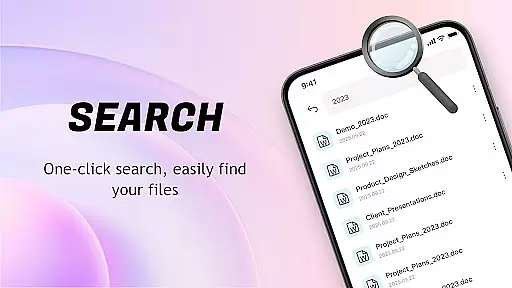
PDF Reader: Easy Fast Viewer excels in delivering core functionalities with precision and efficiency. The app automatically searches for PDF files on mobile devices, presenting them in a unified interface that allows for quick access and easy management.
The application supports multiple scrolling modes, ensuring smooth page transitions and clear rendering of text and images. This functionality is crucial for users who need to view detailed content without disruptions or display issues.
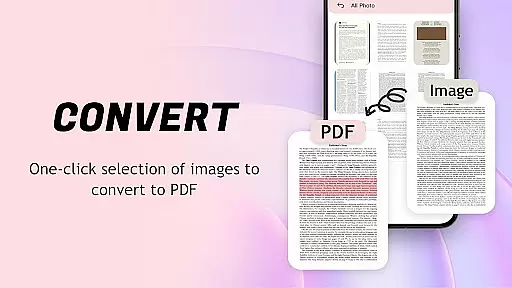
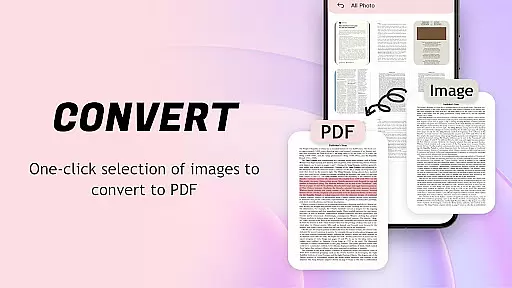
One standout feature is the ability to convert images to PDF format with a single click. The app optimizes layouts during conversion, making file sharing and management more convenient while maintaining document integrity.
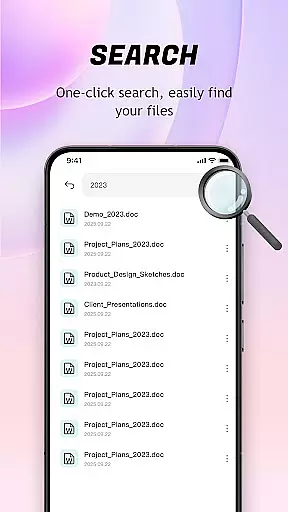
With its powerful file management system, users can organize recent files, mark favorites, and delete unnecessary documents. These capabilities demonstrate the app's commitment to providing an effective and streamlined PDF handling experience.
The interface of PDF Reader: Easy Fast Viewer is designed with simplicity and user-friendliness in mind. Its lightweight structure ensures that even first-time users can easily navigate through the app without a steep learning curve.
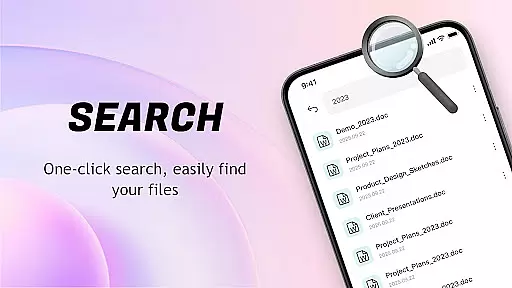
All essential functions are readily accessible, from file previews to document classification based on names and creation dates. This logical arrangement enhances usability by allowing users to manage large numbers of PDFs effortlessly.
Switching between different scrolling modes and viewing options is intuitive, catering to various user preferences. Such flexibility ensures that both casual readers and power users find the app accommodating to their needs.
Additionally, features like quick printing and file sharing are seamlessly integrated into the interface, further simplifying complex tasks. This thoughtful design approach makes daily PDF operations straightforward and efficient.
User-friendly interface
Multi-format compatibility
Powerful file management
Smooth page navigation
Image-to-PDF conversion
Limited free features
Occasional ads
Large app size
Requires permissions
No cloud sync

A powerful, easy-to-use flight computer on your phone or tablet!
 3.80
3.80
A convenient photo, video, and file recovery tool.
4.00
Just one-tap to easy translate in any language after calls within seconds.
4.20
Unlock your Essential Key. Create custom shortcuts to your favorite apps!
4.0
card-reader app
2.20
Effortlessly run ADB commands directly on your device without a PC.
4.20
Quickly check the frequency of the Earth
4.30
Create your own custom widget with endless possibilities
3.90
Pro Emulator is an easy to use game console emulator for a range of consoles.
4.40
Support Fossify apps with a warm thank you!
5.00
Easily install aab(Android App Bundle) files on your Android device with our app
4.80
Monitor car performance in real time and troubleshoot malfunctions.
4.80
Learn the vast amount of system information about device and monitor it's state
4.70
Optimize your WiFi network, turn your phone into Wifi Analyzer
4.70
The one-and-only remote control for PC, Mac, and Linux
4.70
The Ultimate Flex Drivers Utility App - Convenient Tapping & Block Filters
4.70
With videos, electrical calculators, and built-in ebook, Ugly’s has your answer.
4.50
Screen Mirroring with sound for Samsung TV, LG TV, Sony TV, Smart TV and Browser
4.20
Undelete and recover your lost or deleted files with DiskDigger!
3.40



User Reviews